Parallaxing & Background
|
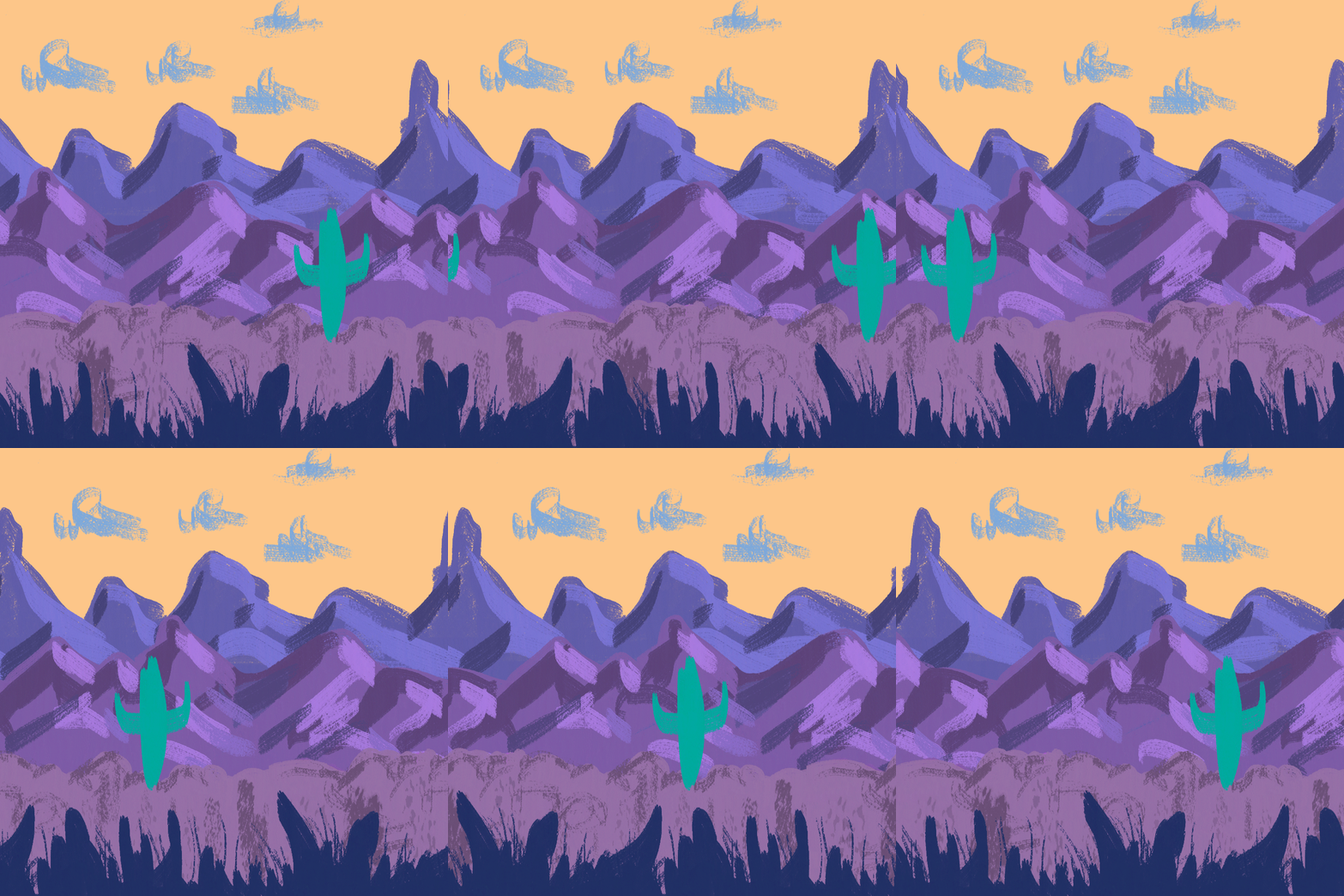
When sitting in a car or train and looking at the fence by the road, the poles of the fence passes so quickly, the trees at the side of the road as well. Things further away seems to stay longer and you have more time to look at them. When creating a 2D game we want to have the illusion of having a 3D space, even though it is not. Having different “layers” of background objects moving at different speed gives this effect of it looking “real”, as it looks like when moving around in a 3D world. This is what I mean by parallax (which also has other meanings in other fields). The speed of the layers depends on their distance from the camera, or rather which layer is on top of which. The top layer, usually the foreground, moves the quickest. The background layer that is the furthest underneath the other layers move the slowest. In our other course, 2D graphics in games 2, we had a lecture about parallaxing this week, and we had and excersice where we made our own parallaxing video in photoshop. This was also relevant for the game production course. We are making a side scroller shoot ‘em up so of course we would want parallax because it is such a cheap trick to make it look better. However, making a parallax in Unity is much easier than making it in photoshop. Unity has functions for parallaxing where you just place the assets in a 3D space (although it is a 2D game) and then depending on the z-axis (the distance from the camera) they will slide at different speed, creating the parallax. Not to say that the valuable knowledge and experience of actually hands on making parallax isn’t going to be helpful. As an example of what parallaxing looks like, here is a video of the parallaxing I made in class this week.
The background in our game has been a bit of a struggle. We have struggled some with the scale of things. How big the bees should be relative to the trees. How big the obstacle thistles should be relative to the other background assets. Since the thistles also look a bit like the background actually are obstacles and has a collider, they needed to look different than the background. From the playtesting we have gotten some feedback that the player struggles to understand what should be avoided and not. 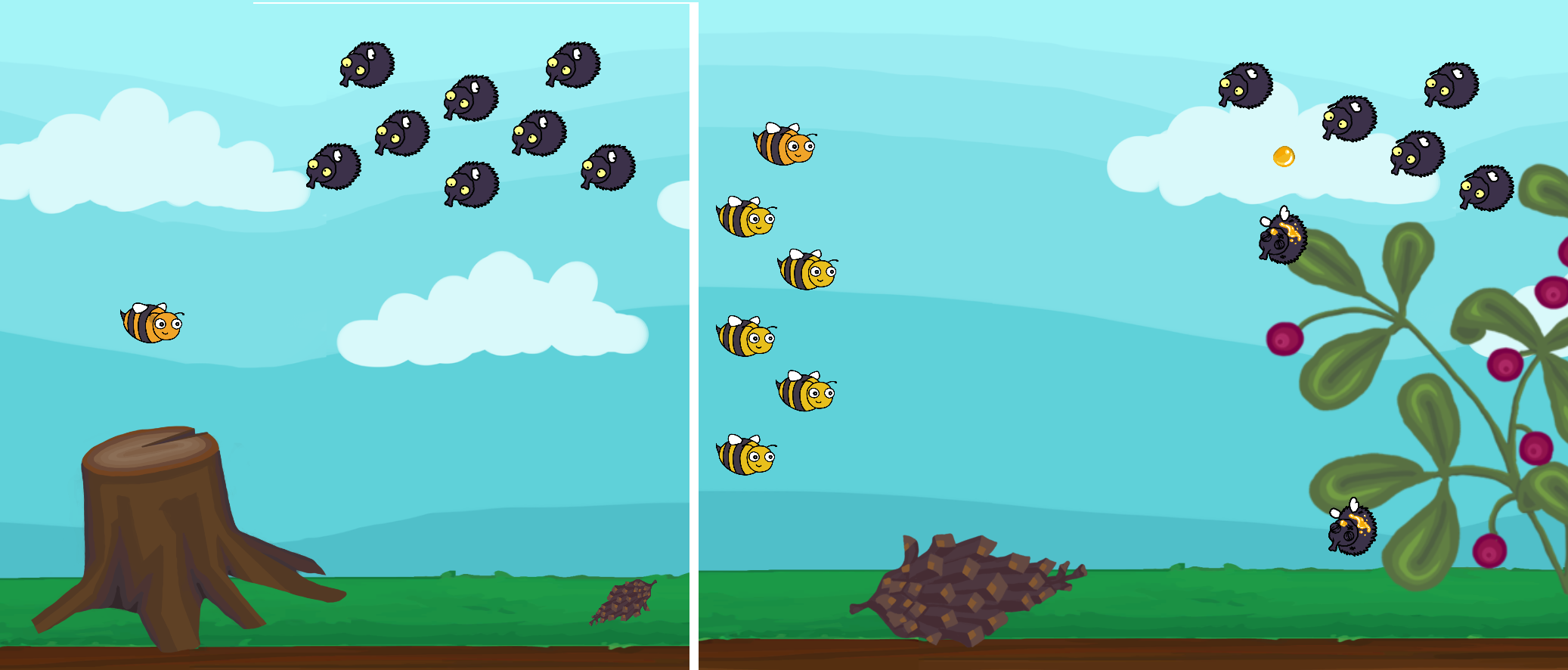 There was also an issue of the parallaxing scrolling at different speed at different computers, which didn’t make it easier to plan out the background. But that is solved now. Right now we are trying to make different mockup screens to see what would work best. We still haven’t applied it to the game yet, though, but we will keep working and trying different things to find what works best. I feel like at this point, after working so long with the game, I don’t see what the player sees. That is why the playtesting sessions prove so useful. Fresh eyes gives us a whole new take on our game.
 |