The Mist of Umibozu
|
One of the defining visual features of Umibozu is the mist, so it was important to discover a way to create a visually compelling asset that would surround the player for majority of the gameplay. Throughout the development of Umibozu, I have returned to the subject of animating the mist with unsatisfying results a couple of times up until this week. There were a few requirements I set for the mist design before producing it:
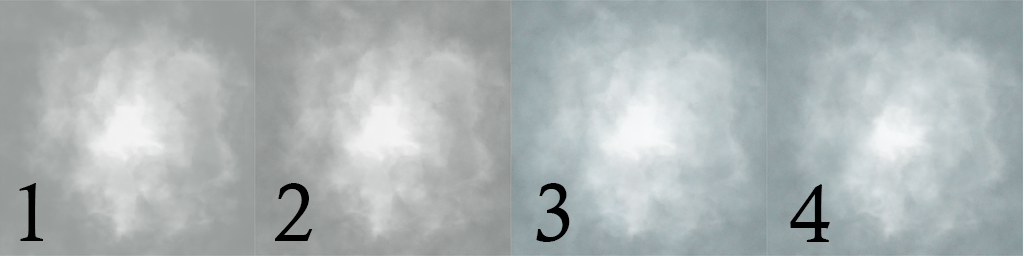
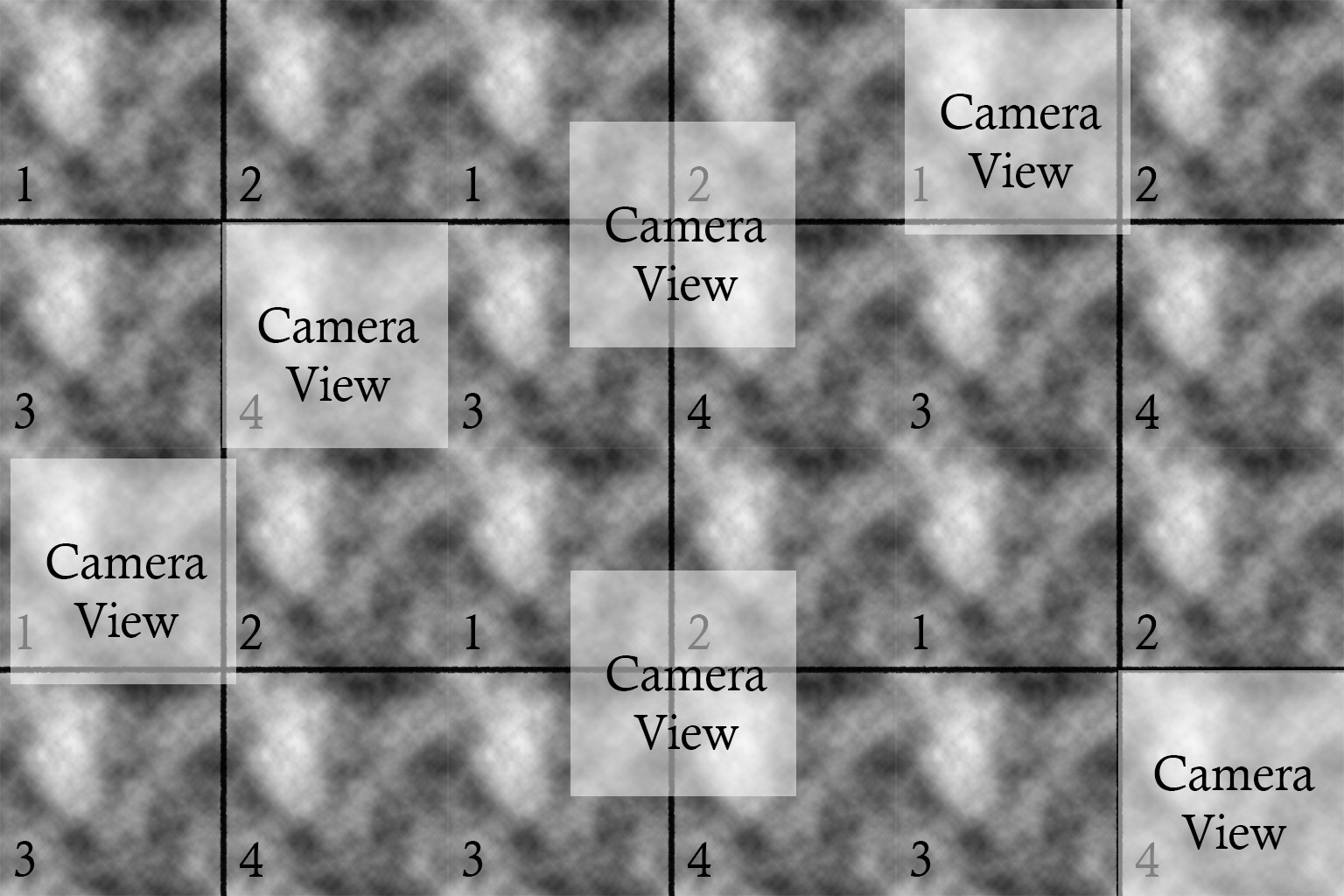
With these requirements set, I began to examine ways I could animate the mist. I began by experimenting with frame by frame animation using cloud brushes and opacity to create a thick vignette of animated mist but scrapped the idea as early on it became apparent that the results would be unsatisfactory to the aforementioned requirements. It did not result in a calm animation and would require almost impossible precision to make it a looping animation. The second experiment I did was to create several particle sprites that could be emitted from a particle emitter in Unity. While this solution could work, it became apparent that it would require a great deal of time to set up in the engine and at the time it didn’t seem to give results of a consistent thick mist but rather a flurry of small particles. It wasn’t until the third experiment that I found some satisfying results. Results that I should have come to much sooner, as I had applied similar approach to creating a water texture in Unreal Engine 4’s Material Shader a couple years ago. The method is in fact extremely simple when applied in 2d animation in Photoshop compared to assembling a 3d material in Unreal Engine, as it simply requires several layers of subtle textures to build the mist. Below I have included an image that breaks down the steps, however due to the subtleties of the layers used to animate the mist it may be hard to distinguish the difference without an animated reference. I refer to the completed animated mist further down in this post so that it can be viewed in motion.
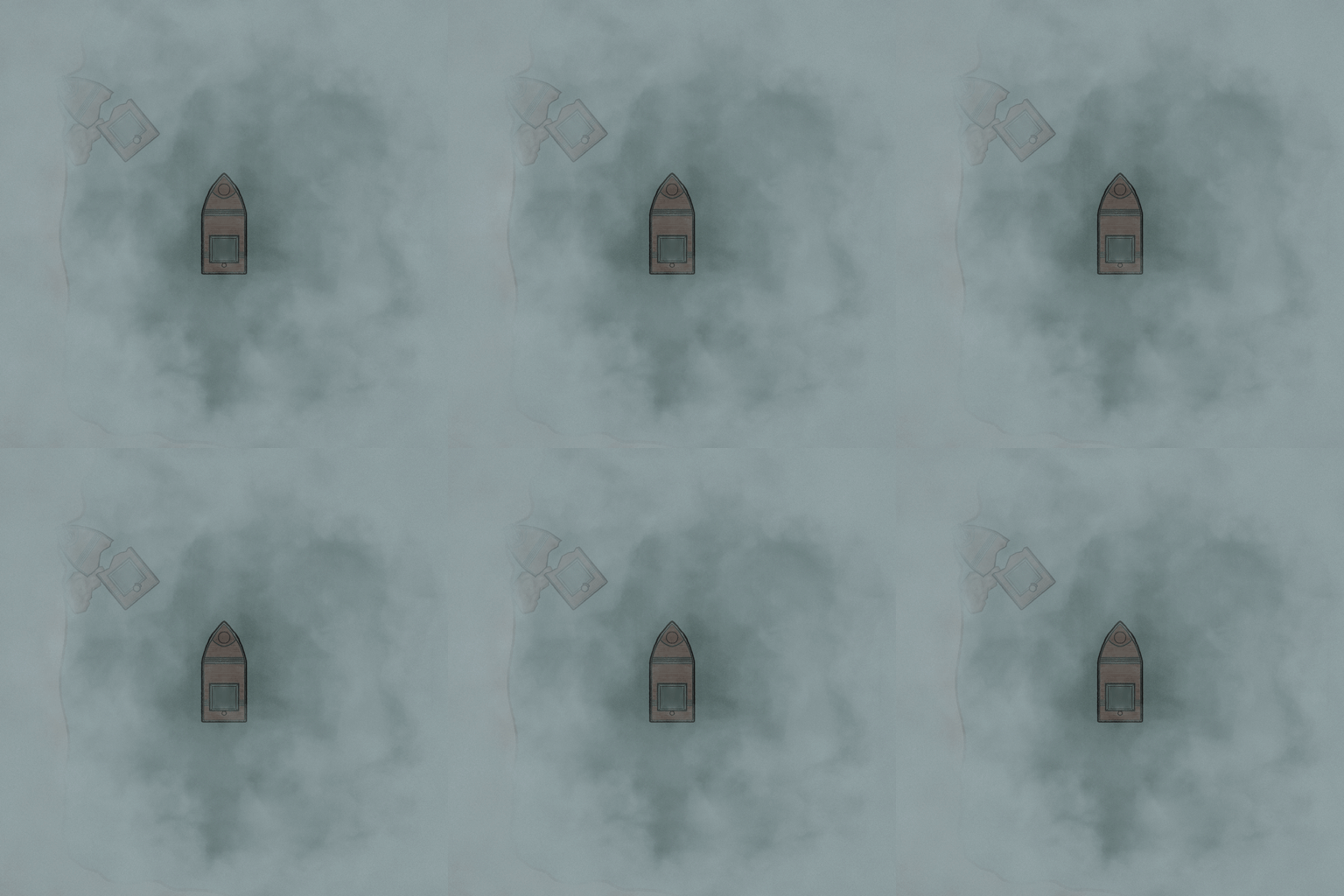 This method is not only applicable to creating mist but could also be applied to create for example movement and refraction for water assets, or smoke assets. The only difference is the content of the layers used and how they would be animated.  |