Enemy Waves Spawner
|
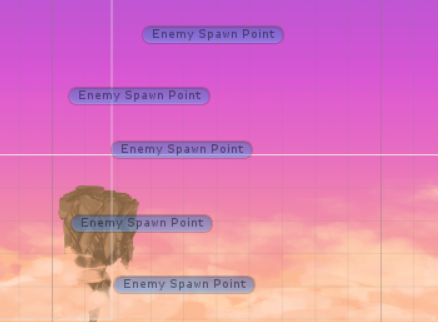
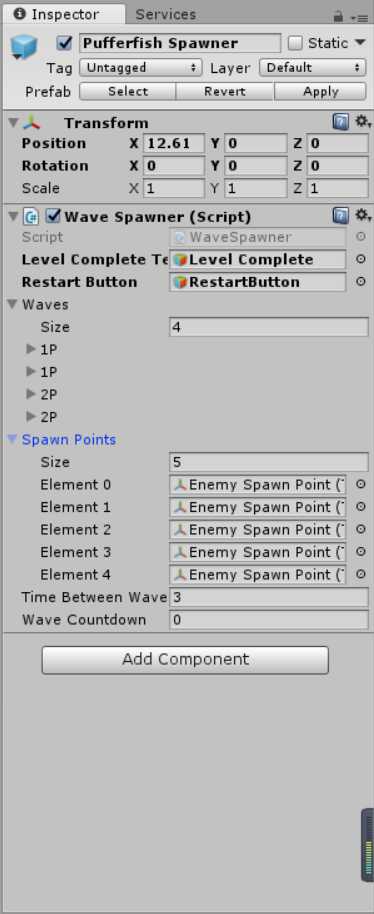
I’m going to talk something about how I created an enemy waves spawner. Before this, there were only two types of enemies come out from the left screen in our game, and the enemies just keep doing this forever. In a traditional “shoot ’em’ up” game, enemies always come out with different waves, for example, there is only one enemy in the first wave, then two enemies in the second wave, then maybe five enemies, and so on. In order to do this, I created a custom class called wave, and inside this, I had a couple of variables, like the names of the waves, a game object, and the amount of enemies. Before I code this class, I need to have [System.Serializable] at the beginning, basically what this does is simply allow us to change the values of this instances of this class inside of the Unity inspector. In the update, I needed an if statement just for help me to count down the time between two waves. When the time hits zero, then it will check if it is already spawning. If it is not, it is going to loop through the amount of enemies that I want to spawn and for each enemy that I want to spawn it will call the spawn enemy method which is going to instantiate enemies. I used an IEnumerator and the reason for this that I want to be able to wait a certain amount of seconds inside of the method. I also needed a function to check if there are still enemies alive, so I created a bool called EnemyIsAlive. Inside this, I did a very simple check. I have used GameObject.FindGameObjectsWithTag and then I gave all enemies a tag “Enemy”, and this will return an array of all enemies, or all game object with this “Enemy” tag. So if the array’s length equals to zero, well then there were no enemies anymore, then return false. If not it will return true.
 |