Movement
|
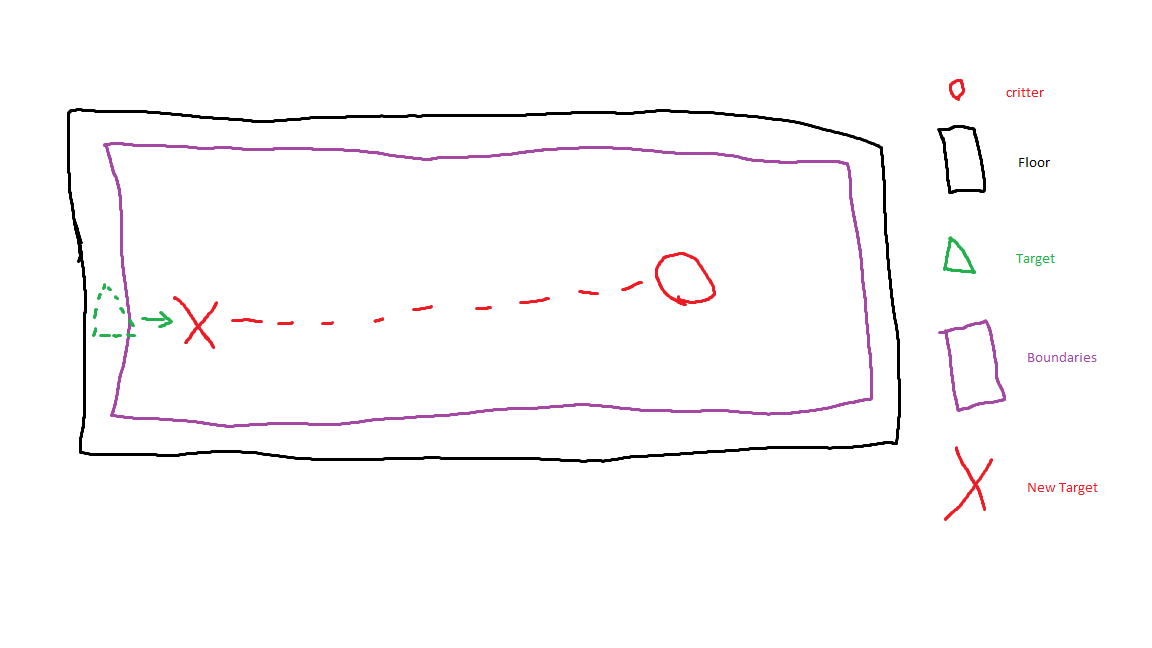
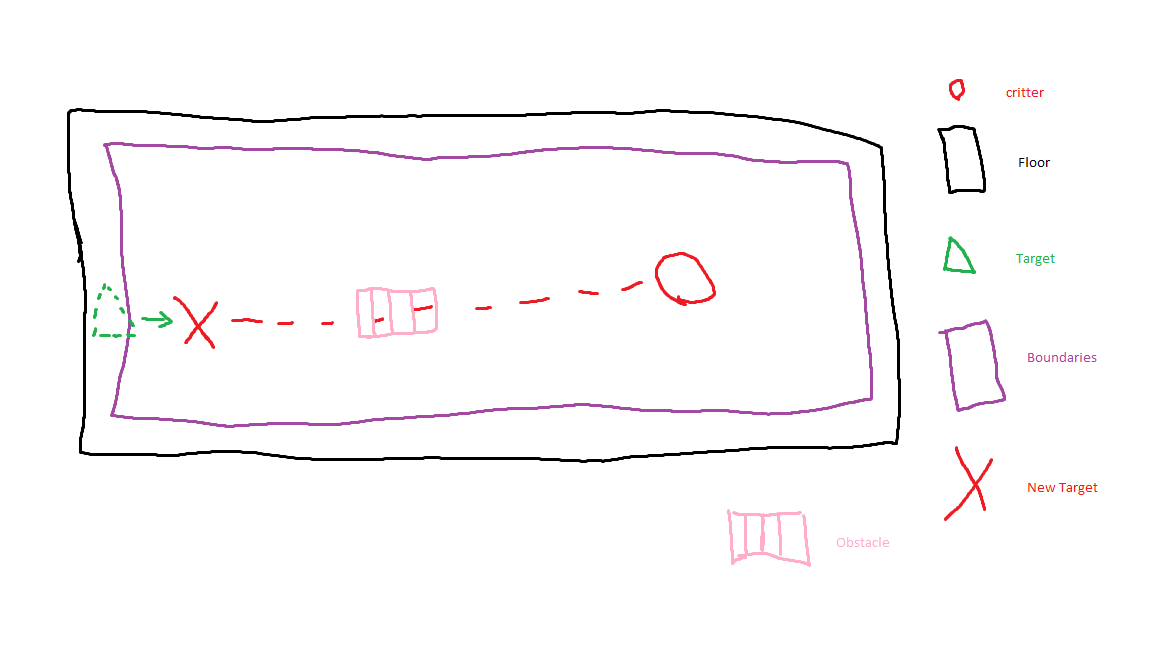
With the use of the previous posts function, the touching of the screen. I continued to create some form of movement for the critter. When you touch the screen so that the created ray collides with the floor of the map, i save the point of collision as a coordinate. This coordinate is then sent to the critter to be evaluated. The critter receives a value for an X, Y and Z coordinate, with these the critter knows where the player wants it to go to. Because the critter cannot move to some places, like to close to the wall, behind the map and so forth, i needed to make a cage where the critter could not go. The critter receives the coordinates, compares them with this cage, so that if the player clicks to far to the left, the critter compensates this and moves as far left it is allowed to do. Whilst doing this however, i realized that the critter stops doing anything it is currently doing to start walking. That was a positive for us to give the player a power to control the critter. Another thing i noticed was that i did not create a system to move around all the objects in the game. The way that the critter moves is that it has a current coordinate for its position, it then receives a target to move to, then checks the position if it is a position which is not outside the ”cage”. To get from point A to point B it incrementally increase its coordinate value over time. That translates into that the critter moves the straightest and shortest route towards its target. This means that any obstacle like the feeding trough, is going to be a subject of collision. To remedy that we decided to furnish the cave in such a way that the critter could not (in theory) collide with these objects.
 |