Synapse: Big Game Project Post #1 and #2
|
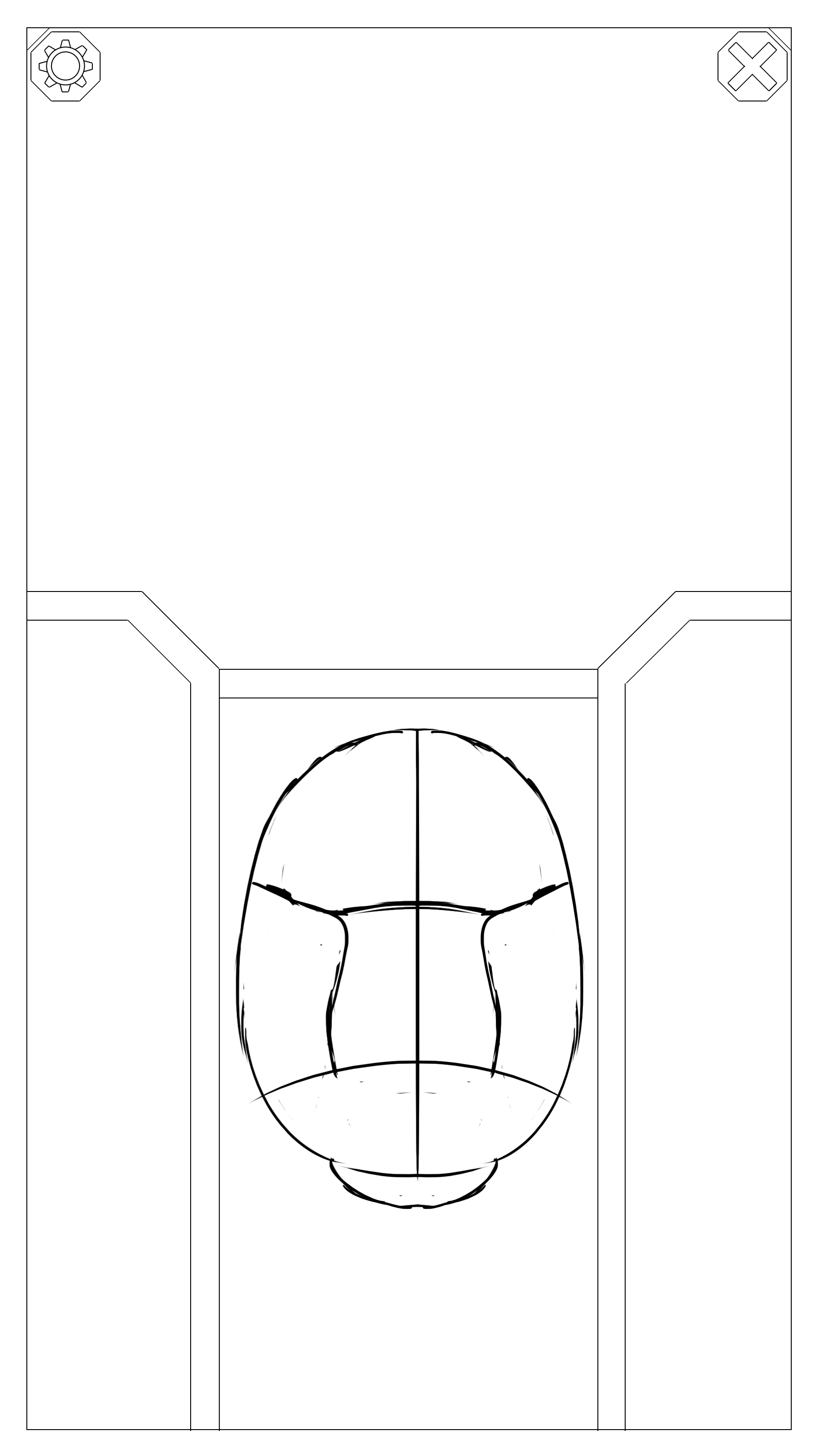
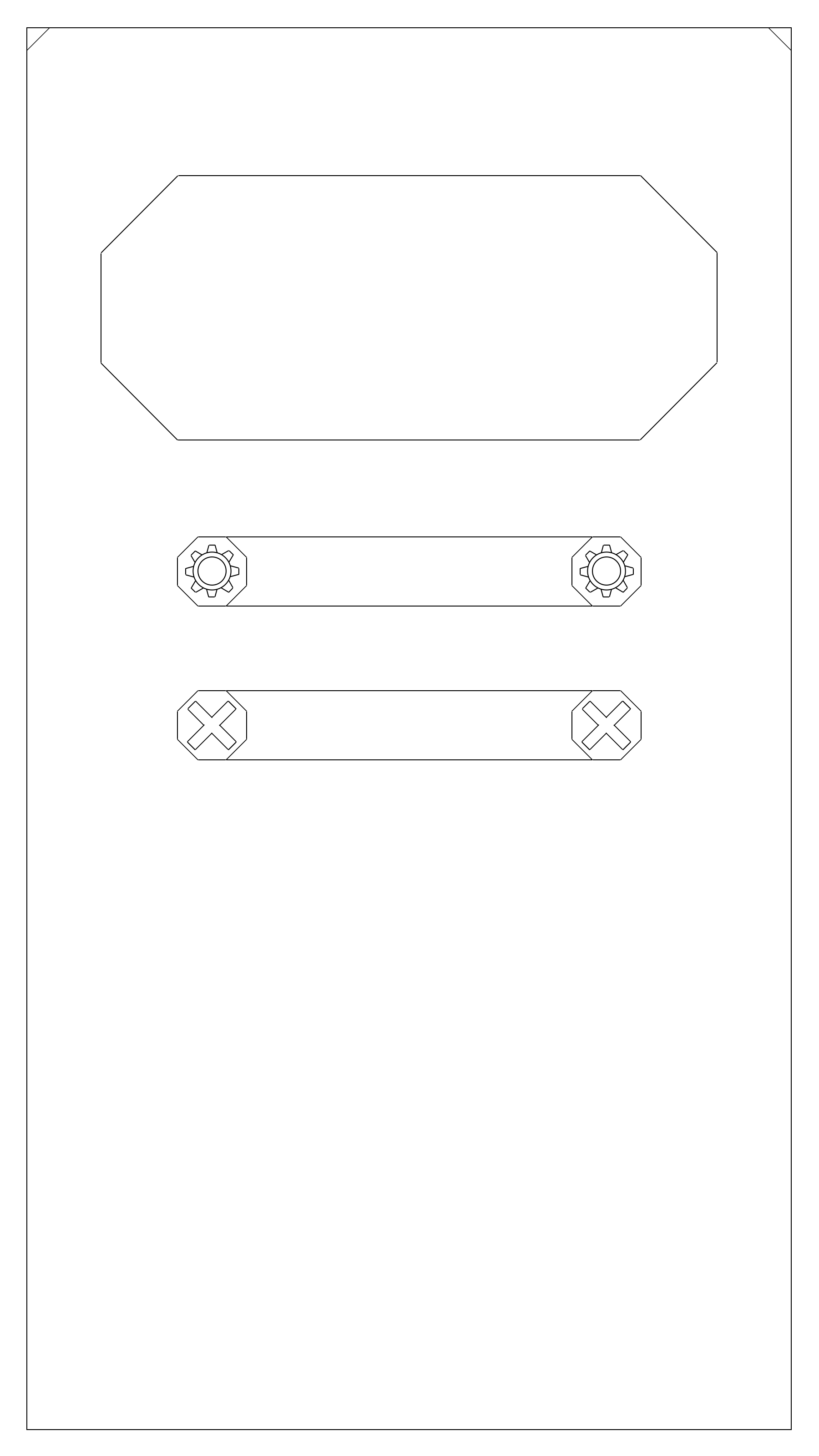
Week 1: Note that I joined this project later than the other members and as such was not involved with the initial development of the game. That said, we had recently started on the our big game project called Synapse. It is meant to be an educational brain-tampering game, or rather a simulator, where you show the player an image of the different regions of the brain and a character linked to it. The player is then allowed to send pulses throughout the brain to see how they affect the character. Sending a signal to one part of the brain might cause the character to experience pain while another affects their thoughts. The game is comical in nature and features expressive and exaggerated characters. Below you can see two examples of the UI I made to illustrate how the menues could look in the game. They are mostly featureless in these images aside from the brain itself, the settings button (represented by the cog) and the exit/return button (represented by the cross) on the first image, above the brain, is the space where we wanted the character to be displayed and on the sides are options including a textlog that tells the player what their actions do, and a window where you can choose different parts of the brain to go to. The second image is just buttons. The huge shape at the top is the play button, that sends you to the level selection screen. Below that are the settings and exit bars, again represented by cogs and crosses.
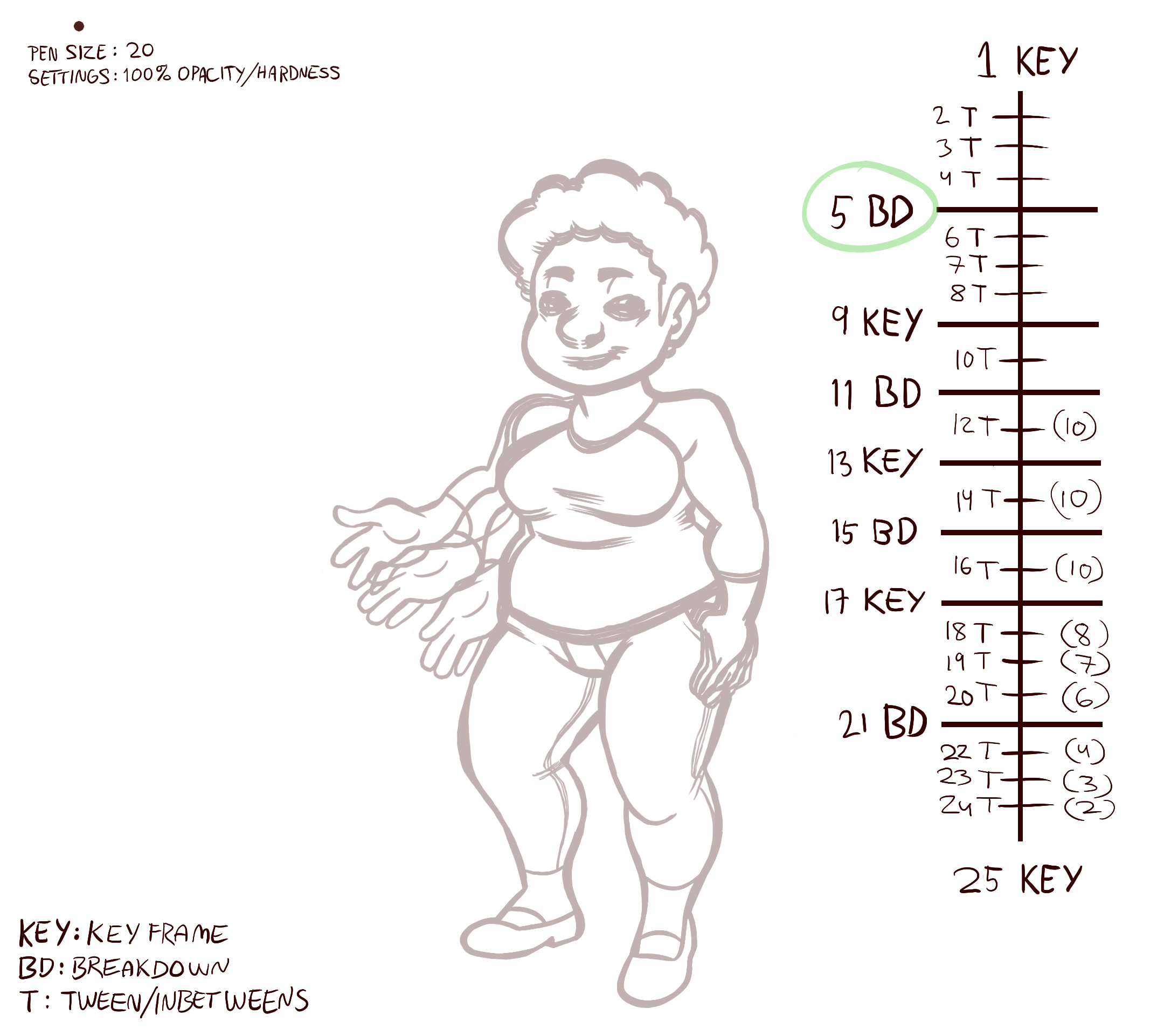
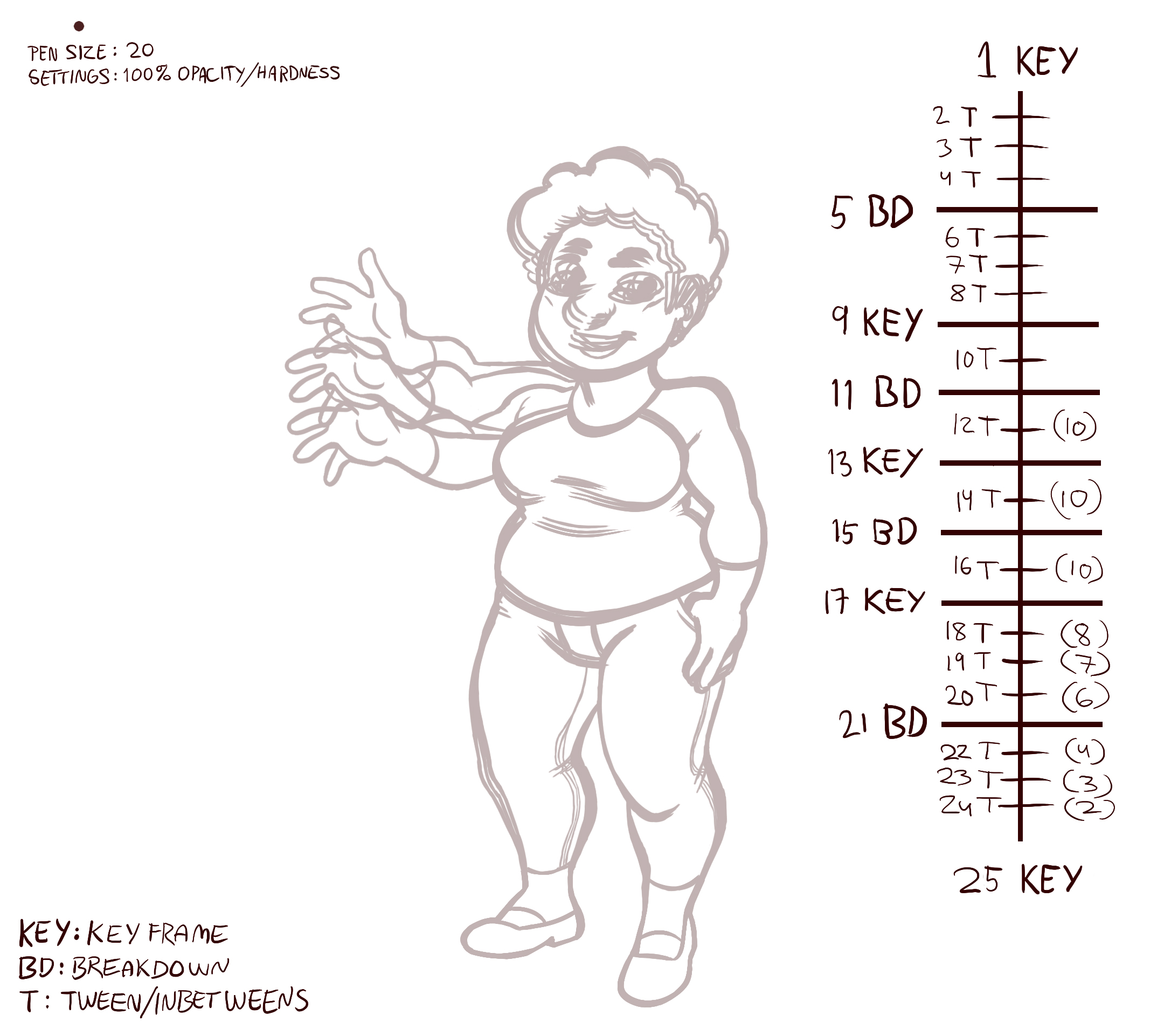
Week 2: This week I started to work with actual animations, specifically in-between animations or ”tweening”. Our project uses traditional animation and is based on first creating key frames, frames that display the most important parts of the animations illustrating where and how we want the character to move. In-between frames are the frames you insert between the key frames to adjust the speed and fluidity of the animation. Fewer frames make the motion faster, more frames makes the motion slower. Tweening is quite time consuming as you have to draw new lines between existing ones and misplacing a line can make the animation look strange. Fortunately it is possible to cheat time a bit and simply copy and paste parts of the body that don’t move, like the feet, which remain in the same place with only very little movement.
 |