Week 2 – BaseMesh and BaseAnimation
|
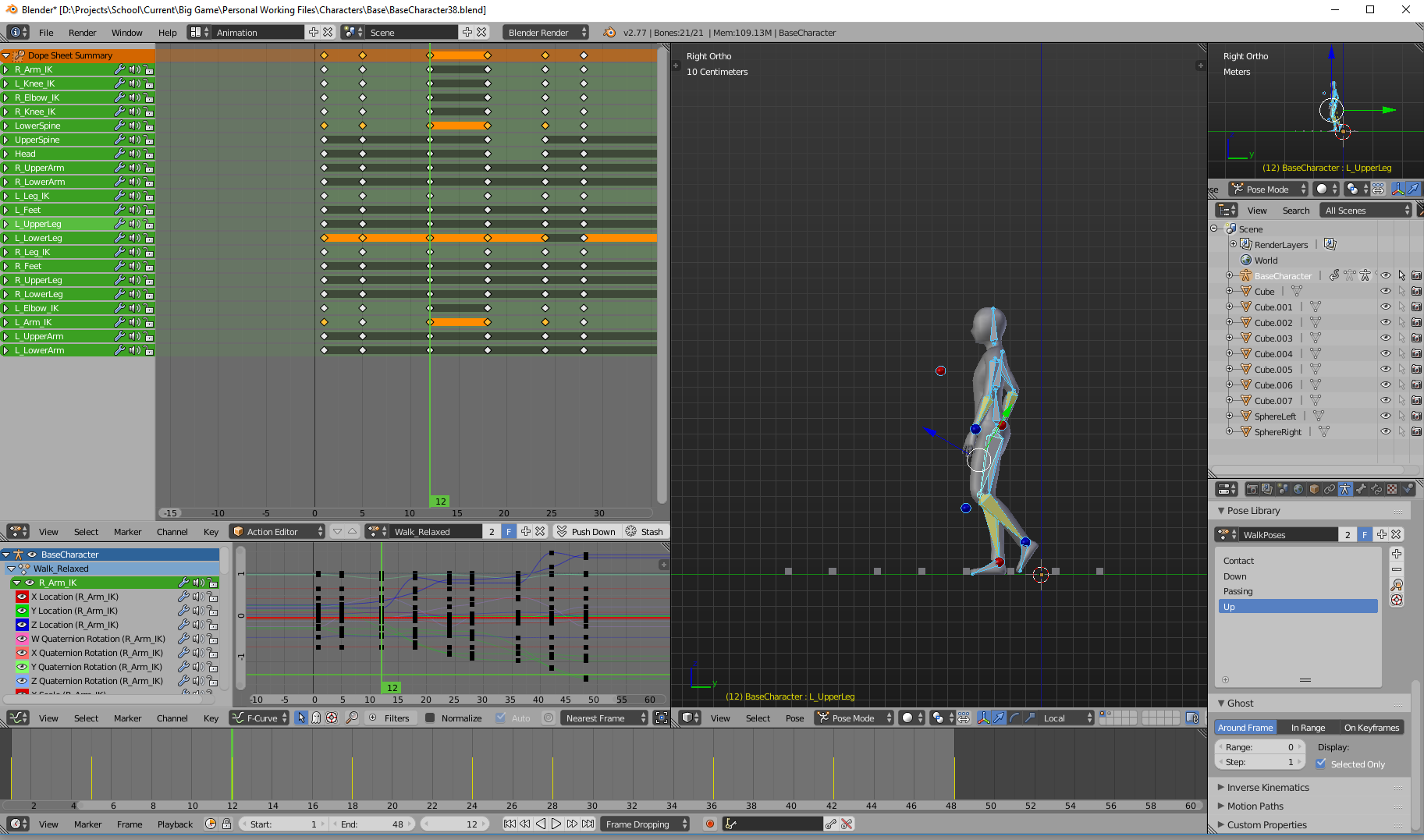
The second week in development have now passed. The development in different areas for the game, whether it have been art or code have had quite a mixed progress. On the art side, which is mine, we have begun to white-box a level to test various level layouts and see if the scale we are working in is adequate for the project, and if there are any mismatches. It would be quite funny looking if we had a chair for a giant and a table for a mouse size-wise. I am pleased to see that after some minor mishaps the exporting from the 3D-software to the game engine(Unity) it seems to be working fine. There were some kinks with the rotation but it was quickly resolved once the error was discovered. In the code department the progress have been mixed as well. The AI is on the way and quite understandably it may be slow-going initially, it is after all a very fresh area for everyone involved. I have no doubt eventually it will reach what we have had in mind in the following weeks to come. What I personally have been working with, other than establishing and delegating art tasks and work-pipelines to follow, is creating a base mesh complete with a skeleton and rig and animations for it as well, basic blocky ones that is.
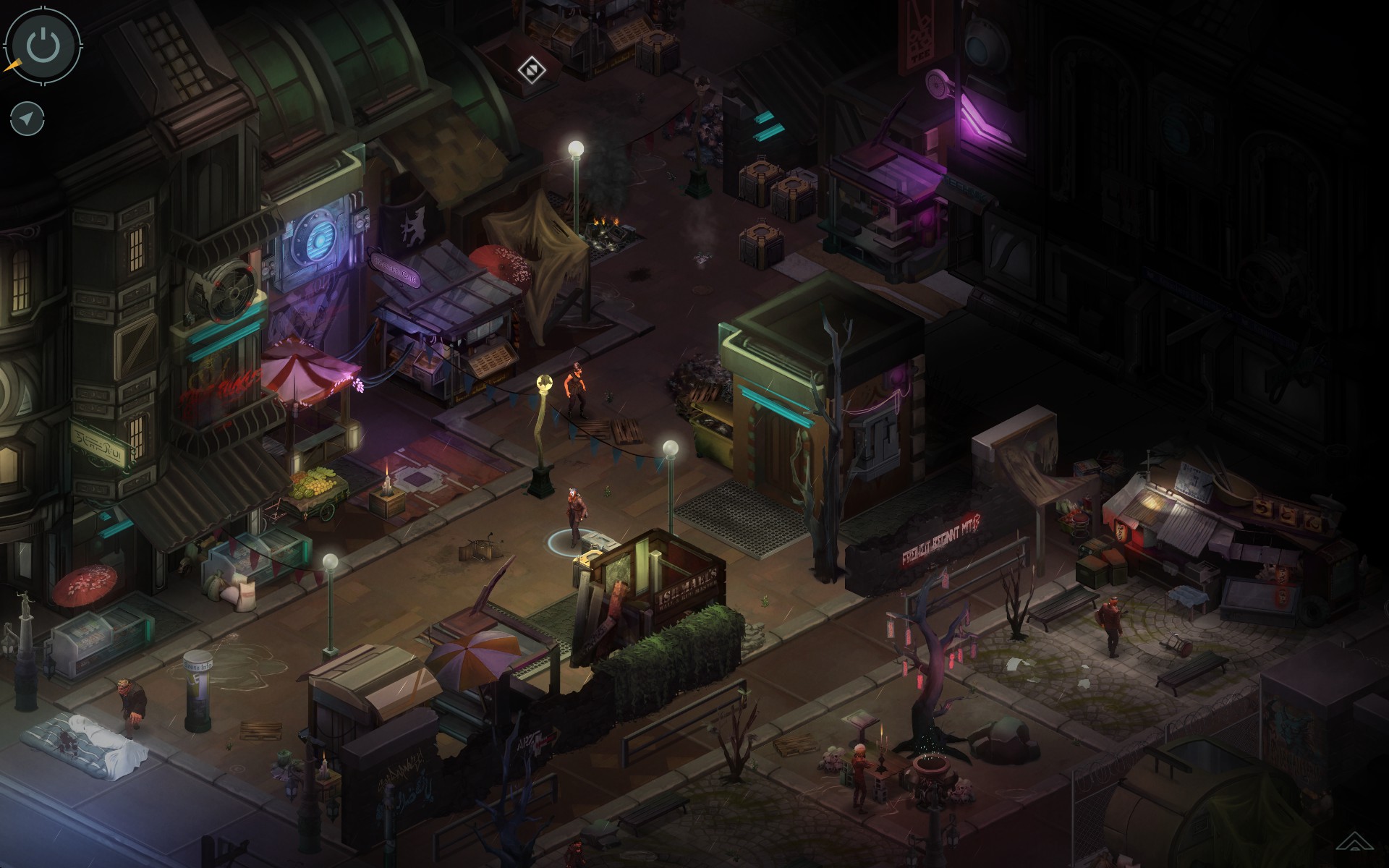
Note: Blender is the software we decided to use for everyone involved in the project working with 3D-related tasks. It is decidedly easier to help each other if we speak the same language so to speak. The goal is for all characters to use the same skeleton and rig, minimizing the need to re-invent the wheel every time we feel we want to add a new character to the game. It also helps that all characters thus far in the game are humanoid and most of them will share the same walk, run and idle animations. Other than catching the common cold, which most of my fellow team members also is succumbing to as of the moment I write this, my biggest struggles have been attempting to get something called root motion to work. What root motion is, is that you allow the animation to drive the character forward in the game world as opposed to through code, if the character have been animated well with this in mind hopefully there would be next to no if any at all food sliding present in the game world the character exists within. Sadly I could not get this to work at a satisfactory level even after spending a copious amount of hours with it. I found it difficult to wrap my head around how to animate with a root bone that moves at a linear speed and keeping the animation with it. I attempted to solve it by making the root bone a child bone of various bones but sadly it did not work they way I wished it to work. To use the old school of way with animations being in place and you are just moving the character through code I assume is less resource heavy and it might be more beneficial to us in the end considering the camera view we have in mind. Which is isometric akin to games such as Shadowrun below.
Note: Shadowrun is a beautiful isometric RPG-game. Below is a video showcasing the rig and base mesh I have created. Note: The animations are quick and dirty just to test implementation in Unity. This is all for this week, have a great weekend!  |