Let there be light stuff
|
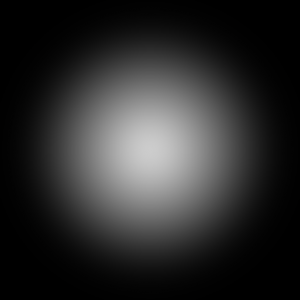
So another blog post for the collection. This week a focus was fixing the atmosphere of our game. And Atmosphere is usually made whit light and sounds. And the light part was something I worked whit this week. Earlier in the project we wanted something more than a visible circle surrounded by darkness. So we wanted dynamic light that could cast moving shadows surrounding the player and environment. But as time moved on so did the idea of this. Because to put it simply it was quite a lot of work for something that wasn’t going to be a focus point in our game. So simpler light was the new direction. And That simple light was solved by sf::Blendmode in sfml. For his light I decided to make a manager to handle reading and creating lights. This manager will have functions such as reading light points from a txt file and then also colour of the lights. The lights will then be placed around the world. A function of the manager is also to create lights by calling a function that will make a light by the point that was sent to the function. To create this light effect I used blendmodes and also sprites and render textures. The render texture is created whit a size of our largest map which is 4500 * 4650. This is because we only create one render texture and there for its good if it’s bigger than the lever it’s drawn over. We also create a normal texture that gets a light picture that look like this.
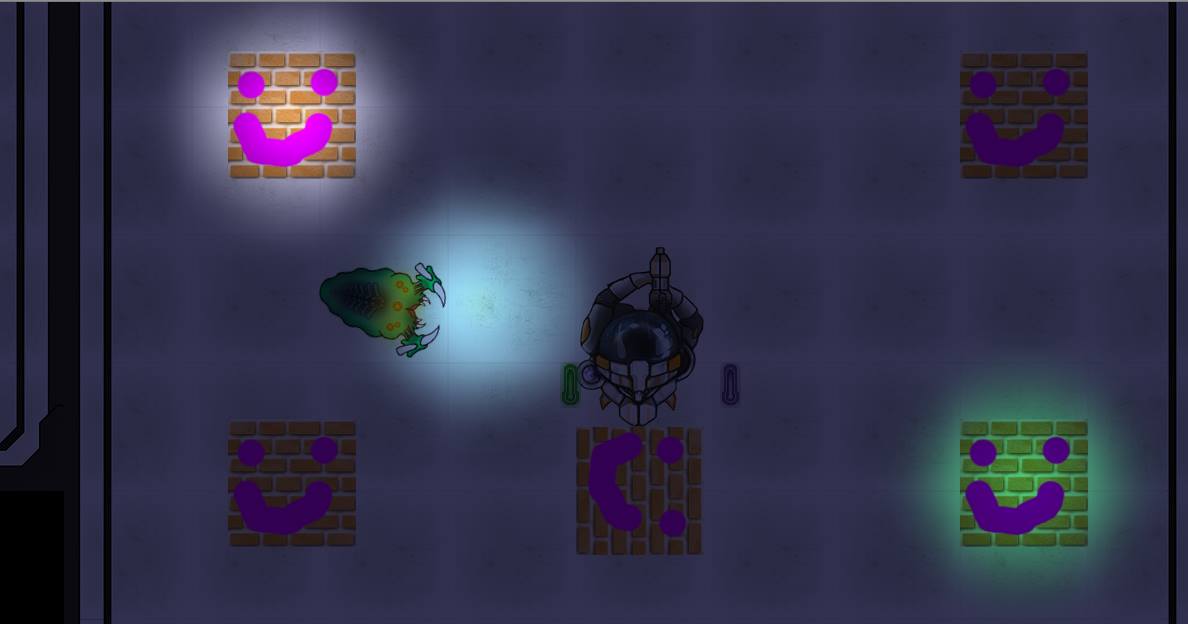
First we clear the render texture everytime whit the colour that it will darken the screen whit. We then crate sprites that get the texture position and colour and lastly gets pushed back into a vector whit all the sprites. This vector then gets looped trough and we draw all these sprites to the render texture and blend them whit blendmode add. And to be completely honest I don’t really understand what this particular blendmode does but it seems to replace the render textures colour whit its own. Then after all that work has been done we display the render texture and draw it to the window whit blendmode multiply to make it simply be laid on top of everything else. We draw it before the H.U.D but after everything else. So the H.U.D doesn’t get darkened. And this is how the result ended up.
Well I couldn’t have done it whiteout this links help so a special tanks to Pontus Person for his helpful tutorial. (http://pontuspersson.se/gamedev/simple-lighting-in-a-2d-game-with-sfml/)  |