Space Shooter Project Blog: Post #6
|
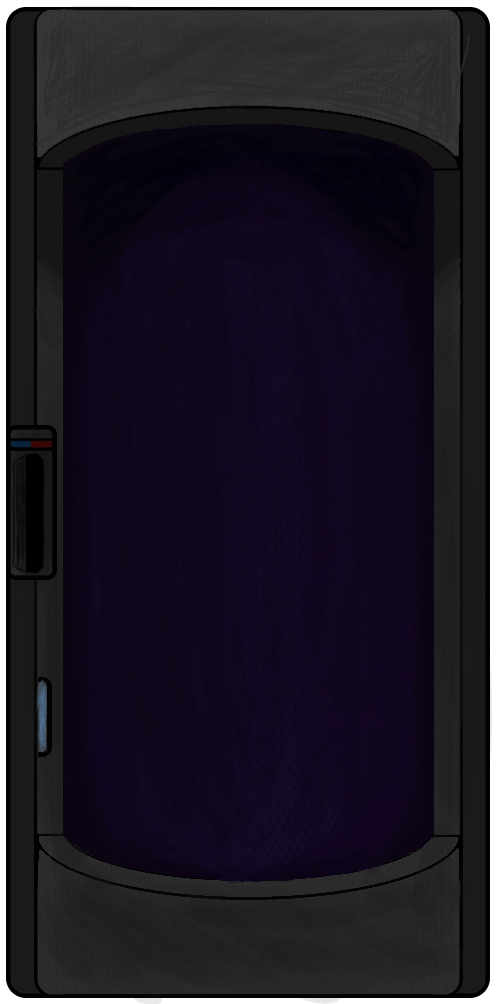
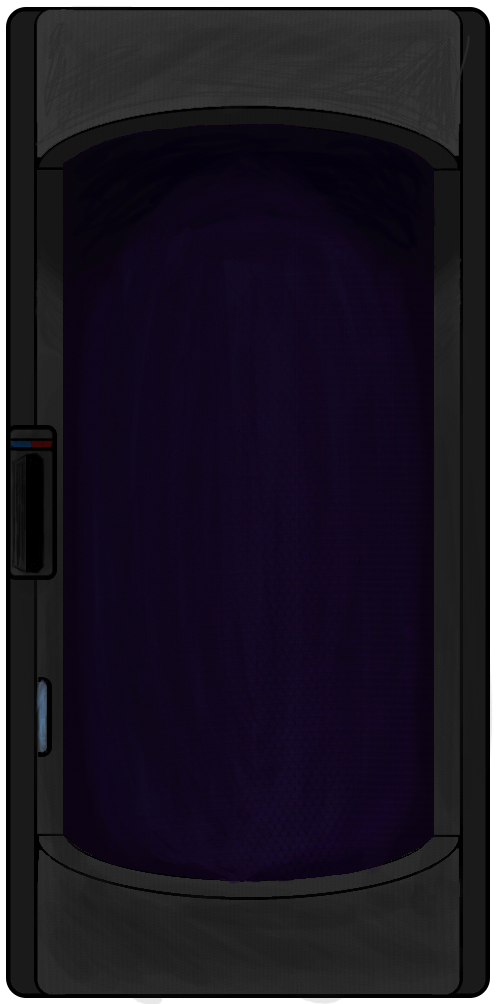
So, I’m back again. This time I had been tasked to animate our cryopod. With very little knowledge of animation, I had to ask a fellow team member who was in charge of most of our animation for advice on the subject. Below is an image of the cryopod as it was before we started working on it.
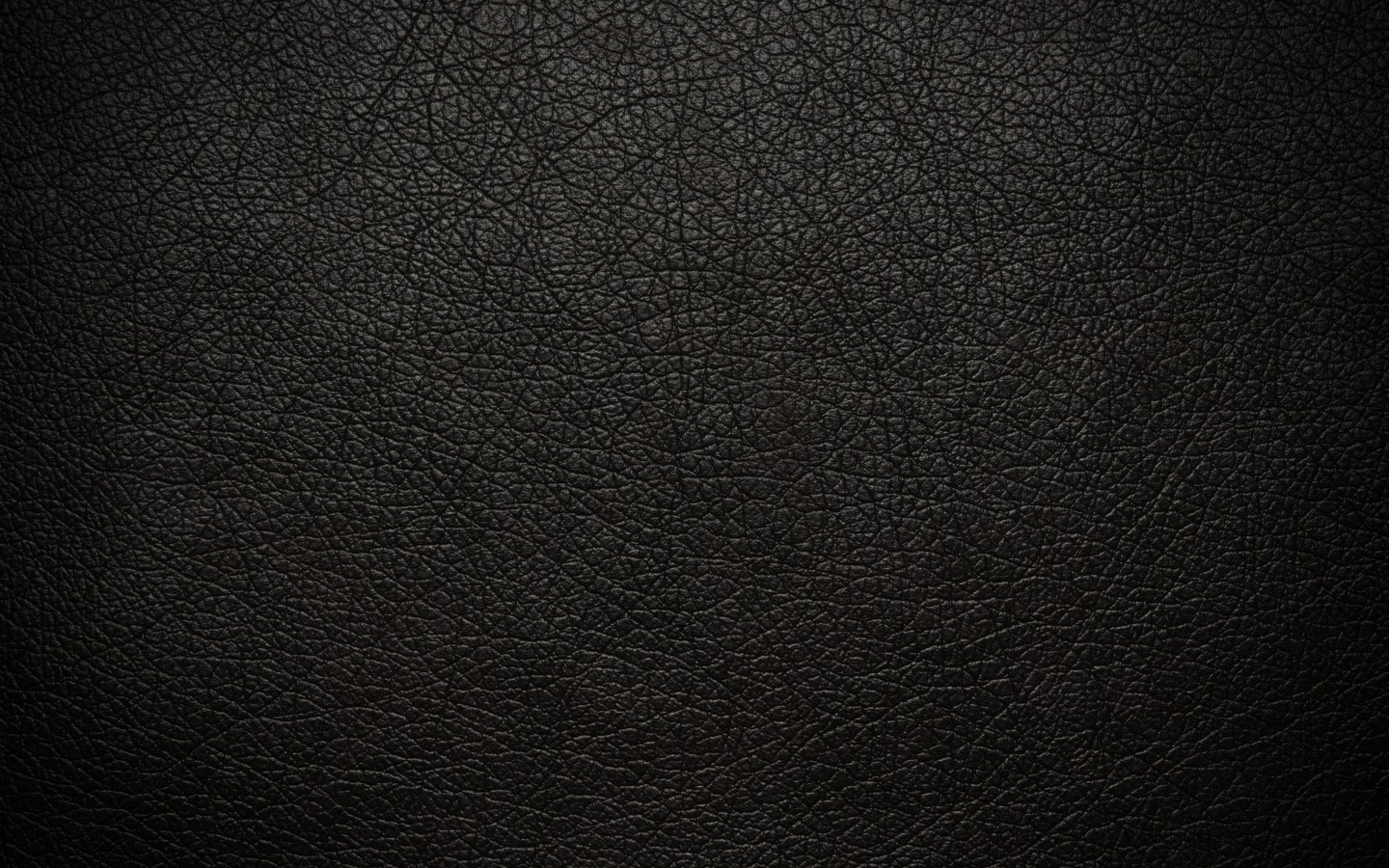
The animation I was requested to make was a kind of ”frosty smoke” effect that would help identify it as a cryopod. As I was looking online for example of smoke effects to use as reference, it became clear to me that I would not be able to make an effect like that in the time I was allocated. Instead I chose to go for another fitting animation, a simple ”refresh” animation. This refreshing effect is supposed to continually add layers of ice on the person inside the pod. While I was at it, I thought I might also throw in a blinking light on the control panel. But before work on the animation even began, me and the team member I was working with were experimenting with different textures and lighting effects on the glass. This resulted in us adding the following texture onto the glass.
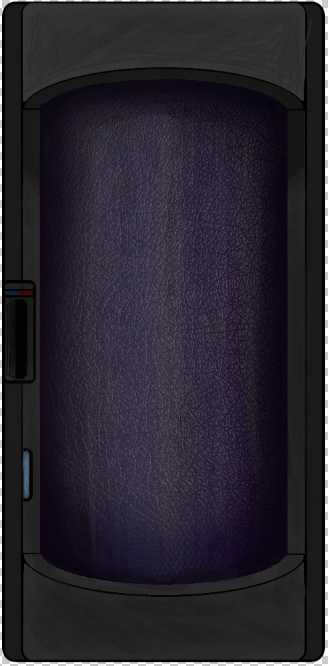
Even though it is actually a leather texture, when applied to the cryopod we thought it looked similar to frosted glass. The result compared to the original version can be seen below.
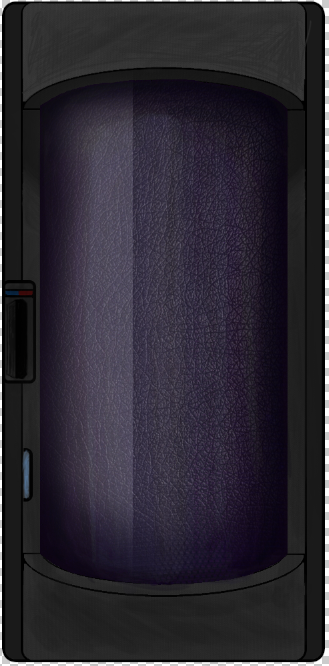
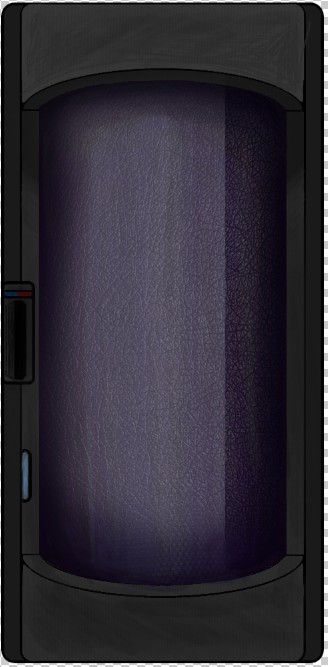
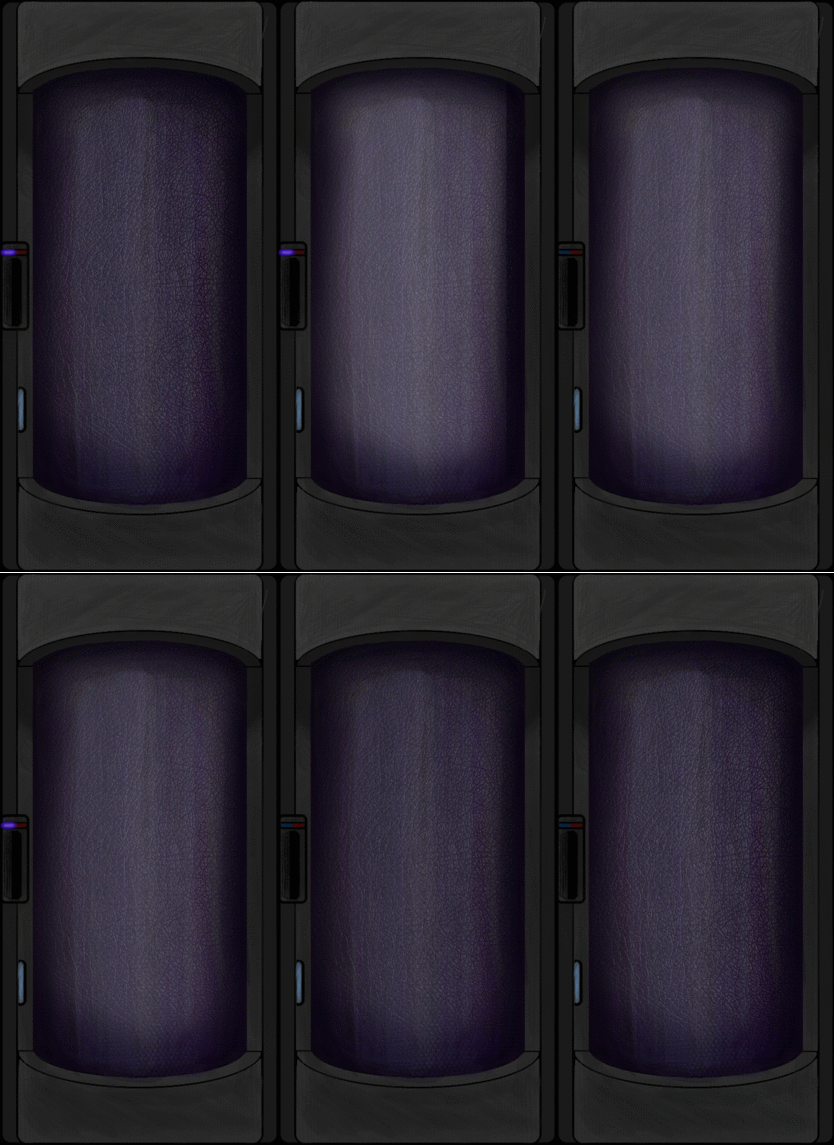
After we had finished applying the texture to the glass layer, some adjustments to the lighting was done, so it didn’t look as flat as it originally did. Now began the animation part. To add the ”refresh” animation I created a new layer to mask the glass layer, and in this new layer I added a gradient. Then in the frames of animation, I progressively moved the gradient over the glass in each frame, until it passed over the glass entirely, as shown in the following images. To further enforce that the gradient is passing over a cylinder, I sped up the movement as it reached the center of the glass and slowing it down as it reached the edges.
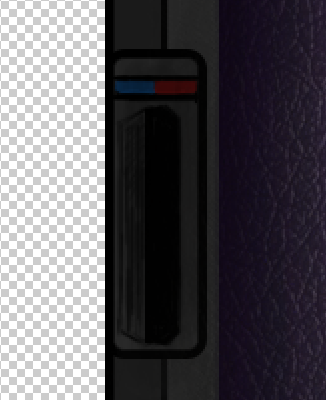
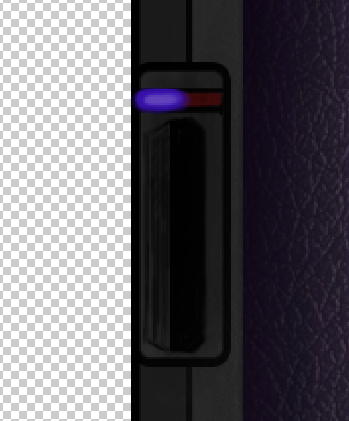
When this animation was done, I also felt like adding the blinking light on the control panel. This was very simple.
For the light, I made another new layer on the panel and covered the blue part of the thermometer, painted a lighter blue over it before finaly adding a ”whiteness” to the center to create the glow. Then, in the animation frames, I hid the layer for a set amount of frames before revealing it for another set of frames. This makes the light appear to be blinking. Here you can see the finished version.
That’s all I got for now. Bye!  |