Touching up on the UI.
|
This week I took to finishing the task of changing the UI to better fit our control scheme and to make it feel more intuitive to use and look at. Our previous UI featured bars to help the player keep track of pickups, powerups, glowsticks and to notify the player when he or she carried to much or a heavy object, as well as a score counter. They were all aligned vertically on the left edge of the screen. This was the problem about this design. Our controls, at least those the player use to interact with all of the facets of our UI, were all on the right side of the keyboard. That was the feedback we got on our first UI design, the proposed solution was to put all of these bars on the left side and align them horizontally. Even though I agreed with that statement several problems arose from this change. The most prominent of these was that the previous plan of having the different menus slide out from each other as they became important became either impossible or just not good. The solution to this was to redesign parts of the UI. Most of the work, which wasn’t a lot, was to simply mirror some bars or rotate others 90 degrees.
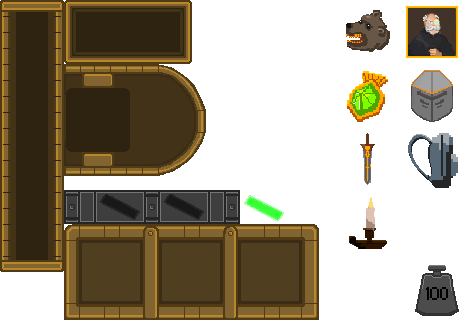
The most prominent change was that I chose to cut out the “you’re carrying too much” bar and instead visually represent when you’re carrying too much by having the color of the backpack icon change as you pick up more stuff. Another change was to realign the powerup bar to better fit the controls for using one of these powerups. Now that the bar is resting horizontally on the bottom right of the screen thee three slots line up perfectly with our assigned buttons A, S and D and as a result it will feel more intuitive to use these. The glowstick bar will remain above the powerup bar as it would make it easier for the player not to have to look across the screen whenever he or she wants to find something out about their inventory. The same goes for the pickup bar, it will also remain close by the rest of these bars. One issue is still unresolved, albeit a minor issue but it need to be thought about regardless and that is where to put the score counter now that we have moved everything else, a timer will have to be added as well, most likely close by the score counters. Left or right? That is the question.  |