Sound of Life Blog #4
|
Hello again and welcome back ! Today I want to talk about a method we used to apply textures to our modular buildings and the stuff that you need to avoid, so that you guys won’t make the same mistake as we did
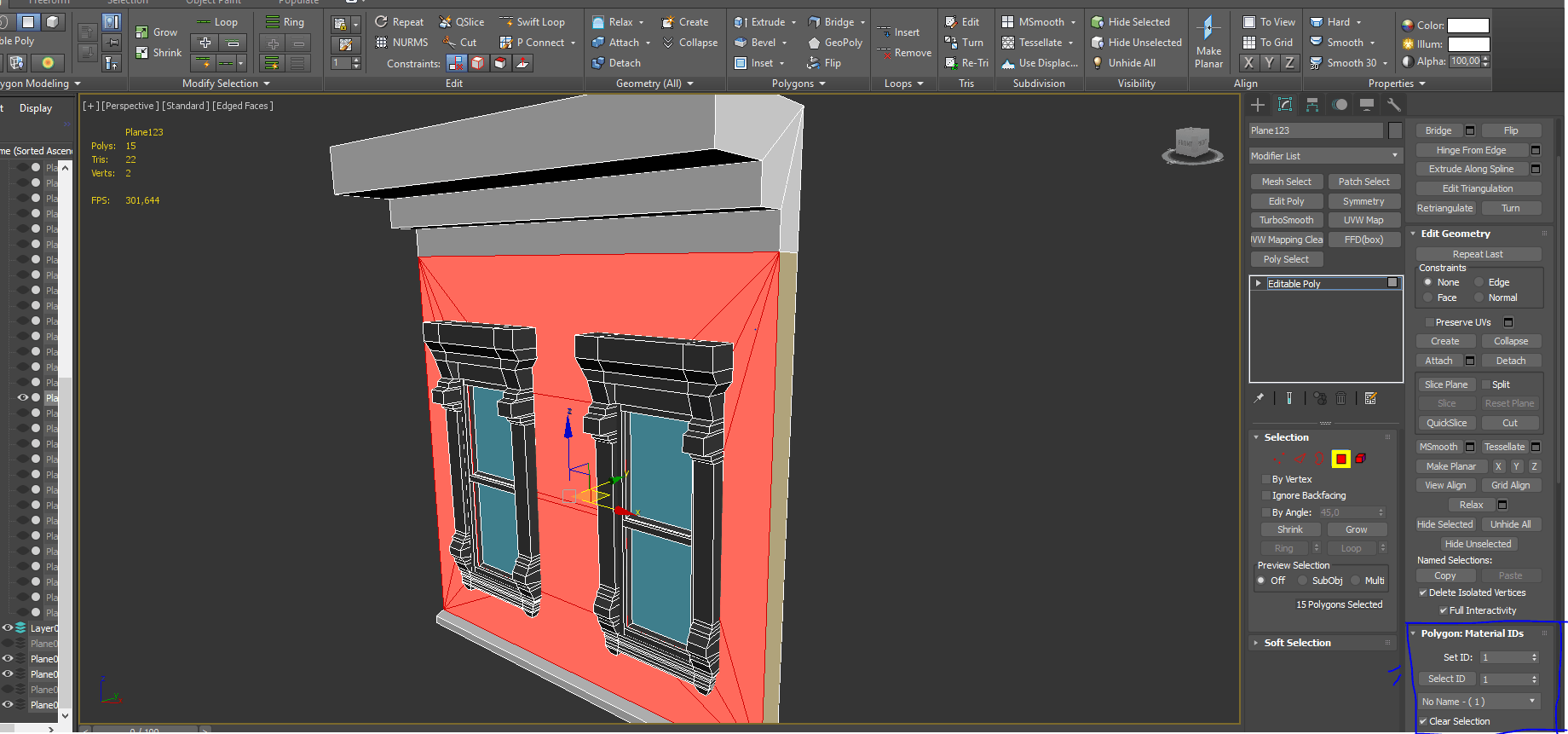
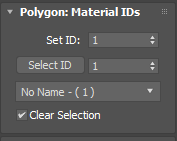
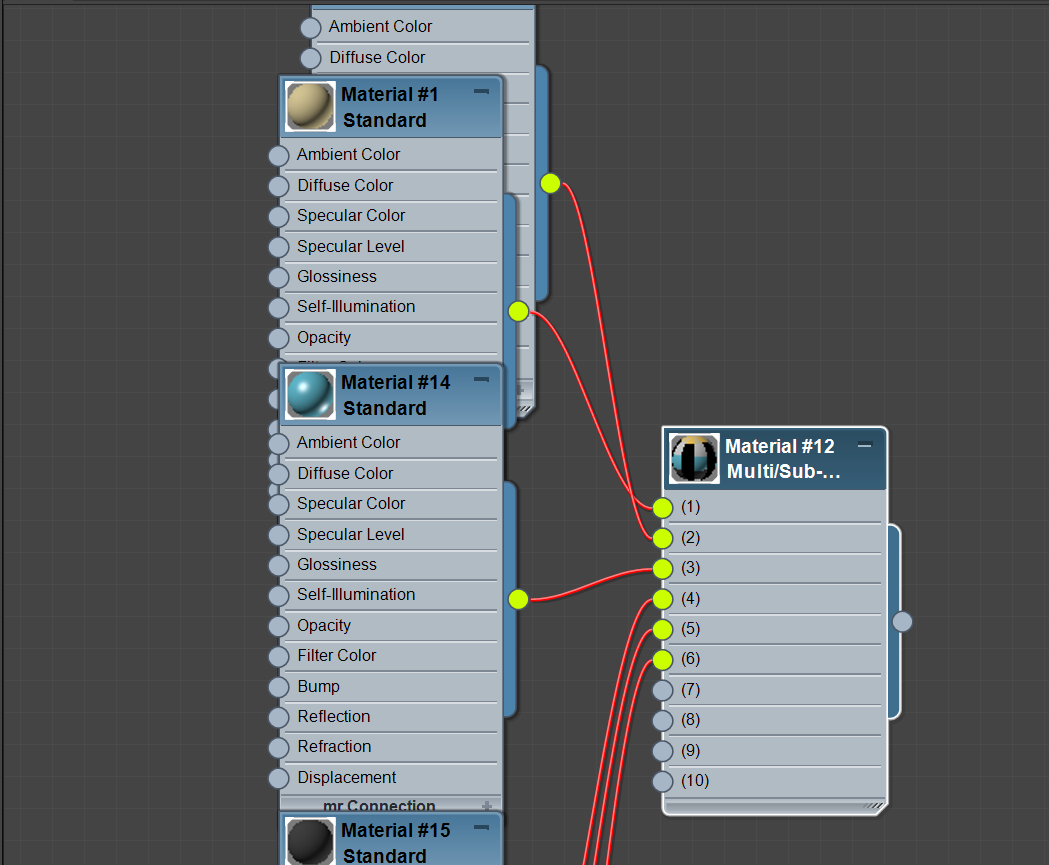
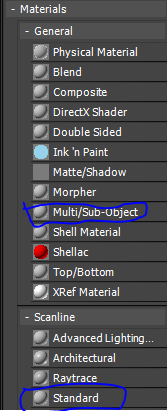
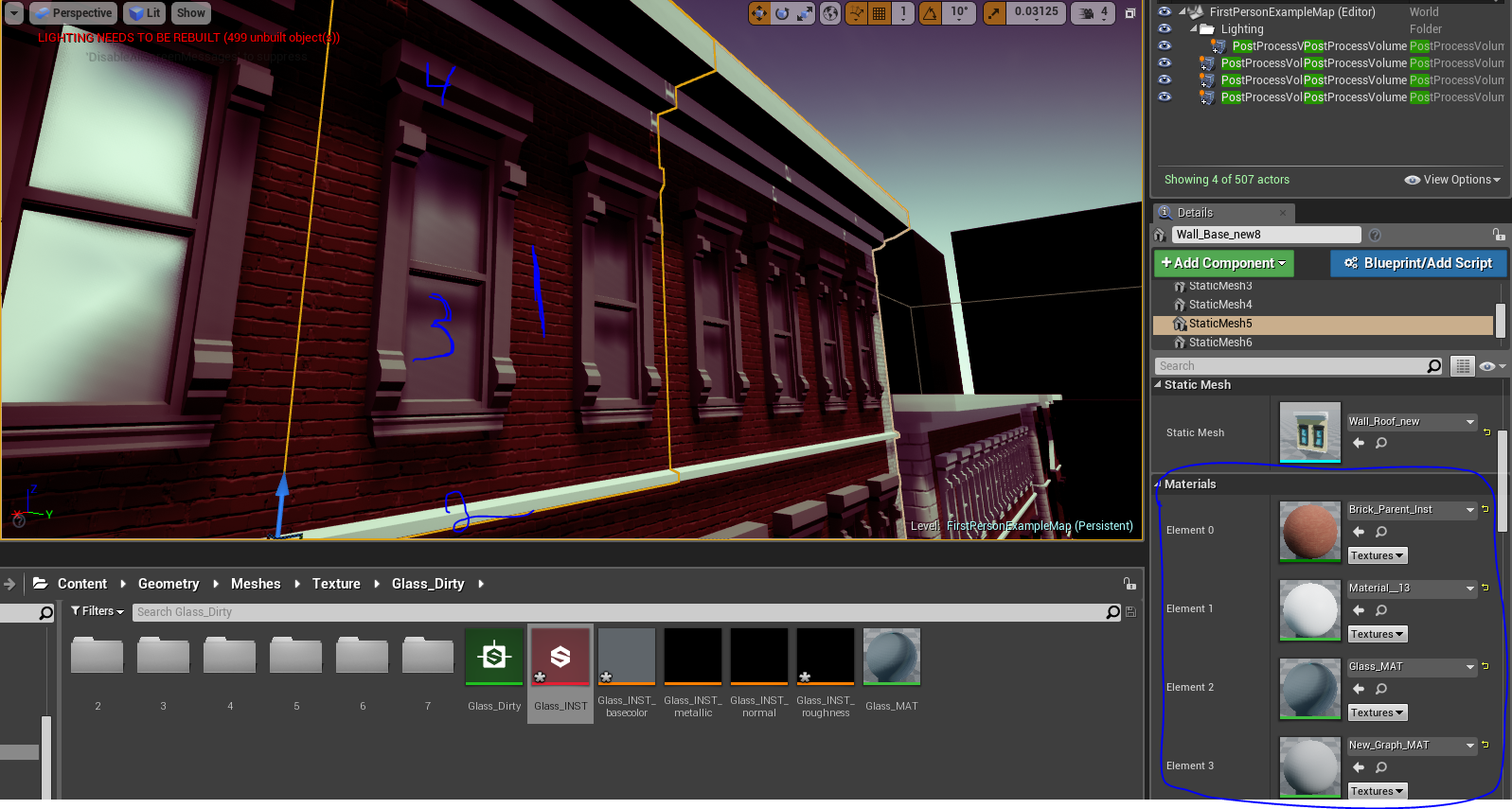
What you do is that you select the polygons that you wants to assign the material id. For this example, I want to assign one of my brick textures to material id 1, concrete texture as material id 2 and so on. But in order to get this working in Unreal Engine 4, you have to assign materials for these polygons (material ids) in 3DS Max and you do that through the material editor. Inside the editor, you select the Multi/Sub-object material, which you’re going to assign standard materials for each material id as inputs for the Multi/Sub-object material.
Once that is done, you can export the mesh to Unreal and inside the mesh, you can find all your material ids as elements and you can assign these elements with different material.
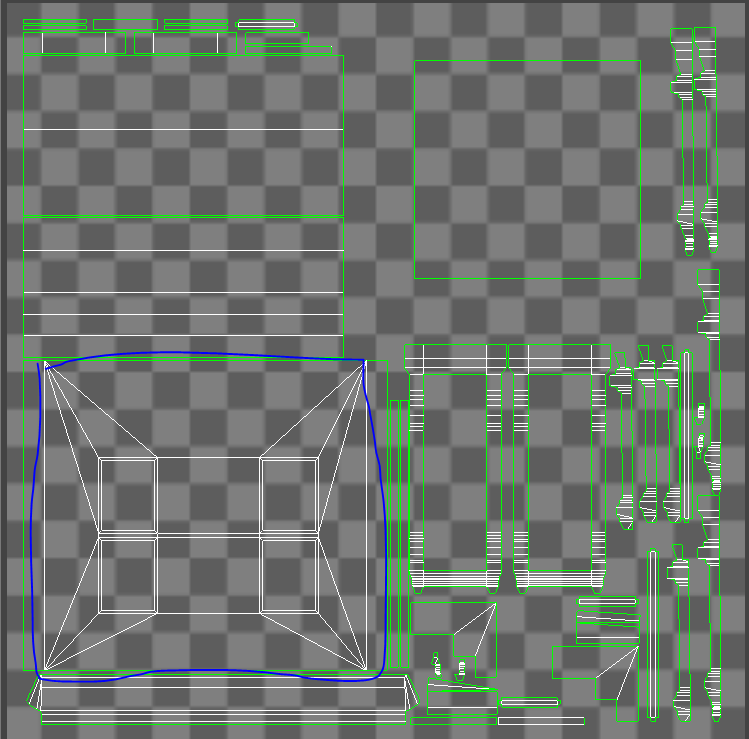
But one of the mistake we did with our modular walls, was that we didn’t really plan our UVs correctly, which gave us some issues. Here’s is an example of one of our previous UV for our modular wall.
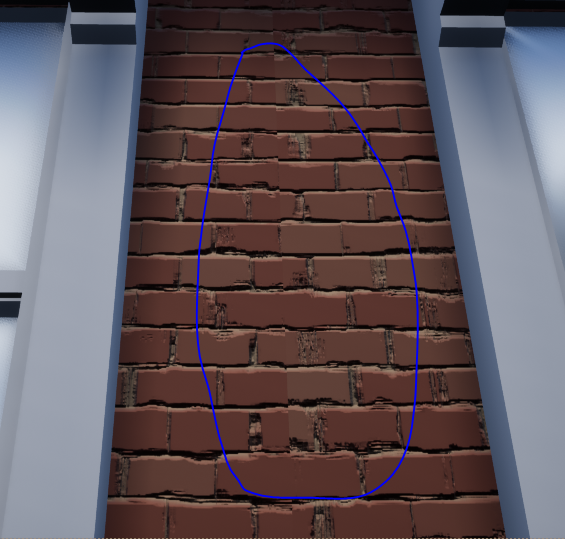
As you guys can see, the important part of our wall (the front side of the wall that is supposed to be tileable) is not covering the entire UV space (1:1). This means that the front side is not utilizing the entire texture, which will give us nasty seams along our modular walls.
We realized that we didn’t have time to go through some of the UVs, as some of these walls had window frames and trims that had to be scaled down tremendously. One of the solutions that our Lead Programmer came up with, was to utilize a function called WorldAligned, which allows you to align the texture to the world, rather than locally to the object. It also allows for scaling in world units, rather than as a percentage of the texture size. The drawback with this method is that it is more performance demanding in comparison to aligning the texture locally. So the moral of the story, plan your UVs and textures early. Maybe start with a texture atlas and use it as blueprints while you’re building your modular walls.
 |