GAME DEVELOPMENT WEEKLY BLOG POST NR5. MAIN MENU CONTINUE
|
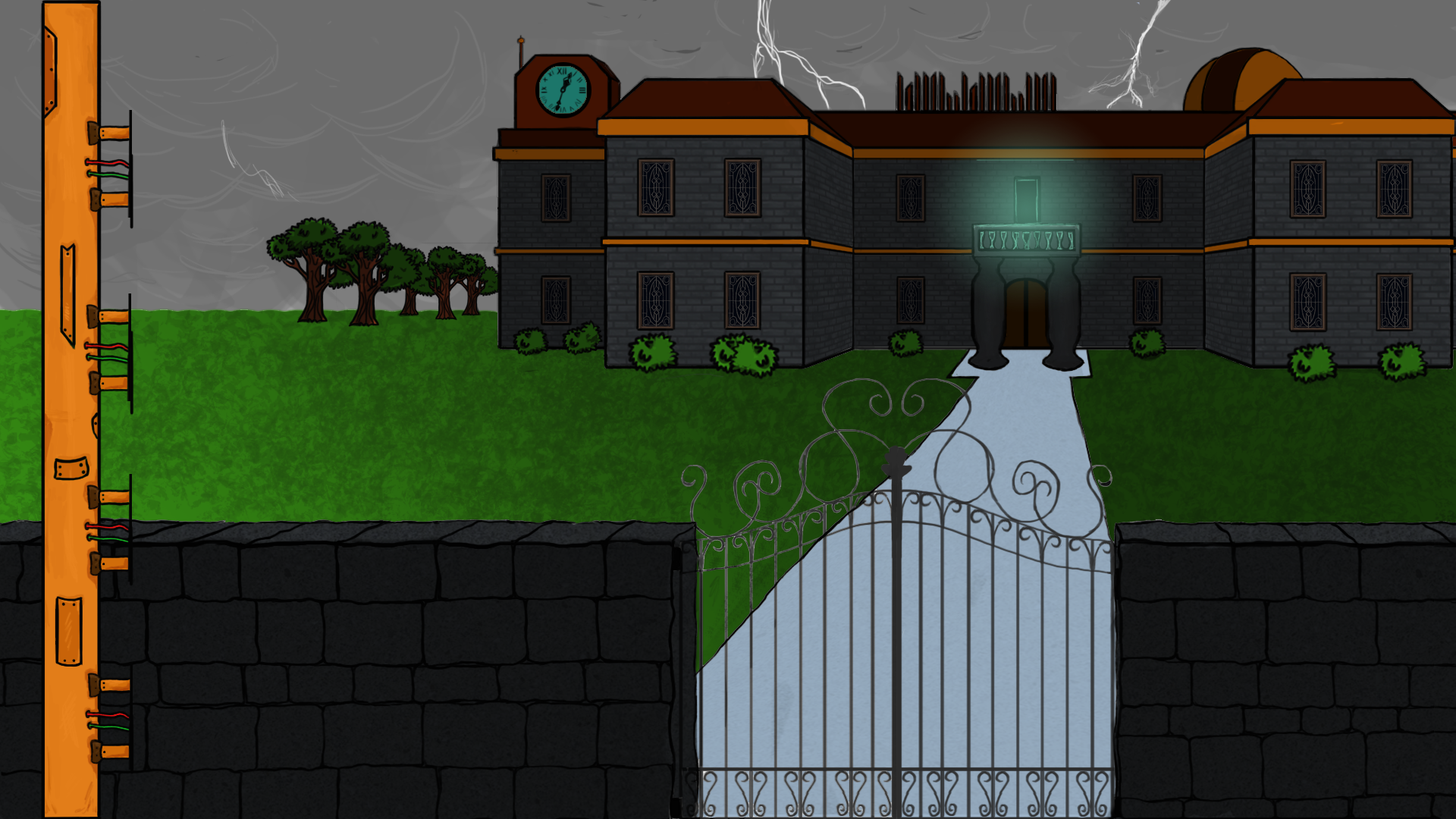
I started this week work where I left it the other week. So this mean I continue on the main menu and the background. I want it to be as clean as possible for our beta deadline which is this Friday this week. The background from last week was pretty much done except the colors and some shading. I am working with Photoshop and there for I am using a lot of layers. I will try to explain what a layer in Photoshop are since I have got some feedback from some readers that ask me to explain which program I am using and explain more what it do. So a layer in Photoshop represent a piece of paper sort of, you can manipulate it and I use it for keep some colors and items separated. This helps a lot if you need to remake the color or maybe an object. Then you go to the layer (remember to name the layer to something that represent that drawing on the layer) and change what you want to change. So I colored the background and added some rough shades and light to it. I am pretty satisfied how it turned out, I am looking for a cartoon-ish style and not too realistic. I did though add some texture on the brick wall, road and the house which I do say looks pretty neat.
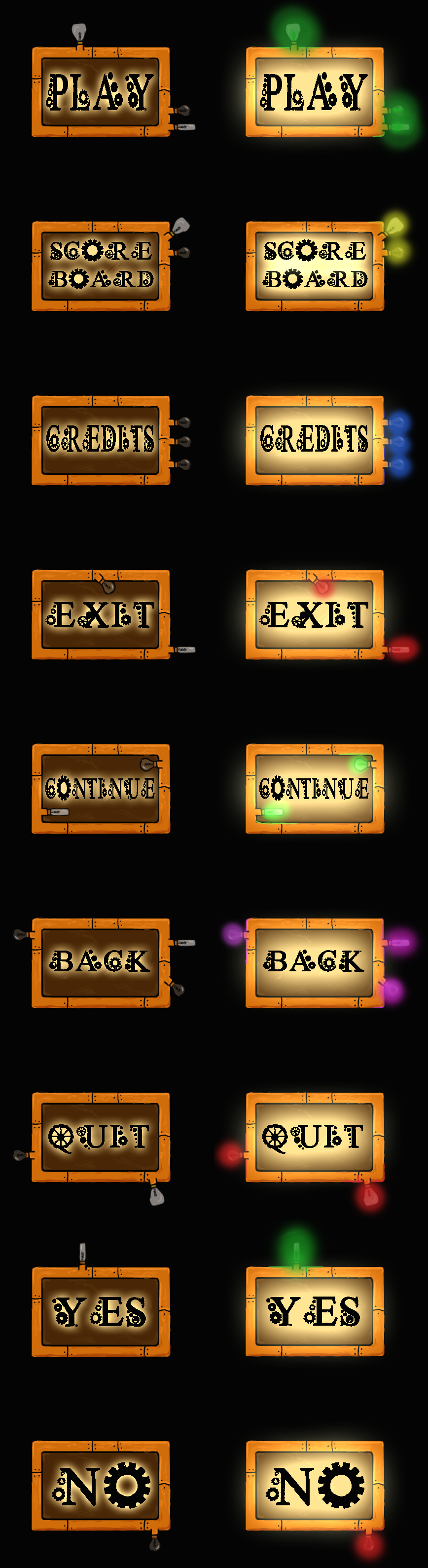
I also spent my time on all the buttons and windows for the menu. Here I needed to keep to the style we have in the HUD (Head-Up Display) in game, example of a HUD is the inventory in our game.
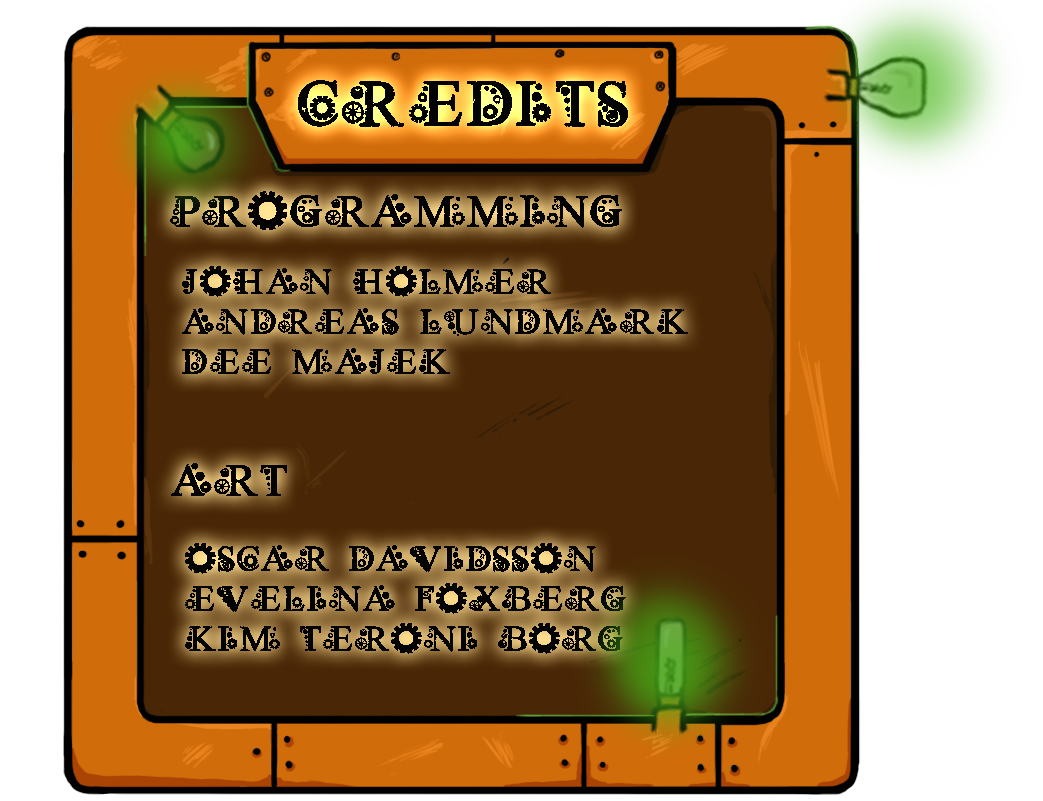
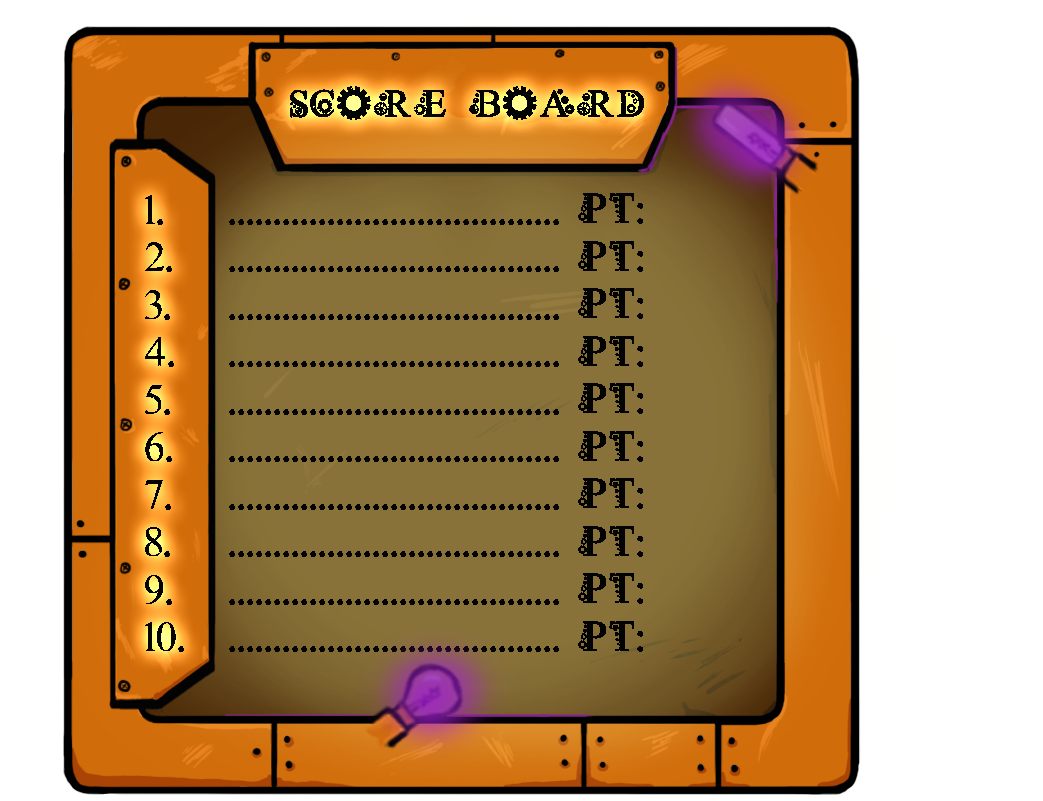
First I created the frame of the button and colored in separate layers. After that I started to make some lamps which I wanted to light up the buttons when the player holds the mouse over the buttons. The two windows screen Credits and Score Board I created was the same process except I did not have two different text nor two types of lamps. I only made the text with the brighter glow and the lamps when they are switched on. Thanks for reading and see you next week. /Kim  |