Dragon Song Blogpost 3
|
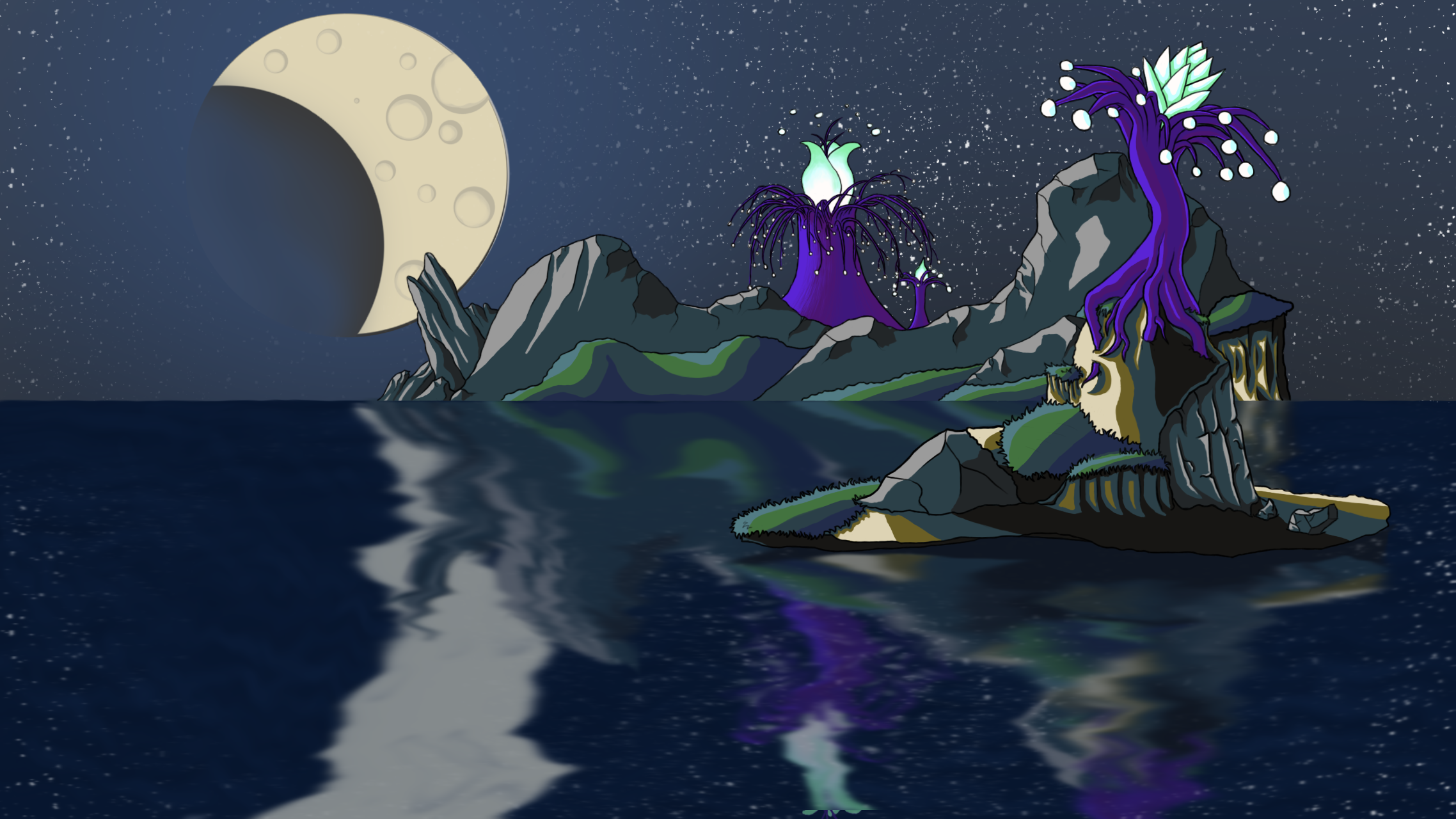
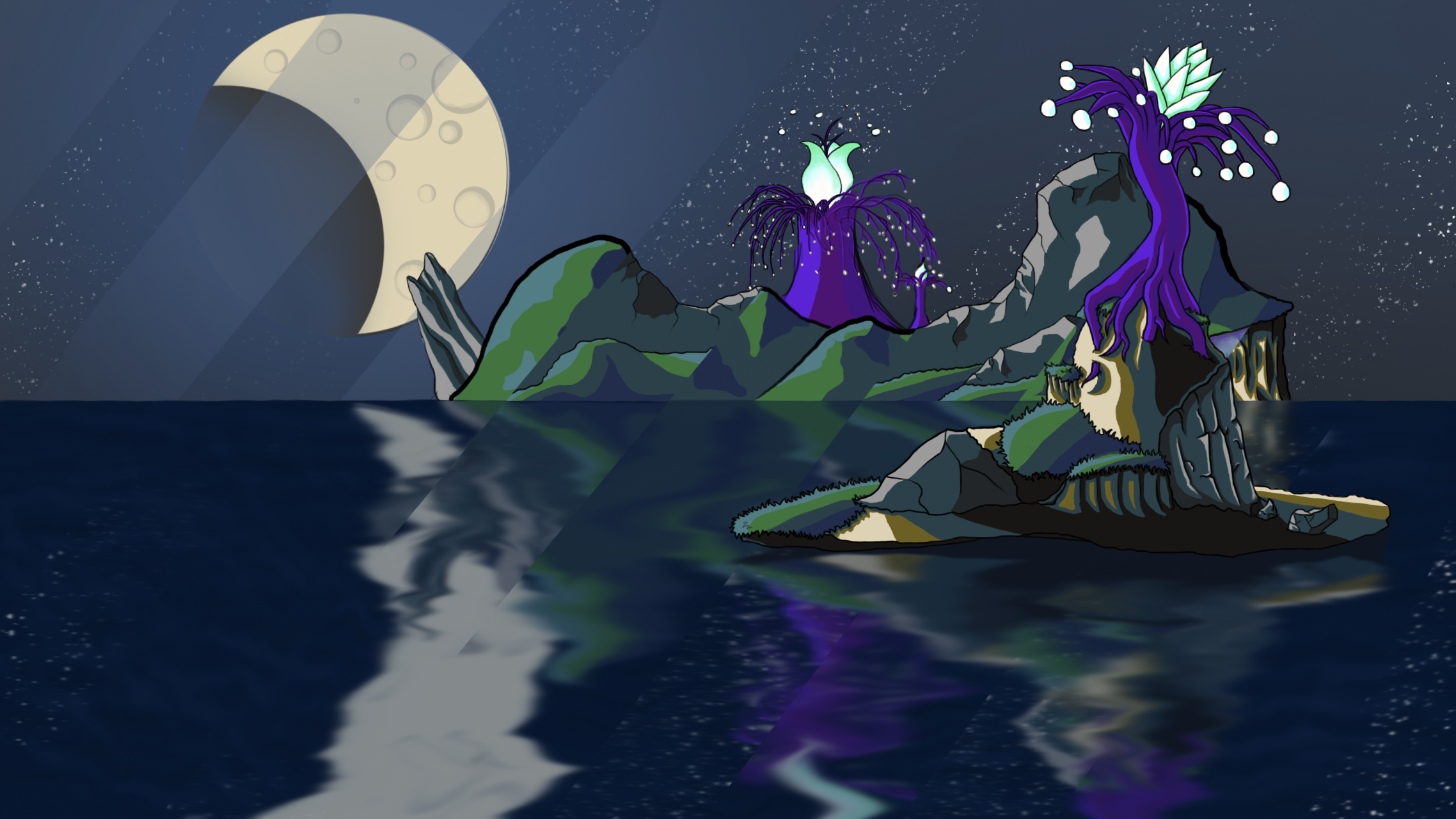
Art It has been an unusual week. The communication in the group seems to have toned down a bit after our alpha presentation last friday. I have for the most part just continued with the background image for our game. Polishing a few things and adding a few other. I have mostly reworked the large islands in the background from the ground up, using previous lines as a base. When we showed our game during the play testing on the 16th of February, one feedback I got was that the lines were too thick. This has now been fixed. I have also added a bit more details all around.
I have changed the pink blueish color of the cliff face to the dirt palette that I have used in my foreground island and parallax images. This was done to unify the image, because it was sticking out like a sore thumb. The pink purple color for dirt was something I was trying out early on since it was a dominant color in one of our mood board images. But even though I wanted the world to look alien, it ended up looking too alien. I think the trees in and of themselves does that quite nicely. Another thing that I was particularly unhappy about was the rock formation on the left side. I thought it looked a bit weird having a random rock protrude from the island and balancing itself at an odd angel. So what I did was that I added a couple of more smaller rock formations for it to lean against, to support its weight. This also, in my opinion, made it look more like a natural rock formation. I also added more grass along the mountains to break up all the rock. Having just a large rocky stone lying out there over the horizon was a bit bland and did not look like it would be a mountain. But I am not happy with how the grass looks right now though. Especially on the left side. I will probably add another cliff there.
As you can see in the image above, I have also changed, as well as added, a few things to the night sky. First of all I have added stars. This was a challenge for me. Making a starry night sky made me think about a lot of things. Stars are not just randomly placed dots on the night sky. They have different sizes and light levels. Adding one star at a time by hand would be stupid. It would take forever and it would probably look to structured to be natural. So instead I created a new brush that I could use. It has lots of small dots, but they are mostly the same size. But I could change the brush size to vary the sizes. So I now had a night sky with dots that looked naturally spaced and with varying sizes. All that was left was to have varying light levels. This was easily done by gently using the eraser tool to dim some parts. When this was done, I copied the layer and then flipped it vertically onto the ocean for a reflection. And, lastly, I upped the brightness of the moon just a little bit and dimmed the stars around it just a little bit further.  |