Mole Munch
|
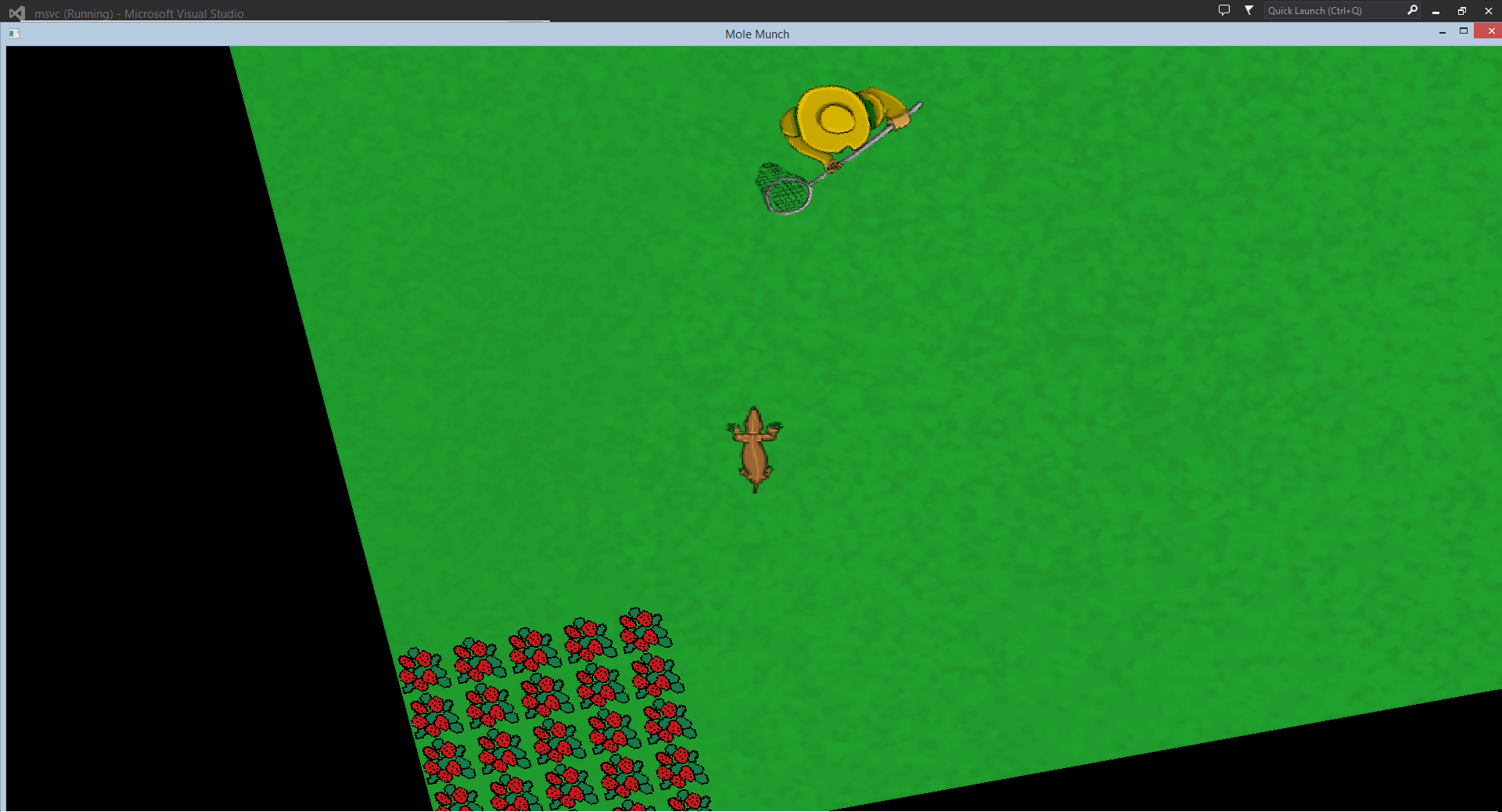
So, it’s time for another blogpost, this time it will be about our current project. We have been told to design a game based upon another groups concept that they created in the last gamedesign course. We decided to pick the concept “Mole Munch” which is about a mole that tries to eat all of a gardeners vegetables, the gardener isn’t quite too fond of this of course, and will therefore give pretty much everything he has to catch this mole. During this week I’ve been working a lot with the camera of the game, along with other objects. But I decided to write about the camera. I’ve been trying to get it as suitable as possible in regards of the gameplay. We made a decision about the moles movement, you can basically just move forward or backward, there is no sideways. So to be able to turn around you’ll have to rotate your mole, and then move forward. I’ve taken this in consideration when implementing the camera. So whenever the mole is rotating, the camera is also rotating at the same speed, while it also centers the position of the camera to the players position. So basically what the camera does is that it always follows the player, centers it at the players position and rotates whenever the player rotates. This has been done basically by using sf::View in the code, so nothing too hard. At this point we have two different “states” in the game, one where the mole is on the top level, running around on the grass trying to pick vegetables while staying away from the gardener. And one where the mole is down in the underground digging holes and getting power ups. How I described the camera earlier is how the camera works in the top level, while it works a bit different while down in the underground. Down there I’ve added a sprite that is as big as the screen size. The sprite is black on the sides while getting more and more transparent while going towards the middle. So basically it is just a sprite that is rotating at the same speed as the mole, just as I did on the top level but instead of using sf::View I added a sprite that worked as a camera. We did this to give the player less vision while underground, since it’s quite logic. The mole shouldn’t be able to see the whole map since he is just in a quite small tunnel. We have been thinking about making the vision even less, but that will have to wait. When I first started with the camera, I had the sprite on the top level as well, but we decided to take that away since it made the game a bit too dark. We wanted the player to be able to scout a lot when he is on the top level, and then having to go down under the ground when he feels threatened, but that would also give the player less vision and the vision of the vegetables would also be gone. This is how the top level looks like, as you can see, the camera has rotated a bit. This is due to that the mole has been rotated as well. The mole has quite a big view, which gives the player possibilites of quickly scout the area for vegetables and other interesting objects. Then go down underground for safety.
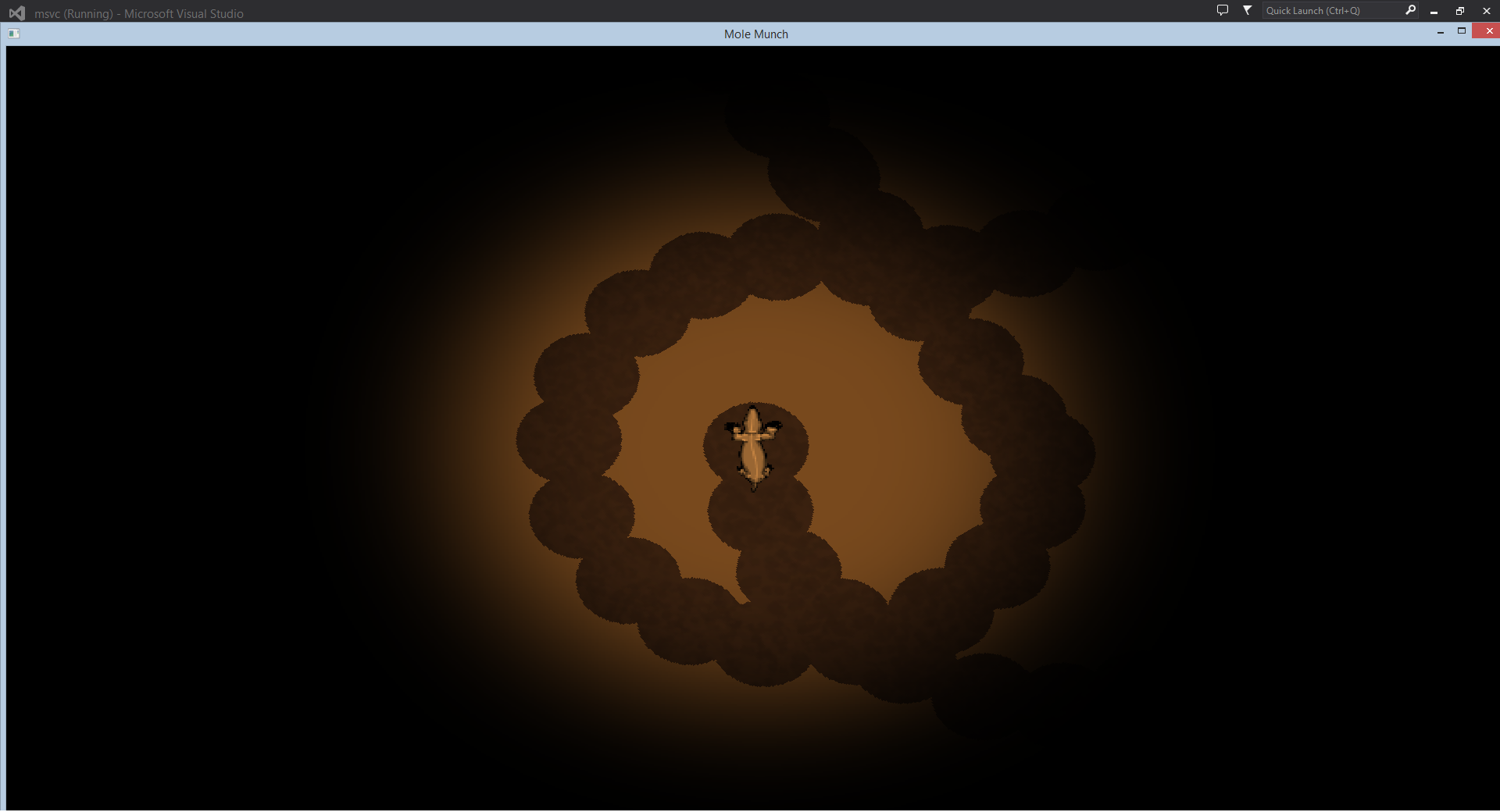
And this is how the underground camera looks like. As you can see, this is basically just a circle in the middle that is transparent, showing the background and the mole. And going more and more less transparent until it gets to the black.
 |