Blog #4 The cutscene
|
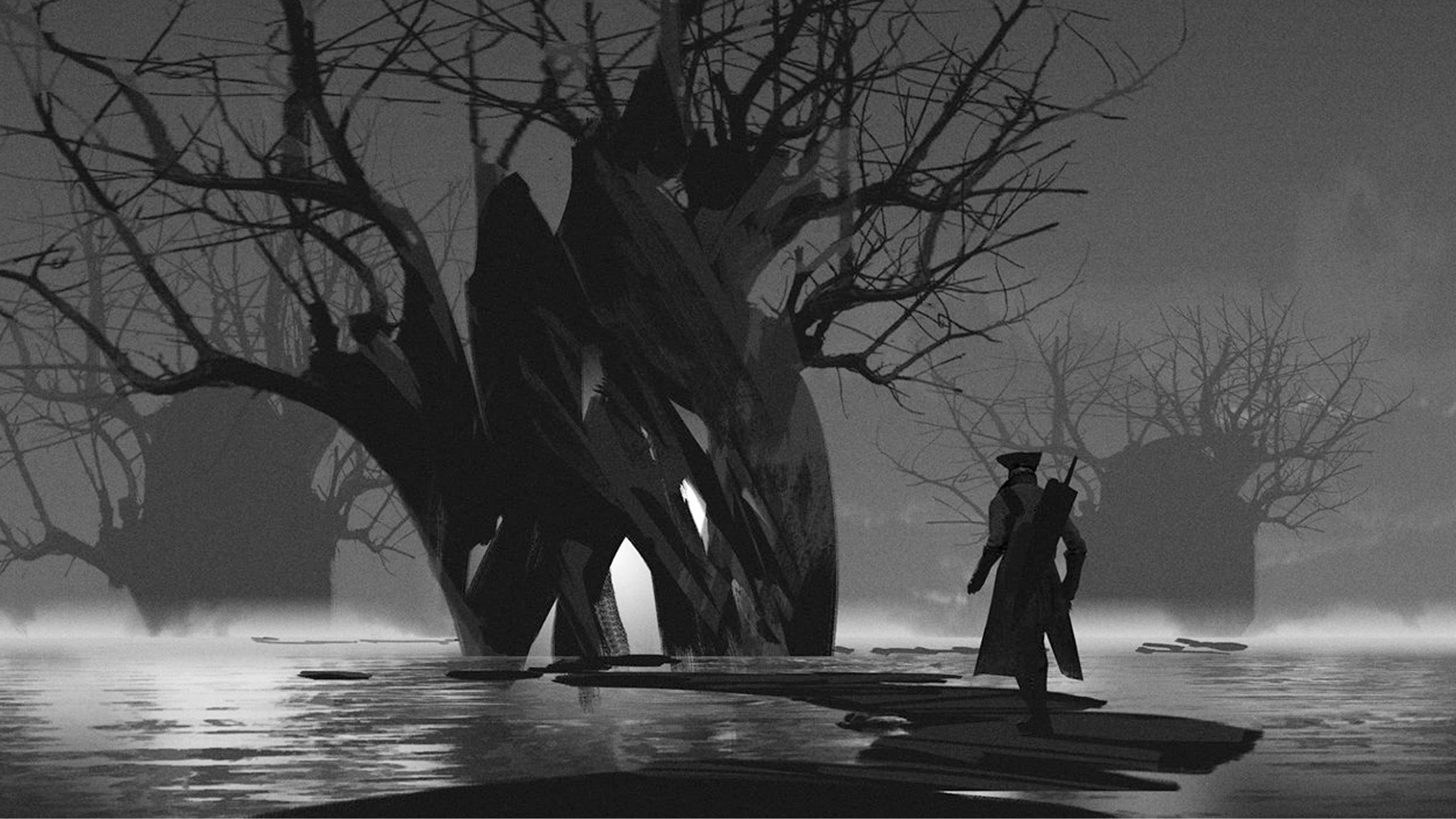
In this post I will be covering my process of creating art for the final cutscene for Into the fog. Since we are a small group with only one artist, I have decided to help out with drawing illustrations to maximize team efficiency. In the beginning, to speed up the drawing process I began by browsing through my folder of concept arts which I usually use for inspiration, however this time I decided to use a technique common among concept artists, which is using a picture or a collage with desired values as a base for your drawing. This is usually done to speed up the early stages of creating a concept art, as conceptual artists are often working under enormous time constraints. I have decided to use the piece below. Unfortunately I do not know the artist’s name, as my inspirations folder is a gigantic unorganized mess.
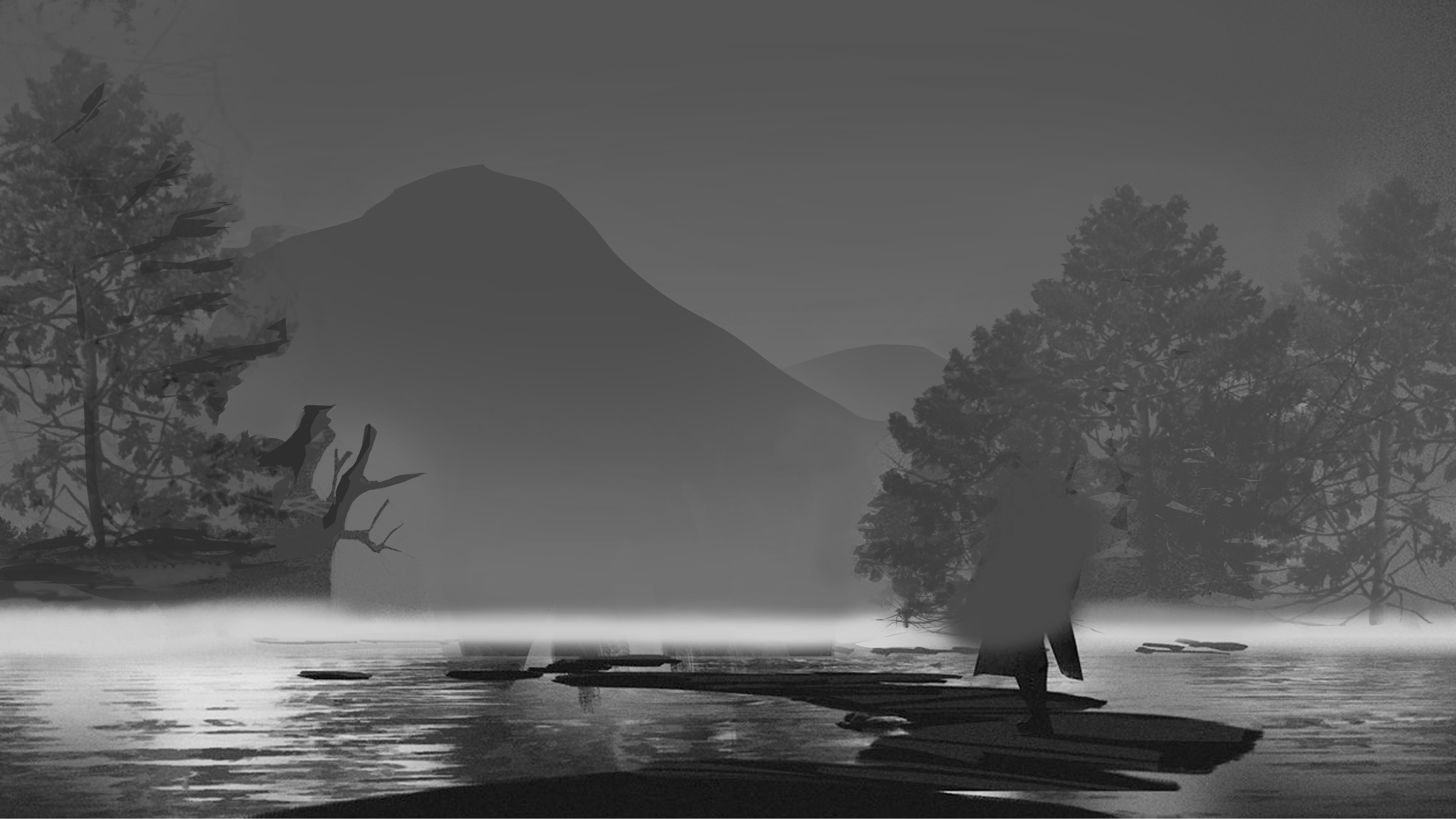
After finding a base for the illustration, my first step was to figure out the perspective and the composition. I really liked the camera in the original and I decided to keep it as it was. As they say – if it’s not broken, don’t fix it! Next, I started drawing out all unwanted areas to get sense of space and composition. I drew out the character and the massive trees and added mountains in the background to give it some additional depth, and then added a few trees using a simple tree brush.
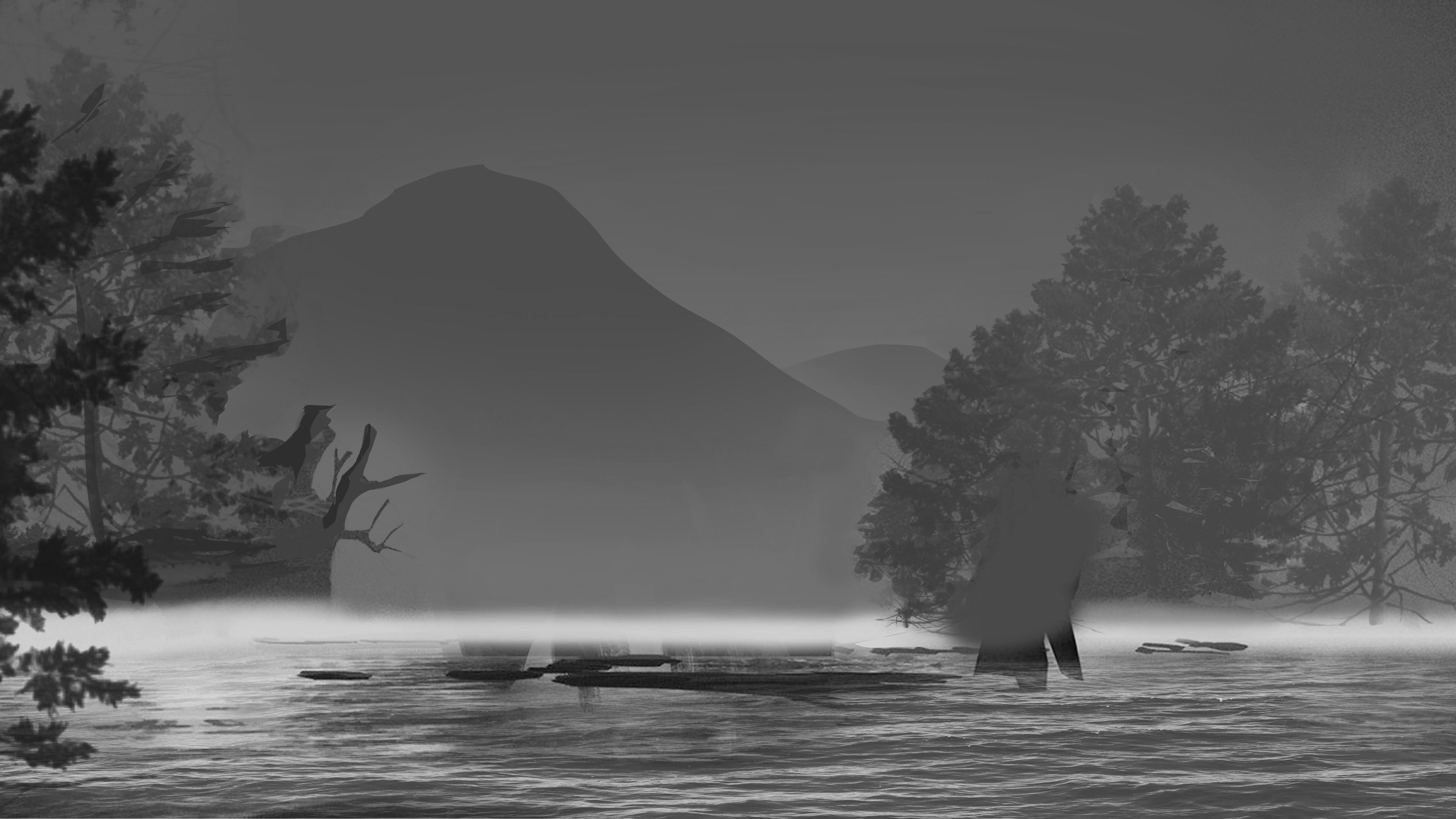
Next, I added a water texture to get rid of the platforms by pasting in a photo of water and skewing it with the selection tool. I have also added a foreground tree to indicate the distance between the camera and the background. Once again I used a tree brush to save time.
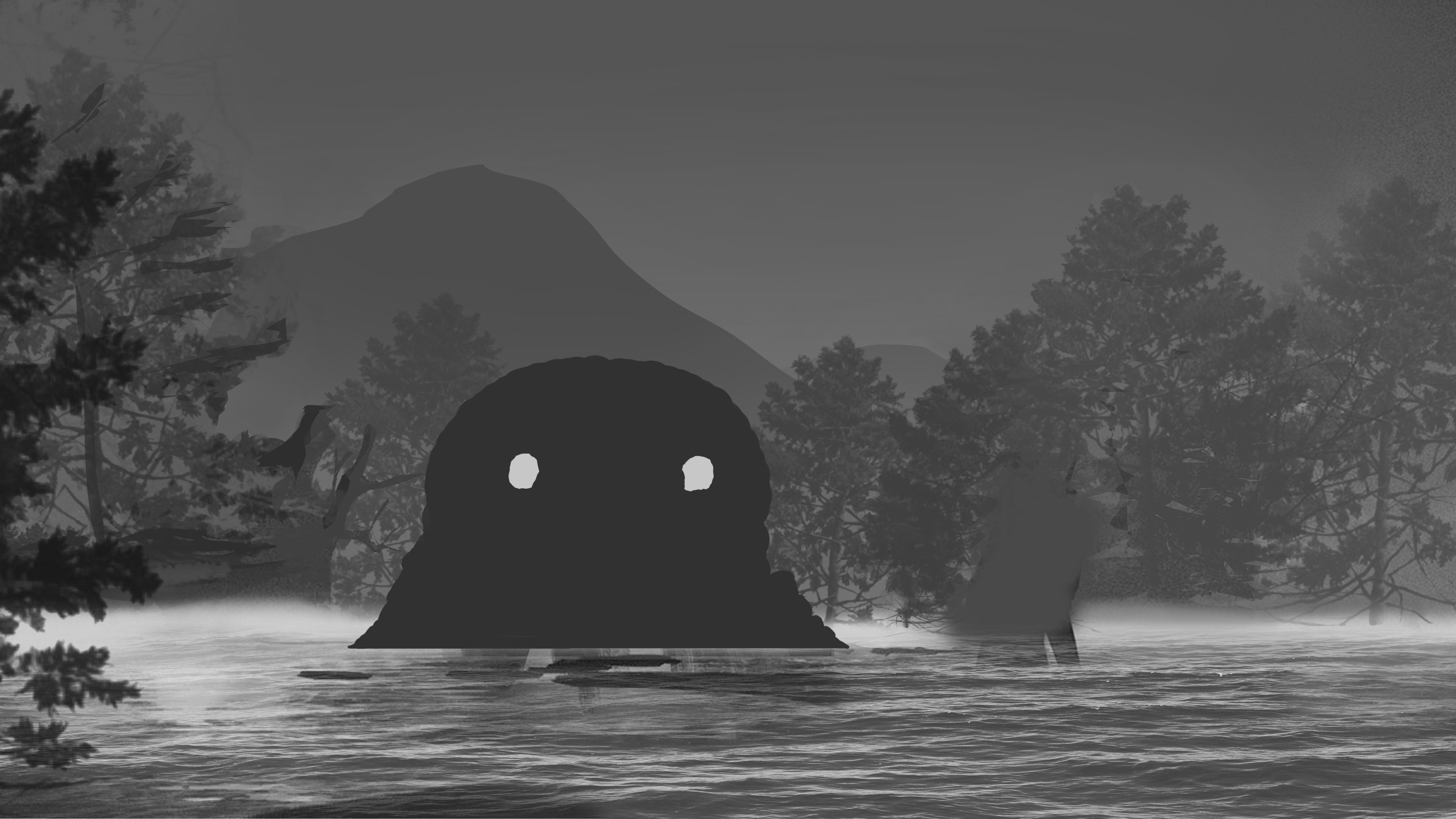
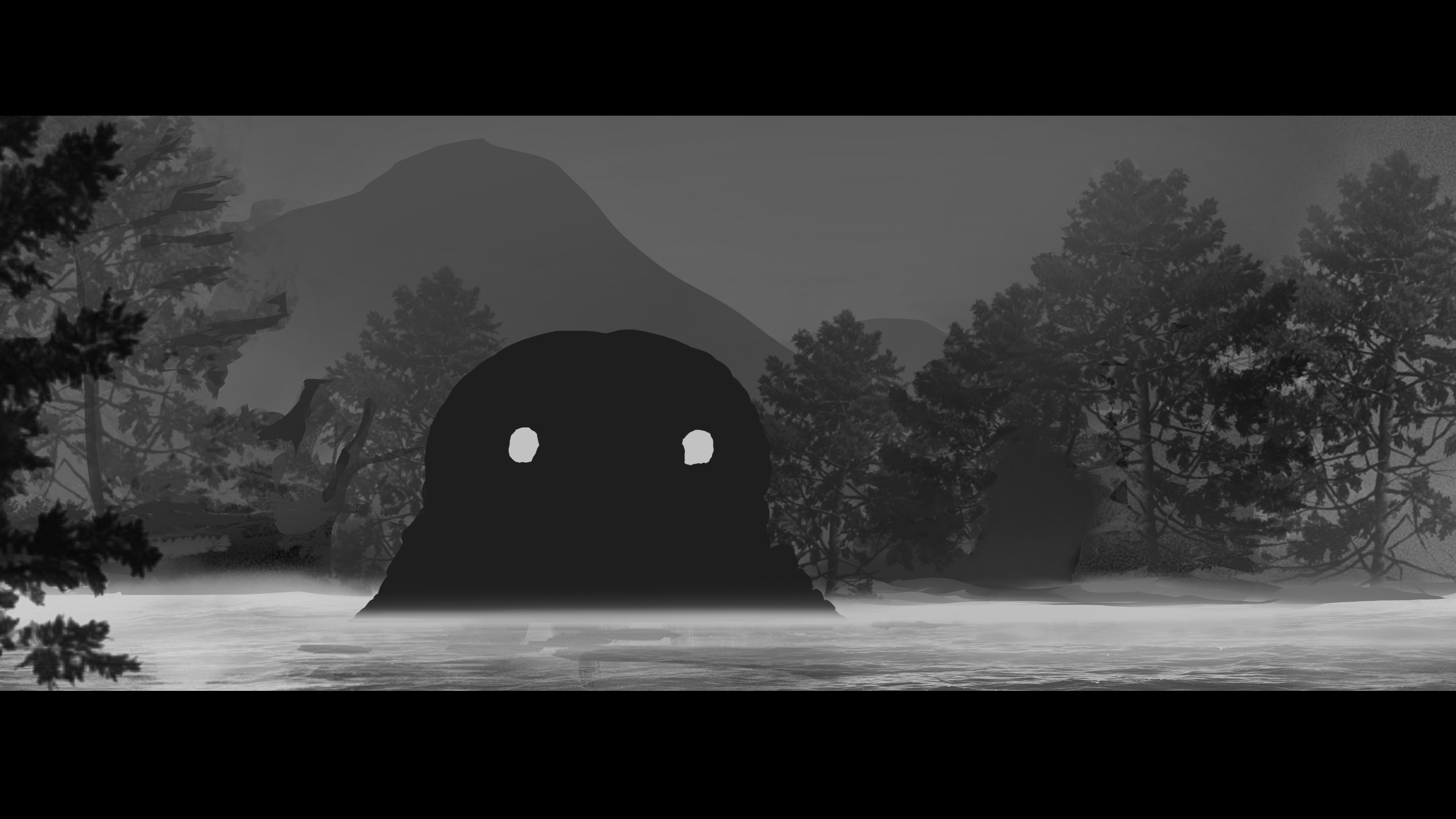
Since the basic composition was done, I decided to finally add in the star of the cutscene – the monster. The concept art for this creature was done by our lead artist Kaspar, however I had to alter it a little to make it work with this particular scenery. I have also added a few more trees behind the monster to fill out the empty space.
At this point I have grown a little dissatisfied with values of the trees and the monster, so I decided to darken them up a little to give them an extra push. A little touch-up with a smooth round brush to create a fog gave it an eerie atmosphere. I have also added black stripes to give the scene a cinematic feeling.
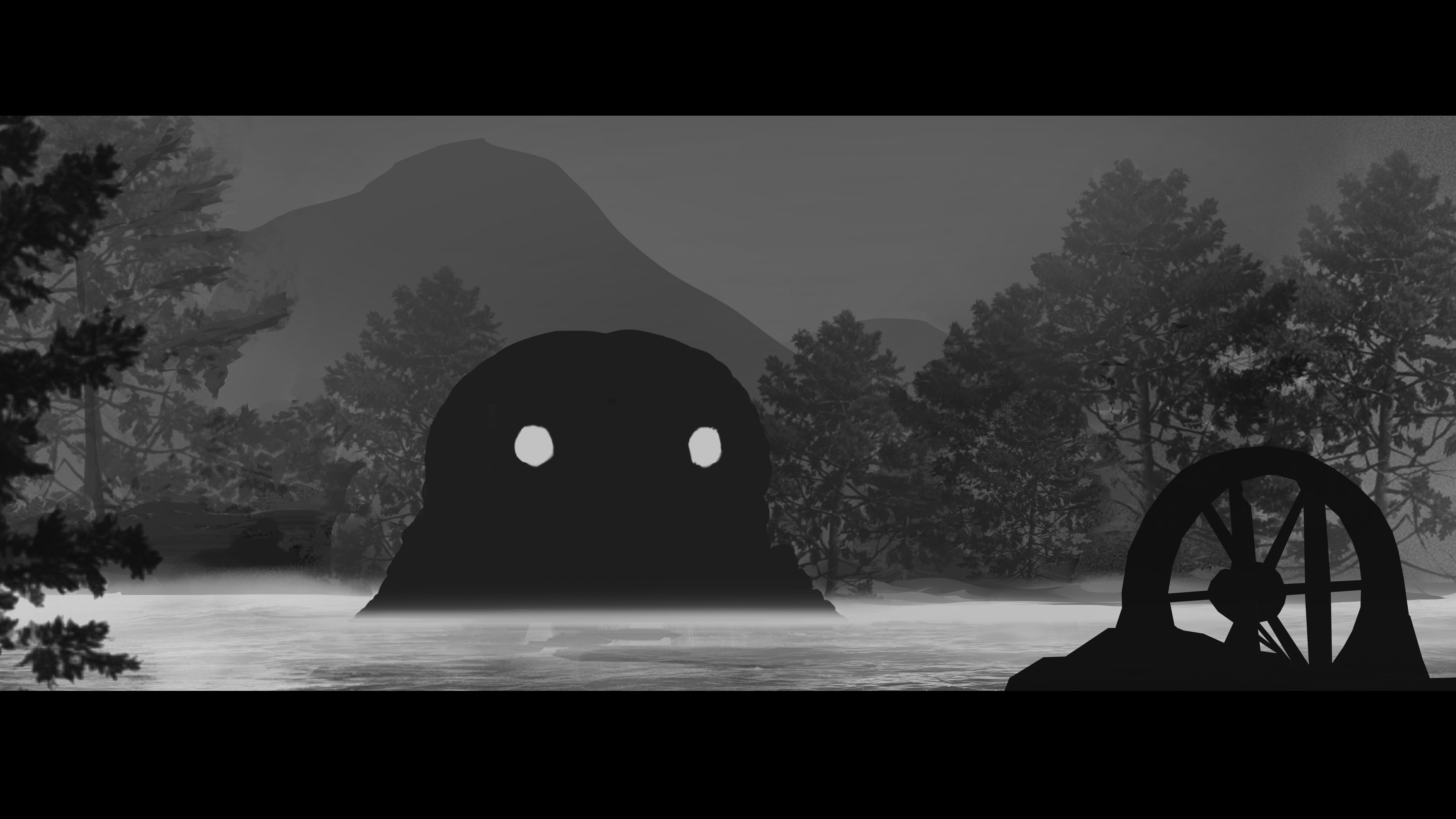
In the next step, I added in a hovercraft in the foreground, as it was very important to include the player in the scene. Little touch ups were done here and there to push extra details and hide various imperfections and brush strokes.
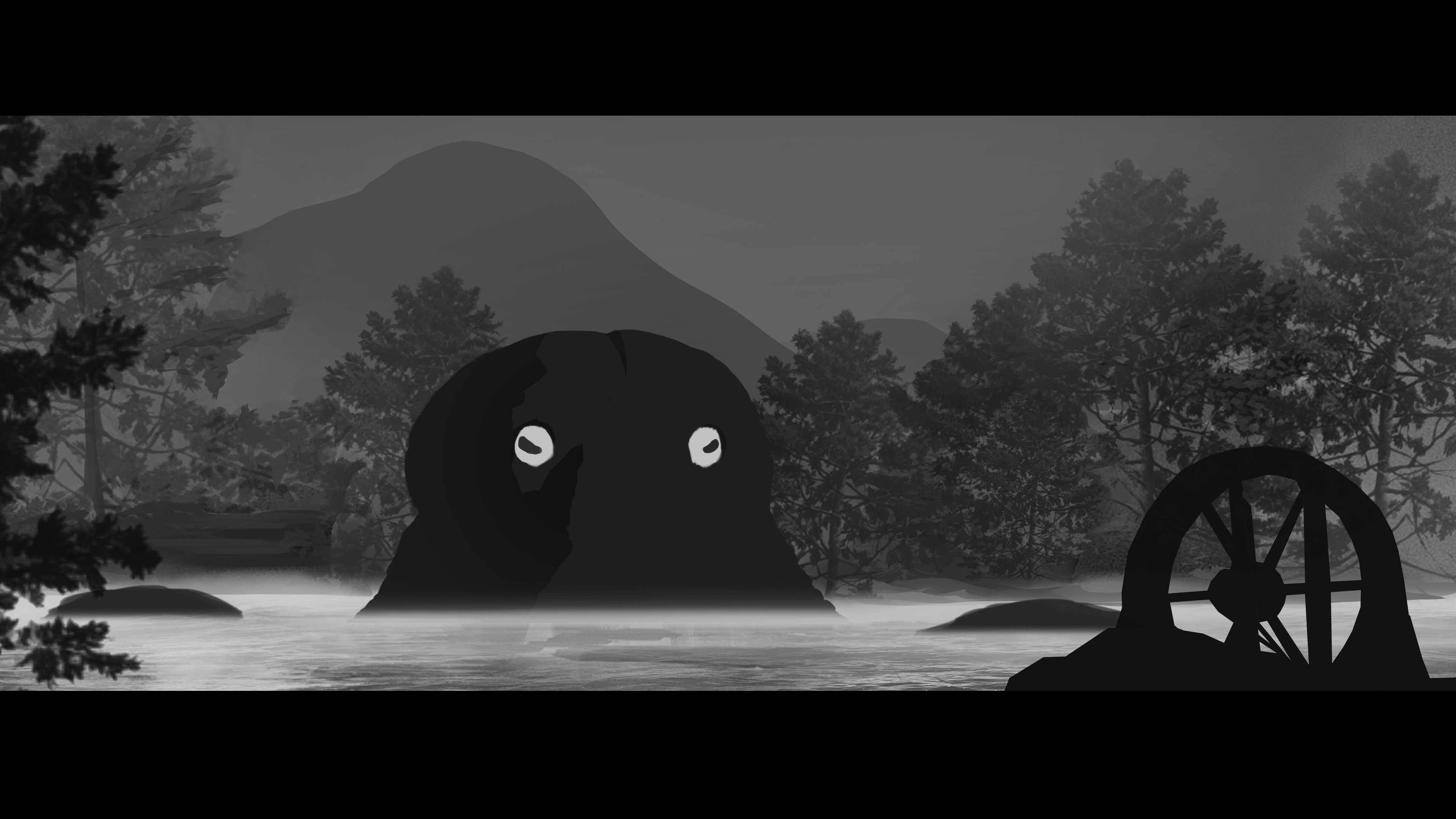
At this point, most elements were already in place, and only details were missing. I have added new details to the creature, as I felt as it didn’t pop out as much as it should have. Some shadows, details around the eyes and raising tentacles gave me the desired results.
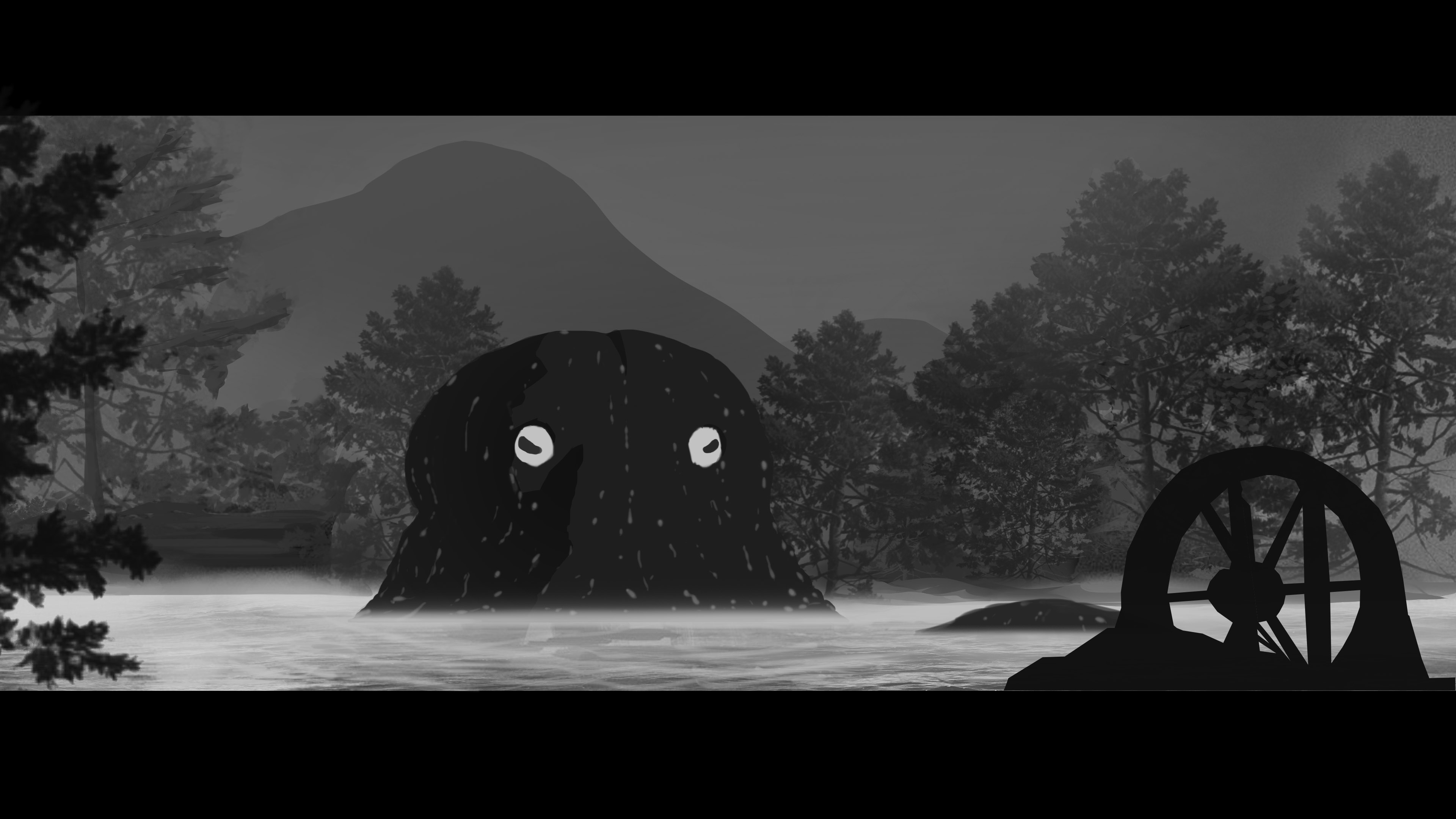
In the last step I added water dripping down the monster to emphasize it’s size and the impact of it emerging from the water on the surrounding environment. I also decided to erase one of it’s tentacles, as it felt a little out of place. Lastly I have added extra water ripples for the dramatic effect.
Done! Mateusz  |