Fourth post: Movement
|
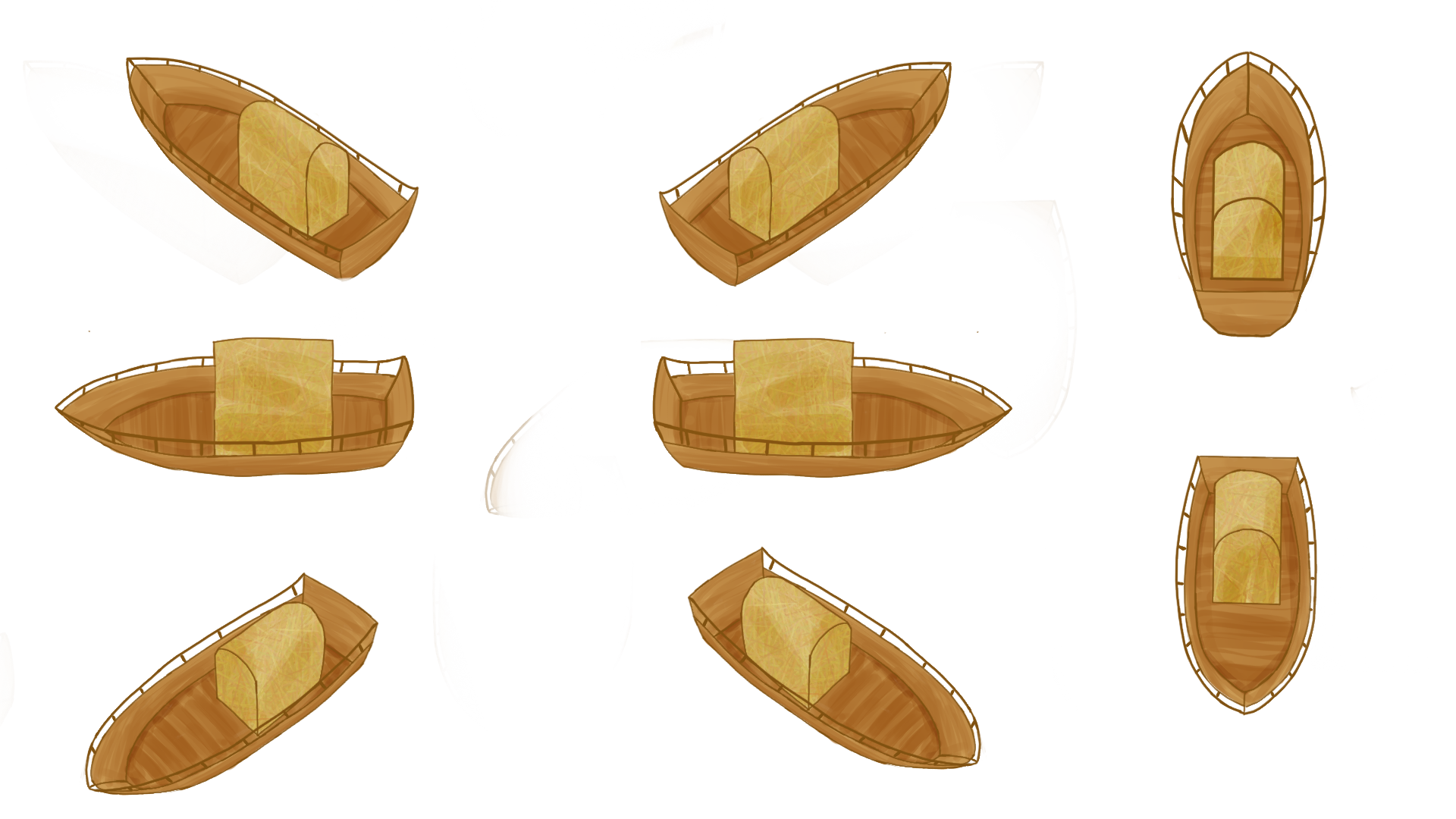
In my first post I talked about the perspective of our game, Umibōzu, and how we had to change some of our design decisions because of it. One of the mechanics affected by these decisions was the movement system. In this post, I wish to talk a little bit about the movement in our game. Making a movement system is both very easy and very difficult. It is fairly trivial to make a player avatar move when you press a button, but it is much harder to make something move in a way that feels good to control and fits the game and the character. The movement system is also one of the most important mechanics of a game, in my opinion. It is after all what the player will probably spend most of their time in the game on. The movement system that we have in our game right now works like this. You move in the direction that you are facing with the W key, and steer the boat with the A and D keys. You move backwards with the S key. The problem that arises is that, with the camera perspective that our game has, rotating a sprite does not look good. The boat would end up being upside down. The movement system that we are right now looking to replace the current one with is an eight directional system where the player simply moves in the direction of their choosing. There will be some acceleration as well in order to fit the aesthetic of controlling a boat a little bit better.
I have used this picture on this blog before, but I feel like it illustrates best how our group has imagined this movement system. I have not implemented this new movement system yet, but I did take a quick look at it earlier this week. I already had code that I thought would work so I was going to put it in. It did not work like I had thought it would. Sure, the boat now moves in the direction that you are pressing but it turns in a way that makes it feel more like a spaceship than an actual ship. The way that I decided to solve this now is by rewriting the inputs, instead of only moving with the W and S keys and rotating with the A and D keys the program will know when the player is pressing both W and D for example. Based on the input by the player, the boat will also switch between the eight sprites it uses. Thank you for reading my blog post and I hope that you have a good day! – Adam Olsson  |