Checkpoints
|
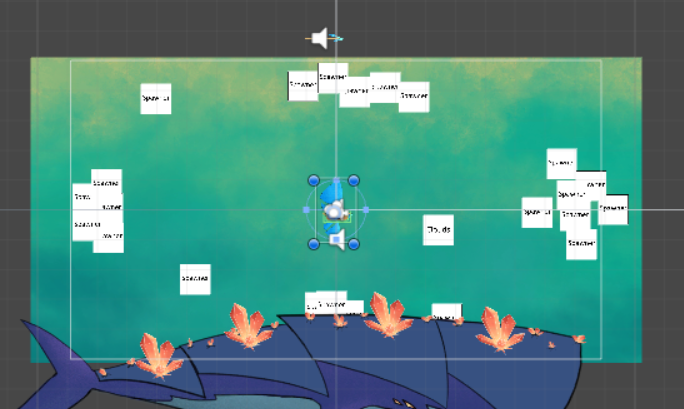
The game is split between several stages, each consisting of the player advancing through an autoscroller fighting minor mobs until the leviathan appears, covered in a natural armor. At this point the player hooks a harpoon into one of the whales armor plates via a small whole created by the crystals growing on the whale and rips it off. This reveals a weak spot where the player can fire it’s weapons to do damage, eventually driving away the whale and starting the next stage. The pattern repeats for several stages, culminating in a final boss fight against a battered but angry skywhale. At the start of every level there is a checkpoint. The player is refilled on health and aether, and upon death will restart from the beginning of that level. Between the levels there is also a transition effect, showing the player entering a large cloud coming from the right. The cloud remains until the player chooses to begin the next level, at which point the cloud disappears to the left. Well, there’s the design. How to implement it is a different matter. First of, the different levels should obviously be different scenes, simply for logistics. Not shown: The extra code that would be needed to reset various elements between scenes. Secondly, the transition should not appear if the player respawns due to death. It is the transition effect, not the switch levels effect. Easily achievable by spawning the transition at the end of each level, setting it to not be destroyed when the scene unloads, and instead simply having it destroy itself upon leaving the screen. And as each level is its own scene, the death screen can simply reload the current scene for maximum flexibility. In the scrum blog(which I didn’t publish, doh) I mentioned how bandaids and hotfixes in the code can be manageable in a project like this due to the limited scope of the project and the flat nature of scripting. A good example of this is the small set of singletons that control global matters, and that are tossed around and added to haphazardly. scr_utilities was originally just there so all the spawners wouldn’t have to find out independently where the edges of the camera where in the game world. It was also a component of the player at first. I kept adding to it and moving it and right now it sits as part of the Cloudcontroller object, handles most UI matters and keeps track of all sorts of data for easy access elsewhere. It also handles the transition to the next level. Once the whale is driven of it spawns the cloud effect and turns off the environmental hazards, waits for it to get into position, activates the checkpoint UI overlay, waits for the player to click the button in the UI, sends the cloud on its merry way and finally loads the next scene.
This is of course done in a Coroutine, as any other way to do waiting would be tortuous. A useful little trick for waiting for an action is yield return null; which tells the coroutine to wait for only one frame. Put that in a while(WaitCondition) and you get a neat way to wait for input without having to split the process between different functions. The UI in question if just an image with a button. Upon clicking the button it sends a call to the utilities singleton and deactivates itself. One thing to consider is that both the whale, the player and all the singletons can be marked to not be unloaded, even if they are placed on every scene. All that is required is for them to check in their awake/start methods if there already is one of them present and if so, self destruct. This has the added benefit of automatically carrying the damage to the boss from one level to the next, no additional scripting required.  |
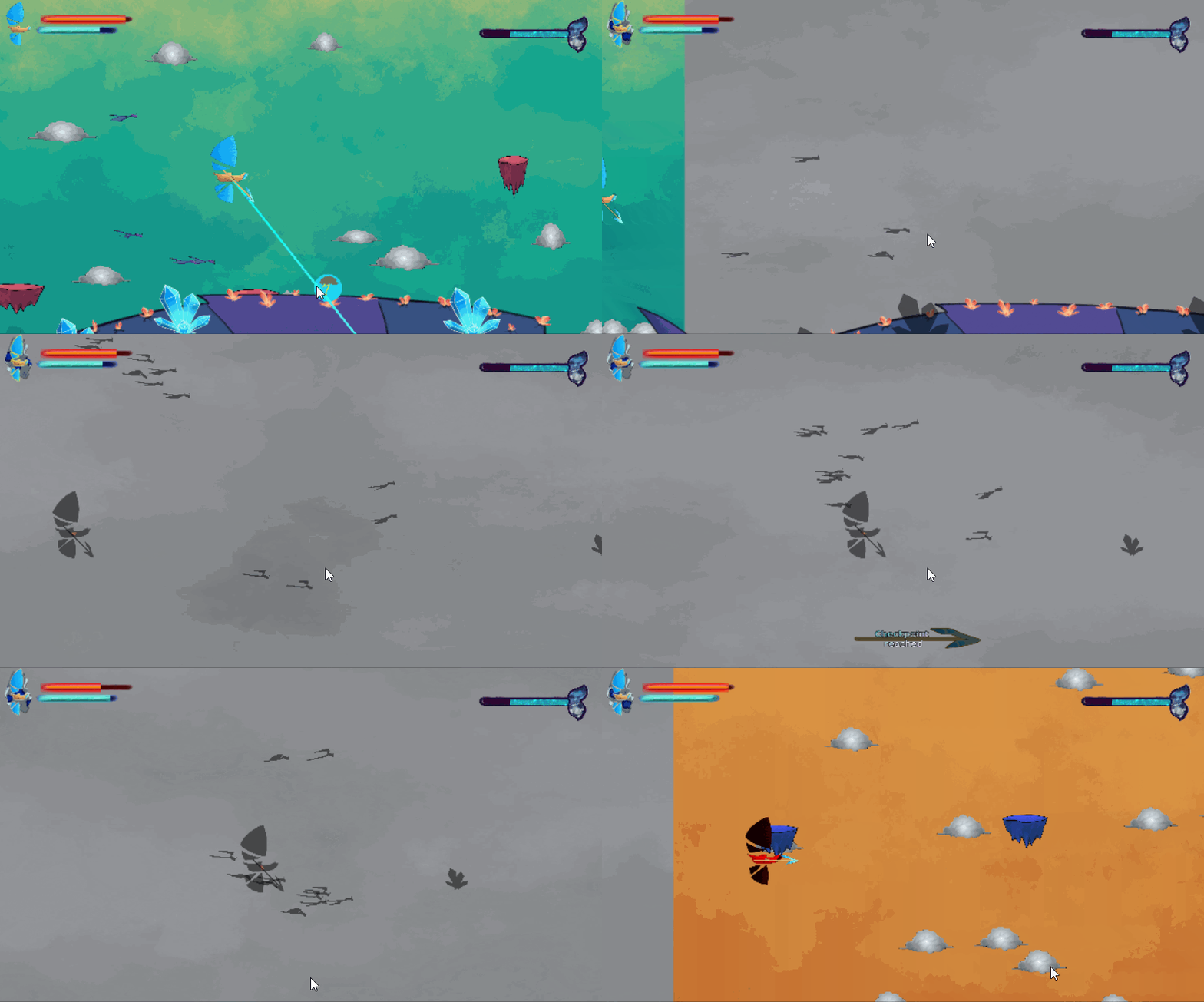 The jumps in the animation of the cloud is easy to fix.