A scrolling sprite in unity
|
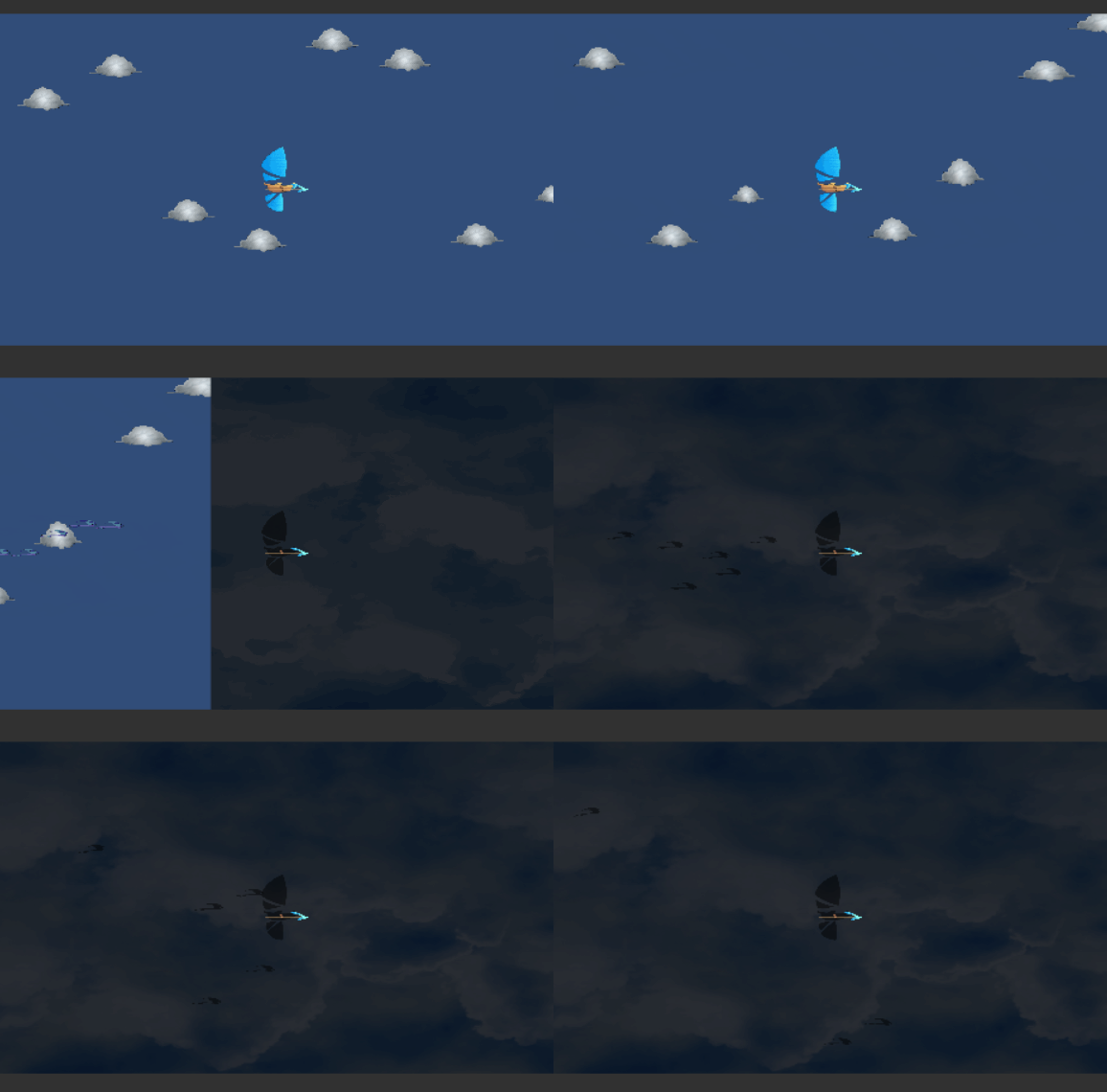
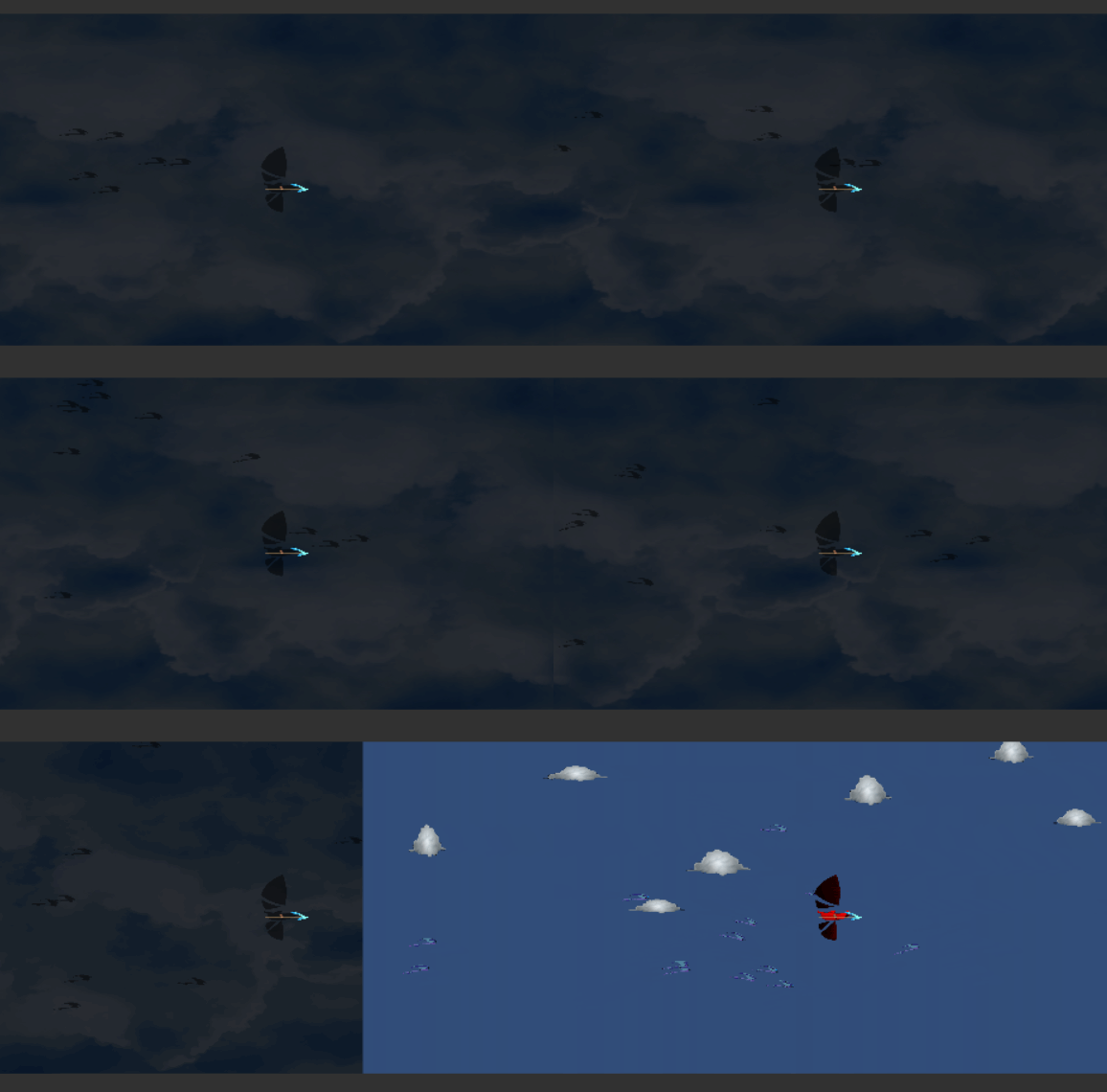
The powerup in the game summons a thick cloud that covers the entire screen. When this happens any enemy that is caught in the cloud loses track of the player and instead flies around randomly (technically it follows randomly moving ghost objects using its regular ai). This cloud is represented by a large sprite that moves in from the right along with the normal clouds, to represent movement in a rightward direction. Once arrived, the cloud must continue showing this movement. So here we have a couple of options. First of, one could simply decouple the collider object from the sprite used, and have two sprites following each other that are moved back to the beginning once they leave the screen to the left. Since the sprite is larger than the screen, this would be seamless, and it is actually very similar to how the small clouds already function. The other way would be to let the sprite texture wrap around, and animate the x offset value for the texture. In other words, actually having the texture loop. I went for this mostly because I naively thought it would be an easier solution. Unfortunately, sprites don’t really use textures in that way, and ignore any setting to wrap or offset defined. Only textures placed on meshes can be given offset and tiling values. So what was the solution? Creating a Plane Mesh Filter with only the Mesh Renderer component, parented to a transform with only a box collider and a script, and the plane and box collider matched in area. At first, the object moves in from the right as expected. Upon reaching the middle of the screen, it stops and instead starts increasing the texture offset on the mesh. After a set amount of time, it stops doing this and moves of the screen again. Since the offset is input as number of whole textures offset, one can find the right speed for by taking the ingame time in seconds (Time.time) multiplied by the intended speed of the cloud in unity units per second divided by the breadth of the “sprite”. The solution ends up very neat and flexible, relying on only a few lines and just a single variable set outside.  |