Skyslug movement patterns, implementation
|
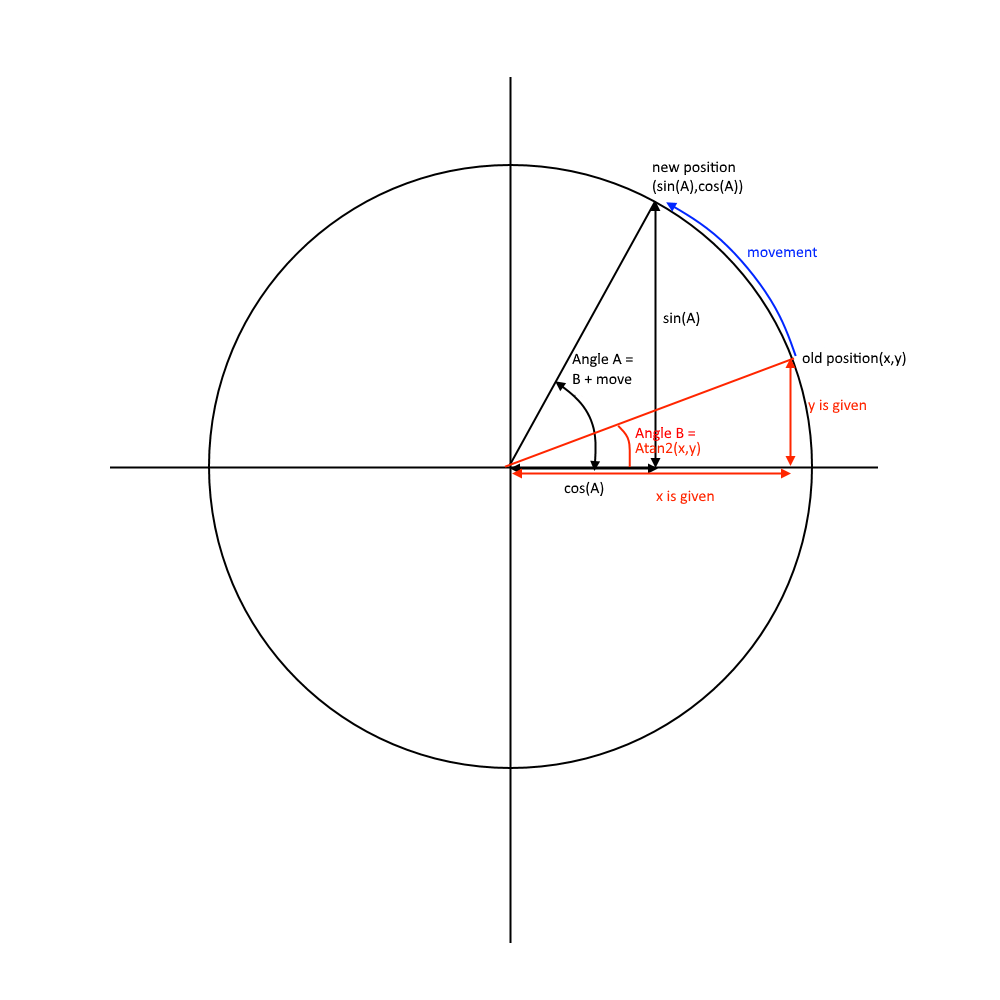
The Sky slug is the first enemy the player faces, but present throughout the game, including in the boss fight. In our first meeting we made a few changes to the design provided, upping their speed and giving them a melee attack, and making them more bat-like and sharp in their design. The heart of their behavior is of course the circular movement, achieved through a bit of vector math(some edits and pseudocode may occur): fromPlayer = transform.position – player.position; Finding a vector from a slug to its target. circleAngle = Mathf.Atan2(fromPlayer.y, fromPlayer.x); Atan2 gives us the angle of a vector around (0,0) and where (1,0)(that is to say, right) gives you 0 Radians. circleVector.x = Mathf.Cos(circleAngle);
transform.Translate(destination.normalized * movement); And lest we forget, we also have to actually move the slug at the end.
This doodle hopefully helps explain.
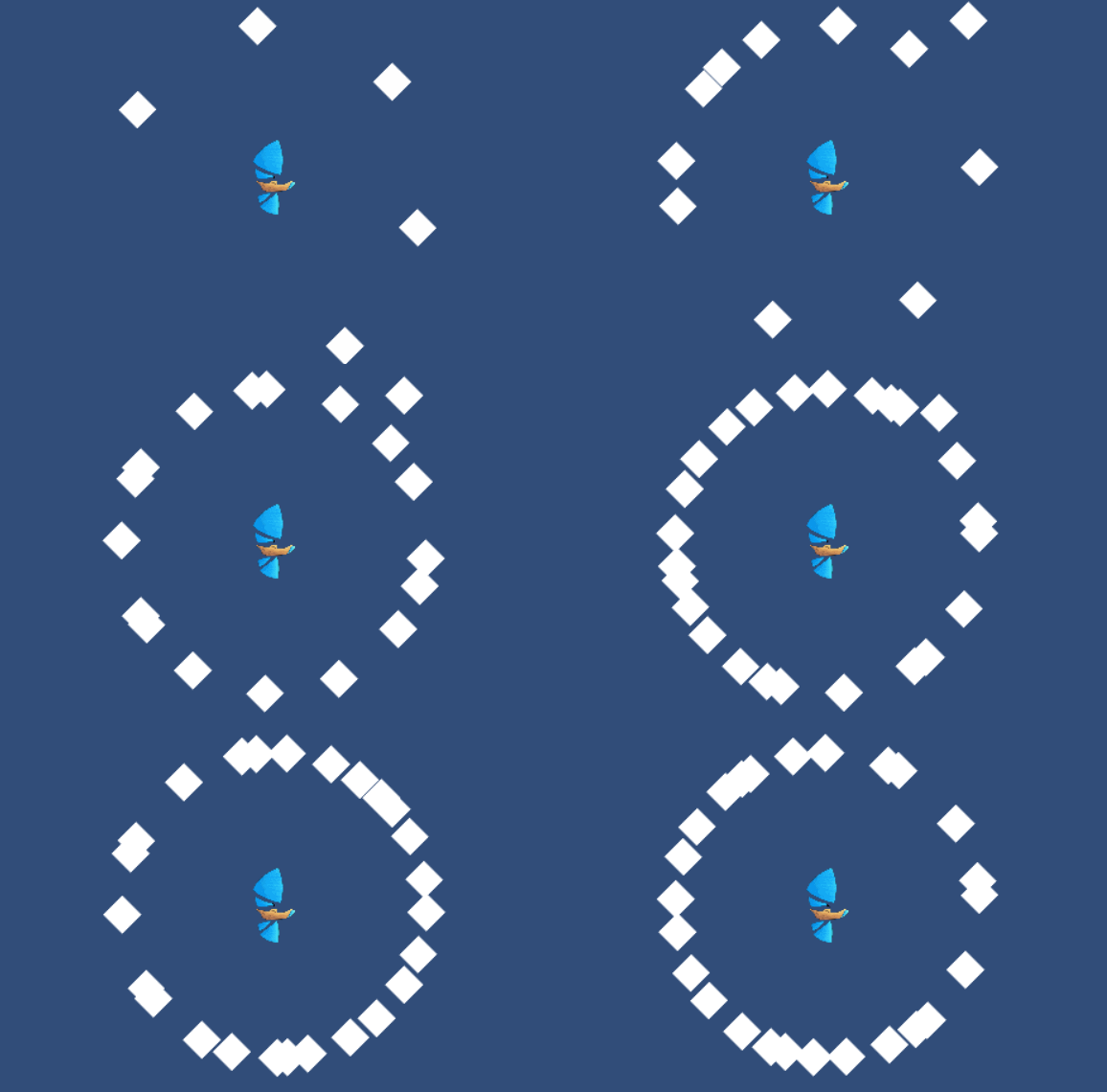
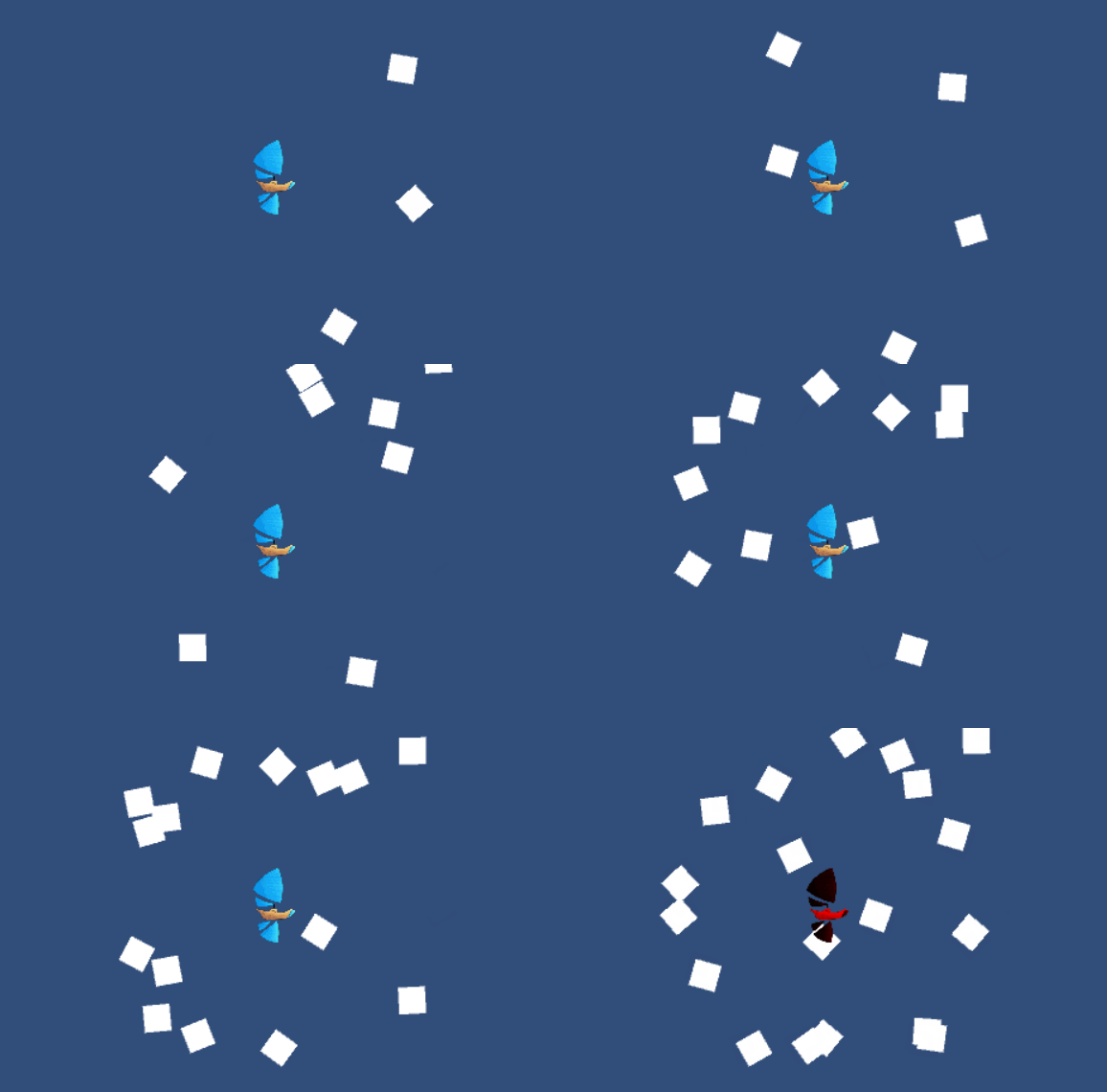
Now that we have a stiff and boring circling movement we can add a little randomness to it. The algorithm used is not very interesting, just a variable being randomly increased or decreased every frame (with some checks and balances to keep it going to far). This is then applied by amending this line: circleVector *= swarmDistance + randomDistance; This has the added benefit of spreading them out along the circle naturally, simply because some have longer distance to go. The attack move is applied in the same way, when in attack mode the slug adds a swiftly dropping value in this line until it hits the player. It then reverts this until the attackmove value is above 0; Only thing left now is to add a rotation. transform.rotation = Quaternion.Euler(0, 0, Vector2.SignedAngle(Vector2.up, destination)); SignedAngle does almost the same thing as Atan2, and is more convenient here. The result:
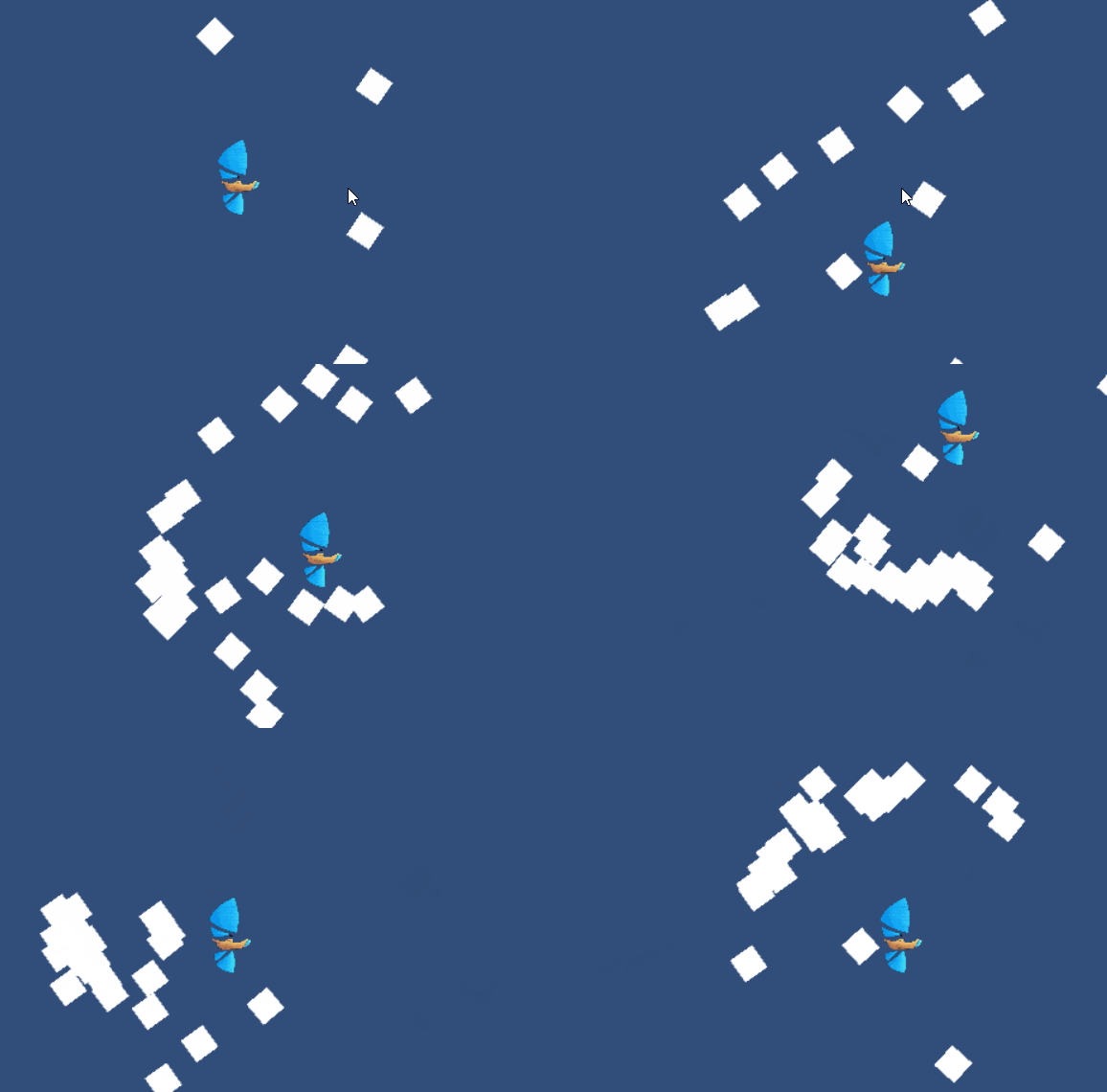
Rotations look a bit weird, don’t they? First of all, they jitter. But moreover, they make no sense. Both player and slugs are supposed to be moving to the right at high speed, so why would they turn full circles? A better rotation would have them look upward slightly when ascending and downward when descending. We get this by taking how far the slug will move in the y direction, multiplying it by a constant and using this number directly as the z rotation. Final result is below. I might update this with new gifs when the sprites are finished.
 |
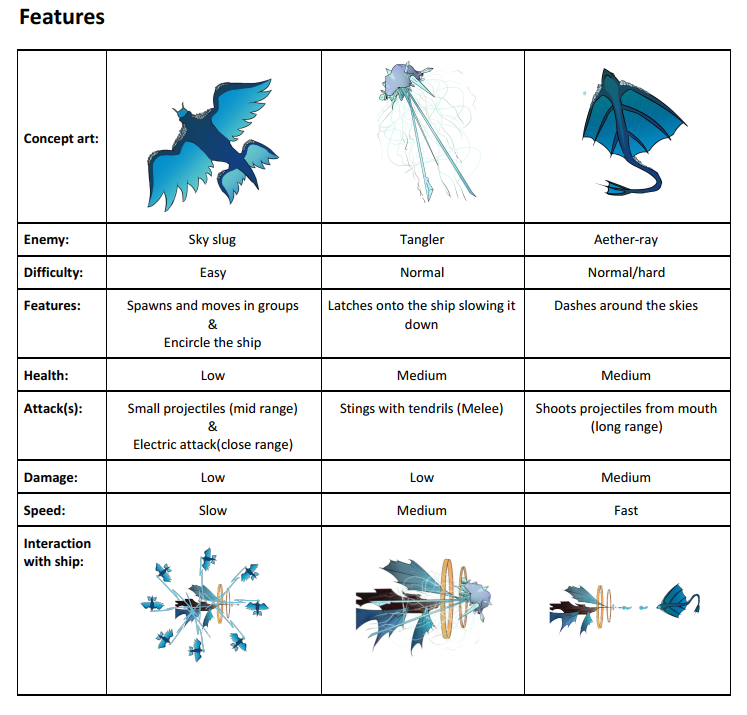 This blog post is not about the design however, but about the implementation. These creatures require a rather special movement pattern where they circle the player and attack intermittently, before rejoining the swarm. They should also have a decently even spacing, some degree of randomness in their movement and a swooping attack move. All to avoid a too mechanical feel to their behavior, these are animals after all.