Aether/Or: Creating a Projectile
|
As the inaugural entry of chronicling my experience in game development, I would like to talk about something I worked on this week, which was the projectile of the enemy set to appear in alpha. (Disclaimer: All assets are in the alpha stage and subject to change)
While it had been agreed upon that the enemy (the “Aether Ray’) would attack by firing a projectile from it’s tail, the exact nature of what was being fired had yet to be decided upon. Would it be one of the crystals growing out of the ray’s tails or would it be a more like an ‘aether/energy’ attack. 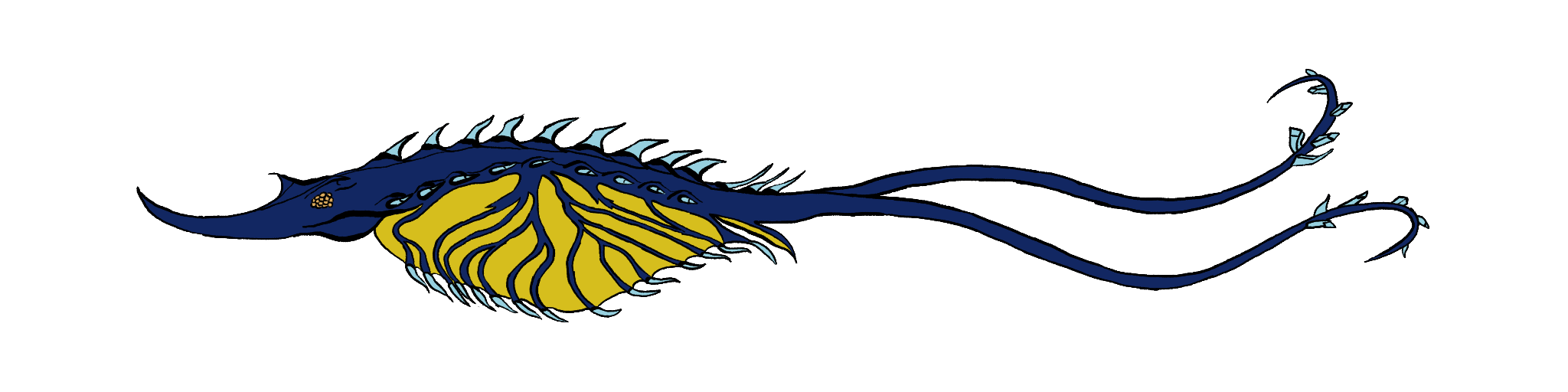
It was decided upon by my group (Archon) that the projectile would be more ‘energy’ in nature, which presented an interesting challenge for me. The assets I had been working on previously had a clear black outline around them. If I were to apply the same method to the projectile, the outline would go against the goal of ‘energy’ I was aiming for. Also, the placeholder background that is currently in used is fairly bright in color, so if I created a projectile without an outline, I would run the risk of having it blur into the background and make it hard to see. My solution was to start out with a black background, draw the projectile while leaving some black in on purpose. While the projectile wouldn’t have an outline (or at least, an intentional outline), it’s ‘shadow,’ for lack of a better term, should (in theory) be dark enough to be distinguishable from the background and be readable.
Thumbnails, Thumbnails, and for Dessert…Thumbnails
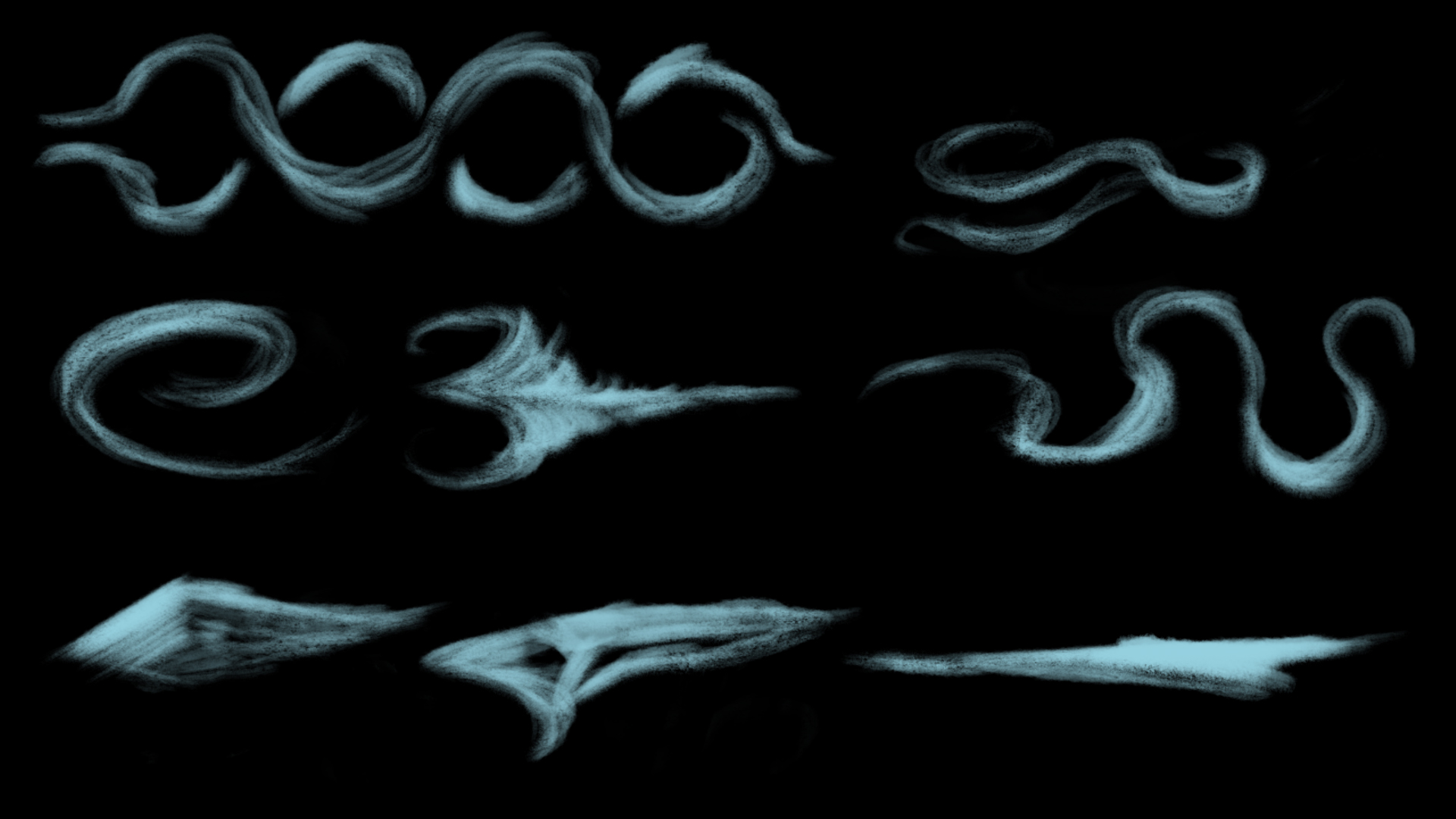
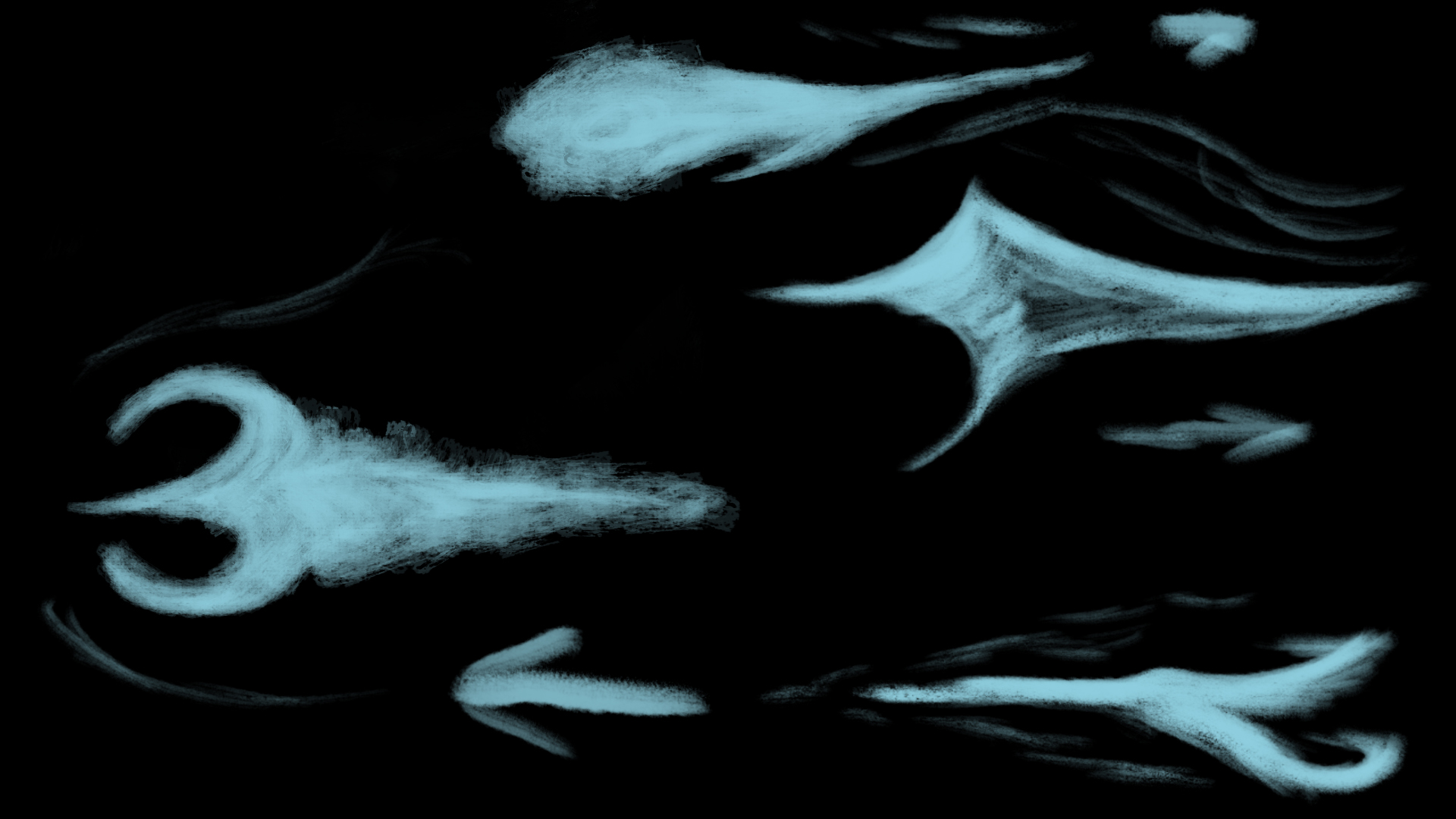
I used the color of the crystals as a baseline of the projectile (#96D0DF). To push the thumbnails into the direction of the ‘energy’ look I was going for. I started off with the default Background layer in Photoshop as black, then used the Kneaded eraser found in the Megapack to draw in a pseudo-subtractive fashion. I tried to go for a variety of shapes, from skinny and pointed to mimicking the motion of the ray’s tail into the attack.
After the first round, the feedback I received refined the eight thumbnails down to four. The main reason behind these four was because they had a ‘sharpness and projectile-feel’ to them. I went with “pointy up front, energy in back” as the baseline for the majority of the second round of thumbnails.
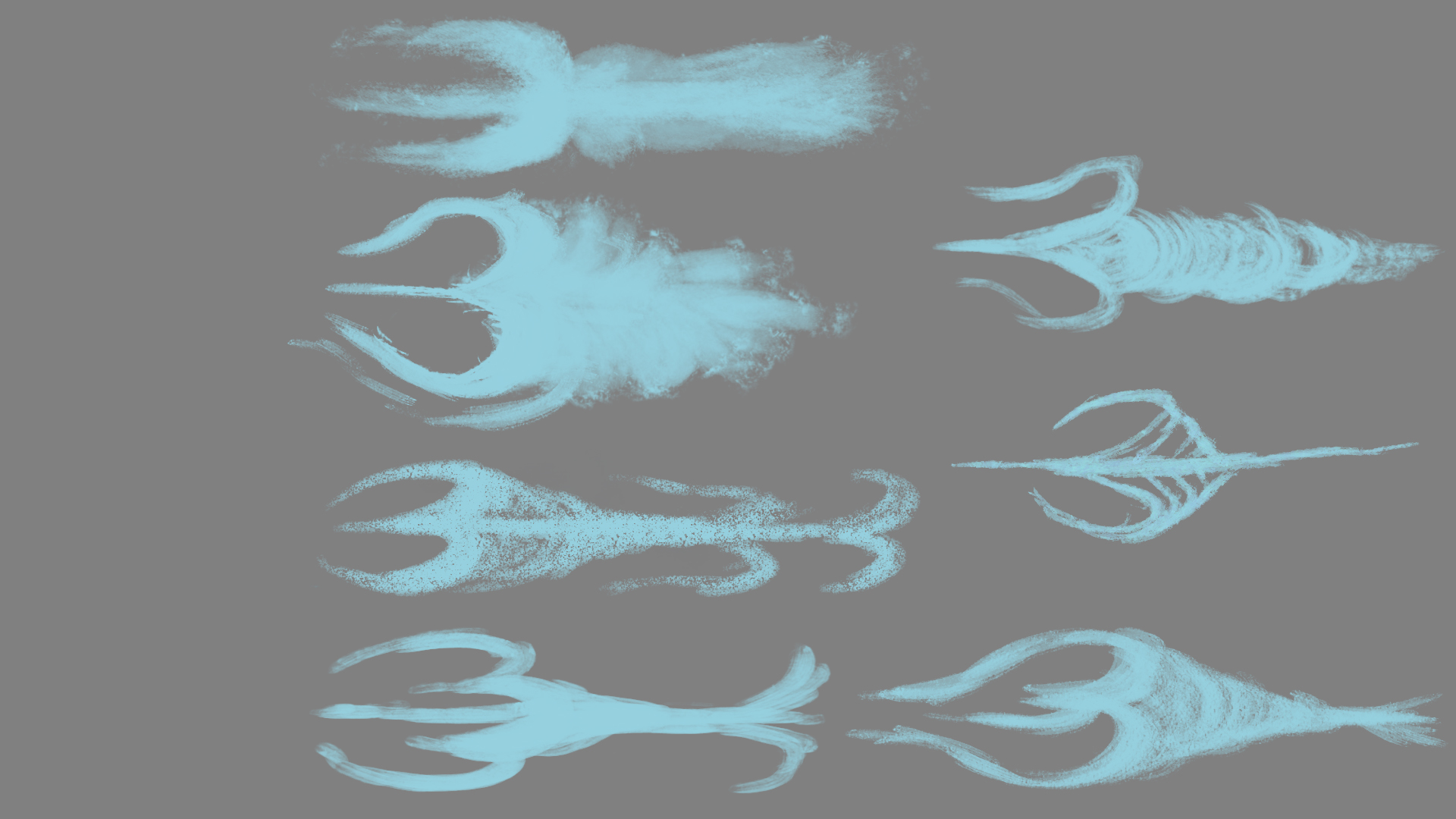
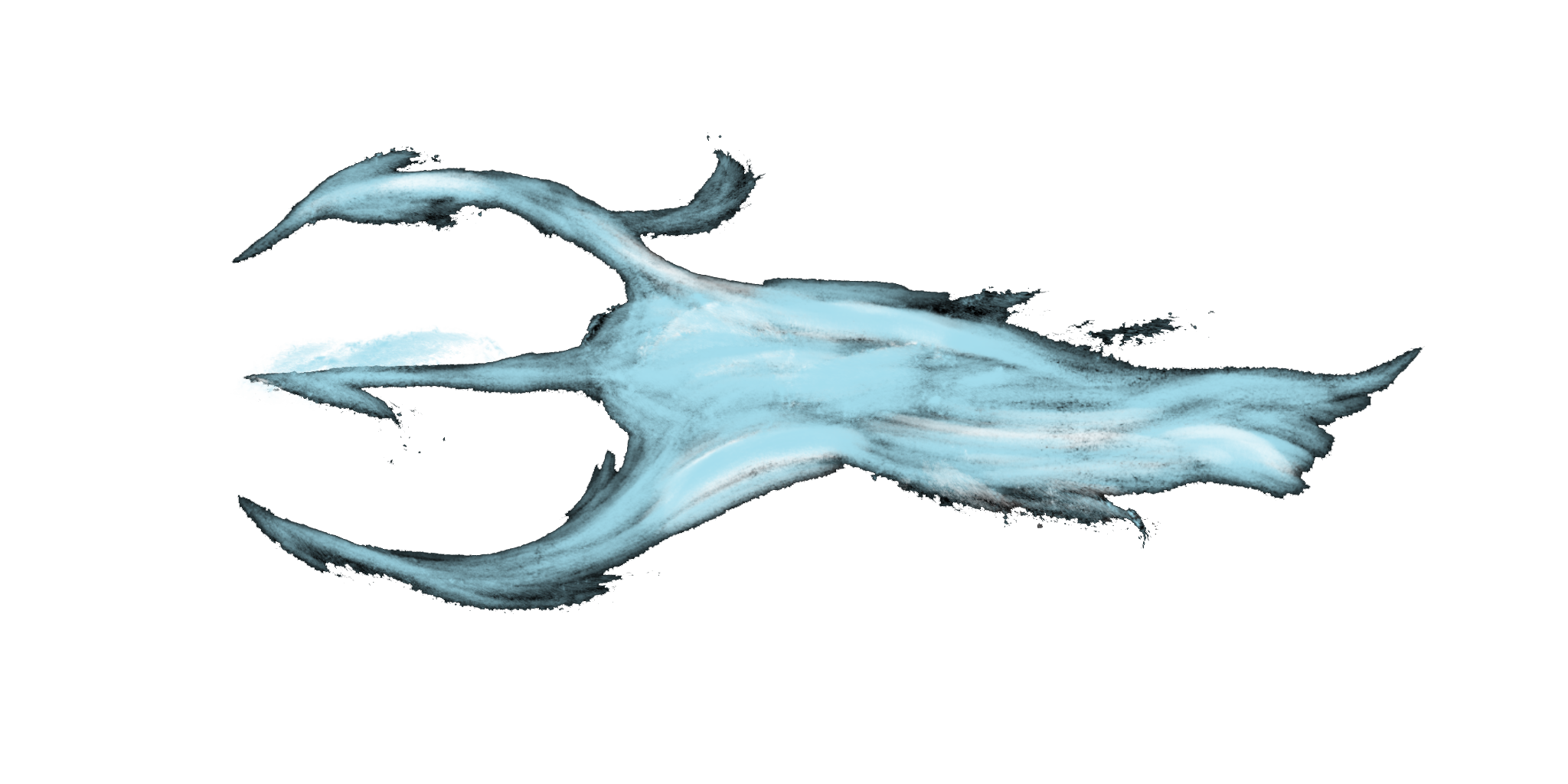
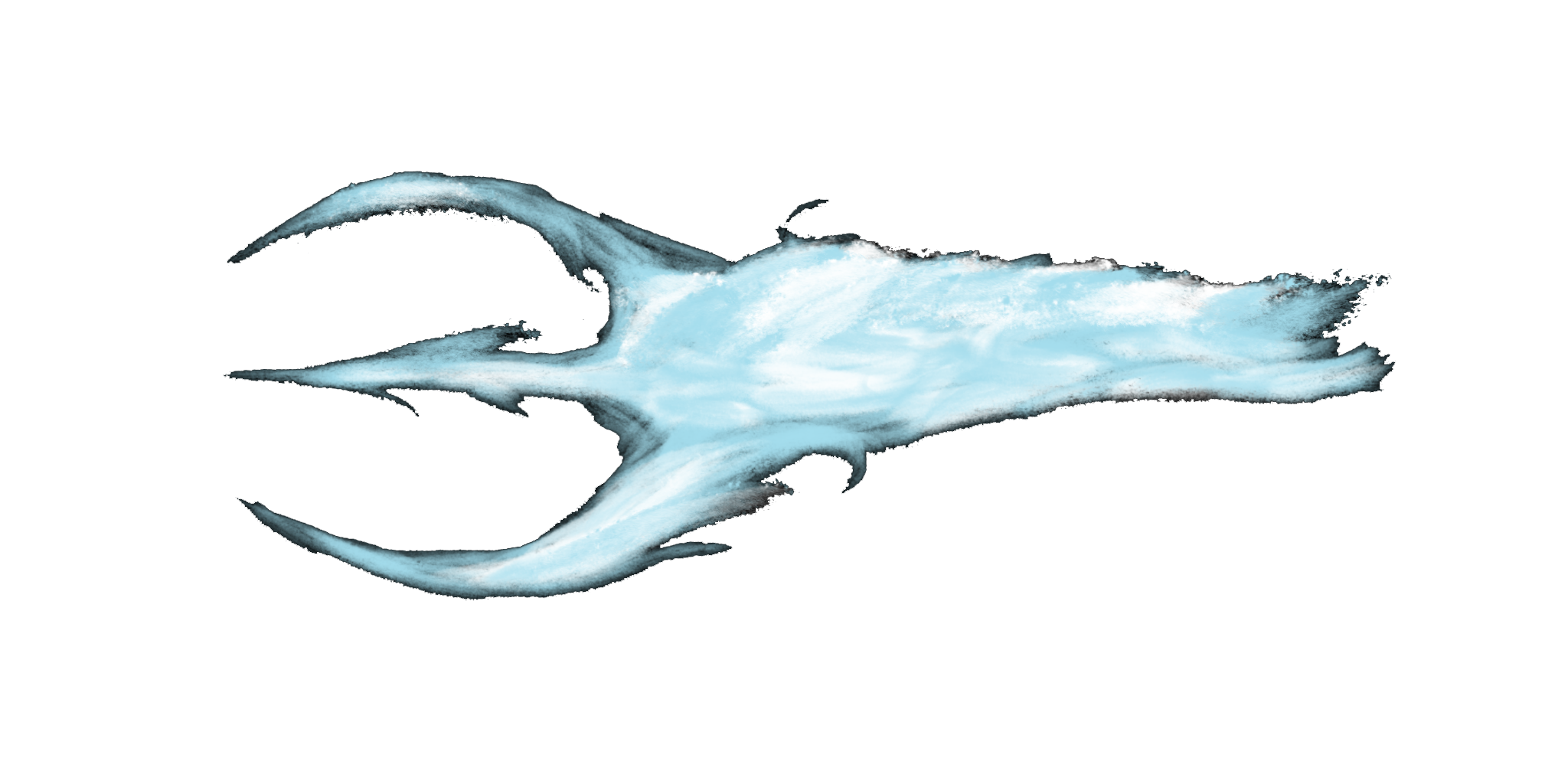
When the final shape was chosen (the 3-pronged one), I had to provide even more thumbnails for the one shape. I also took this opportunity to figure out which particular brush would convey the energy feel I was aiming to achieve. (For the curious, I settled on “Nice Big Mess” because it made specks that I felt made it look like energy was flying off the projectile).
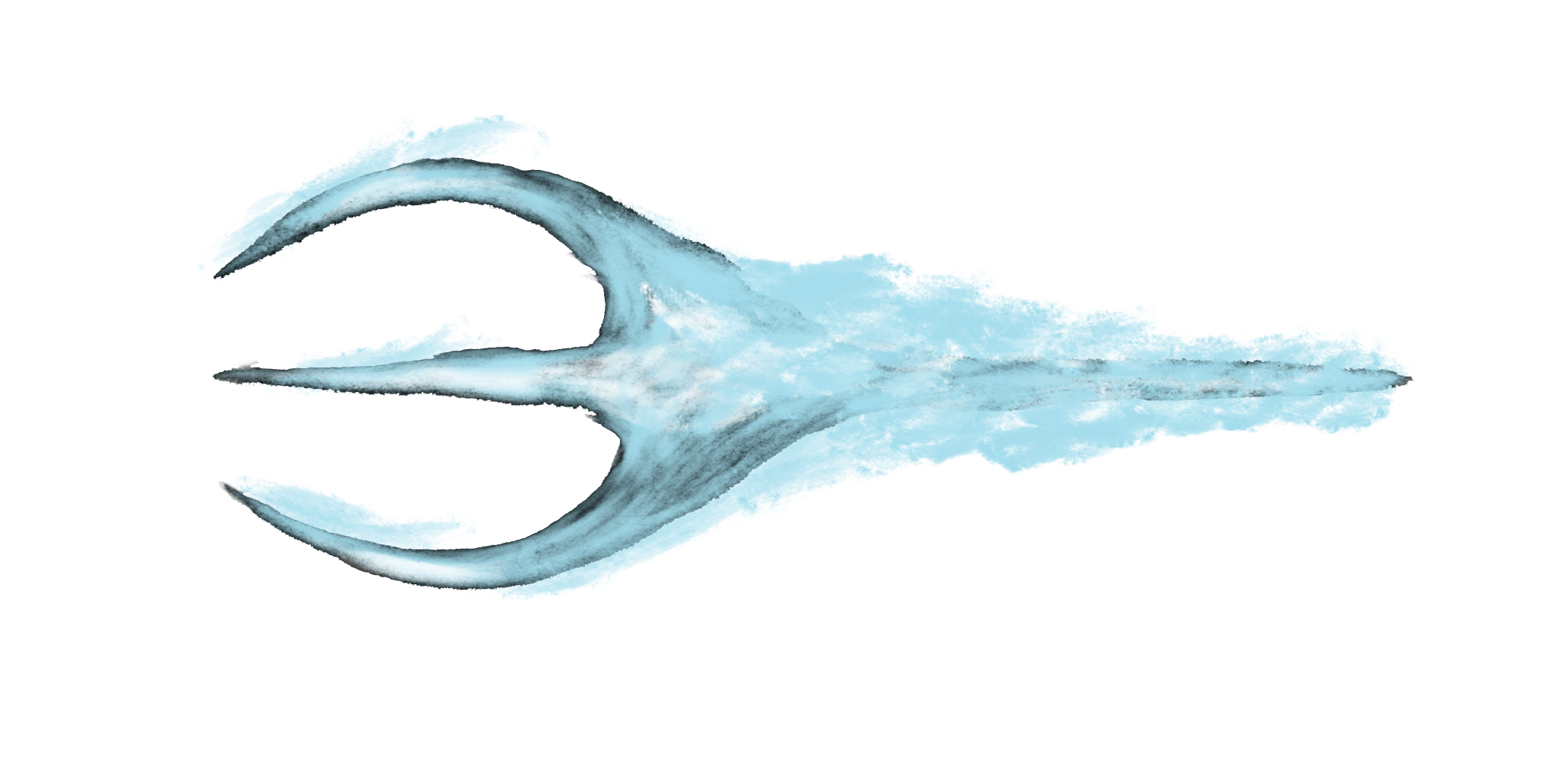
The Actual ProcessI used the Kneaded eraser as before as well as my brush of choice. However, I alternated between the crystal color and white to break up the monotony. After I felt it was ‘good enough for alpha,’ I used the Magic Wand tool to delete the background and then went back to the Eraser to clean up anything that looked ugly/weird.
While making the next two projectiles, I duplicated the finished frame into a new layer and reduced the opacity to keep the size consistent.
All that’s left is to turn the frames into a sprite sheet and throw it into Unity. 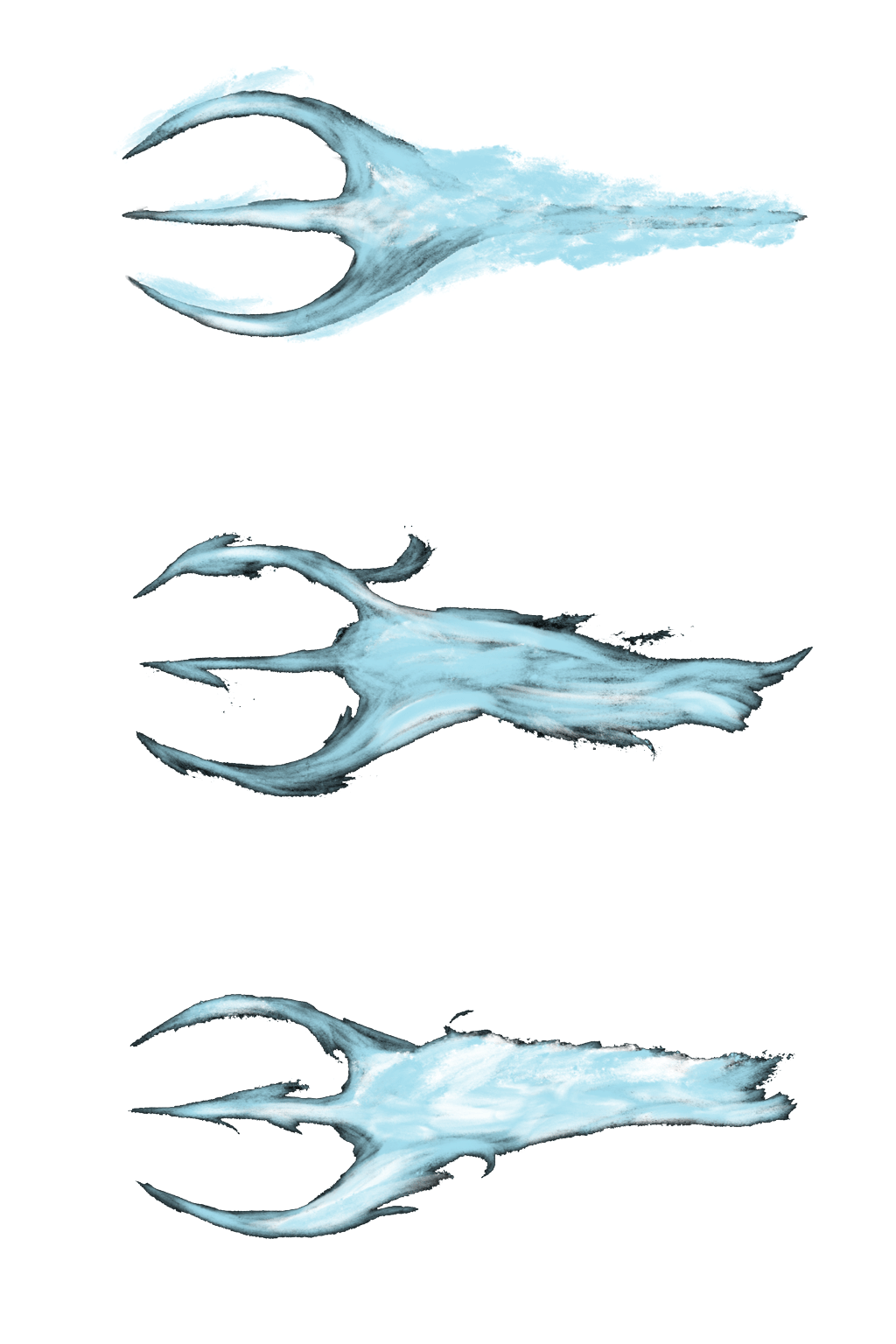 Looking at it right now, the movement of the energy is all over the place. If I get the chance to go back to this during development, I’m probably going to restrict the white to only certain portions for each frame which might give it a better sense of movement.
Weekly commentary upon a peer’s blog:  |