BGP Three: Some scripting.
|
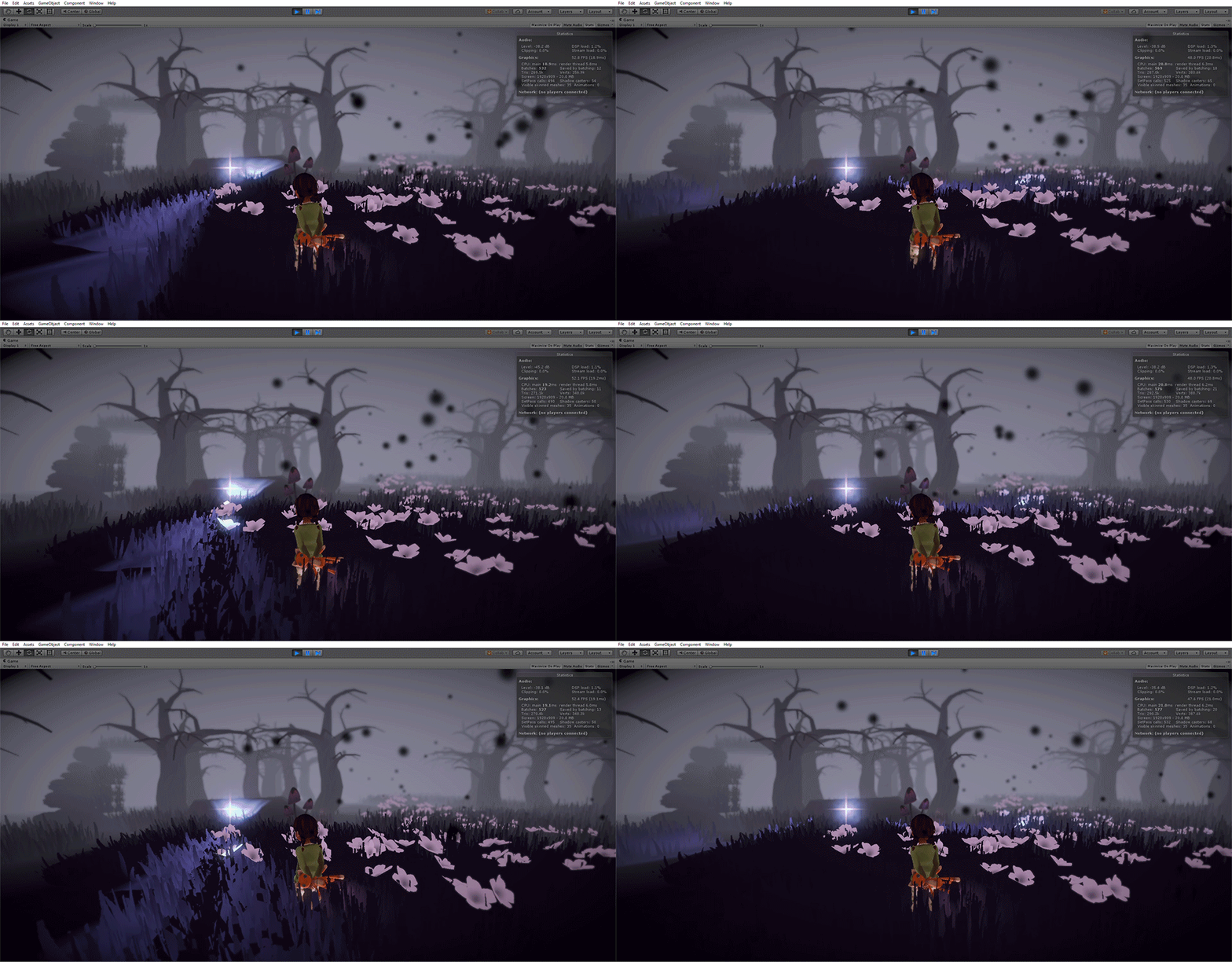
For taking on the role of technical artist, I believe it’s essential to at least learn some coding basics. That way you can understand what’s going on behind the scenes, so to speak. This will also ease the workload of the programmers as you can create some basic scripts yourself. In our game, we have a toy police car that needs a spinning light. This doesn’t need any external controllers or managers because it will always spin no matter what. This means we don’t have to consider what other scripts are doing (at least to my current knowledge)
To create this effect, we need two spotlights in the exact same position. To easily move these lights around, I put both of them inside an empty gameobject. (by the way, I’m using Unity) I then created this very short script in C#: using System.Collections;
using System.Collections.Generic;
using UnityEngine;
public class Spinner : MonoBehaviour {
public float speed = 20f;
public float startAngle;
private float angle;
void Update ()
{
angle += Time.deltaTime * speed;
transform.rotation = Quaternion.Euler(0, angle + startAngle, 0);
}
}
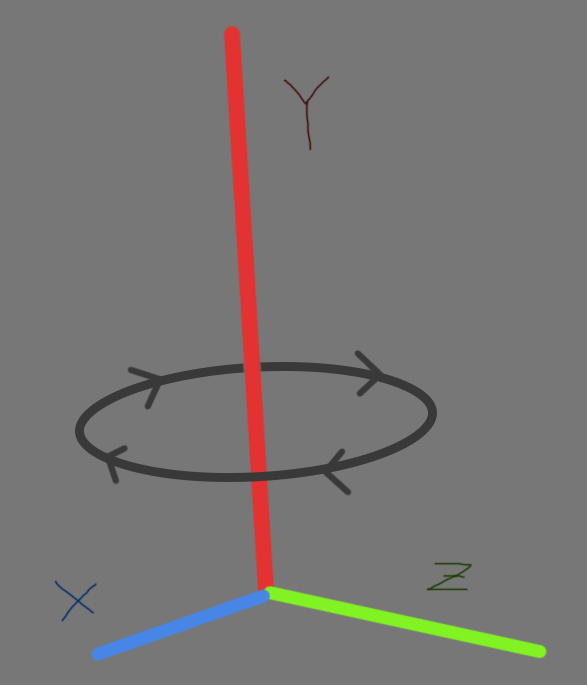
I’ll try my best to explain what this script actually does. First, i set up three variables: ‘speed’, ‘startAngle’ and ‘angle’. They will store a number each. Then there is an update method, which is called every single frame that the script is running. So, for every frame, we want to change the rotation of the lights. To do this, we set the value of ‘angle’ to be equal to “Time.deltaTime” multiplied by ‘speed’. Time.deltaTime stores the amount of time (in seconds) that has passed since the last frame of the game. So, the longer the game runs, the bigger ‘angle’ will become. the value of ‘angle’ is then applied to the rotation of the GameObject that this script is attached to. Quaternion.Euler, from what I understand so far, is a way to use angles instead of radians. Basically, 360 degrees is one full turn. Quaternion.Euler requires three values: the angle around the x, y and z axis. For our purposes, we want to change the rotation around the Y axis. This is the vertical axis.
So we put in the values of 0 for x and z, since we don’t want to change them. For y we input ‘angle’ on our first light, and ‘angle’ + ‘startAngle’ for our second light. ‘startAngle’ is just used as an offset in degrees. This means that to have to lights opposing each other one needs to have a start angle of 0 and the other a start angle of 180. To put all of this into an example: the start angle of our light is 0. one frame passes in 0.1 seconds. the 0.1 is multiplied by the speed (20). this gives us a value of 2. This is passed on to the rotation of the object itself. The angle of the object is increased by two degrees on the y axis. Hopefully that made at least a little sense. Thanks for reading!
 |