Week 7, Highlights and thoughts
|
Hello again everyone! Week 7 has been a a stressful blast. To be able to fill the world with different assets, reusing parts is optimal both for the game engine itself and for our workflow. 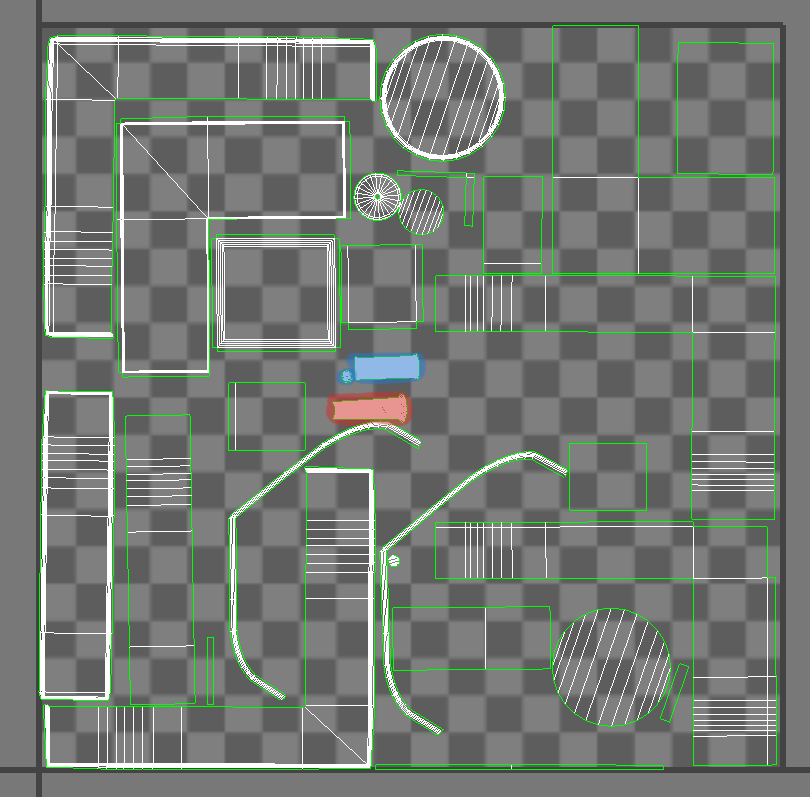 The colored parts are metal legs used for all the tables. The red is one type used for most of the table and the blue is used for only one other table. However they have the same material ID and a different material ID compaired to the rest of the tables. This will help us to use a generic material for all metal parts. Material IDs is information of which part of the model that can be assigned a material. The material is an in-engine function to apply apperances to objects.
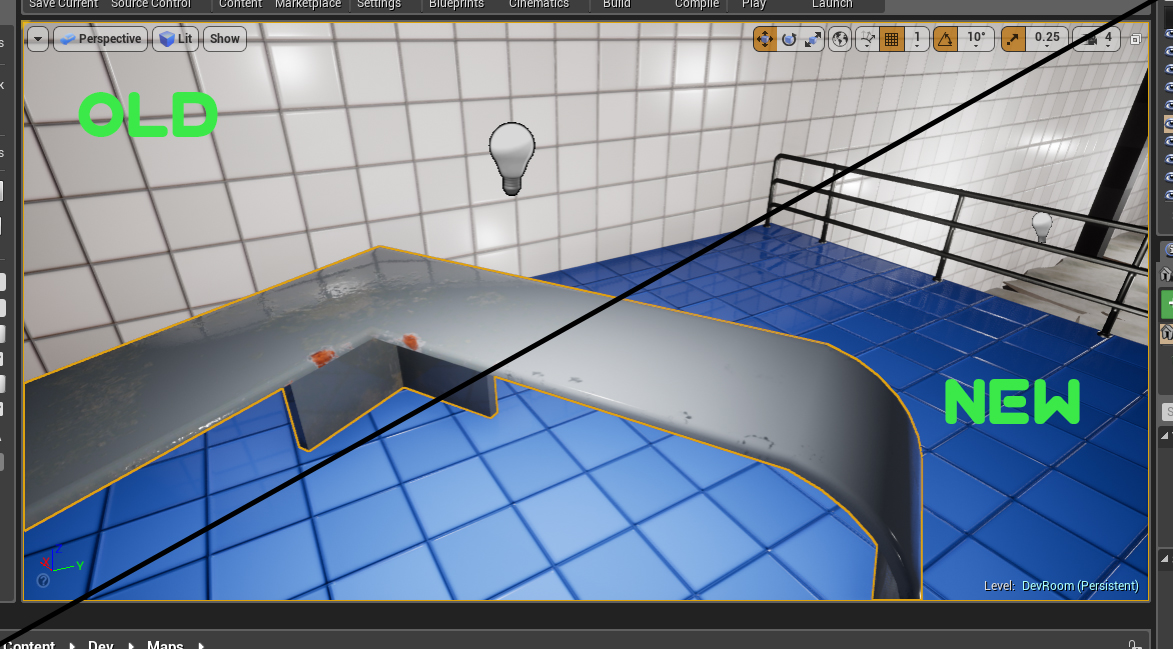 Vertex painting also allow us to modify the environment to our liking directly in the engine. It blends different textures in one material and makes us able to transform a brand new table to something that possibly withstood a nuclear blast, or inbetween.
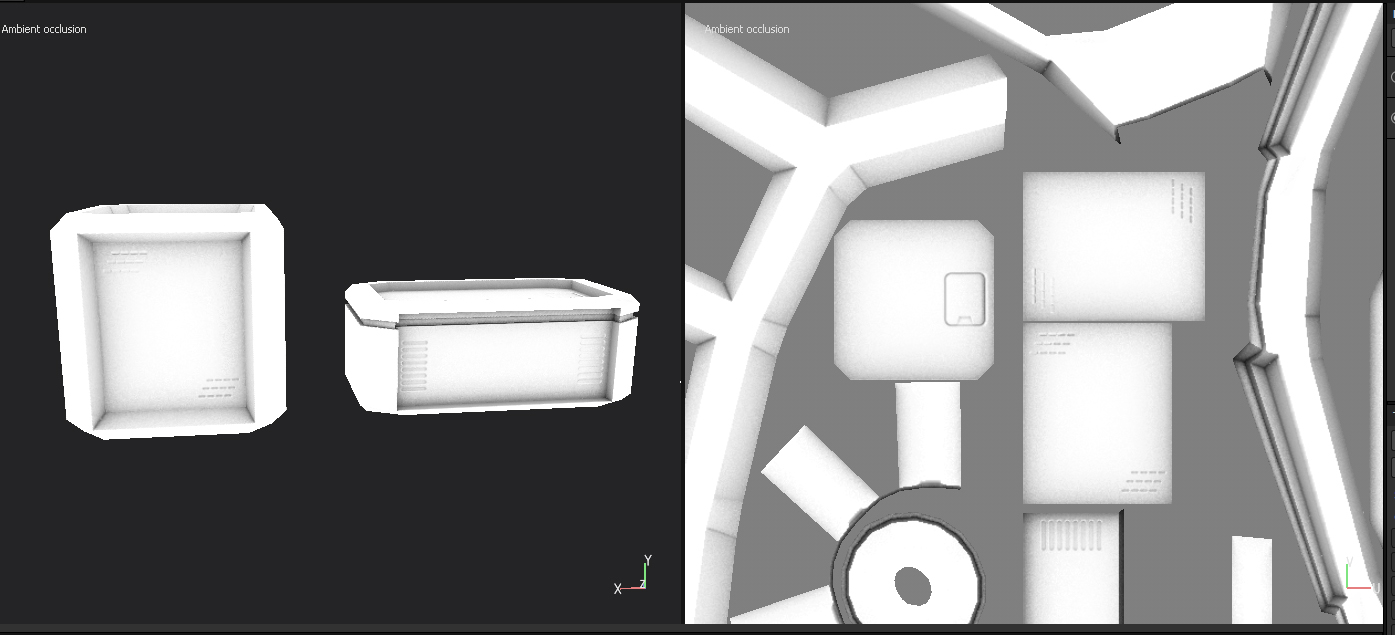
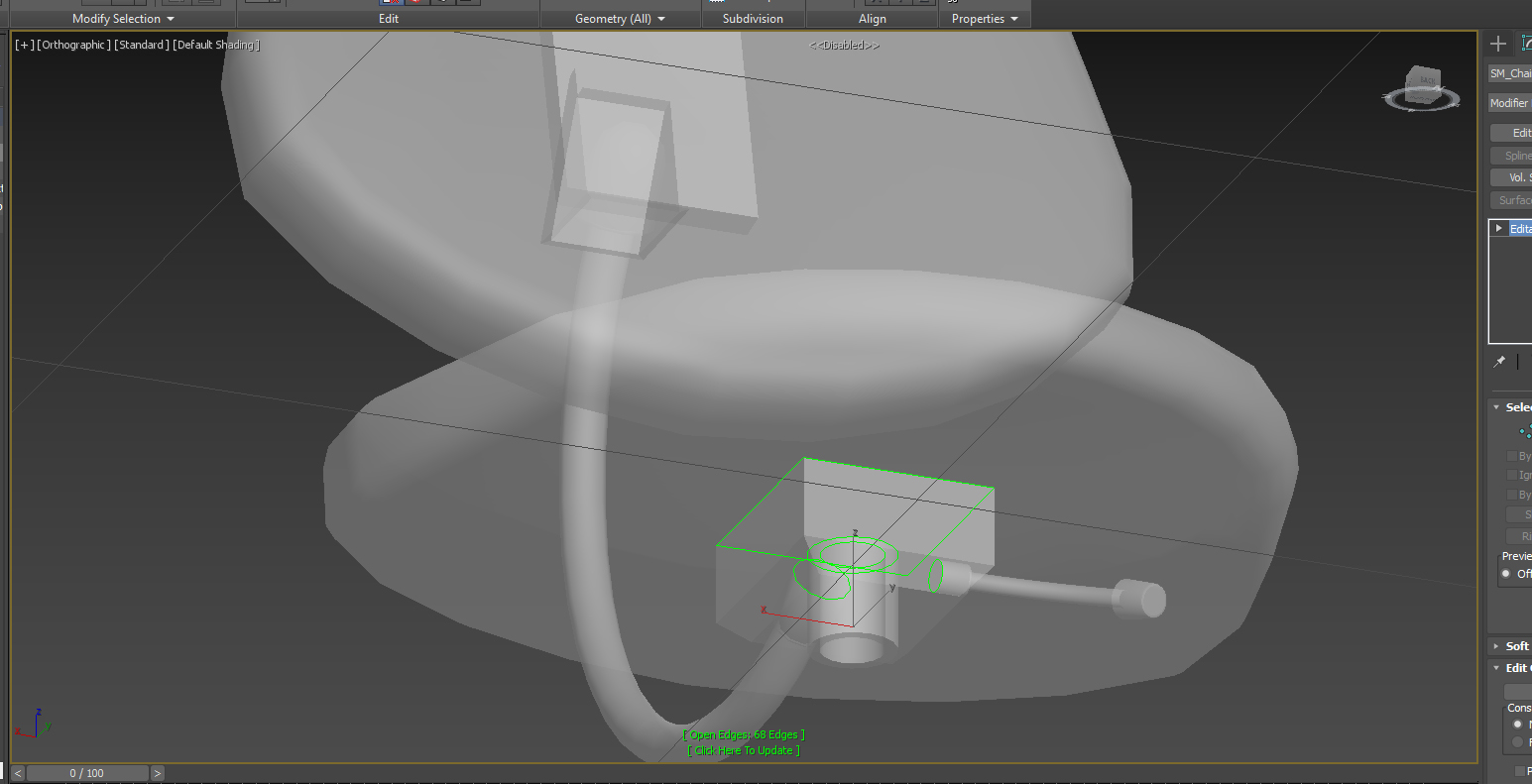 During the week and production of assets to put into our level i got the recommendation to remove polygons, a gathering of points of information, that would not show for some optimization. Previously i had the assumption that open edges would create problems in the engine but that assumption was incorrect. By removing the unwanted polygons we are able to reduce the point of data for the computer to calculate and render, therefor increasing performance. However the the chair in the picture that i was working on had a lot of round shapes, which increase the amount of points of information needed to give the perception of a round object. And due to the stress of creating the most amount of assets in the shortest amount of time, I didnt think to reduce the amount of polygons. I also managed to figure out how to use the normal map to bake out ambient occlusion maps in the application substance painter 2, i tried to do it multiple times and never found a real answer on the web. I remember that we been thought how to do it before, but never managed to recall it until now. I started with exporting the normal map and then importing it back in. When going to the baking options, i deselected to bake normals, making substance painter use the map i imported instead. This made me able to bake out maps from the normal map instead! Hopefully this could be of interest for some of you dear readers! Until next time. //Oskar
 |