More textures
|
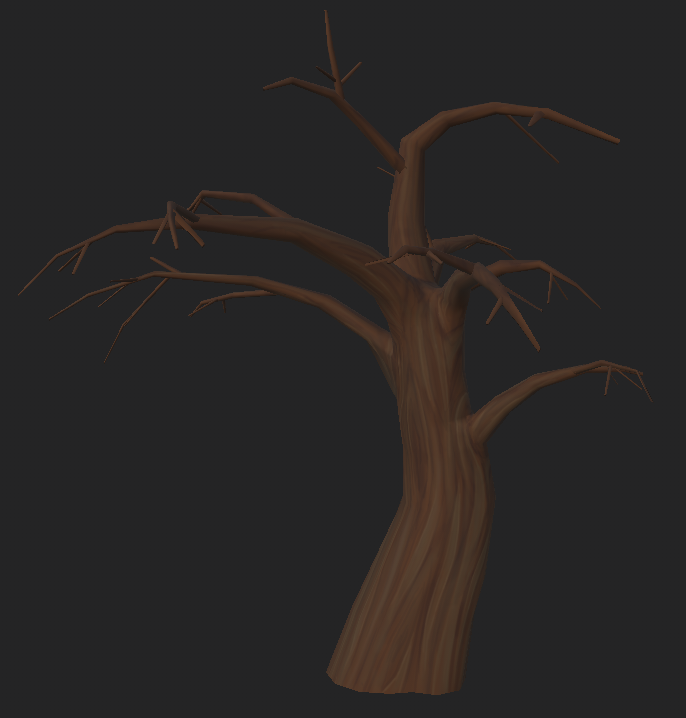
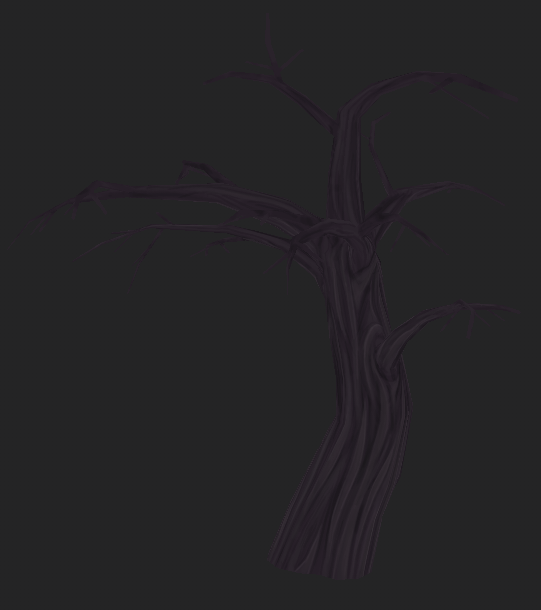
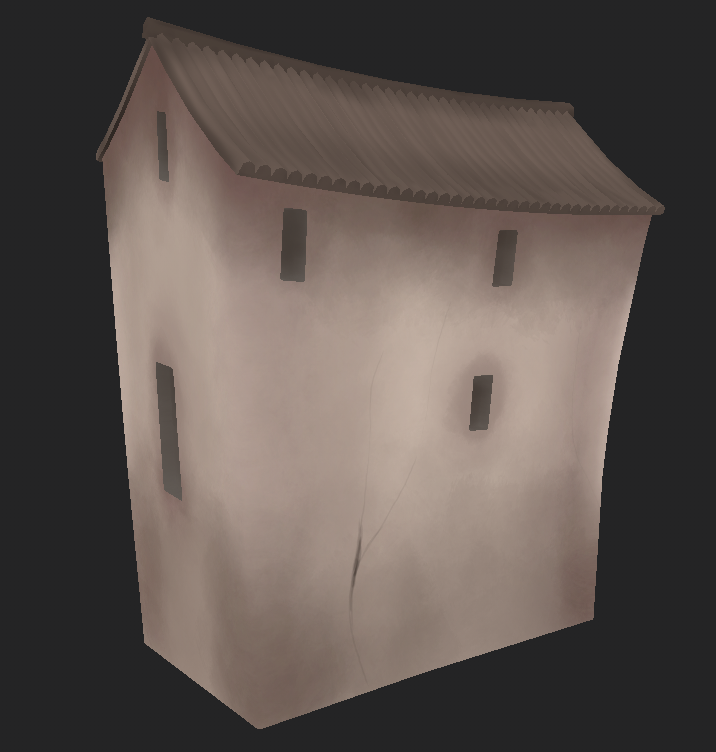
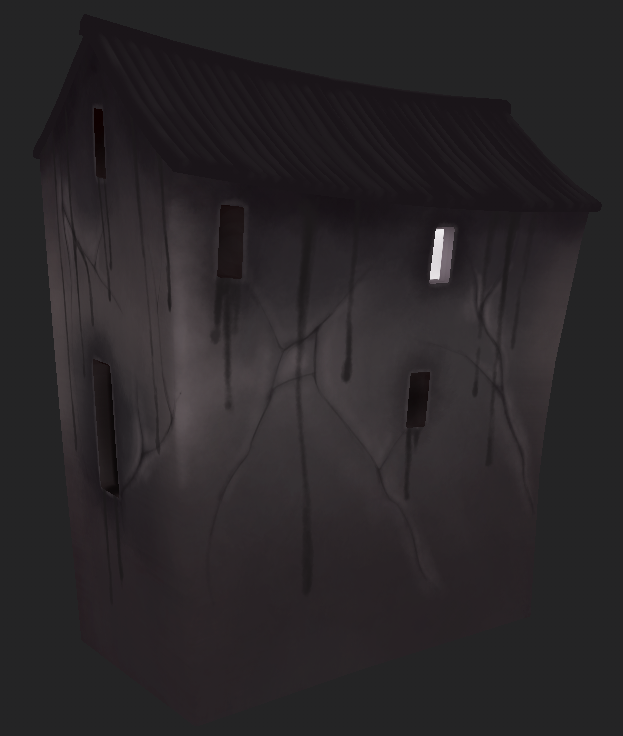
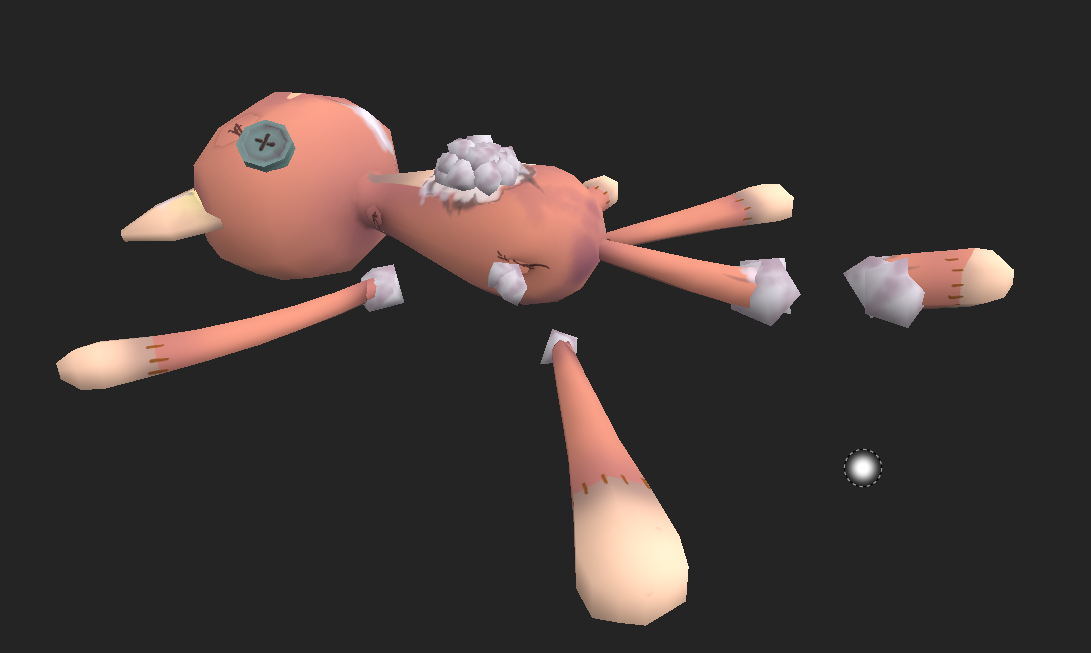
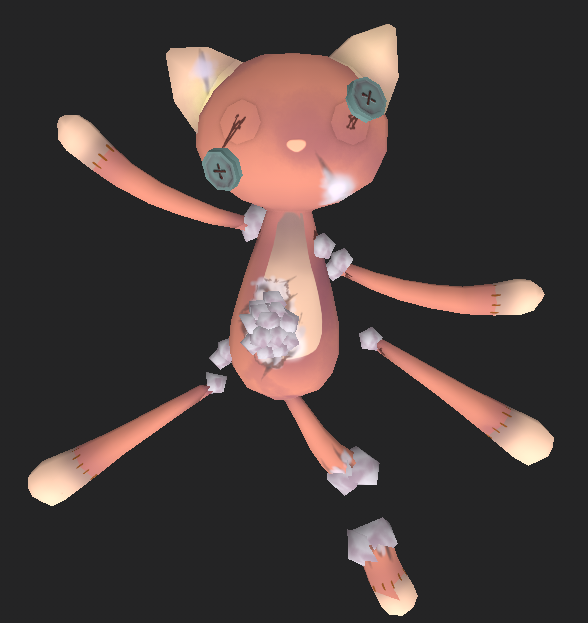
Because of the deadline for uploading screenshots and logos is tomorrow I’ve been starting to texture a lot so I have something to take screenshots of. Because of our game we need to make two textures for each model so it takes a bit longer to do. It’s a good thing we have photoshop because if it’s only color difference and not something else I can only do one in substance painter and then make the other one in photoshop with some color shifting. To change colors I use ctrl+L, to change Levels, and ctrl+u, to change colors and saturation.
I think it’s really fun to do hand painted textures and to learn substance painter more. Every time I texture something I learn more things which is really interesting! Now off to texture more things!  |