Displaying enemy kills through cards.
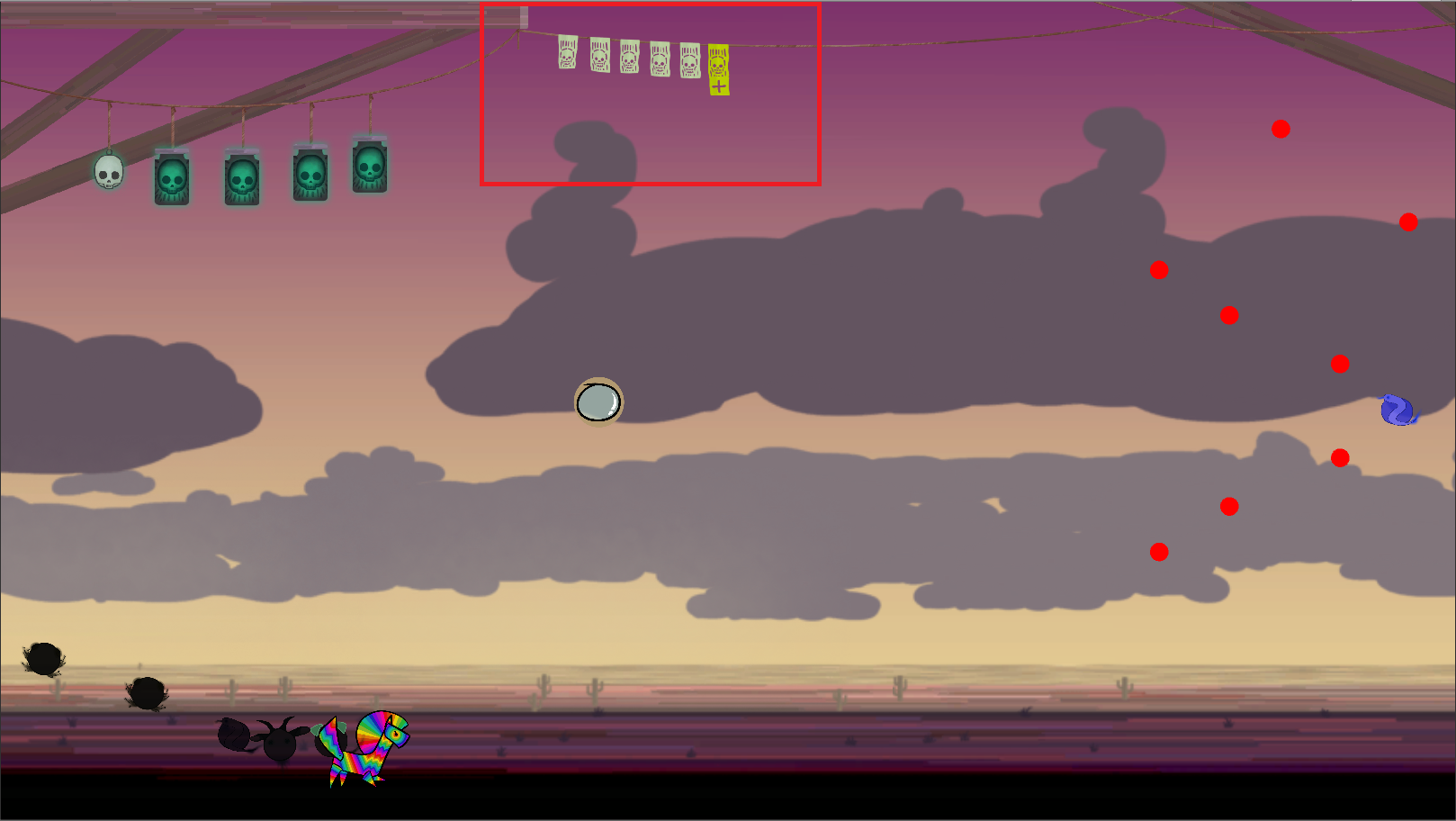 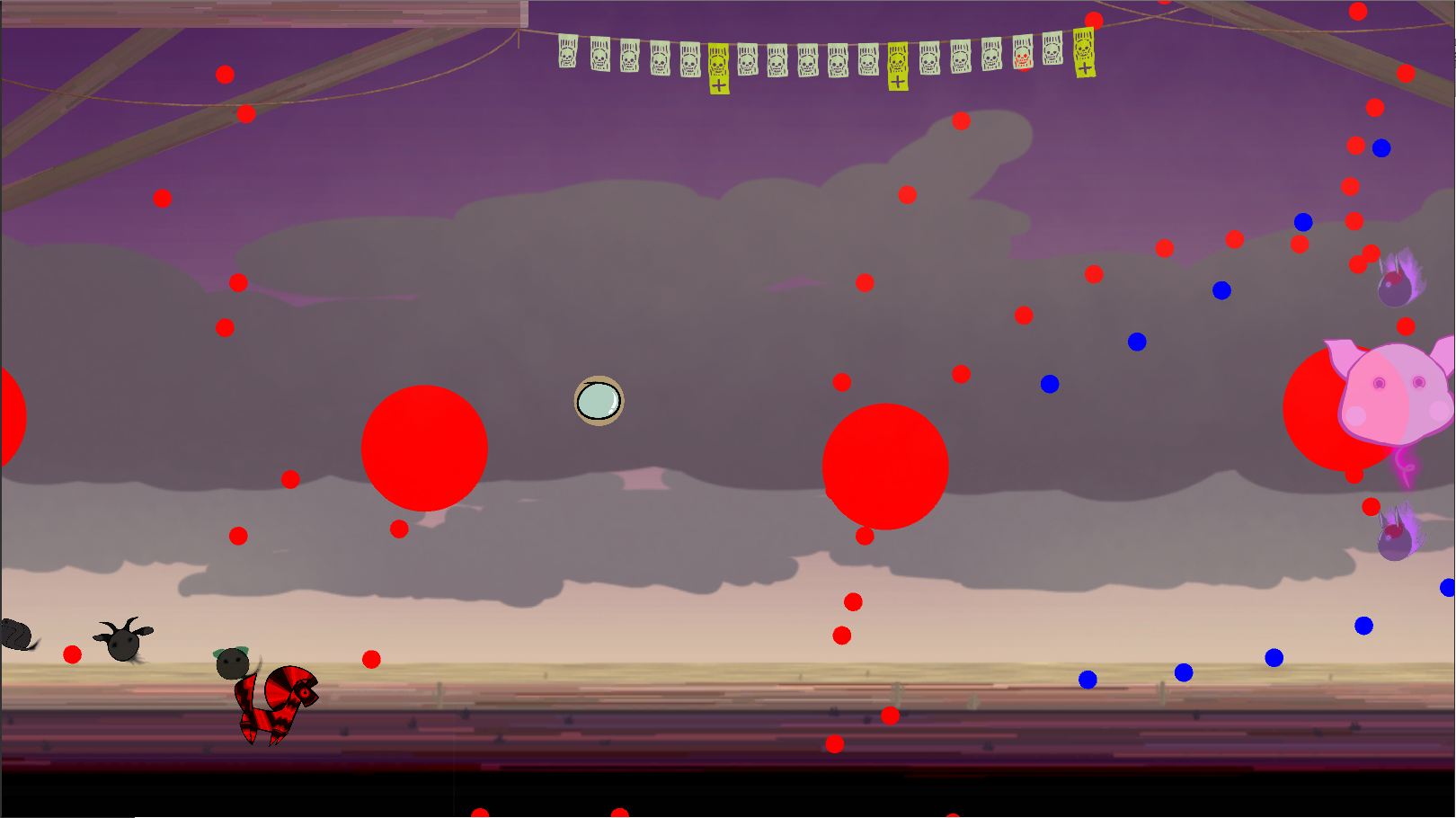 Throughout this whole time designing our game, the single hardest thing to get a clear grasp of has been the “parade system”. The paradesystem is supposed to show progress through the level by having slain enemies follow behind the player avatar in a line, which is supposed to empower the player by showcasing their progress throughout the level. After a set amount of kills, the player is then awarded with a different set of “Bullet Pattern”. Where bullet pattern can be defined as the manner the player shoots. The problem is the screen is not big enough for a long chain of enemies, so we needed more visual feedback. Another problem was indicating that the player’s bullet pattern has been upgraded, and more importantly why it has been upgraded. Our solution has been to also display kills at the top of the screen through cards. For each sixth card, the player will grow in power by improving the way the player shoots. So for instance, after the player lands their first 6 kills, the way the player shoots will go from firing one bullet each shot to three. Therefore every sixth card is also a different colour and has a plus sign underneath it to signal that a change has happened. As of now there is no sound when this card is added but we plan to implement that. As for the actual script, we have a prefab that has the cards as children. If the cards aren’t divisble by 6 without a remainder, the remainder of the cards are removed. So say if we added 19 cards to the prefab, the script would remove the last card. And every 18 kills the cards reset, so the 19th kill would have the same display as the first kill. Overall I’d say the whole paradesystem is kind of confusing, but it will hopefully be clear enough when we reach the golden version by adding more feedback, and maybe by showing a multiplier on the paradebar, indicating how many cycles have past.
 |