The Rolling Background.
|
So, things are starting to slowly come together with the BETA production hitting full steam with assets being implemented left, right and centre. The current pipeline mainly consists of polishing up sprites and taking on board any feedback received through play testing sessions to form a finalised product. With the team’s work coming together we’re starting to have a complete piece that’s taking shape. One of the main production pieces that us ‘Amarok’ artists have been working on this week has been the background for the game within PhotoShop. For alpha purposes we had a simple mock that suited it’s purpose but we felt we needed something to fit the feel of our games coherency. 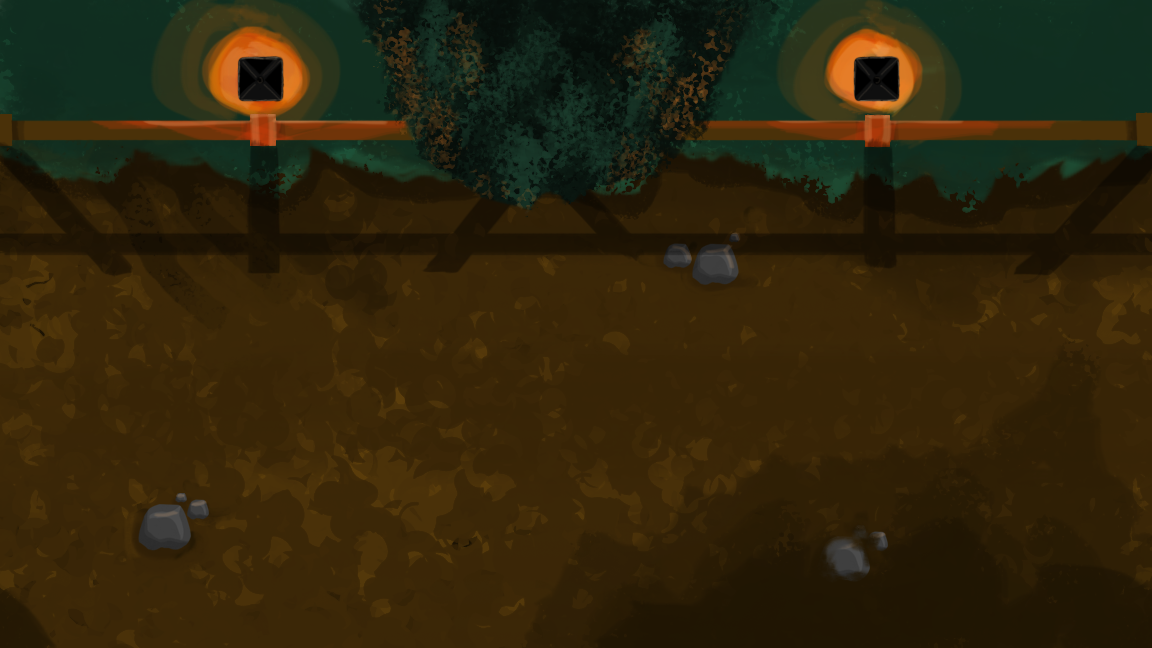 To make production as efficient as possible I split up the workload into two distinct features. I would do the stock background (the dirt track with the grass) and Elina would work on the assets that would rotate on the top section of the grass to depict where the player currently is within the level. This would include different styles of housing, trees, rocks and animals. Through play testing and feedback we felt, as a team, that the proportions of grass and dirt worked well with what we wanted to achieve. With the dirt being the play surface and the grass + assets being only environment aspects, we needed to make sure that there was the correct amount of play surface for the player. Placeholders are awesome!! So with ratios being perfect and Elina working on assets (check here for another awesome blog : https://elinamarjomaa.wordpress.com/author/elinamarjomaa/ ) it was time to get to work on the background… First things first, let’s clean up this blotchy dirt and make it look a little more ‘realistic’. There was also some complaints during playtesting that the stones were also a little too big and were mistaken to be obstacles whilst flying so I decided to make them ‘melt’ into the dirt so players wouldn’t have any confusion whilst playing. 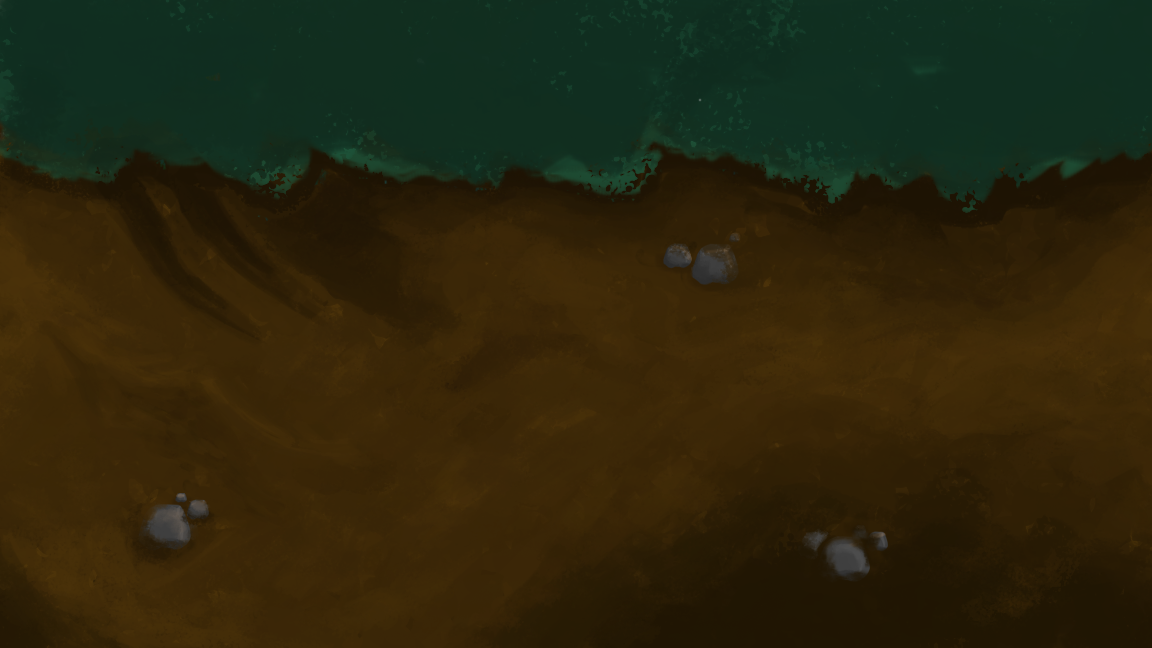 Looking good! But the grass looks a little bit out of place right? The next step… To add some more ‘life’ into the grass I also implemented some temperature and saturation level changes so it didn’t look so flat. 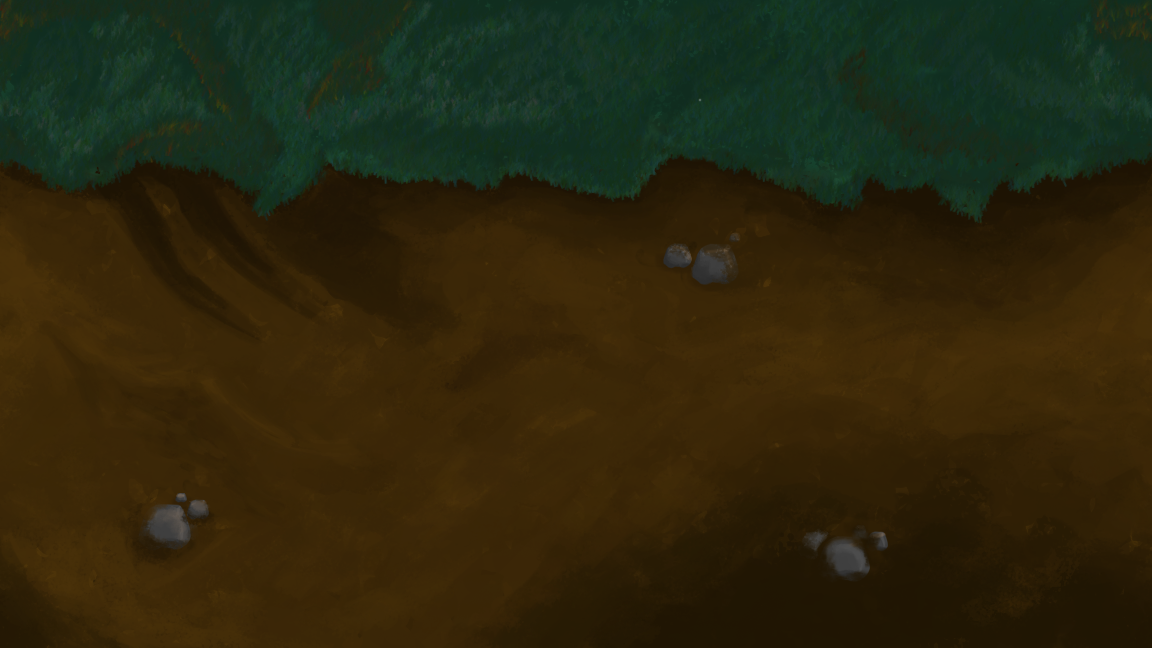 Done! I was really happy with the result and within the game it really fits our style. Butttttt, when the artefact was implemented into the game there was a problem… You could see the line where the revolving tiles met. 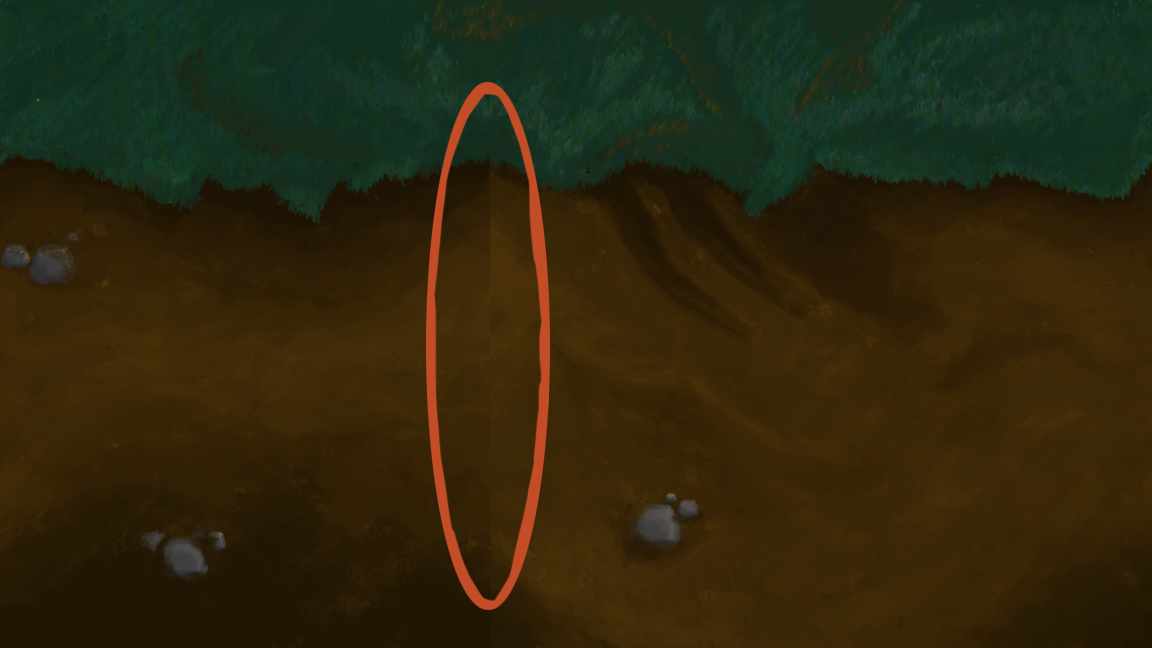 Someone noted that this took away from the immersion of play and recommended to use the ‘offset’ tool in Photoshop. This thing is MAGIC! You can simply apply the offset and blend the colours together at this point so create a seamless background! Hat’s off to Photoshop once again! Once again, thanks for reading and watch this space for next week’s post!  |