Tackle the giant, Again. Time for animation!
|
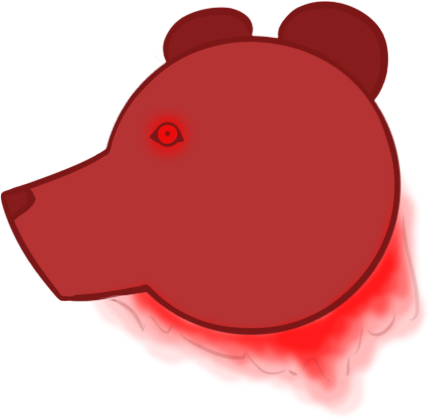
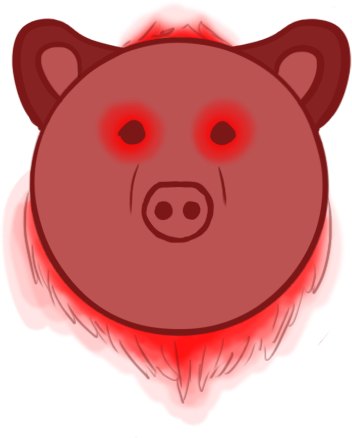
This week was mainly dedicated to finishing up on last week’s assets and touching up some older ones to make everything more coherent although most of my time was dedicated to cleaning up the main character and animating him again. Before going into detail about this week’s main task, I have found the time this week to finally get rid of a thorn in my eye. Wrath of the seven deadly sins, represented by a bear, has happily been moved to the trash folder to make place for the new and slightly better version. The earlier bear felt out of place from the start and I could not wait to get rid of it. Although the newer version is not my best work, it feels and looks a lot better with the rest of the seven deadly sins.
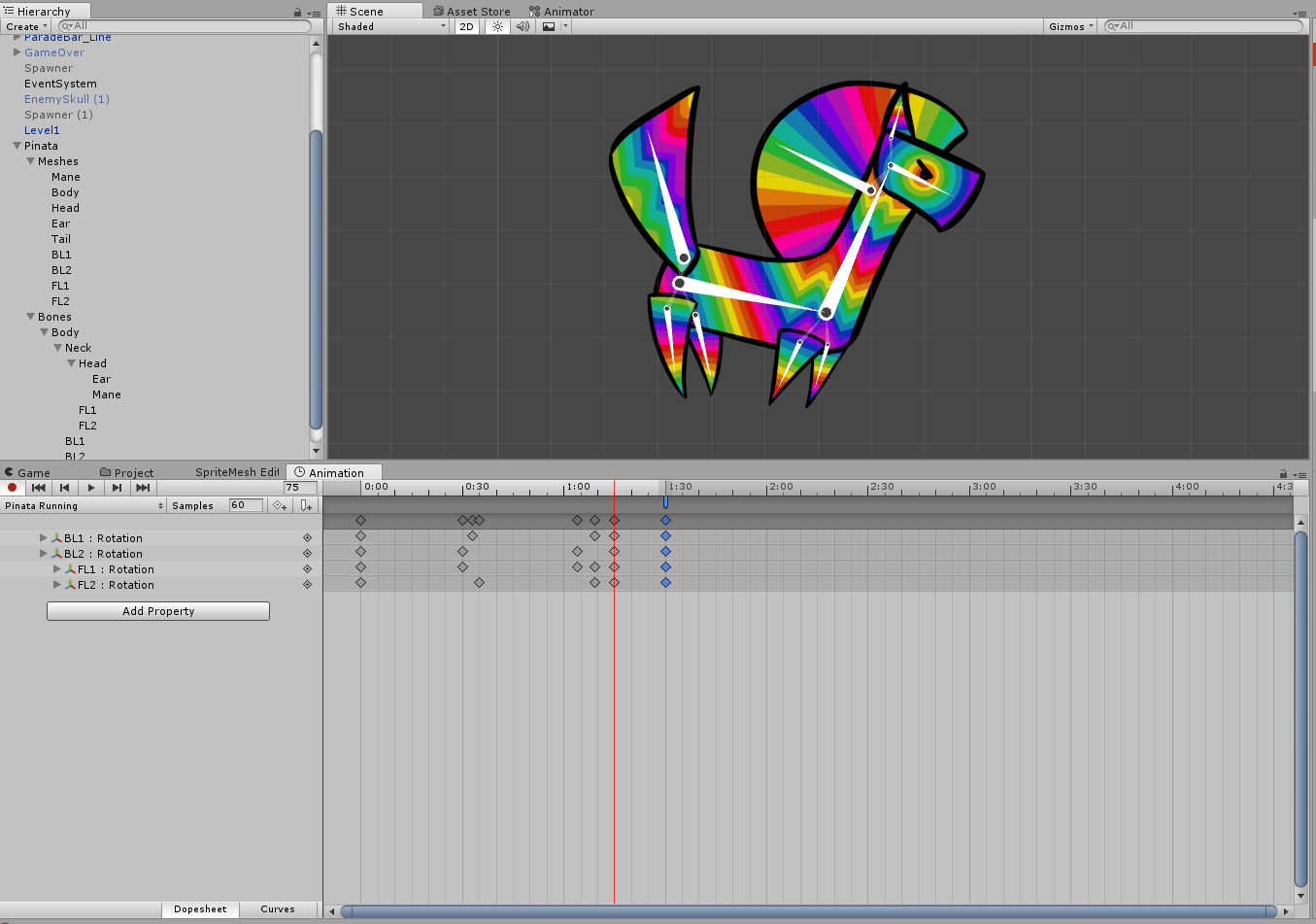
My earlier assets and animations for the main character were part of the older concept and had to be changed now that we are working in the other direction. For the last few weeks that mainly meant making new enemies that would fit the new story we had made up. The old main character was not going to change much and could pass for the time being, thus it was planned that the adjustment of the main character would be done near the end of production. Now that the time has come to rework him, it meant that it was finally time for me to tackle animation in Unity. I would be working with bone animation which I have struggled with before. I have learned from my earlier mistakes when drawing the main character and I have tried my best to avoid the same mistakes as I did then. Instead of having too much different parts and colours on one layer I made extra effort to separate everything and have made it into a proper clip doll. If there is ever a change needed I can now easily go to the Photoshop file and adjust what needs to be adjusted unlike the previous time, which has basically put me into this mess. The basic design did not change much from the original. The cardboard colour behind the piñata has been removed entirely and I redrew the design to make sure I had every little piece on a separate layer. The colour scheme and pattern has stayed the same as well except for the addition of another hue of purple. I felt as if the yellow and blue shades got too much space on the canvas so I added purple to make the transition from blue to pink smoother and longer. Below shows the transformation of the main character throughout the production process. A new method of animating brings new challenges! I’ve spent a large chunk of this week learning how to do bone animation in Unity. After a few hours of tutorials, some tinkering in Unity and a lot of help from my fellow team member André I managed to put together a working bone animation. Now, this did not mean it looked like anything decent, but it moved. Many a tear shed in joy! After the joy of seemingly completing the giant that is bone animation, I got critical. Compared to the result of my previous animation, which was done in Photoshop, I felt as if the smoothness of the Unity bone animation system made it look almost too smooth. The animation I had made looked as if the feet were dangling in the air and had no real weight to them. With an animation as smooth as the one in Unity, mistakes are easy to spot. When I started out with the animation I failed to realize how difficult that would make it. A lot more tinkering will be needed before this would be a good looking and good feeling animation, but I feel quite proud of managing an animation in Unity!
 |