Clam Animation
|
In our game Selfish, we had decided to have clams that you could pick up power ups from. The design of the clams were made by the other artist in our group. So when it was time to start animating things in the game, I set out to animate the clam.
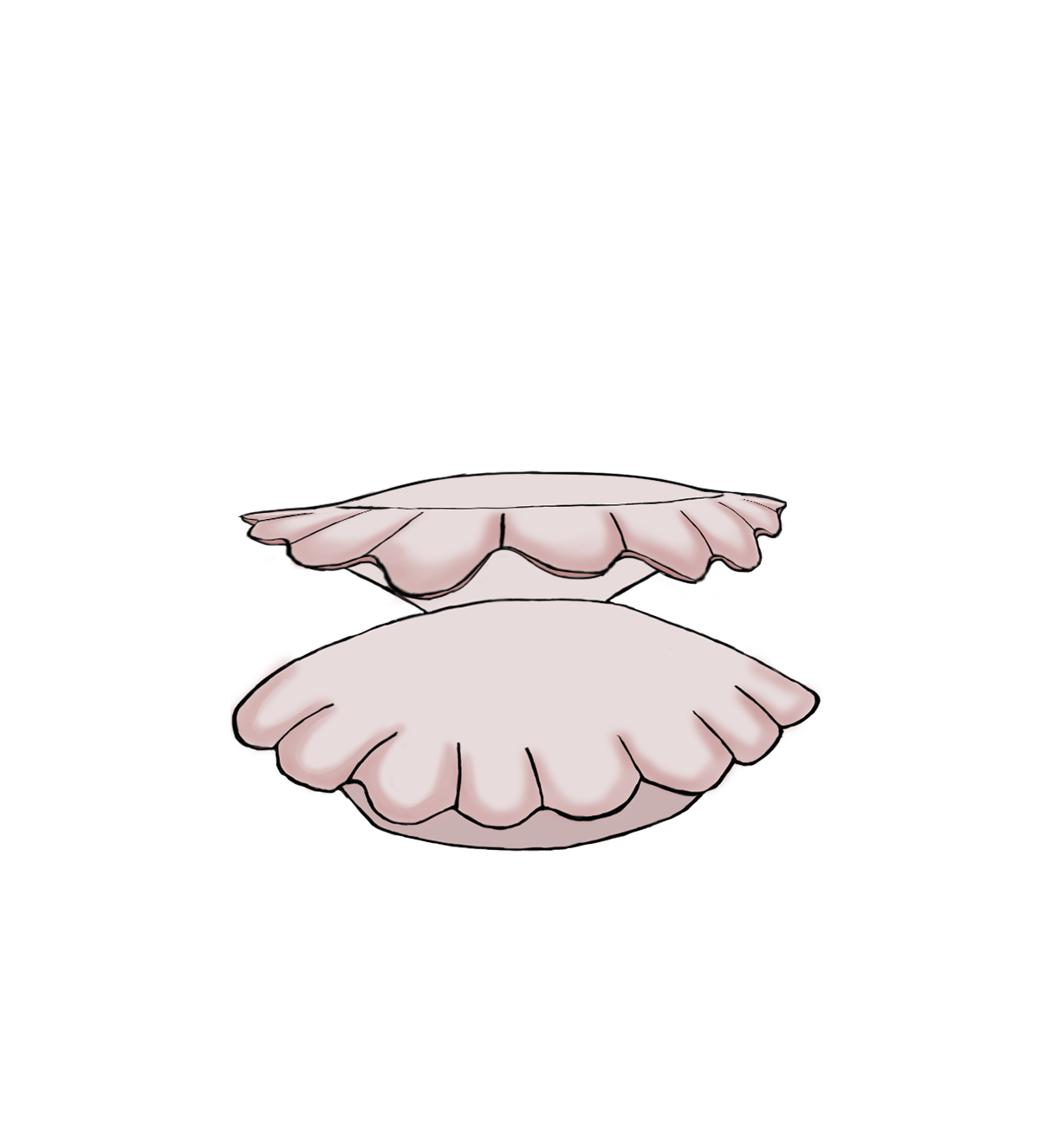
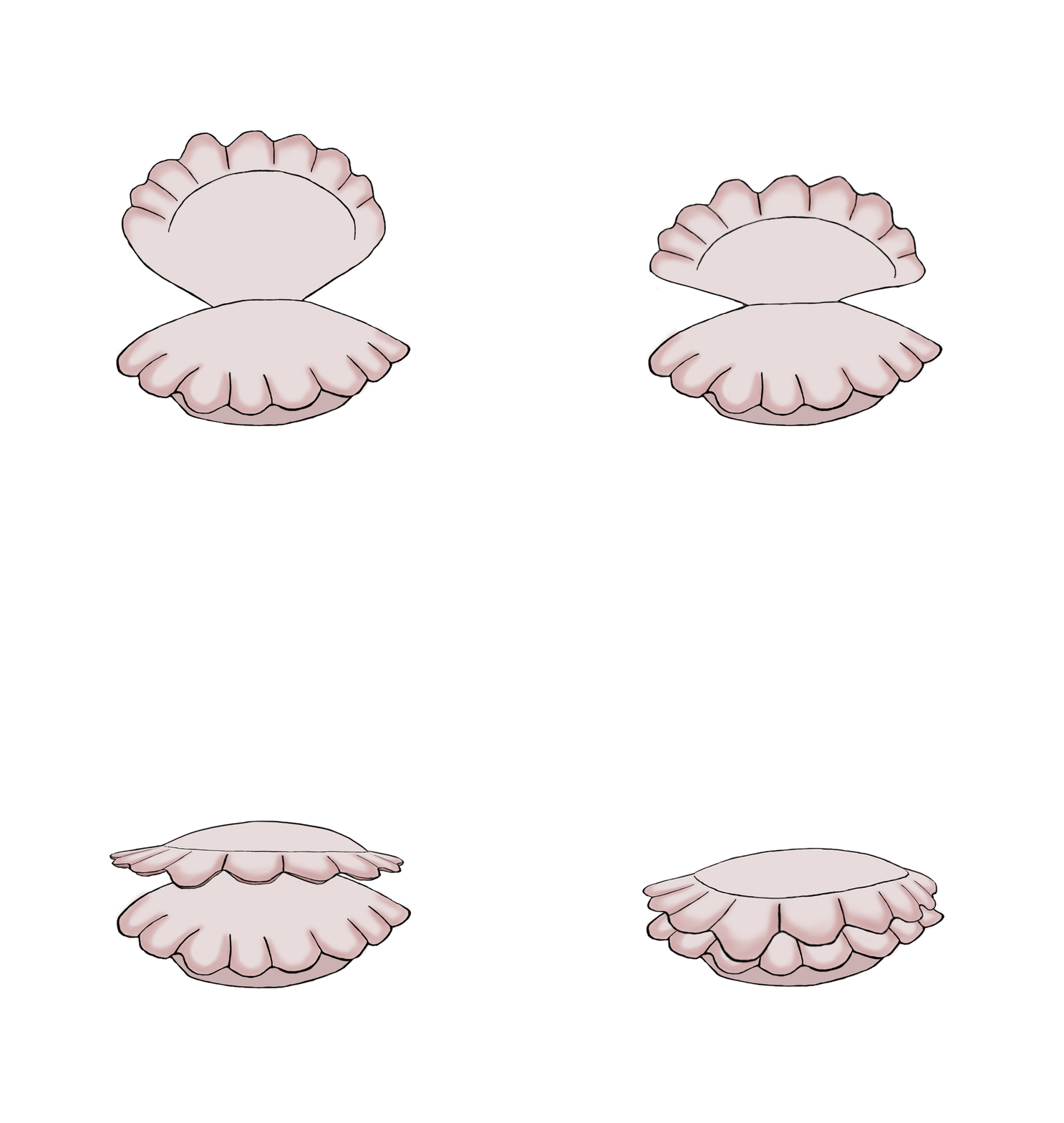
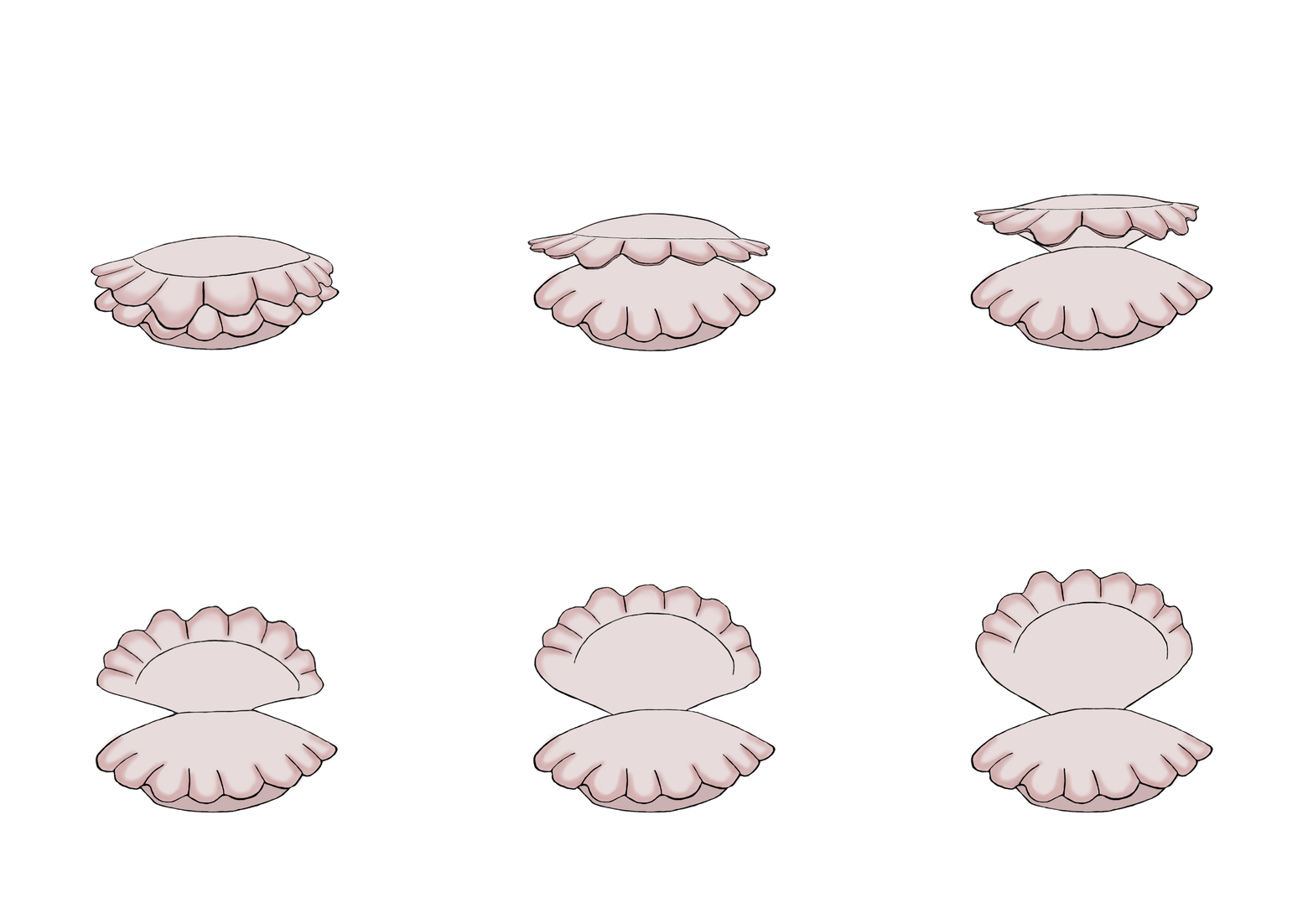
First I got the image from Rebecka, I then duplicated it several times and started to use the warp tool on the different layers to manipulate the image and make it look like its closing. I decided for quite a quick animation with 3 frames when closing, to make it seem like it closes fast. I used the same 3 frames when animating the clam opening but added 2 more frames to make the opening slower. I added the extra frames in the middle of the animation so that the starting and ending frames were still the same. When I had the general feel of how it would look, I then started to fix lines and make all frames look good and not feel paper thin as it looked right after using warp. After testing the animation as it currently was I felt like it still felt like it didn’t have depth to it. I made the top clam shell have an extra line right below the current one and added some darker pink to make it seem like the shell is a bit thicker.
I tested the new animations out and had to add 1 more frames to both animations to slow them down a bit. With that change I was happy with the results, the closing is faster then the opening animation just like I wanted from the start and it looks nice. The reason why I wanted the two different animations to be different speeds, was mostly because it felt more natural, in the sense of gravity helping it when it closes and you push against gravity when opening. Another reason was that it would make the player more interested and make them curious if the clam opens slowly, while if it opened fast the player might miss the change and not realize that the power up is available now.
 |


 <— closing
 <— opening