Menus
|
This week I have been doing some different things to clean up our game. Adding things for convenience like a pause menu and a control window to explain the inputs to the player.
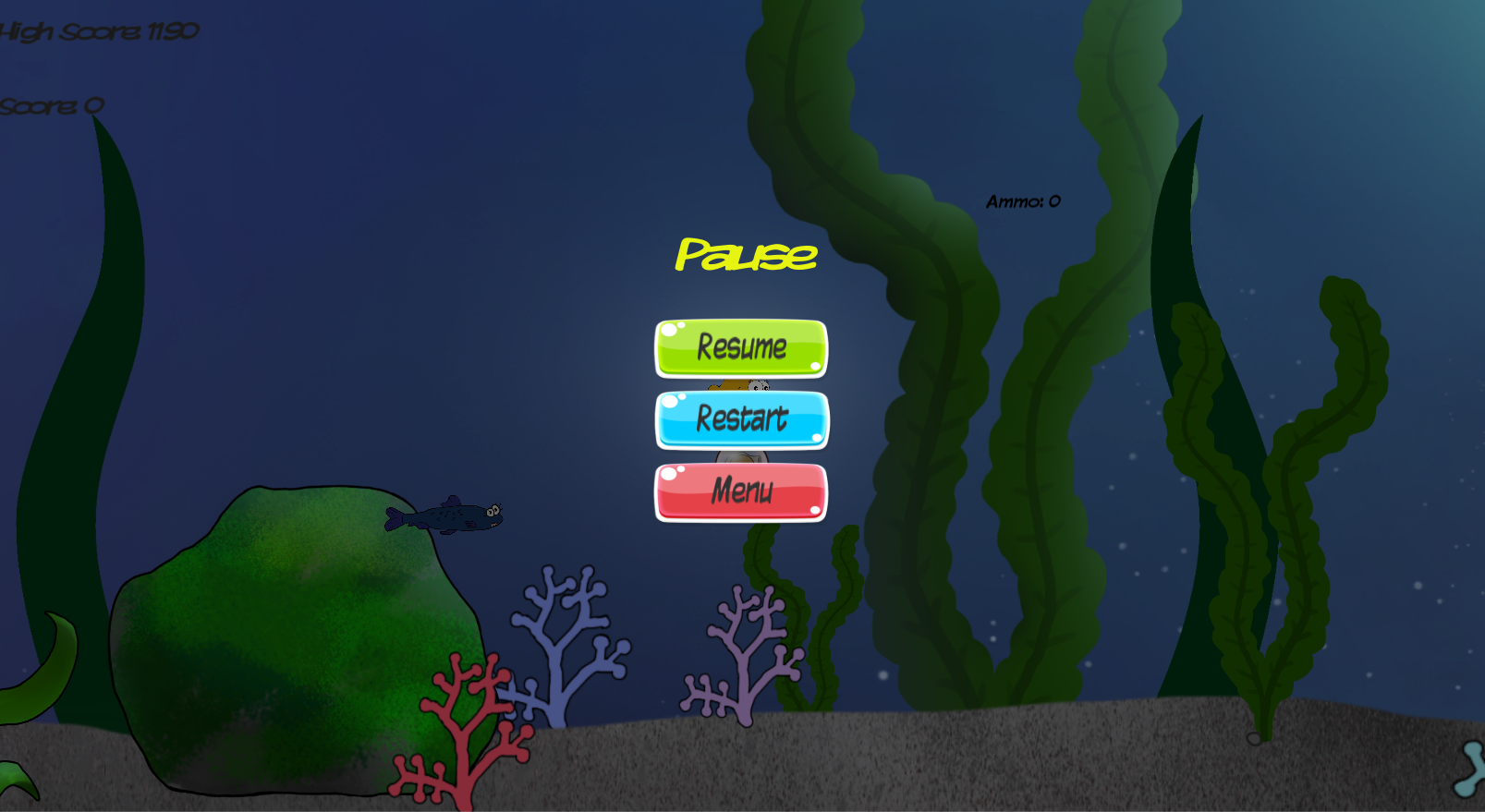
The reason I wanted to add a pause menu is so that if someone is playing and they have to leave the game for a short time they do not have to quit the game and loose the high score that they are working on. I also deiced to add in other than just a resume button a restart and a quit button. This so that if a player feels like they have missed some points or think that they can do better they do not have to die before restarting the game. The quit is for the same reason but just to leave the game instead. The way I went about creating this was but just adding a canvas in to unity and with some small bits of code bound the non-active canvas to a button. As I am not a programmer myself I did this with help from tutorials and some fast google searches. Then testing and testing until I made it work. To keep with the art of other buttons we already had in the start menu I just copied them and changed the text and code so that they did what I needed them to do instead.
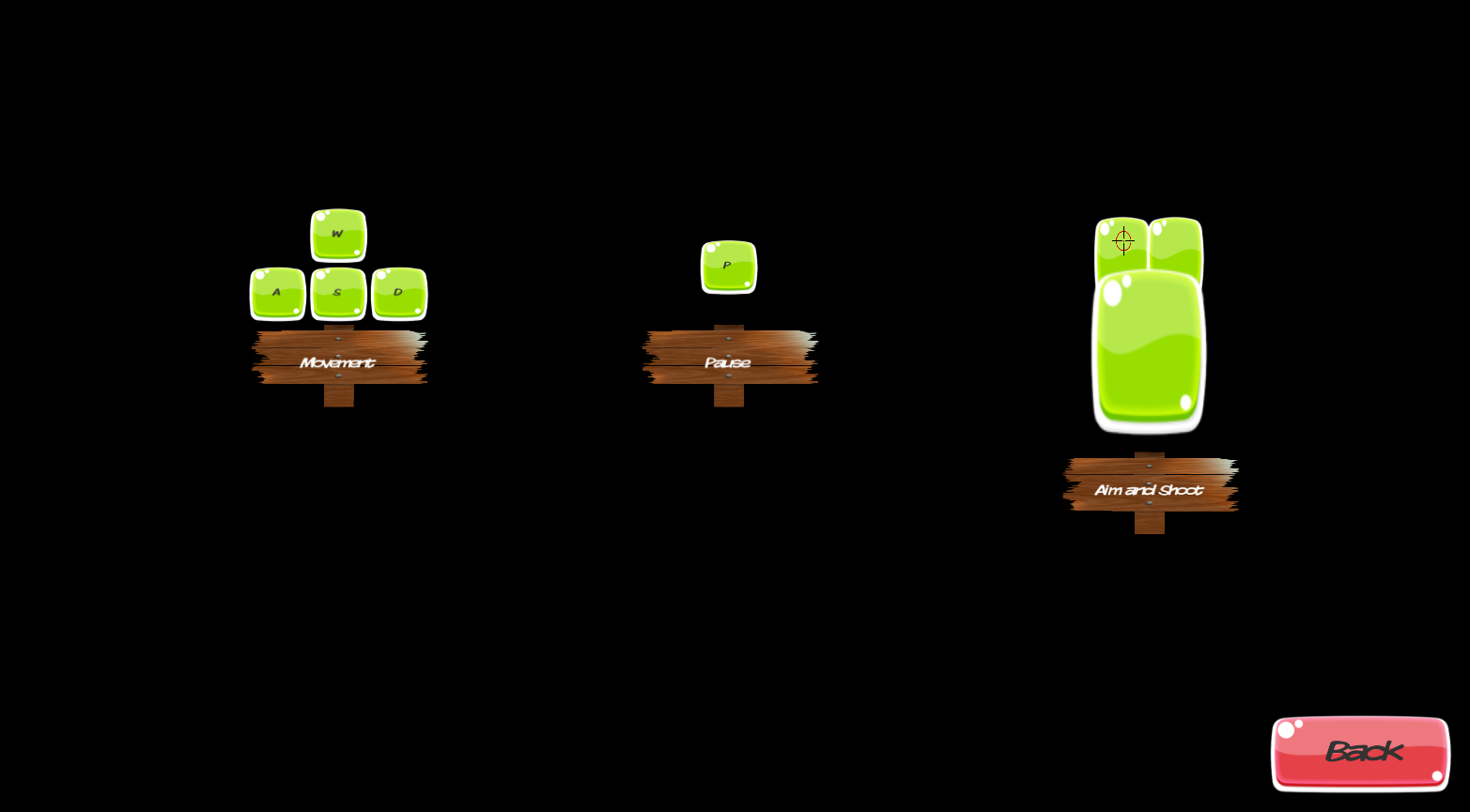
When it came to the controller window I tried to use the same way of doing that as I did with the pause menu. As I did not want to create a whole new scene just for a controller menu. I did not have any art to represent the input buttons that we use for our game and did not want to burden our artist with this as they already had much to do this week. Instead I took the art we had for the buttons in the game and resized them in to something that could represent what I needed them to do. I became more of a hazel then I wanted but after some fiddling it became something that I felt would be easy to understand.  |