Mightier than the sword……fish
|
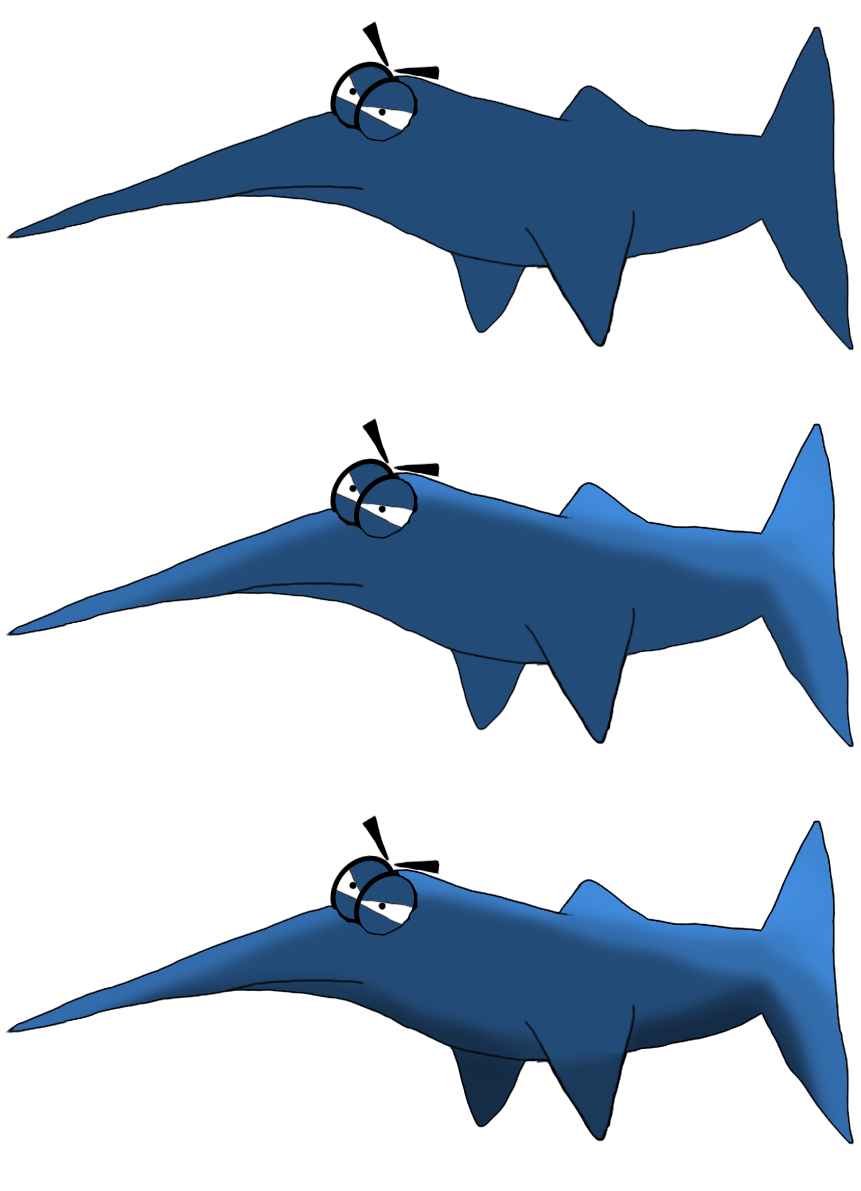
In the game “Selfish” we have two overall enemy types for Stephen to battle. One being a ranged type of enemy and another being a melee type. One of the melee enemy fishies is a sword fish. This fish little beasty was created by Evelina Paulsson for our game. It was my task to create a swimming animation for it. As this was a concept sketch, it required a little more refinement before I could animate it. I sharpened the lines and some of the shape but kept most of its original outlines. As the art direction for this game is a “cartoony” feel, I didn’t want everything to be perfectly straight and realistic. The starting image was going to be the first frame of the animation. I decided it would be the neutral frame as it represents the tail at the middle point of any swimming motion. I also wanted to add a light and shadow effect to the body to make it pop more in terms of detail and being more alive. I added both the light and shadow layers which gave me the base from which to work with for the coming animation layers.
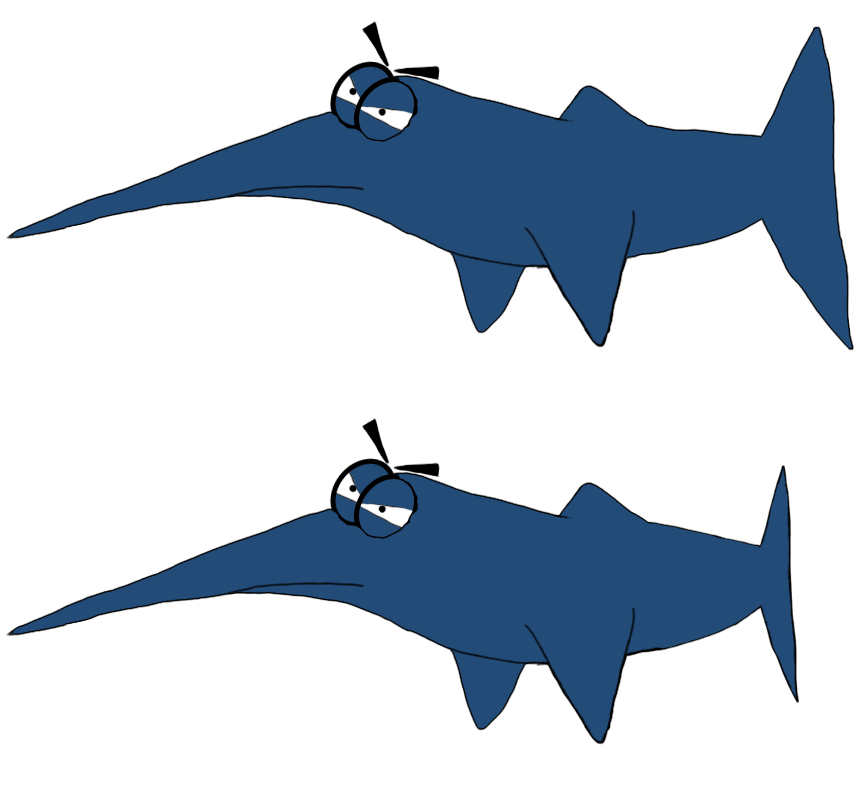
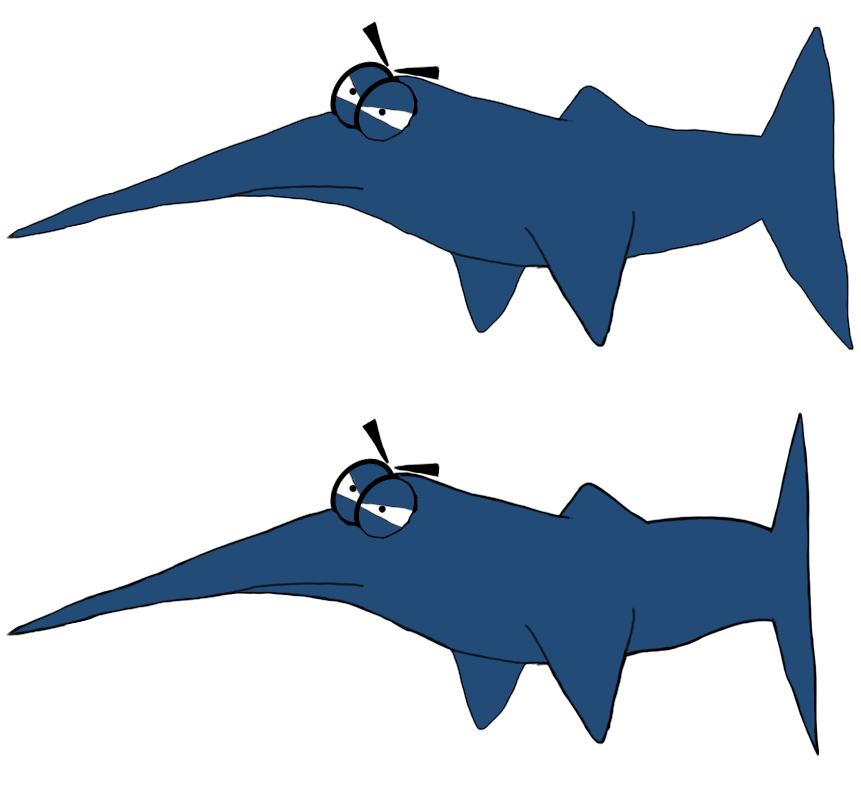
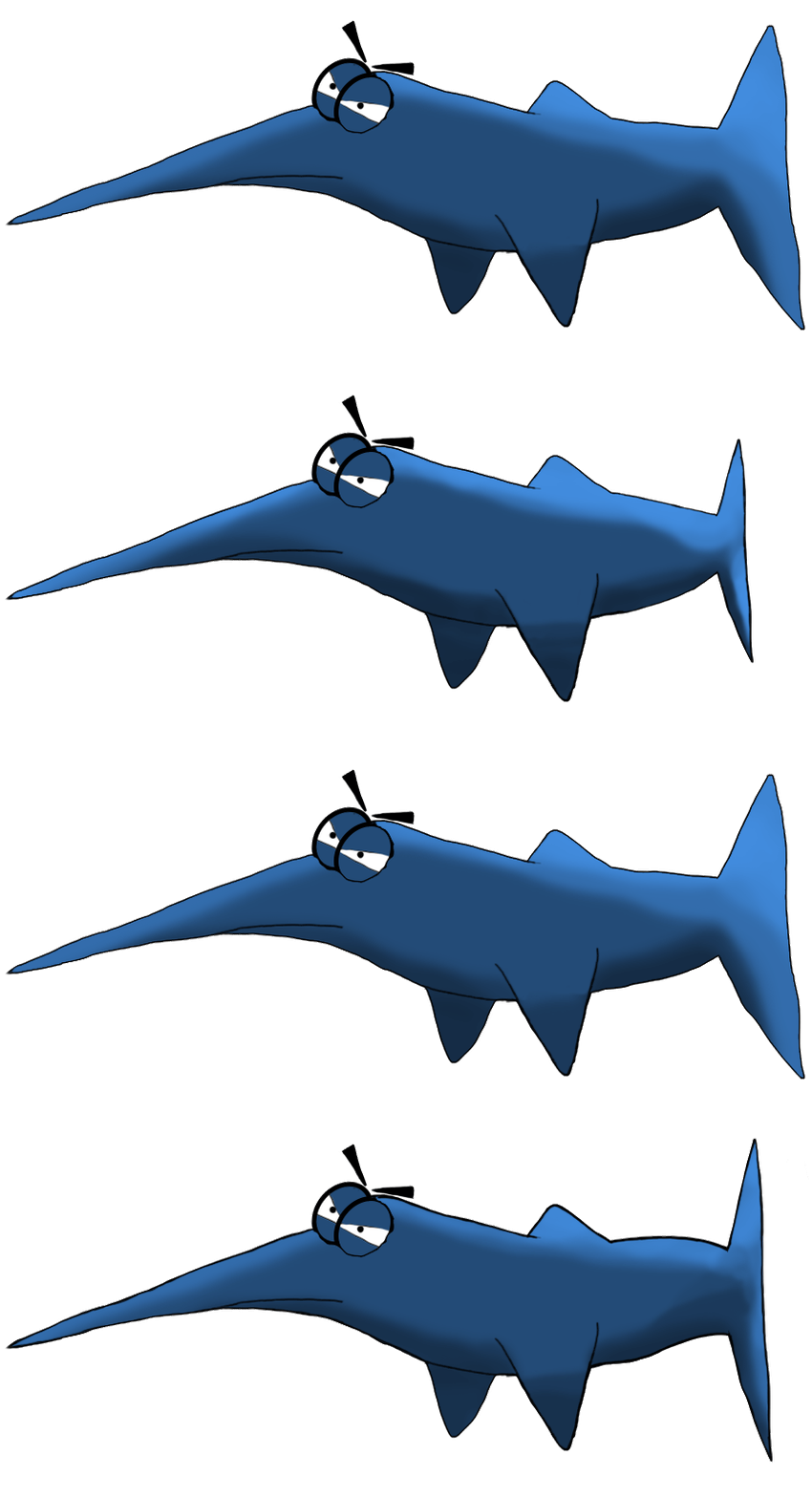
Now I could begin to created the different animation frames for the tail moving. As this is a side-view orientated game, the overall effect for the tail would be that it goes further away from the player’s view and then closer. For the further away effect the tail would have to grow smaller in size and of course grow bigger for it swinging towards the screen. I first tried to use the Filter > Liquify option to push and pull the shape to get the desired effect I was after. Although it functioned well for the end of the tail, it couldn’t really give me the effect I was after for the body of the tail. I may explore that option more in the future as it allows for a more fluid shaping of pixels. The basic technique I ended up going with was to cut off the end of the tail, delete the body of the tail and then redraw the body after positioning and sizing the end of the tail. I also opted to draw the end frames for the animation and then go back and fill in the between frames to smooth it out later. For the swing away from the player it looked like this:
For the swing towards the player it looked like this:
And all three together looked like this:
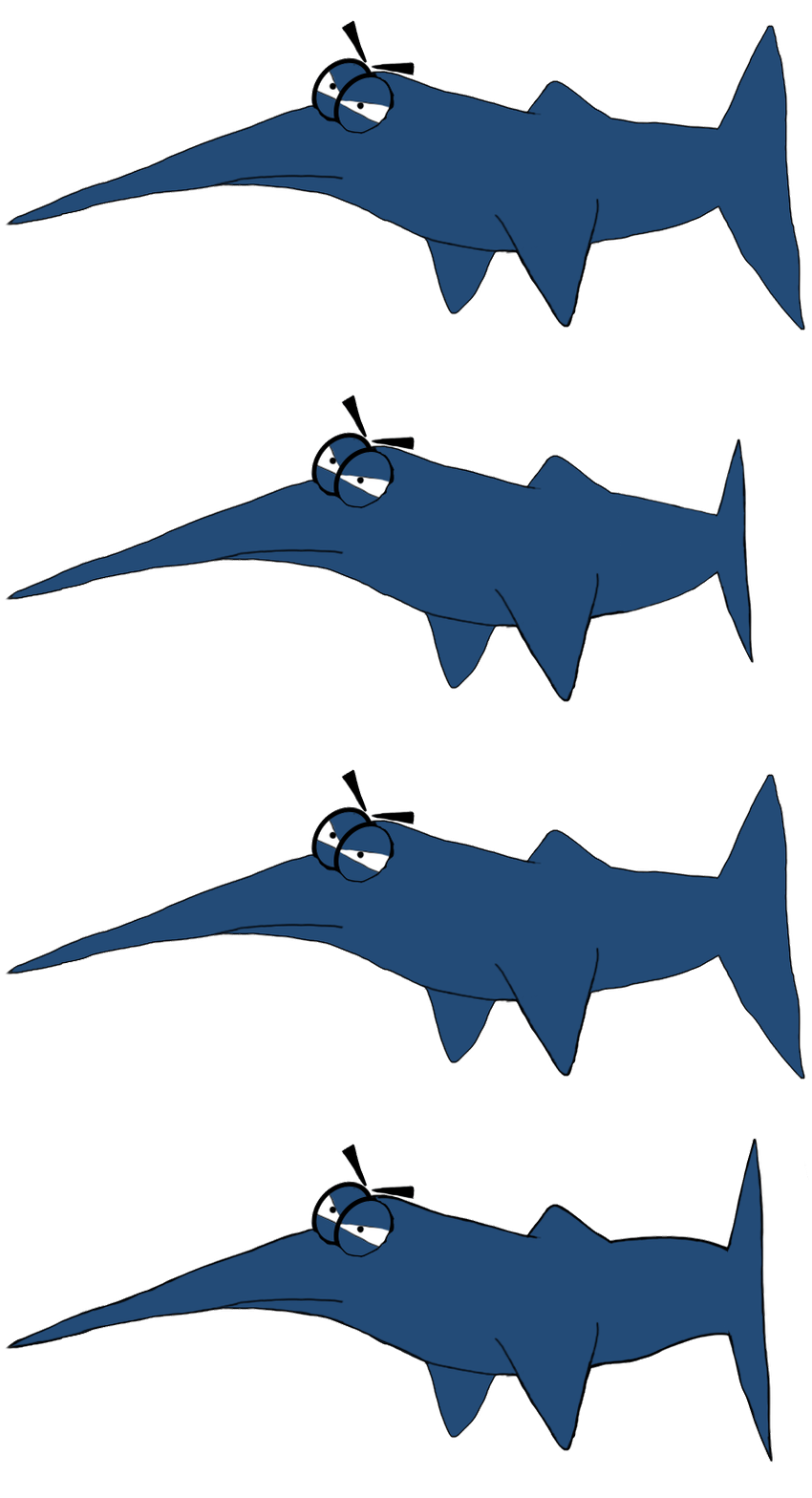
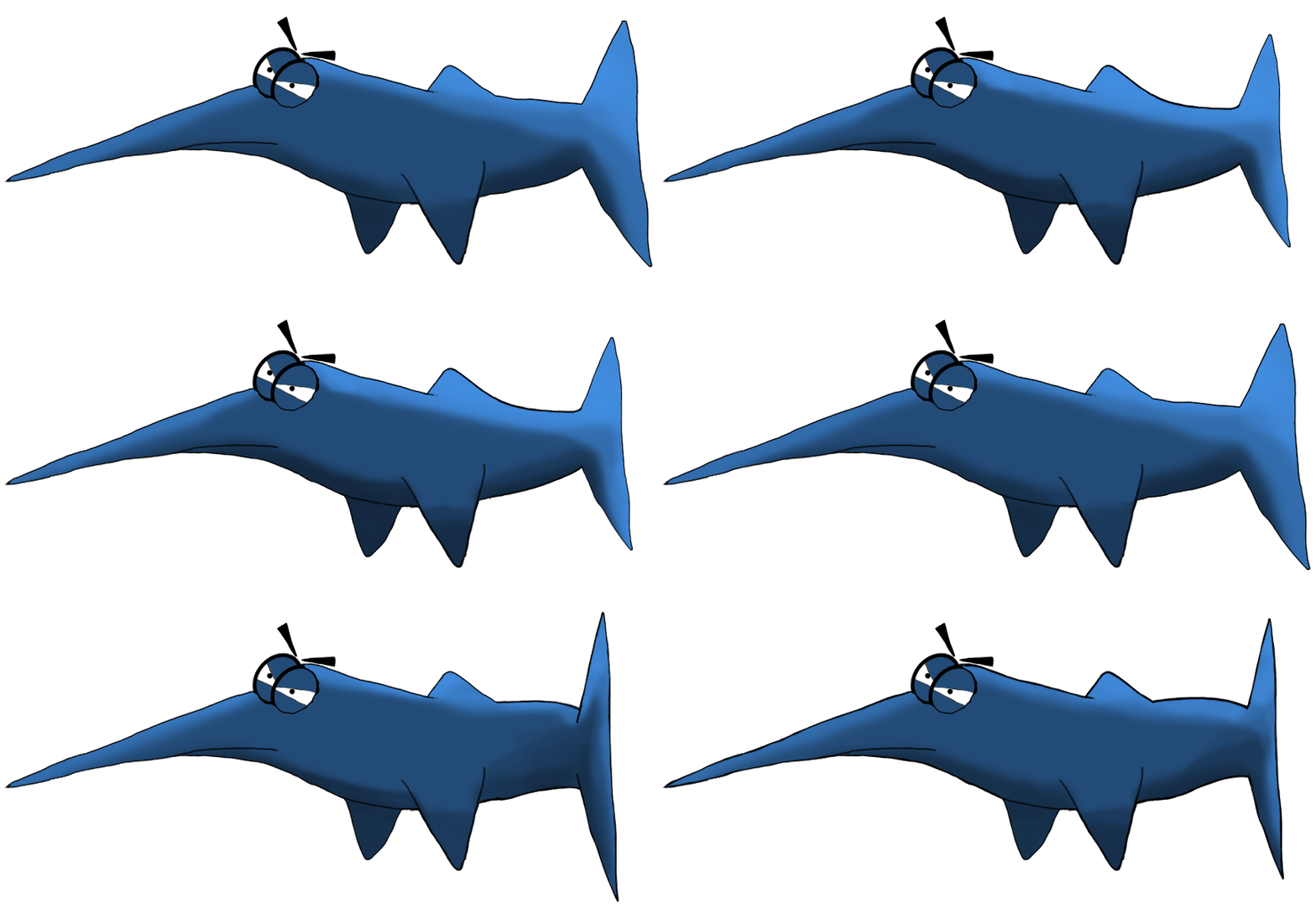
Now we add the lighting and shadow to all of the animation frames and we end up with this:
Some of the more observant of you readers may point out the fact that the lighting and the shadow looks like it changes with each frame of animation. This is in fact true. As our aquatic battleground is in a fish tank I wanted a kind of light and shadow effect that shifted with the lighting from the surface of the water. The constant movement of the water on the surface creates light distortions inside the tank wherever the light hits. As a first attempt I think it was a great starting place. To finish the animation I added an extra frame for each tail movement. As this is a melee enemy that is swimming rapidly towards our protagonist, the tail action has to be fast. In the end this is what I delivered to my team.
Of course we can slow down the animation in Unity 3D to suit the desired feel we are going for. The mighty Sword Fish isn’t invincible and as such requires a death animation. The fish slayer Stephen must have an indication that he is winning the day, afterall.  |