Big Game Project Week One
|
The time has come to participate in a course where I can actually make a game and not just graphics for one. That is something I have felt is lacking the last few months. I am working on a game that is so far called SpaceGoo Adventures. It is about three? slime creatures with different abilities traversing a world to find parts for their broken teleporterthingie. It is a 3D plattformer collectathon reminicent of old Nintendo 64 games like Mario 64 and Banjo Kazooie. My job is to breathe lif into these characters through animation. The last graphics course of my education focused on 3D character animation and there we used Motion Builder. Since the character for this game are slimes it is not preferrable to use Motion Builder since it is mainly for humanoid character. Thus I had to figure out how to rig and animate in Autodesk Maya.
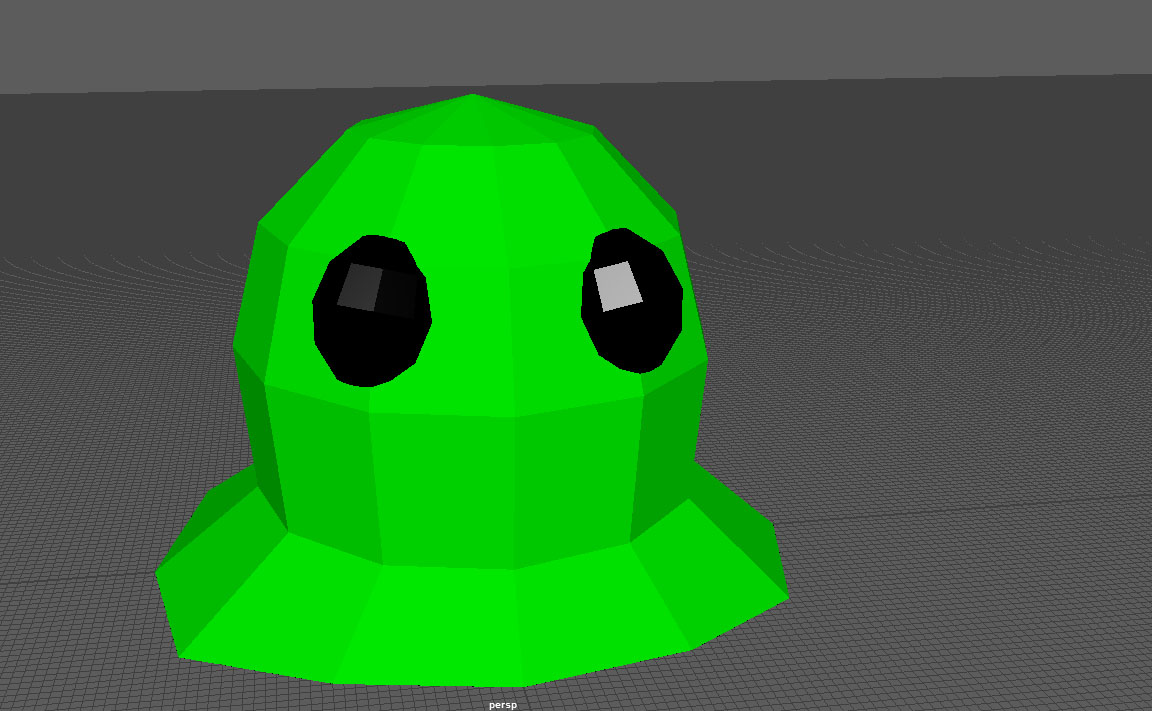
As with all animation you need something to animate so I started out creating one of the characters dubbed “Hoppy” for his special ability to double jump. Just a basic round blob. My team is going for a low poly aesthetic so I do not have that many polygons to work with.
This is Hoppy.
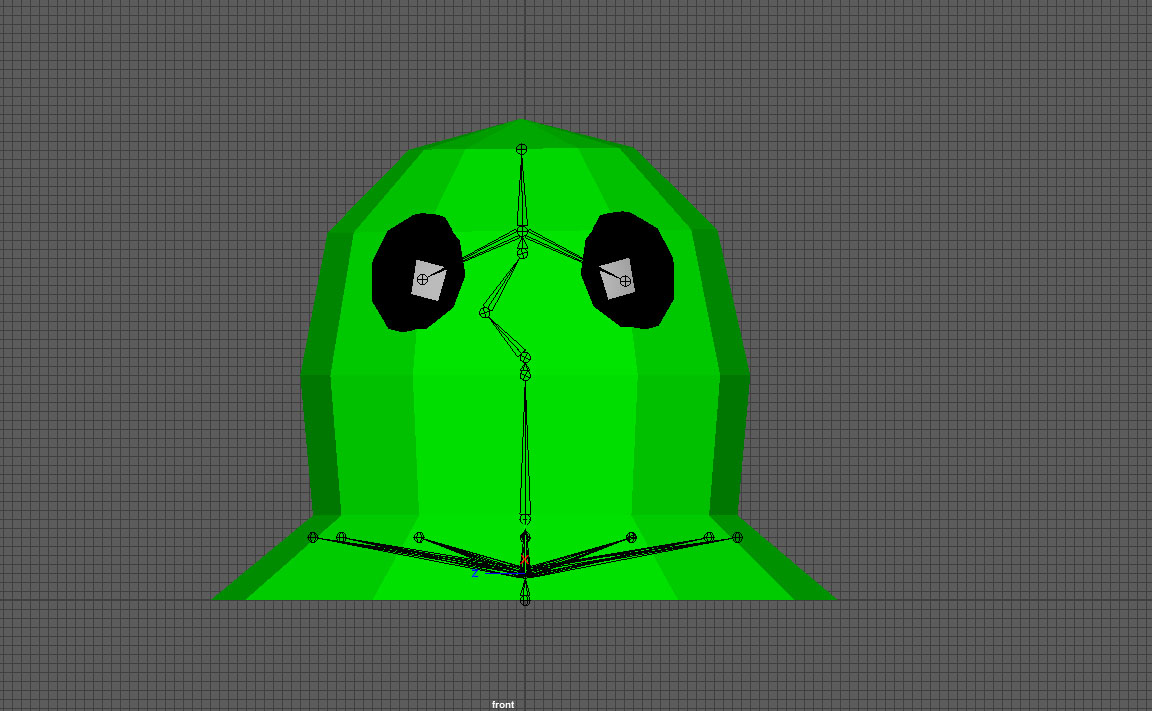
First I had to figure out what kind of range of movement I wanted out of this critter. So I sat down and experimented with the configuration of the skeleton. I want him to be able to squash and stretch and wiggle to sell that he is made from slime.
Controllig the different edge loops and the eyes and what I call a hinge joint in the middle for the squash and stretch.
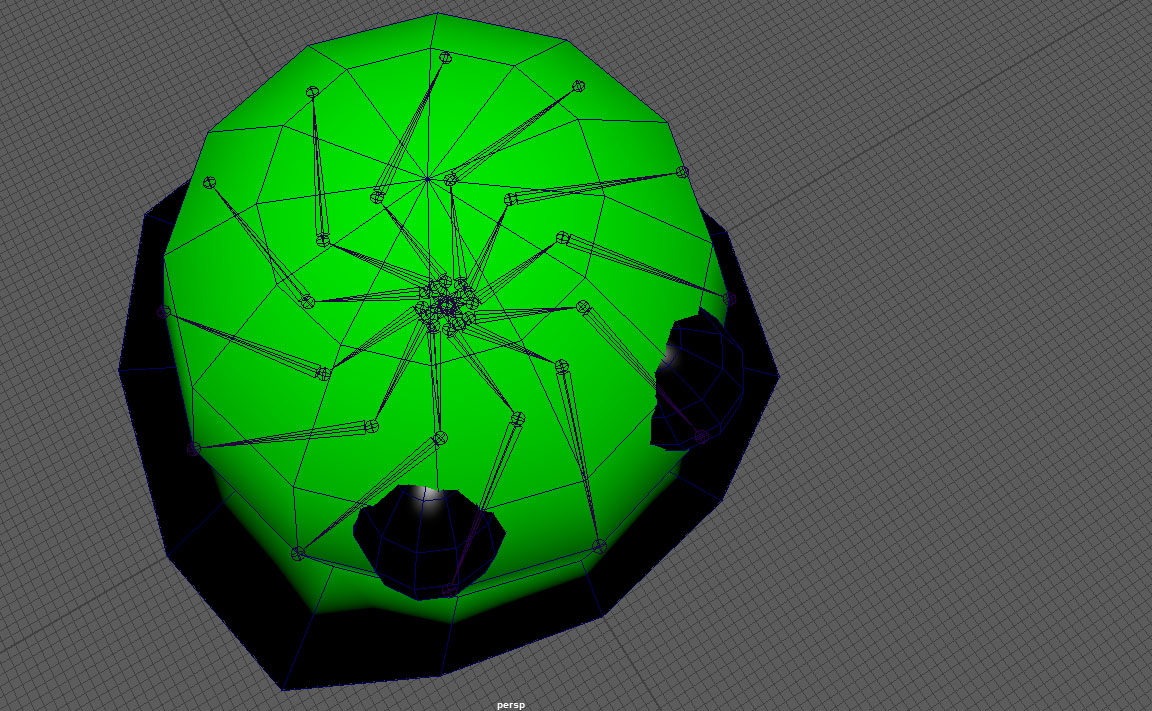
To be able to make him wider or thinner I created this shape. All of the arms will eventually be controlled with ikHandles.
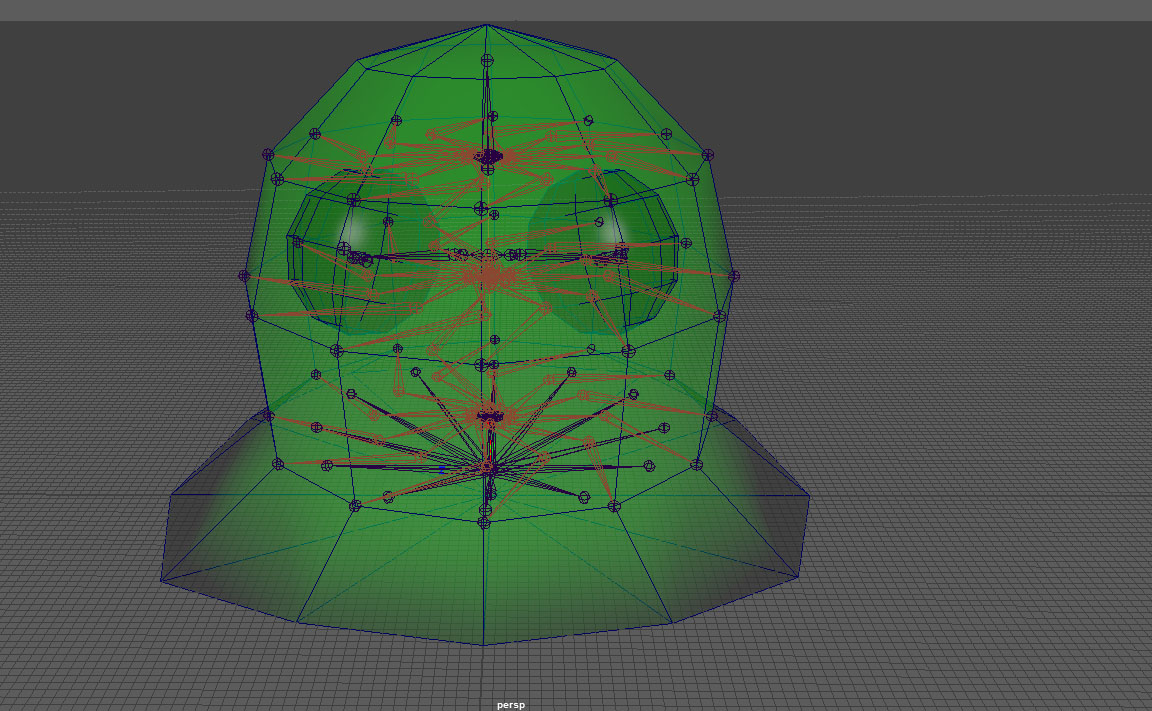
Here we have the finished skeleton where all of the edgeloops can be controlled to make Hoppy wider or thinner as need arises. I will probably realize later that I missed something in this process since I have never done it before. But that is why I am here, to learn.
 |