|
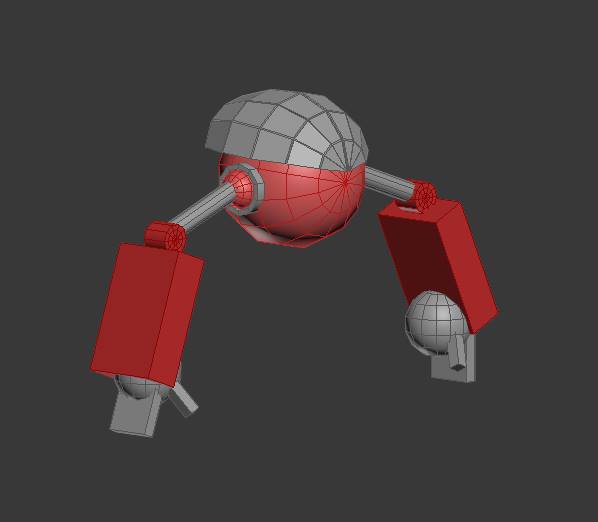
Enemy 1 This week has been a little slow with the enemy creation. I made the base mesh for our first enemy.
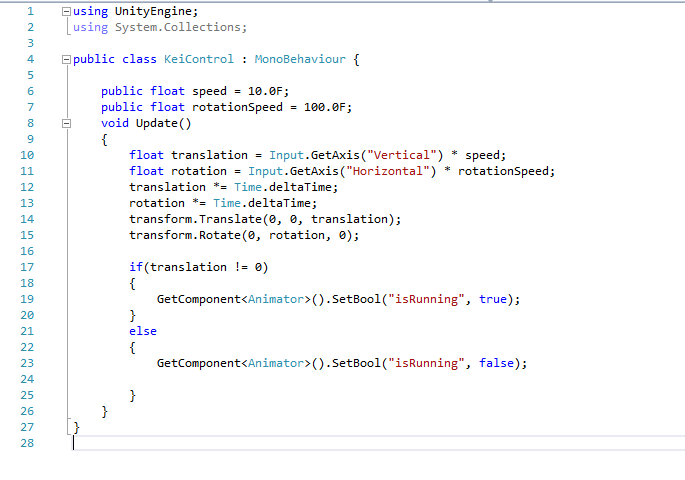
The shapes of the enemy is very basic and this will work as a place holder for the Alpha. Code and animations I also made our player character Kei to move in the engine with animations. I used animations from a website called Mixamo which is a website Adobe owns. Here you can rig and skin your mesh and use animations for free and you keep your rights to your project (you can read about Mixamo more here ). This is just for place hold, to have a quick look how will look and we can write the code for Kei and just change the animation later when we are done with our own. Check link for the animation: Player movement Here I used a very simple code from Unity’s documentation, with a small change I made Kei run and stop with working animations.
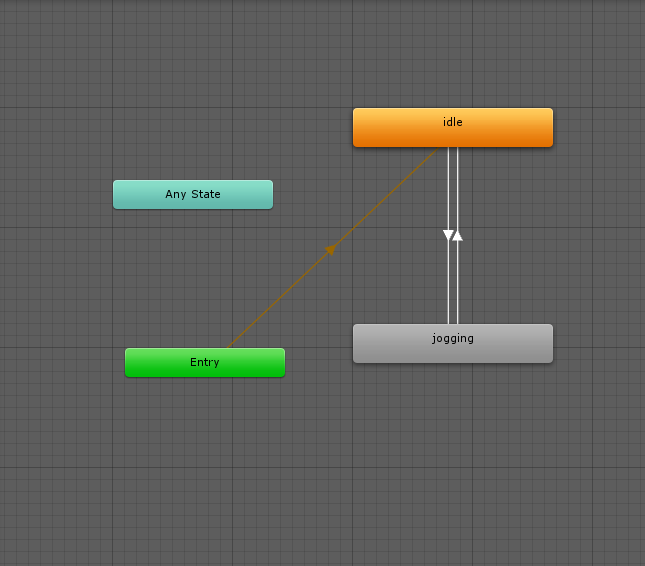
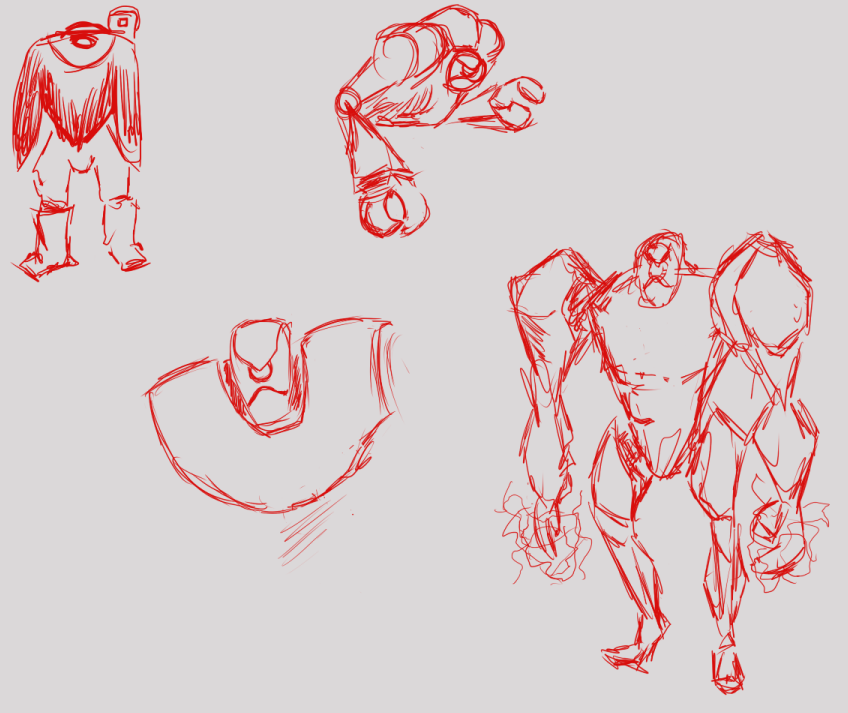
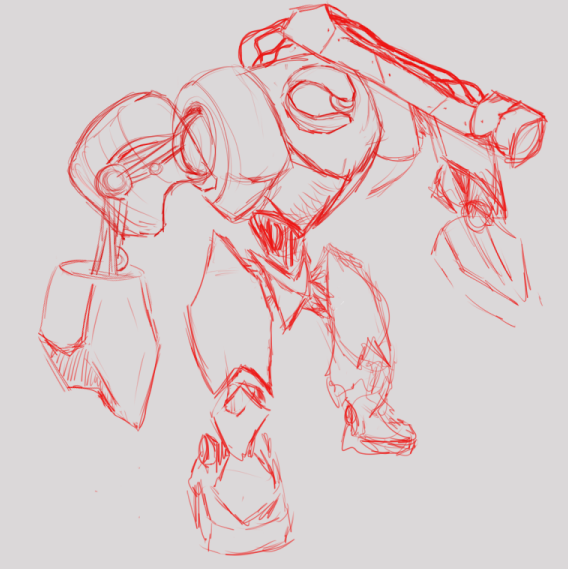
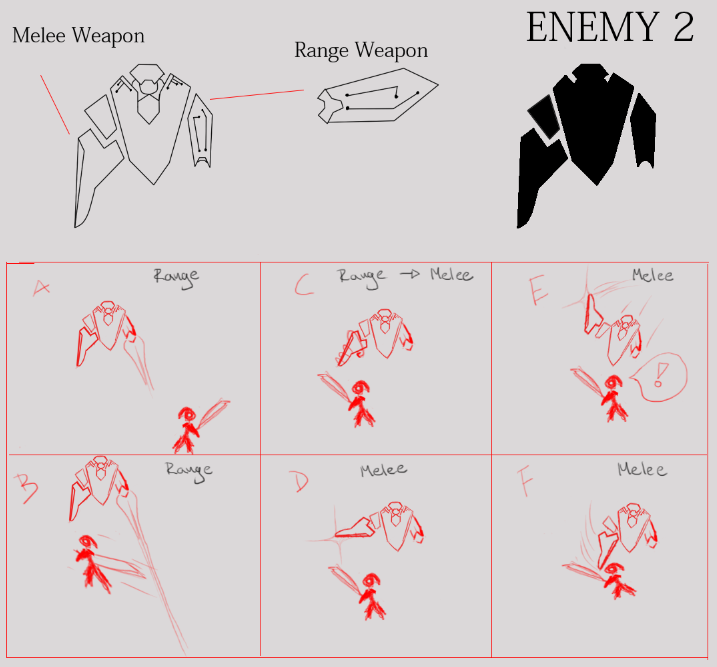
Animation list in Unity. This was kinda fun since I never done ”coding” before. And with basic code from unity’s documentation I got it work, pretty neat! Enemy 2 Last but not least I created some sketch for the enemy nr 2. I had hard time to figure out how we wanted this enemy designed. I had some requests from our Producer. A range weapon ”plasma weapon”, a melee weapon, bigger and heavier than enemy nr 1 but should have some recognition from enemy nr 1. Here are some sketched / doodles I made when trying to come up with an idea of the enemy.
And here is the final sketch and demonstration how it will work with the combat / attack.
 |