Symbiosis week 1
|
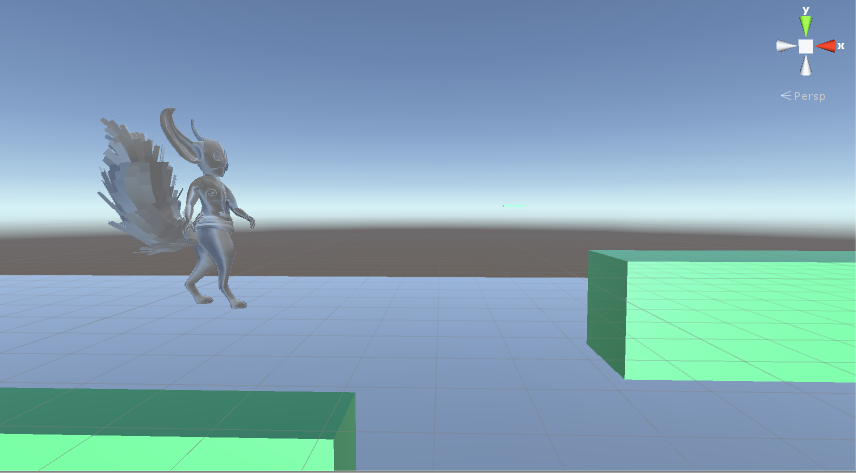
This is the first week in production on our game Symbiosis. In our first week i had the task of creating the movement for one of our two characters Lumi.
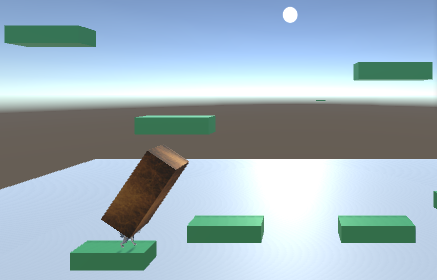
This is my first time working in Unity and i had a bit of a learning curve on the first day. But it didn’t take me long to understand how script worked with gameobjects in unity. And how you could make scripts interact with other scripts. The jump activated when it found an input on the assigned button and increased the velocity with a certain amount. The gameobject always has a gravity force applied to it to force it down after a jump. Lumi was also required to be able to float in the air after the jump button is pressed again while already in the air. If the character is in the air while the player presses the button again the float bool variable is activated. The float doesn’t truly activate until lumi is on its way down. I did it this way to prevent a bug where the player could press the jump button twice to gain a lot of height. When the float is truly activated the gravity on lumi is cut in 8. This effect might have to increase later on. The second thing i did this week was lumi’s fire breath attack. The fire breath would shoot out i cone form and would increase in size the further the player pushed the trigger. To make this easy on me i decided to only use three different hitboxes for this. And different hitboxes activate depending on how pushed in the trigger is. The fire effect will the be put on the cube collider later. In the mean time i use a simple cube mesh to visually represent the fire. To hide the mesh when it isn’t active i use meshrenderer.enable = false.
To fix so that the fire could penetrate platforms i created a script to check if the individual colliders on the fire collided with a platform. Then i used that data to deactivate the fire if it collided with a platform. The last thing i did this week was implementation of Lumi’s animations. The model and animations were imported together in an fbx file. That i could use to get all data from and then create animation clip that i could use in the unity animator controll feature. I the implemented the animation flowchart in the animator controller so that the animations would flow into each other correctly. That’s all for this week.
 |