Revamping the EMP animation
|
Hello dear readers. As this is the last week of developing Planet Suburbia I will not spend that much time on this blog post, there is simly too much to do before the deadline. However, this week I will showcase something really really cool, my revamped EMP animation! The EMP is a powerup the player can get hold of and when used it will wipe out all enemies attacking the player. Let us take a look on how it first looked like! Just a simple sprite. I made it using a circle shape, then used a soft brush to erase the middle. In engine it is first scaled down and then scaled up to its native size which in this case is 2048×2048. In other words, it covers the entire sceen, which is great since it’s a screen cleaner. However, this does not truly do the cut. We needed something greater.
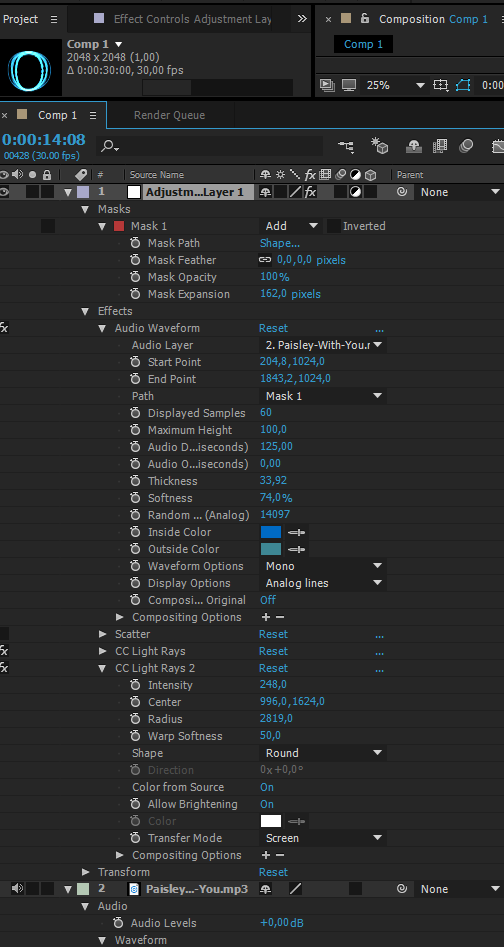
So I went head first into After Effects. When looking back at this project I have actually used this software for all special effects. It is just so intuitive and the results you can achieve are truly great. Below is an image on the finished project. You can see my layers and values on the separate effects. I will try to explain each one of them a bit thoroughly however.
The effect that creates the juice is almost the same as the one I used on my Time Dilation effect, which you can read about here. In that effect I used Audio Spectrum but this time I went with Audio Waveform, just to test something new. It turns out the effect is quite similar, but in the end can produce completely different looking effects. I add the effect on top of a Mask with the shape of an Elipse.
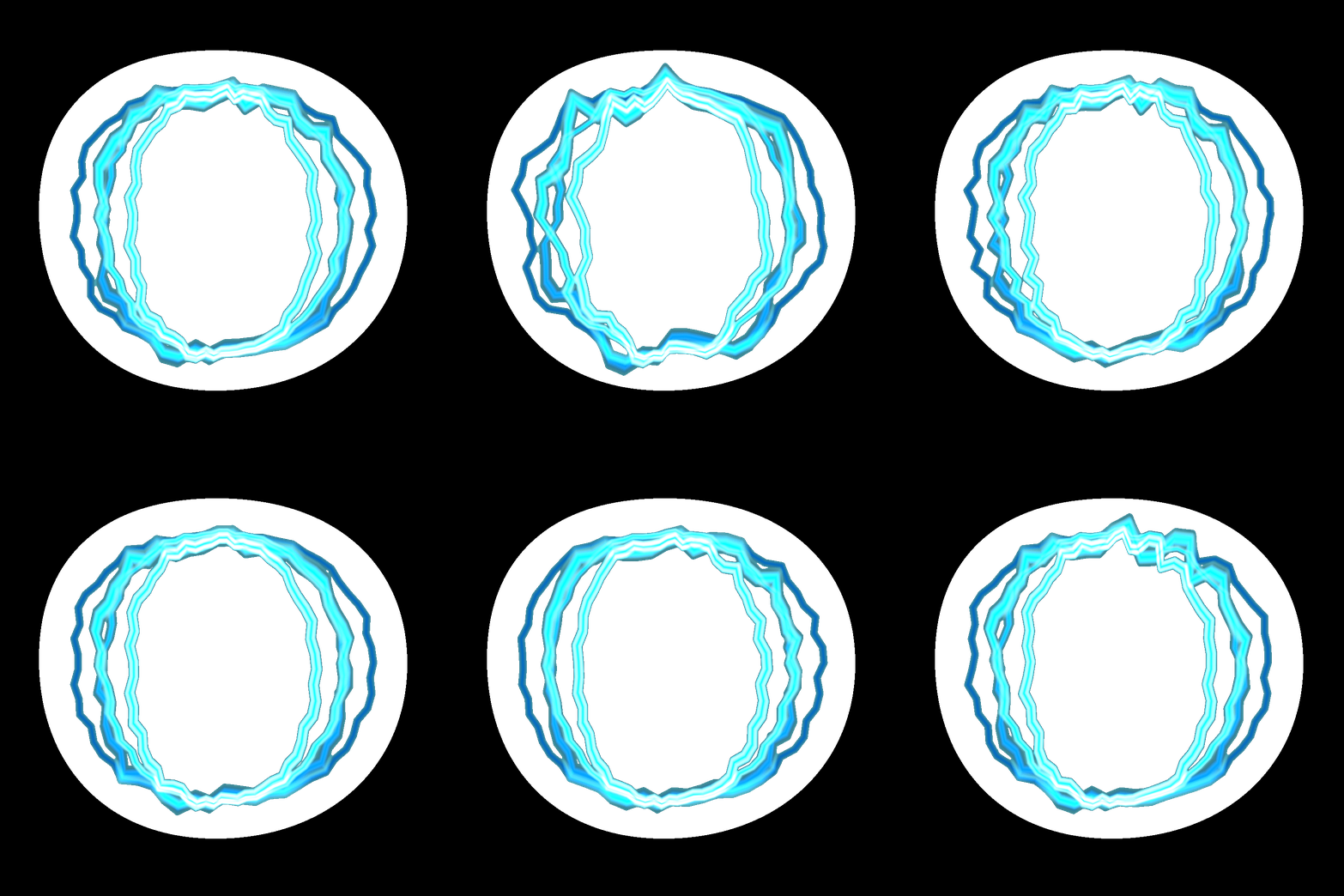
Then I added a Scatter effect, but in the end I removed it. You can experiment with it yourself, I did not manage to get the results I was looking for. Now to a fun effect; CC Light Rays. It creates a light source that reacts to the underlying pixels. I added two of these and put one on the top and one on the bottom of the circle. Then I increased their radii immensely, which creates a ”clone” of the original effect. And after doing all these steps, you are left with this result:
Thanks for reading!
// Jonatan Ersarp
 |