Implementing A Narrative
|
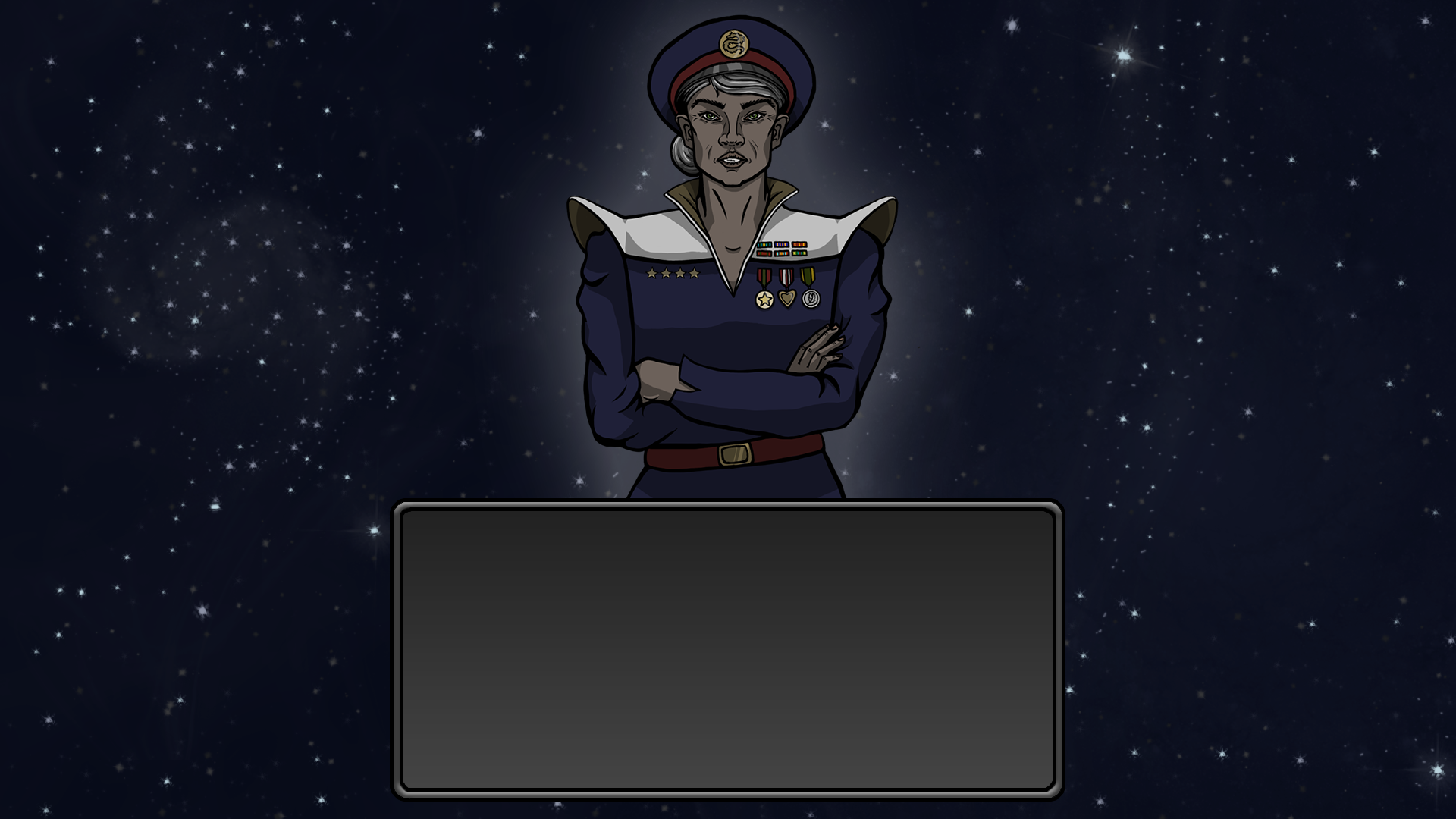
This week has been quite a hectic one to say the least. We have mostly been iterating all of our planned assets and some have even been scrapped. Most of the menus and buttons have been reworked. One of the most essential part of our game is the narrative, which has sort of been put to the side for a long time. The general idea of how we wanted the player interact with the narrative was not necessarily through the actual gameplay. A lot of games tell a story with the gameplay itself, and we had some loose ideas how a narrative could be implemented in that way, btu nothing concrete. However, we did want to abandon the whole narrative. We did like many games do by adding a intro scene and dialogue text from the Commander and the President. The basic idea was that when starting the game there would be an Intro state that contained an image of the Commander and a “chat bar” with some text. An arrow on the side would indicate the player to click that to continue. Here is how we wanted it to look like:
So as I mentioned before, this is it’s own state, like game state or main menu. When adding pictures into the game that are not sprites to objects, we use our GUI-class. Our GUI class basicly has a function that inserts an image, given a certain cordinates. What the image-function also can do is enter a text. With a suitable font I entered the dialogue that one of our team members has written. It also has a button-function, that can create a certain area into a button that can for example take a player to the next state. In this case, I made a list of phrases that would be used. So the image function created the image and the text that came from the list. When the player clicks on the button it will go to the next item in the list. Doing this way I did not need to load seperate images with text in them. When the list has reached its end, it enters the game state. This was initially fairly simple, but when it came to arranging the text it proved to be a quite fiddly task. Thanks for reading my blog posts through out this project. I wanna give a shout out to my friend and Kappa in pride, Jonatan. That’s all folks!  |