Finishing up Potato Pirates, HUD-icons
|
This last week has been quite different from the previous weeks we have been working on this project. Seeing as we were quite finished with our game, and our backlog was pretty much empty, what was left to do was a lot of tweaking of things we already had. What I’m going to write about today is the implementation of the animated HUD-elements for the power-ups, not because it was different to do but because of the, at least from my perspective, big impact that had on the feeling of the game. Since the player can only have one power-up at a time in our game, I made it so that the HUD-icon for the power-up is only visible when the player has obtained a power-up. Depending on which power-up the player obtains, the HUD-icon shows the symbol for that power-up. This is done through a simple switch-case. Seeing as our game is a stealther/bullet hell – hybrid, we didn’t want a cumbersome HUD that took up screen-space or worse obstructed the view of the player, the power-up HUD-icon was given a low alpha-level in order to be see-through. For the first version of the power-up icon we used a normal sprite. While it did confer to the player that a power-up had been obtained and was usable, the sprite felt really out of place in the HUD. It didn’t look good. 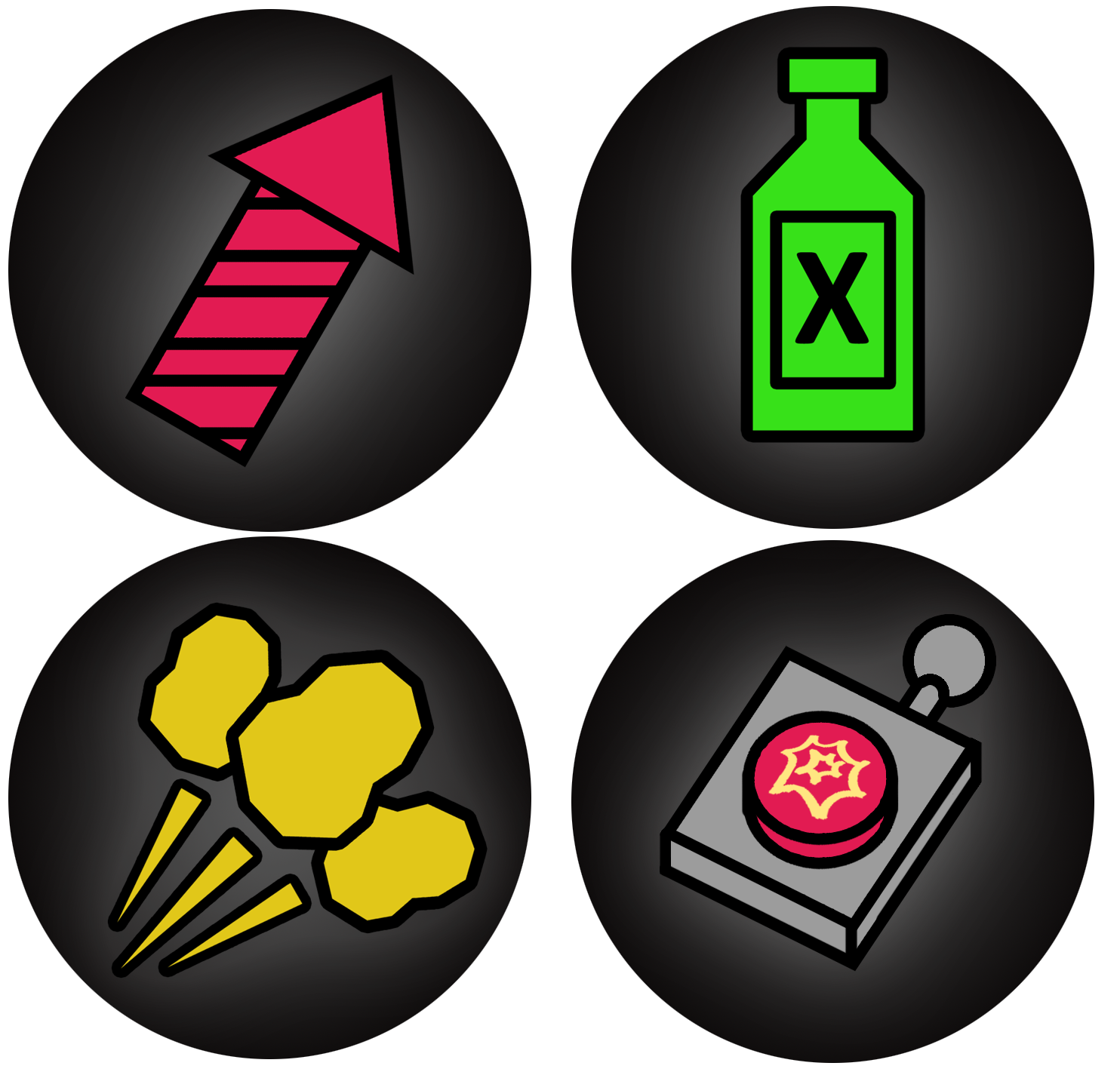 Ricardo Aranda, our lead artist, created an animation for the different power-up-HUD-icons, as he writes about in his blog. As I said previously, implementing the animations was very straightforward. Since we have an animation loader, as well as an animation manager, all that is needed is to create an animation in the animation loader by specifying the spritesheet to use, size of the individual frames in relation to the spritesheet, location of the frames on the spritesheet and the speed of the animation. The animation manager in turn handles the animating part. 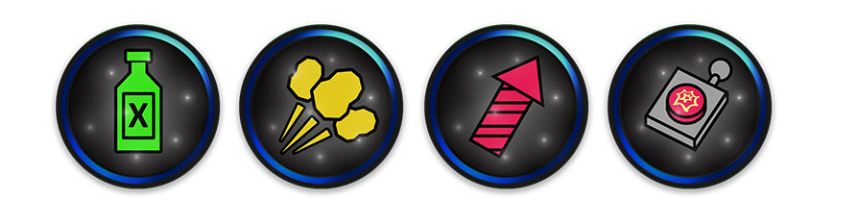 Adding the animation to the power-up HUD-icon really added to the feel of the game, it draws attention to itself and makes the player more aware of the power-up thay have obtained than what the version of the HUD-icon with a sprite did. When the player uses the fireworks power-up, they have the ability to detonate the firework before it collides with an enemy. For this functionality to be shown to the player, the HUD-icon of the firework changes to a detonation button when the firework has been launched. The animation speed for the detonation button is higher than the animation speed for the other power-up icons, which I think conveys very well that you have a limited time to use it. See you tomorrow!  |