The Tutorial
|
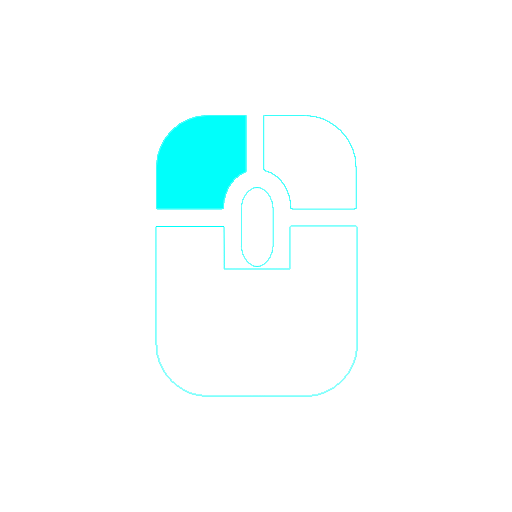
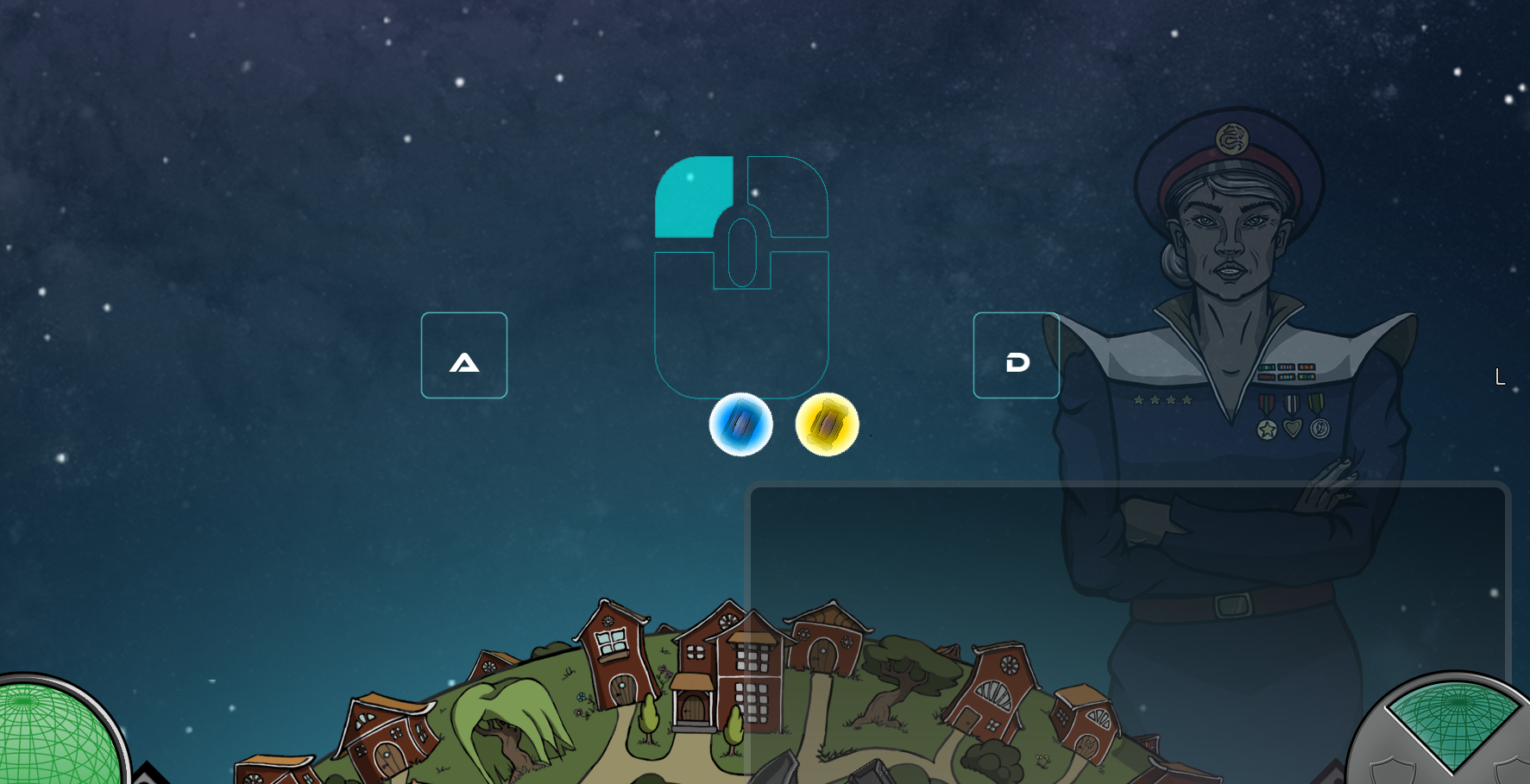
For this week one of the features that I’ve been working on is the tutorial in our game. We wanted the tutorial to be one the first things that pop up on the screen when you start the game. A tutorial by definition is an instruction of how to use something, like a manual. Many tutorials in games have a visual tutorial without promptly writing “right click to fire”. If the visual representation is sufficient, there is no need for having any text that explains how to play. Less is more. The controls in our game are mouse click left to fire, right for combo power, spacebar for powerup and A and D to rotate the planet. The way we proceeded to instruct the player was to present an image in the beginning of a mouse with a highlight on the left mouse click. This way the player would (hopefully) left click and notice that it fires a shot from the turret. Now the player knows how to shoot. In a similar manner we inserted two images of keyboard buttons that had the letters A and D in them. The player would try it out and notice that the planet rotates. Now once these buttons were pressed, the images would fade out. It is easy to understand and presents a clear instruction of what to press without explaining it in words. This is how the mouse button looks like: Additional to the basic controls that are in the game, the player needs to be instructed of how to use the combo power and power ups. These things can only be used in certain conditions. The combo power can only be used if the player has gained enough combos, so we need to instruct that aswell. Therefore we made it so that when a player has gained enough combo points to gain the combo power, an inverted version of the picture above pops up. Now this one however has a text that says “combo power ready”, but it is not exclusive for the tutorial. The text pops up everytime you have a combo, and fades after a very short time. When the player right clicks, the combo power is executed. Now the condition to use powerups requires that an enemy has a dropped them. The Cyclos has 10% chance of dropping the GPB and Zapdoser has 50% of dropping an EMP. We provided the player with two powerups, spawning them in the middle of screen before the actual waves start. When clicking them a similar image of a spacebar button with a text saying spacebar is presented. The player again hopefully clicks spacebar and sees how the poweups work. This certain part of the tutorial in still in progress and not yet completed, but will be tomorrow. That’s all for this week.
 |