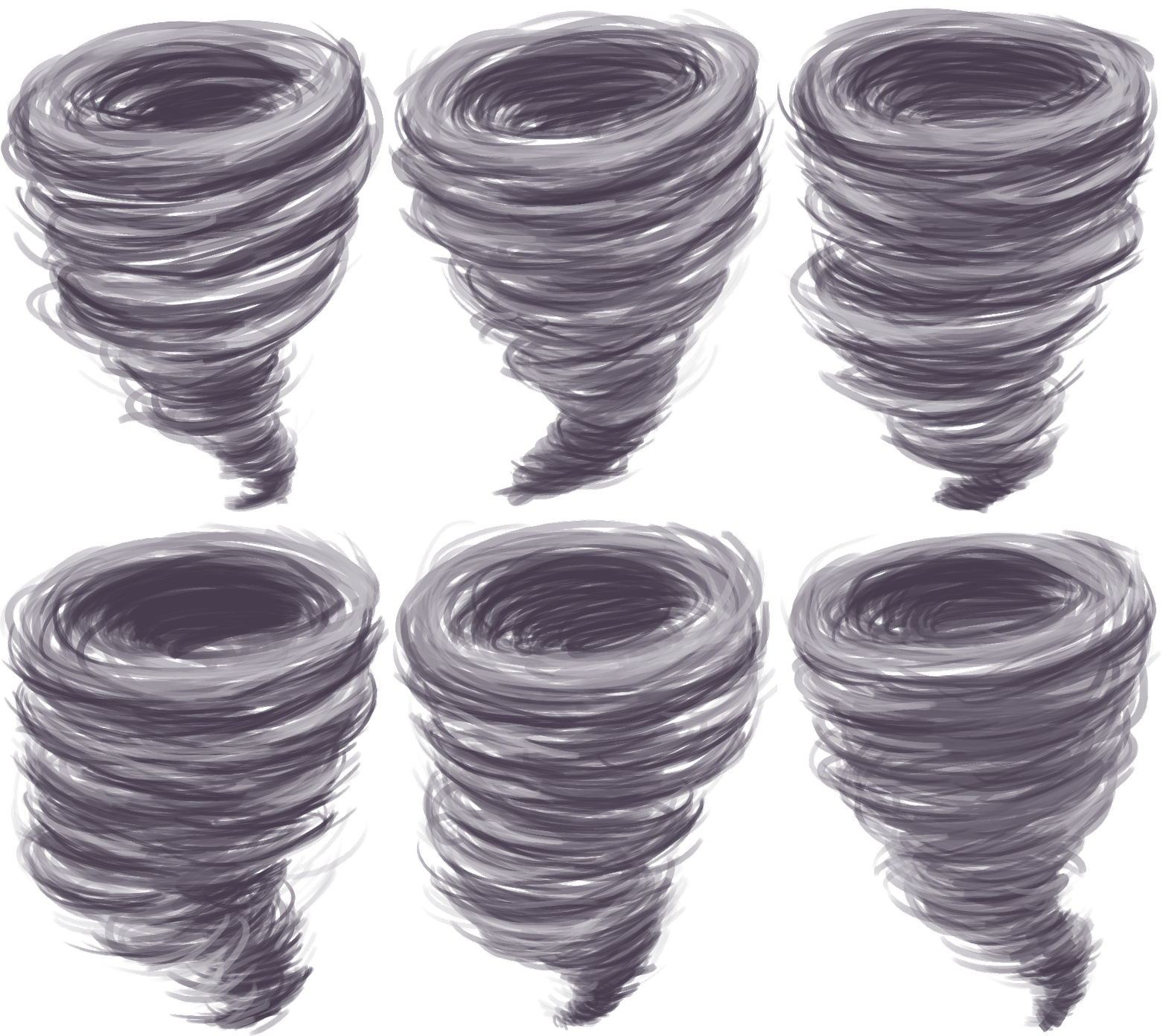
Tornados
|
Hi guys! This week I will talk about tornados. Or more precisely tornado animation. In our game we have a power up that allows the player to summon a tornado which eliminates all the enemies and obstacles currently present on the screen. A few weeks back I did the icon for the power up which ended up like this.
I have never animated a tornado before and quite frankly just drawing for the icon was a challenge for me. I wanted it to be flawless and realistic and that is not what we are going for in our game.
So to do this animation I started off by trying to get the core movements.
After doing that I continued to add more frames until I had a movement that I was sort of satisfied with. After that I tried to fill it with color and also try a semi see-through pattern.
So once in Photoshop I used a semitransparent brush and started off with a light blue color. I then started to make a lot of different strokes bending them to give the illusion of depth. I did this for the entire 11 frames before going back to the first frame and adding two shadow layers and one highlight. I then took that frame and added it to an in-game picture.
Until next time folks!  |
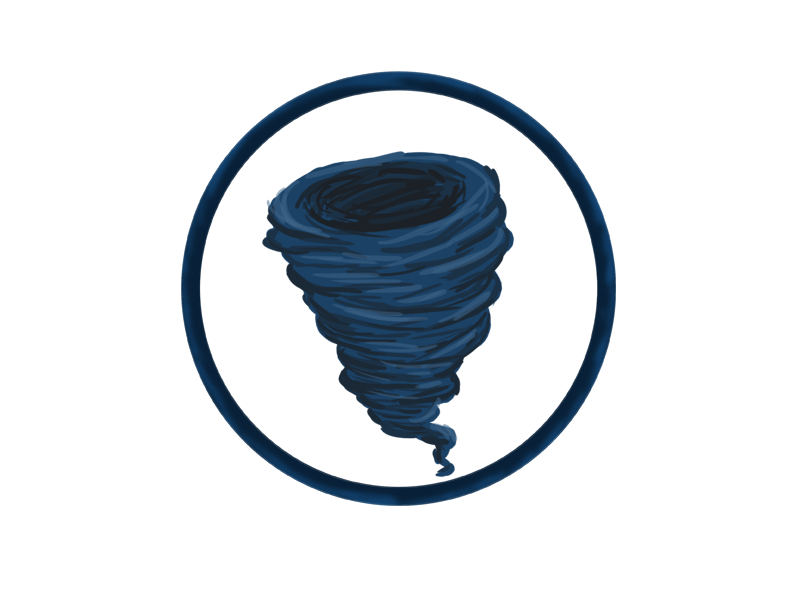 However, this was only concept art and the art style of the game has change a bit since then.
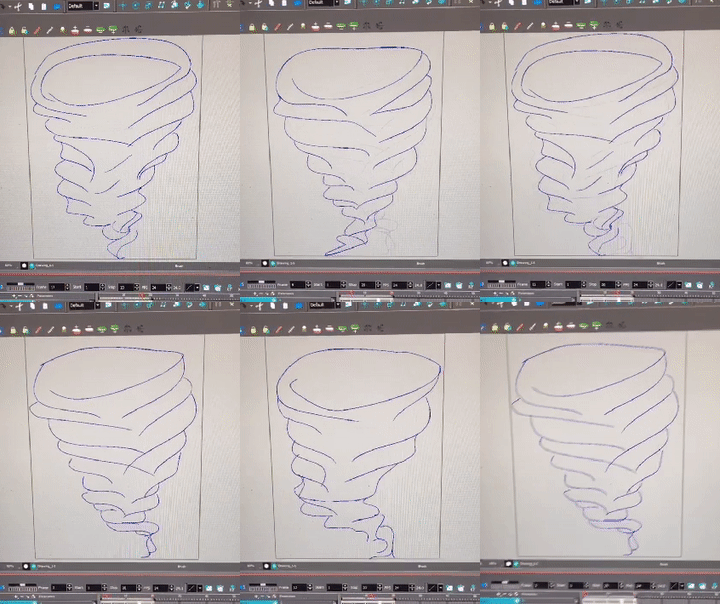 I started off with four frames. One for the start position, two in the middle and one for the end position. I did this in Toon Boom Harmony.
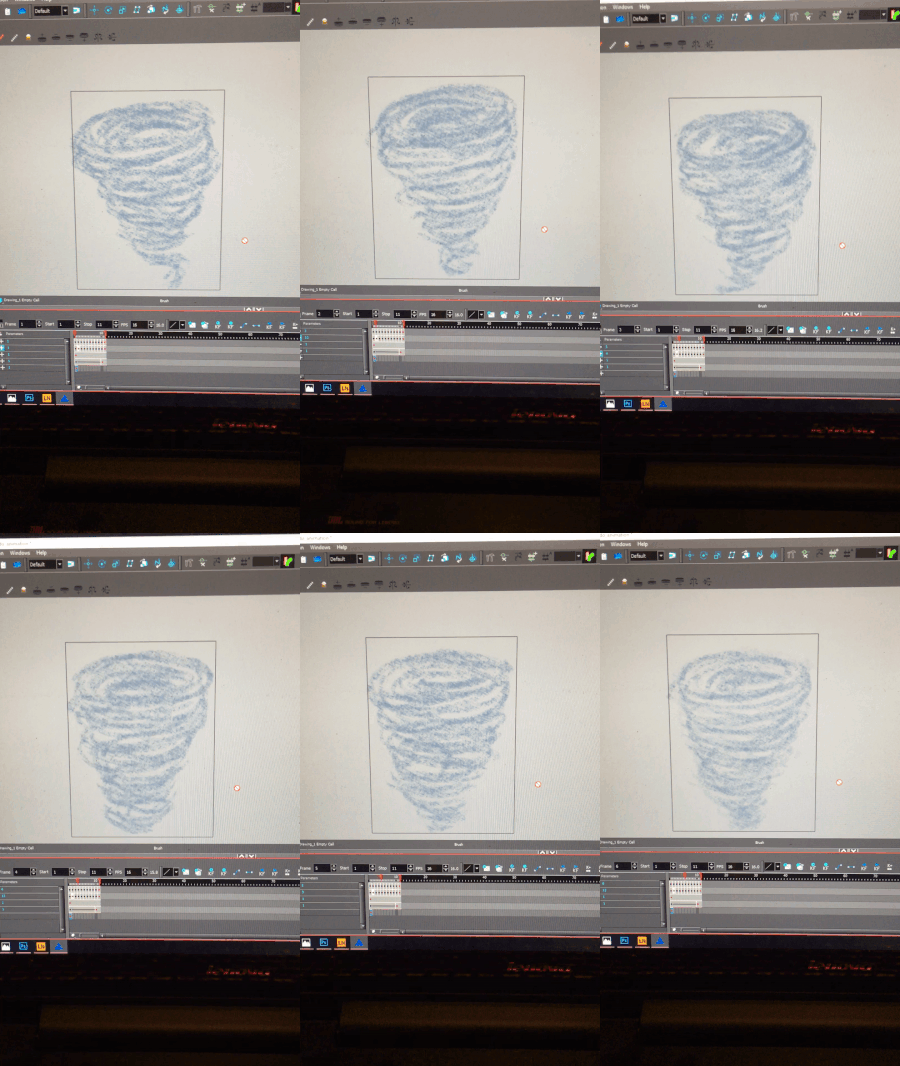 I decided that the movement was done and lifted the animation to Photoshop. The reason why I did not finish up in Harmony is that I have yet not figured out how to lift the frames with a transparent background. So right now I am wasting a lot of time making a green screen behind the drawings and then removing it in Photoshop.
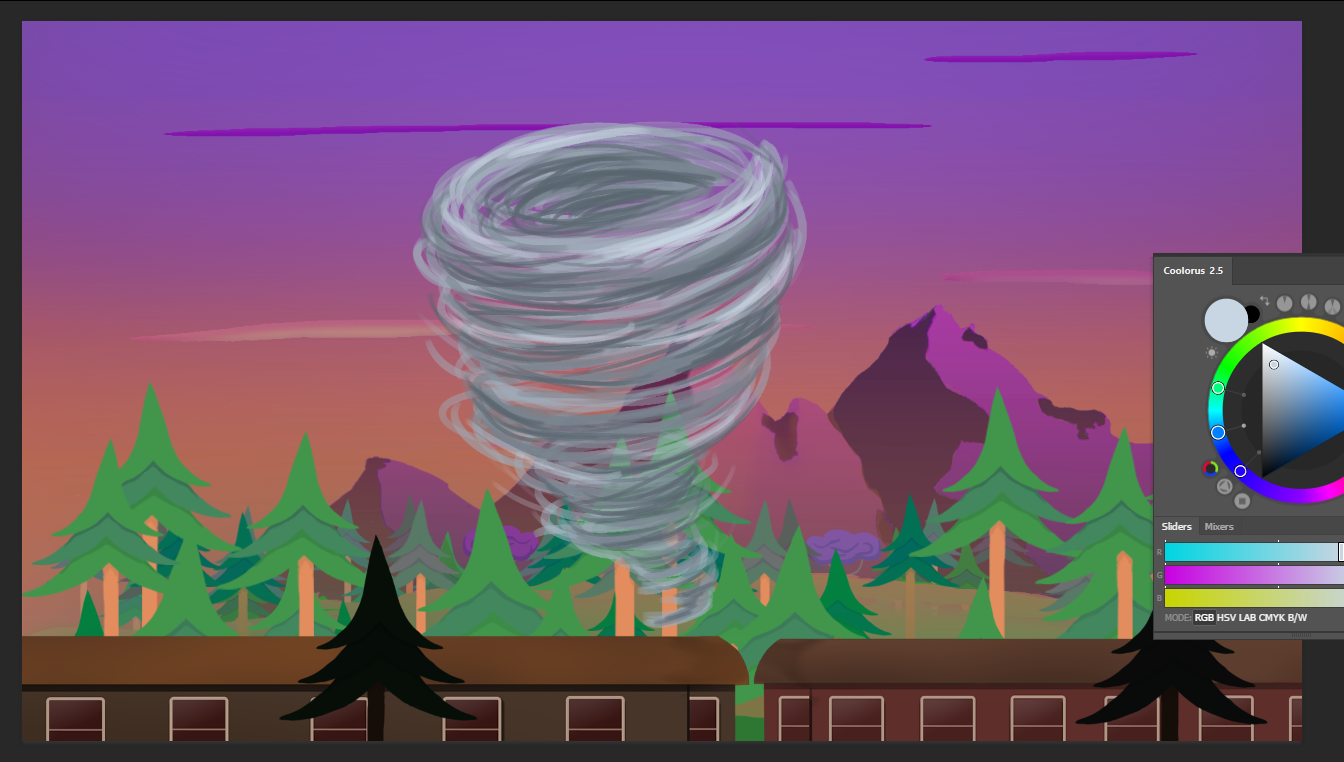 I realized that the colors did not look good with the rest of the game and went back and made everything in different shades of purple.
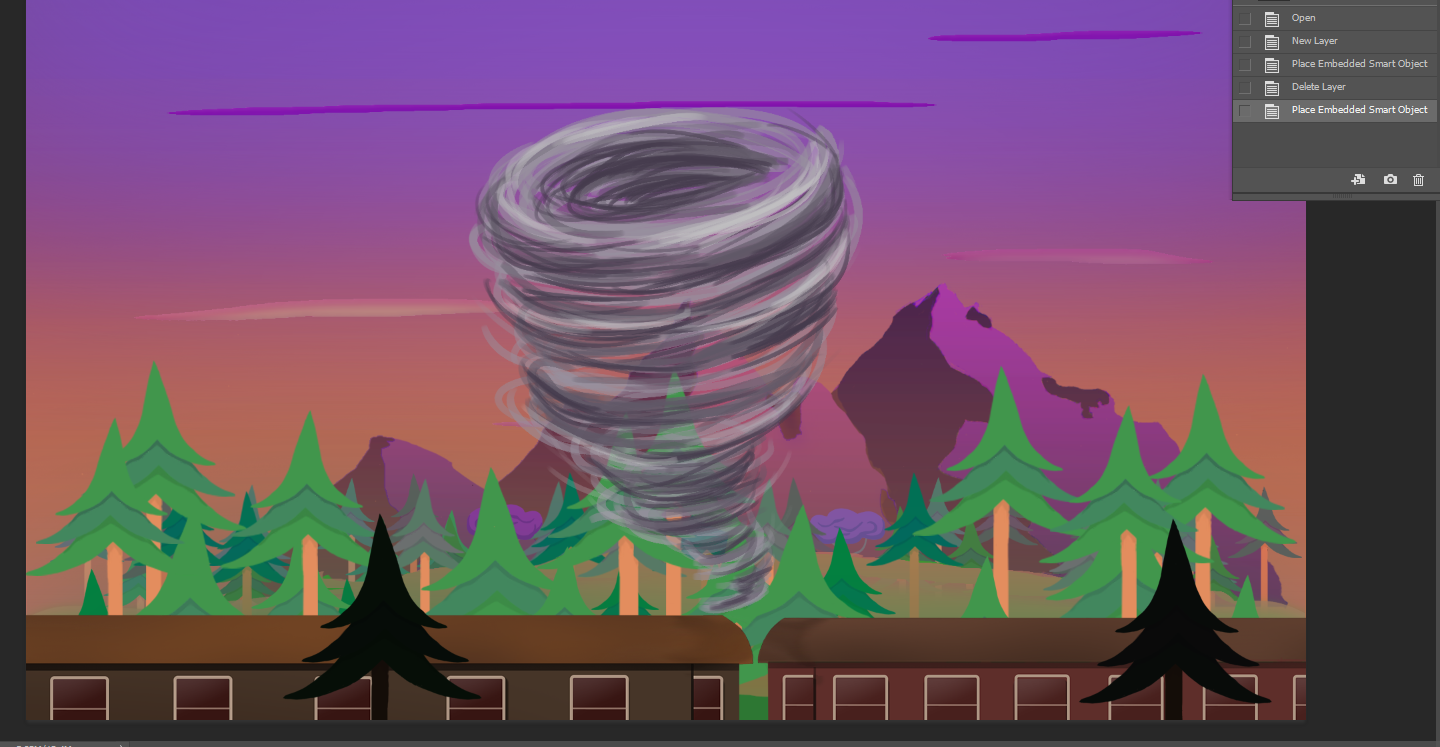 I quickly checked it with the in-game pic and decided that I was satisfied. After that I repeated the process of two layers with different shadows and one with highlights for the remaining 10 frames. After that I tested the animation and went back for some finishing touches. The entire process took me 10 hours. And here is the end result!