Week 3 (Making spritesheets)
|
Hello! I’m the sound director for the game ”Potato Pirates”. My name is Martin Månsson. Instead of sound I will once again talk about graphical matters. That is because sound still does not have very high priority comparing to the graphics. Last week every single sprite for the “Fighter Plane” (which will be one kind of enemy in our game) was complete. To make this “Fighter Plane” animate in the game I will also have to make a “sprite sheet”, which is a picture with every single sprite of the graphical asset lined up beside each other. The first thing that usually comes to mind when trying to make sprite sheets would probably be to line up every sprite beside each other in “Photoshop”, since “Photoshop” is very famous as an image editor program. That is a very time consuming idea. The reason behind that is that if one would make a sprite sheet in “Photoshop” one would have to expand the canvas. Then one would have to move every single sprite and place them beside each other with flawless precision. That is reasonable, if you just have 2 or 3 sprites to work with. The number of sprites for this “Fighter Plane” that I have been working with is 62. Try to make all that work in “Photoshop” in a week while doing other important tasks. It is possible to do it with “Photoshop” though. I am just saying that there is a much quicker way to get the same or even better results. To do that, one will have to use the program “Glueit” that is free to download from this site: http://www.varcade.com/blog/glueit-sprite-sheet-maker-download/ What “Glueit” does is that I give it all of the sprites that I want to use for our game (in order of course). Then “Glueit” will line up all of the sprites and make a flawless sprite sheet (depending on that the sprites are not complete shit). So that is what I did. However, I believe I must have lied when I said that every single sprite is complete. Sure, the images for the sprites are complete and it is possible for them to be lined up in a sprite sheet. But to make it easier for our game to process the sprite sheet I will have to take away all of the empty space in some of my sprites.
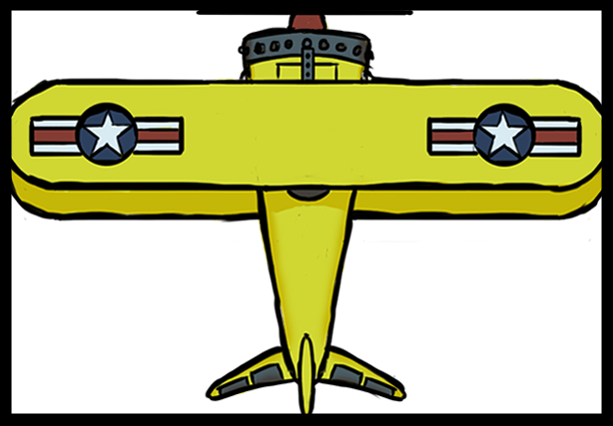
present Sprite
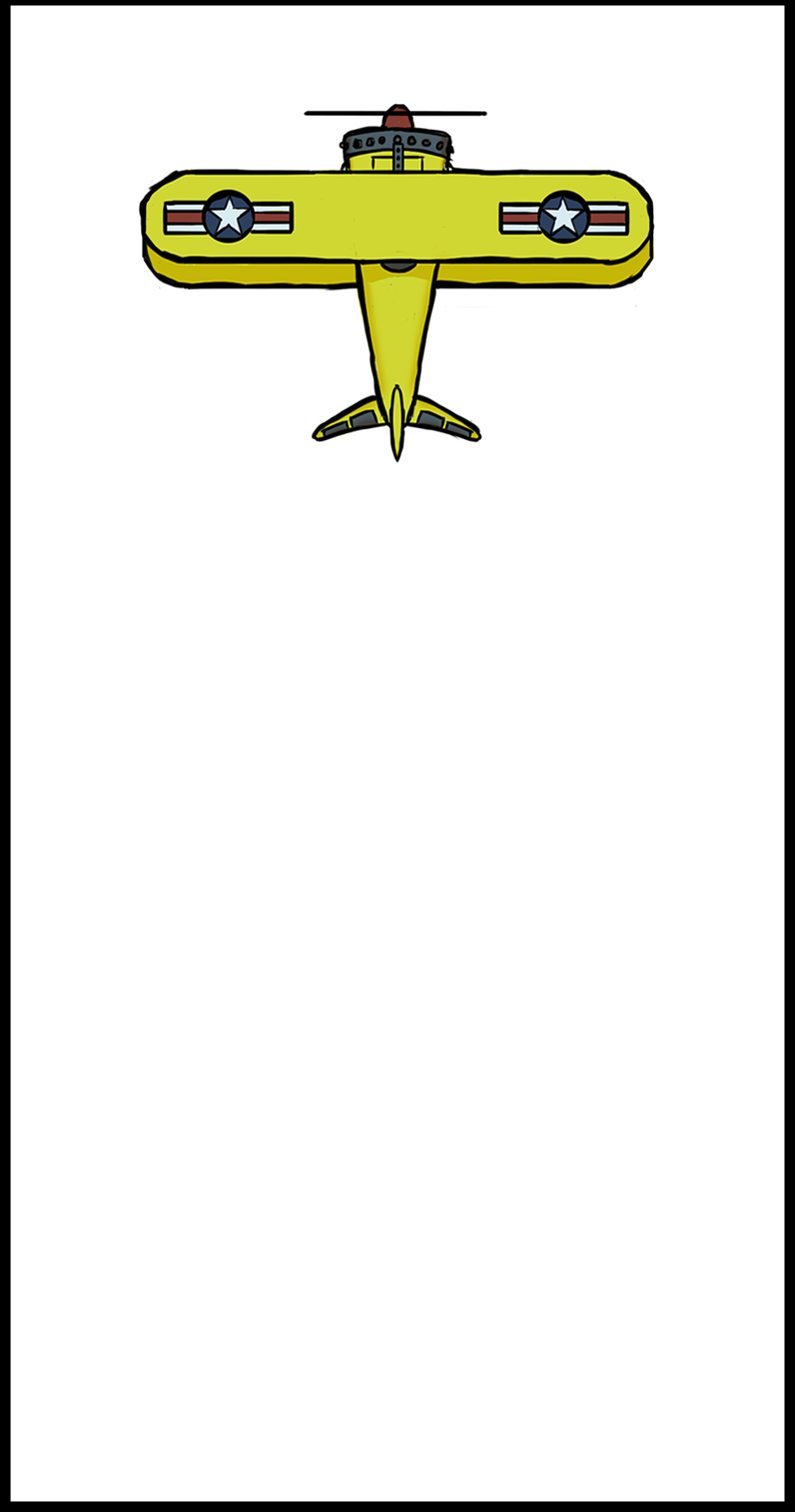
Recent Sprite
The Reason why.
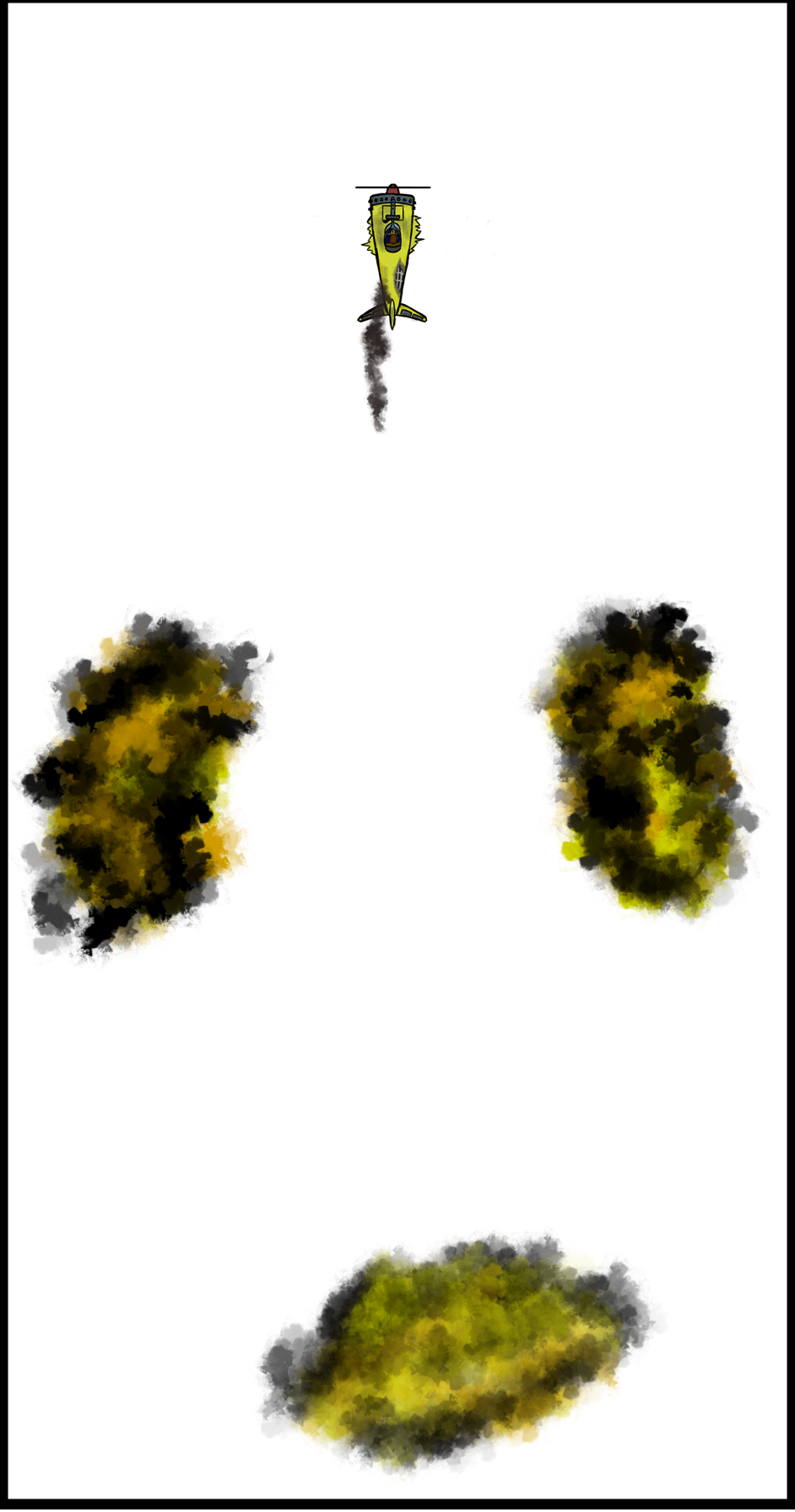
That was on purpose though. There is a bunch of stuff that will happen behind the plane and that’s why I put a lot of empty space. I made all of the sprites the same size because I did not know that “Glueit” could manage sprites in different sizes, but it turns out that “Glueit” is just that amazing, or maybe I were stupid to think that low of a sprite sheet program. But I did make a little sprite sheet that works in the meantime. It can move forward, turn and turn while damaged. There is still some work to do before I can actually say that the sprites are complete. The good news is that next week the sprite sheet will be complete. But I won’t talk about next week. Instead I will for the first time talk about sound. Martin
 |