Blog Week Three: Learning to walk
|
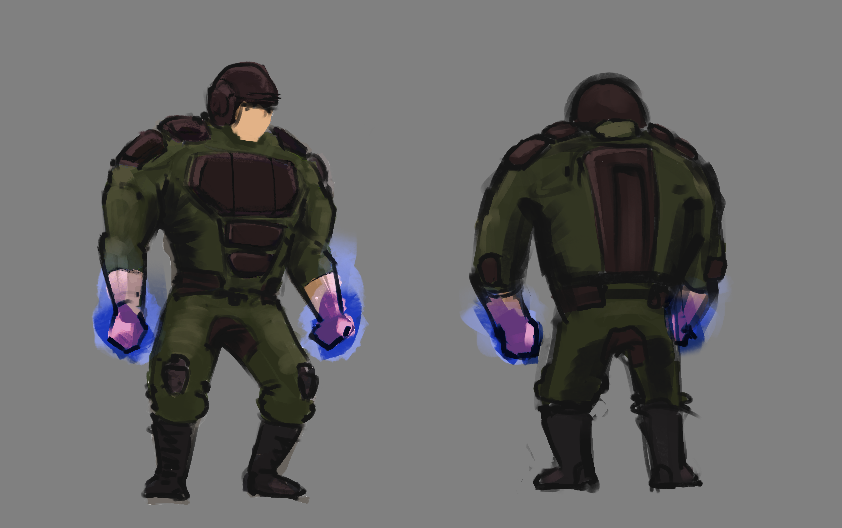
Hello dear reader! This week I gave myself the task of creating a boss character and animating it, and so I will go over the steps I took to create a walking animation. First of all, I created a model sheet to give me some idea of what the character looks like so that I can visualize it in top view. Also, because our game is in top view, the model sheet doesn’t need to be very detailed since it will not be seen anyway. This was my result:
Simple but very sufficient! The blue aura around his hands tells us about his mutant powers (in this case ice powers). I drew from my experience of creating the player walk animation and translated this drawing into a rough top down line drawing. I drew the feet and torso on two different layers so I could animate them separately and thus make my job easier. 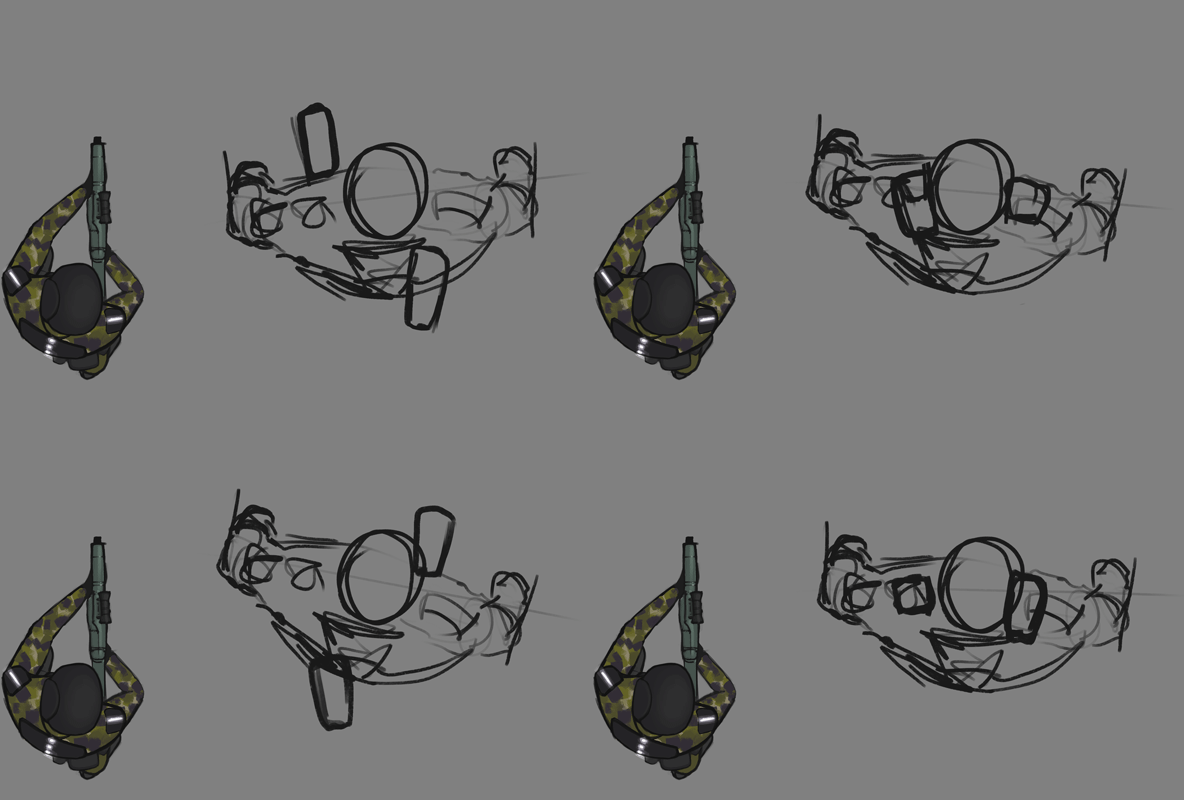 I made two frames with his feet at the most extreme points in the walking cycle, then added two mid frames, where one foot is on the ground and the other is in the air. The torso was only drawn once, then copied into the other frames and was rotated and moved to create a very rough first draft. Since he’s supposed to be very big and heavy I wanted him to really use his body to help him move forward.
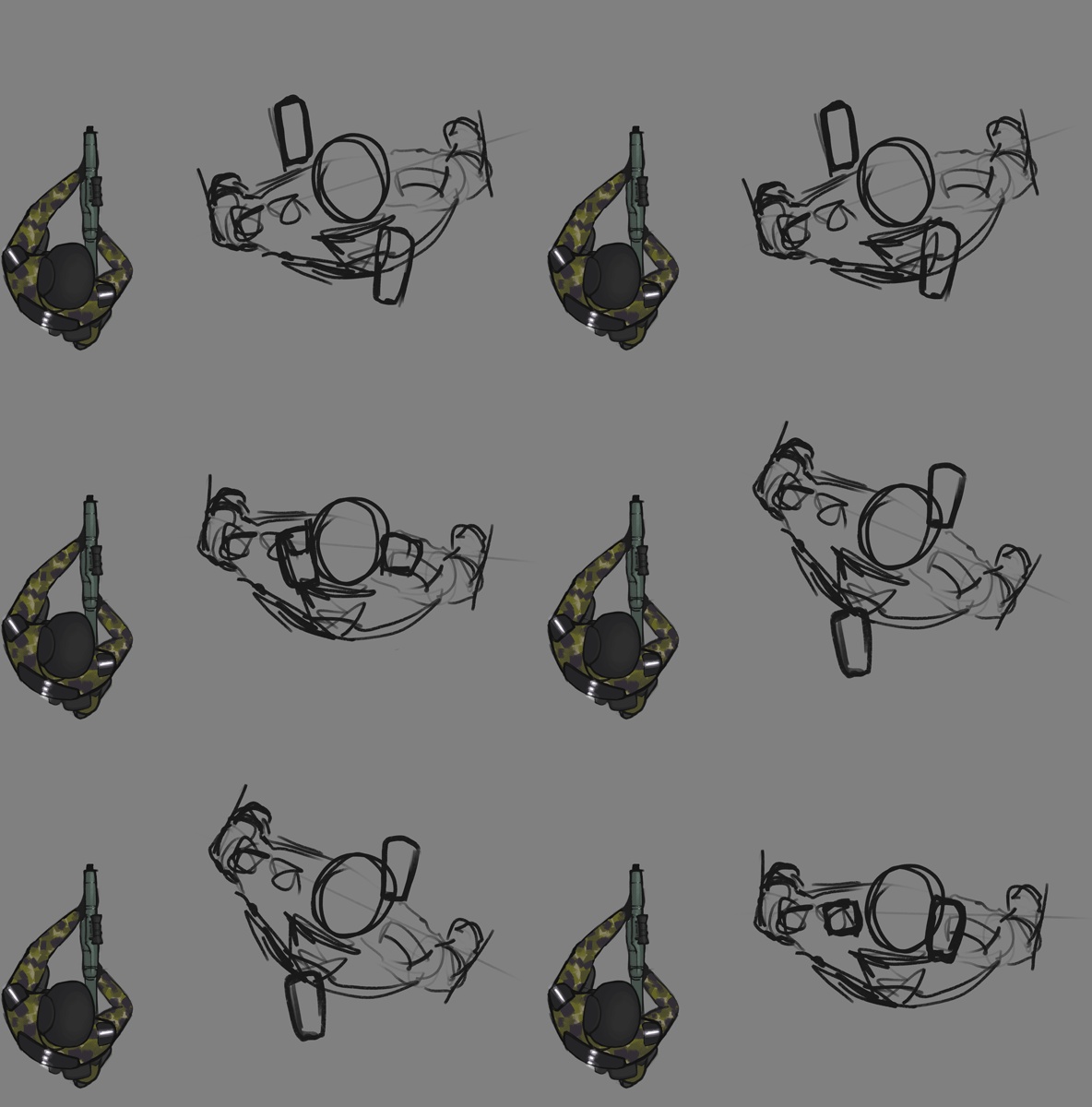 The movement was not yet very convincing though, so I started iterating. I wanted the walk to look heavier, almost as if he was struggling. I added two frames: one after each finished step to make it look like he’s accelerating into the next step. I gave the torso some more swing to emphasize momentum.
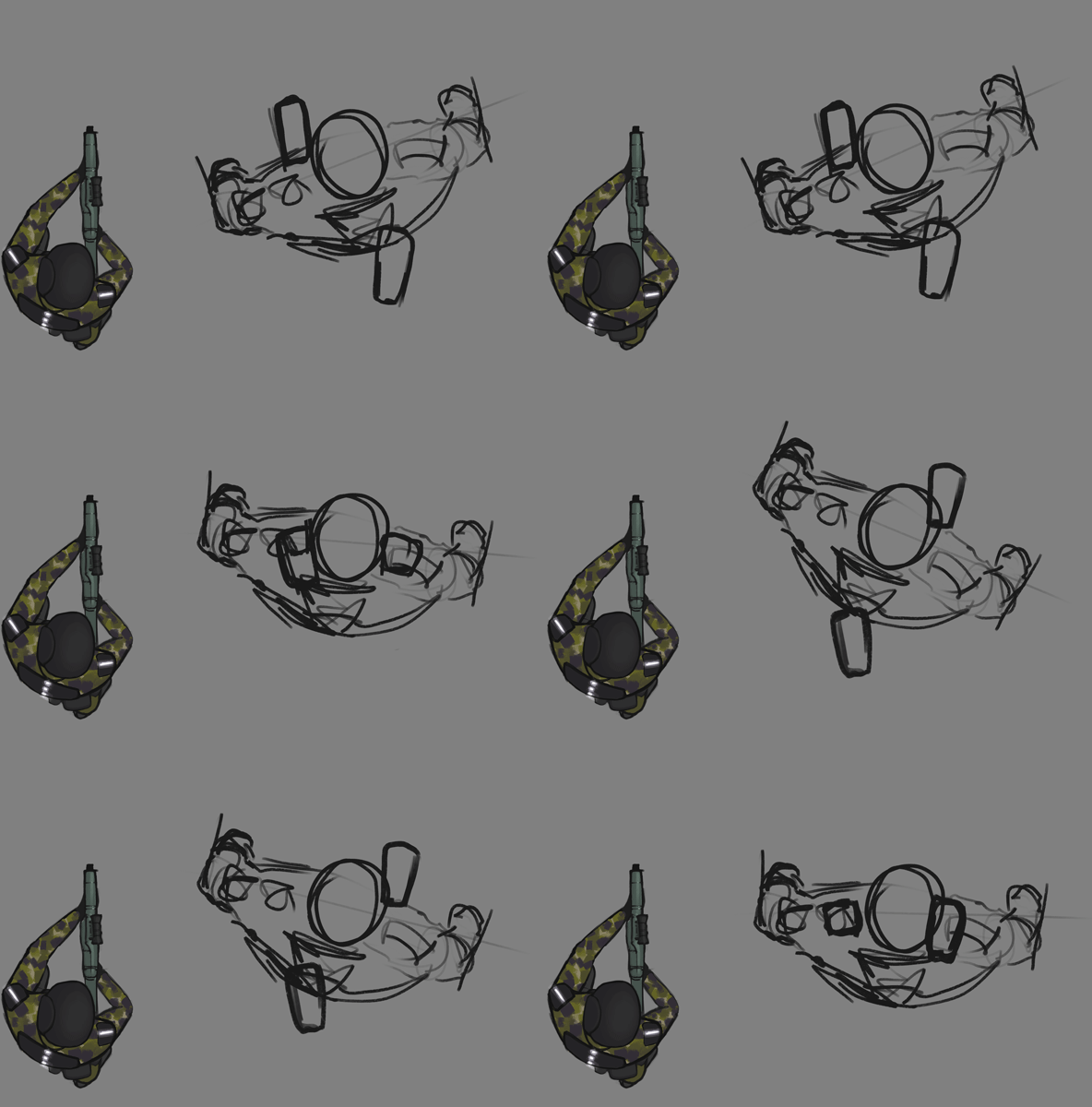
This was a step (heh) in the right direction! I proceeded to add two more frames in a similar fashion to make the acceleration more clear. This made for a total of eight frames. I also balanced the torso animation slightly since it was swinging more to the left than to the right.
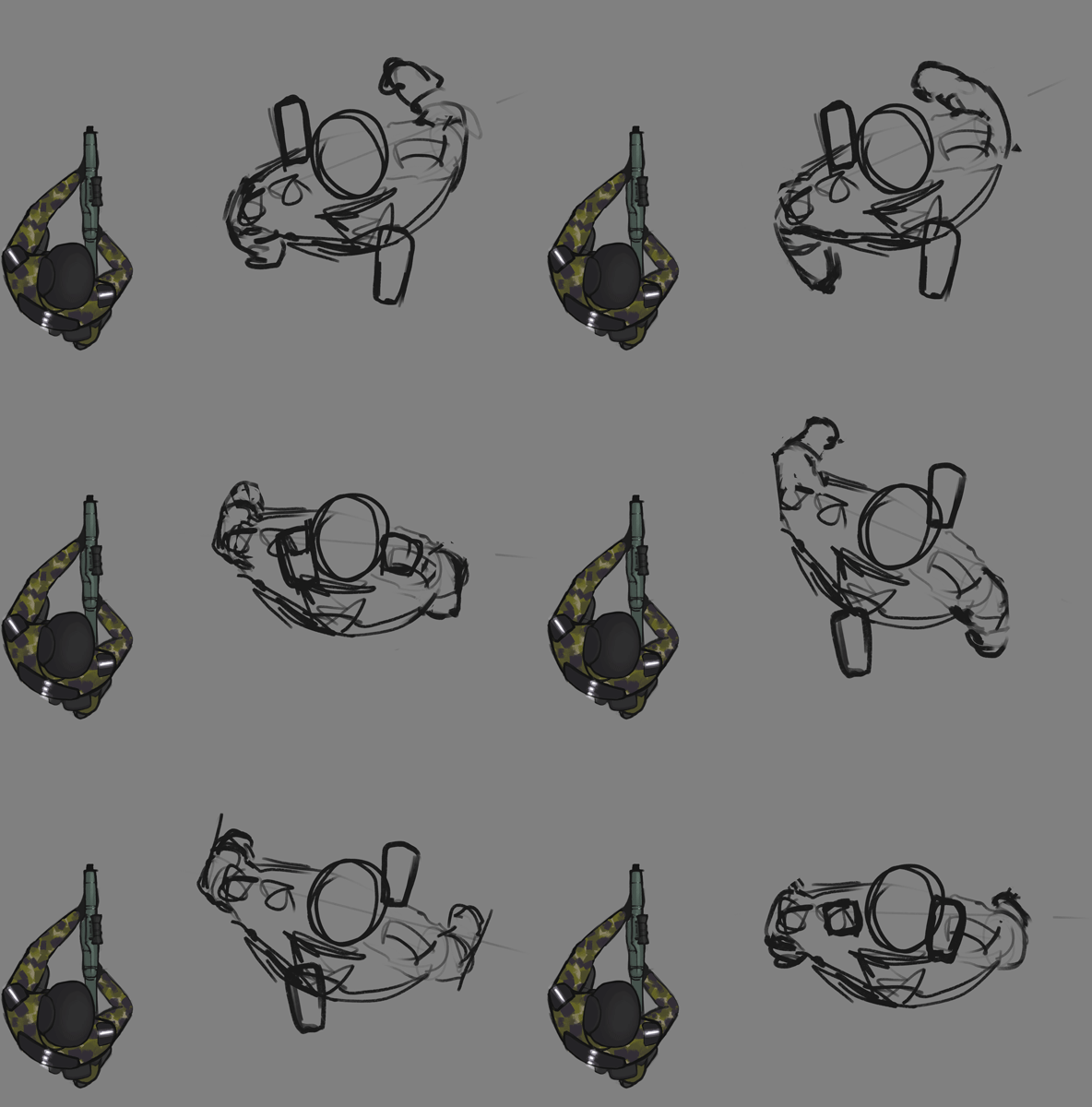
Happy with my results so far, I added the arms! The left arm moves in sync with the right leg and vice versa to balance the body while walking. I exaggerated this slightly to give the character more weight.
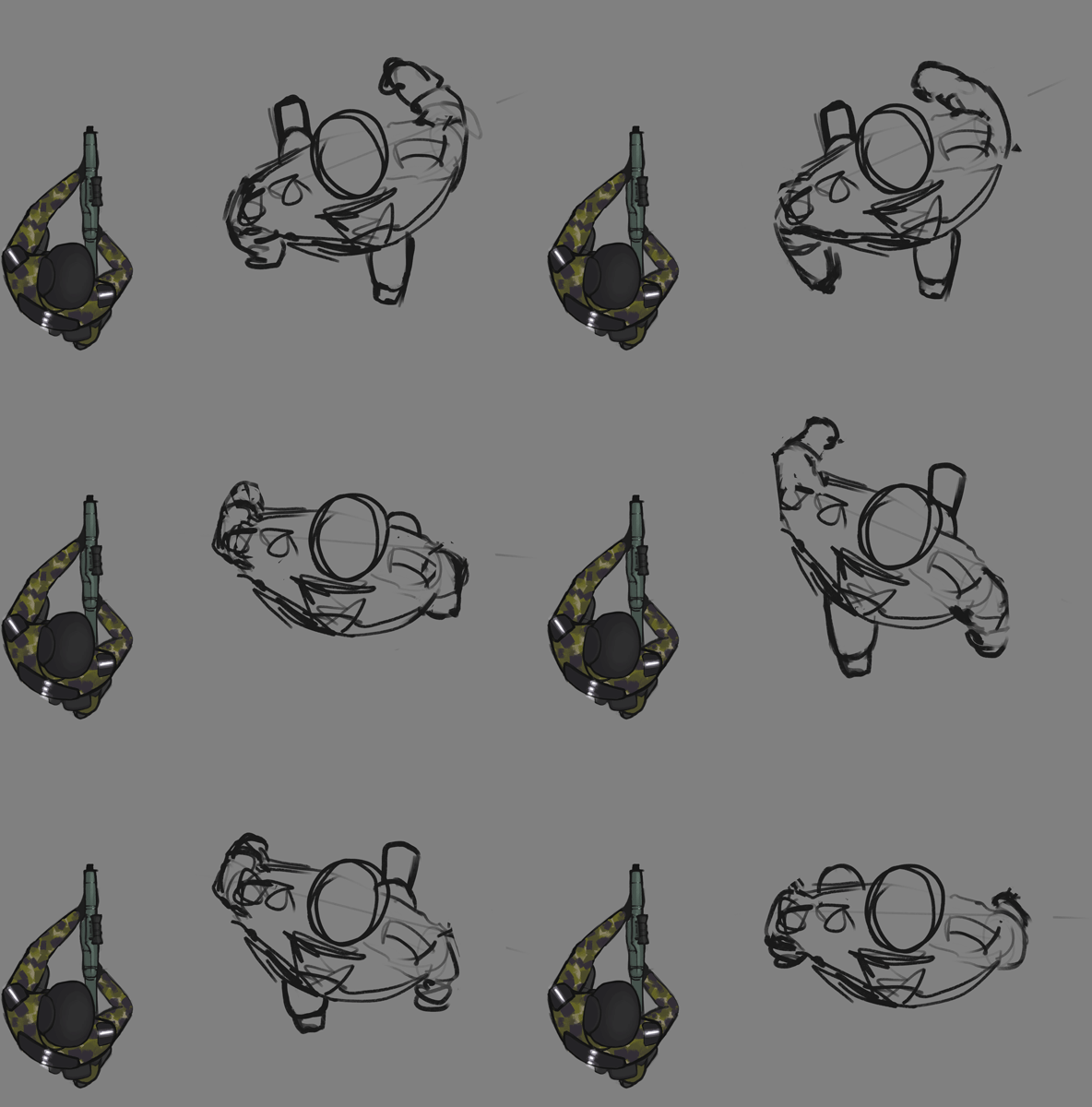 The next step was very simple: I drew some basic legs and erased parts of the feet that could be seen through the torso.
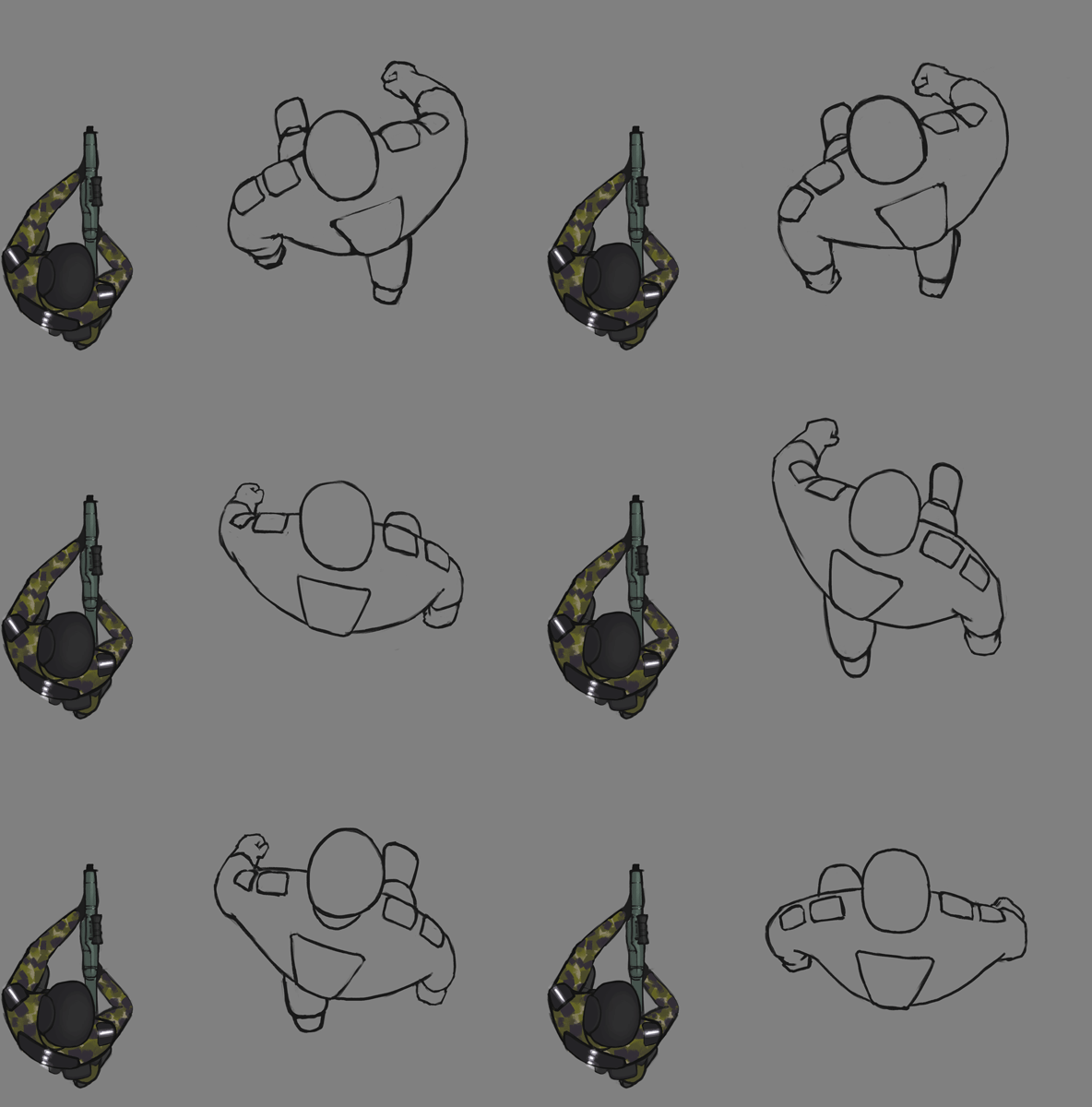 With the basis of the animation complete, the work of refining the line art was started. I used the shoulder plates to show the form and motion of the upper arms. At this point i added some head bobbing as well, to give the animation some more life.
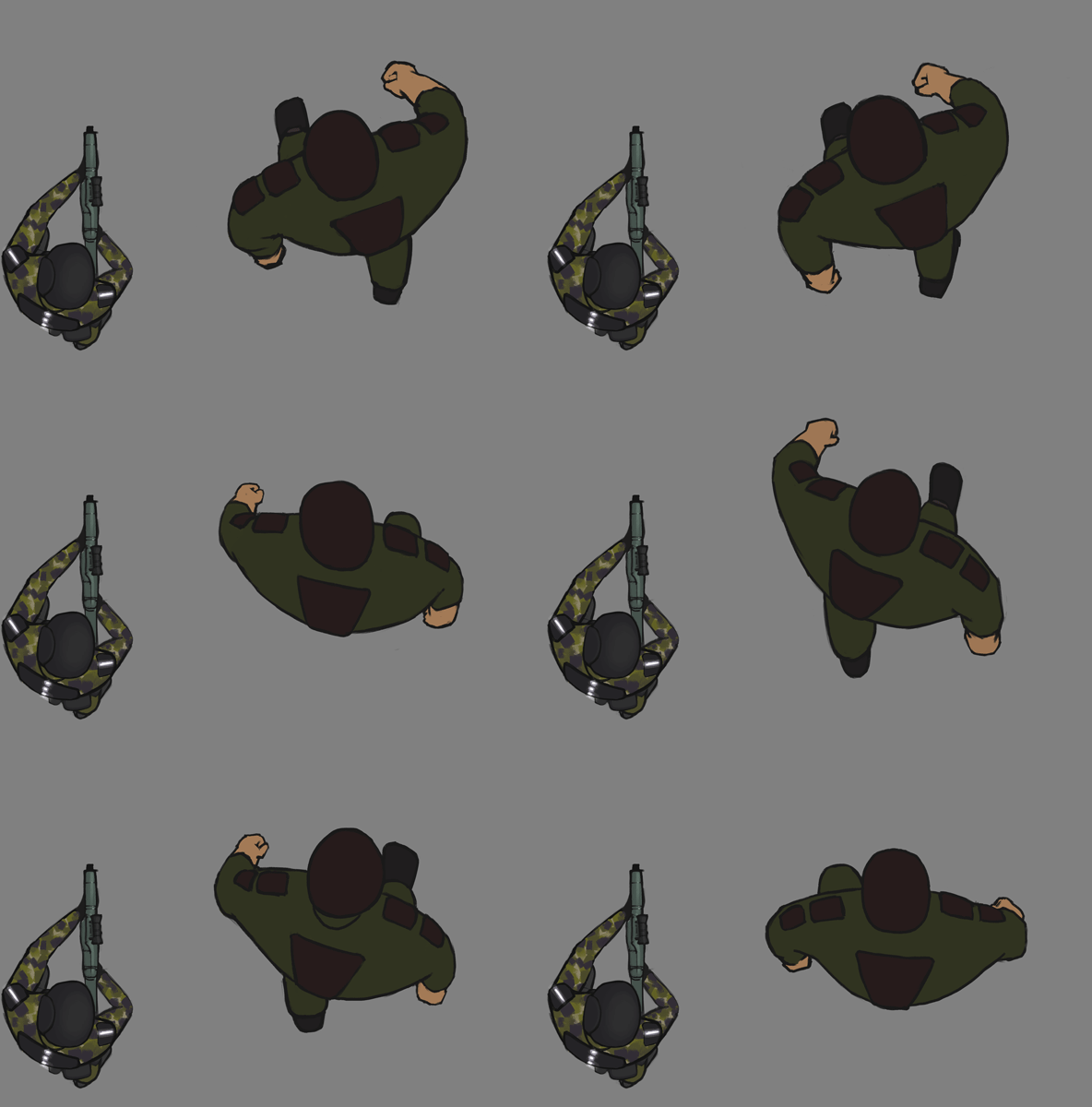
Now that the line art is completed, I made a new layer for the colours, picked them from my model sheet and just filled them in, frame by frame.
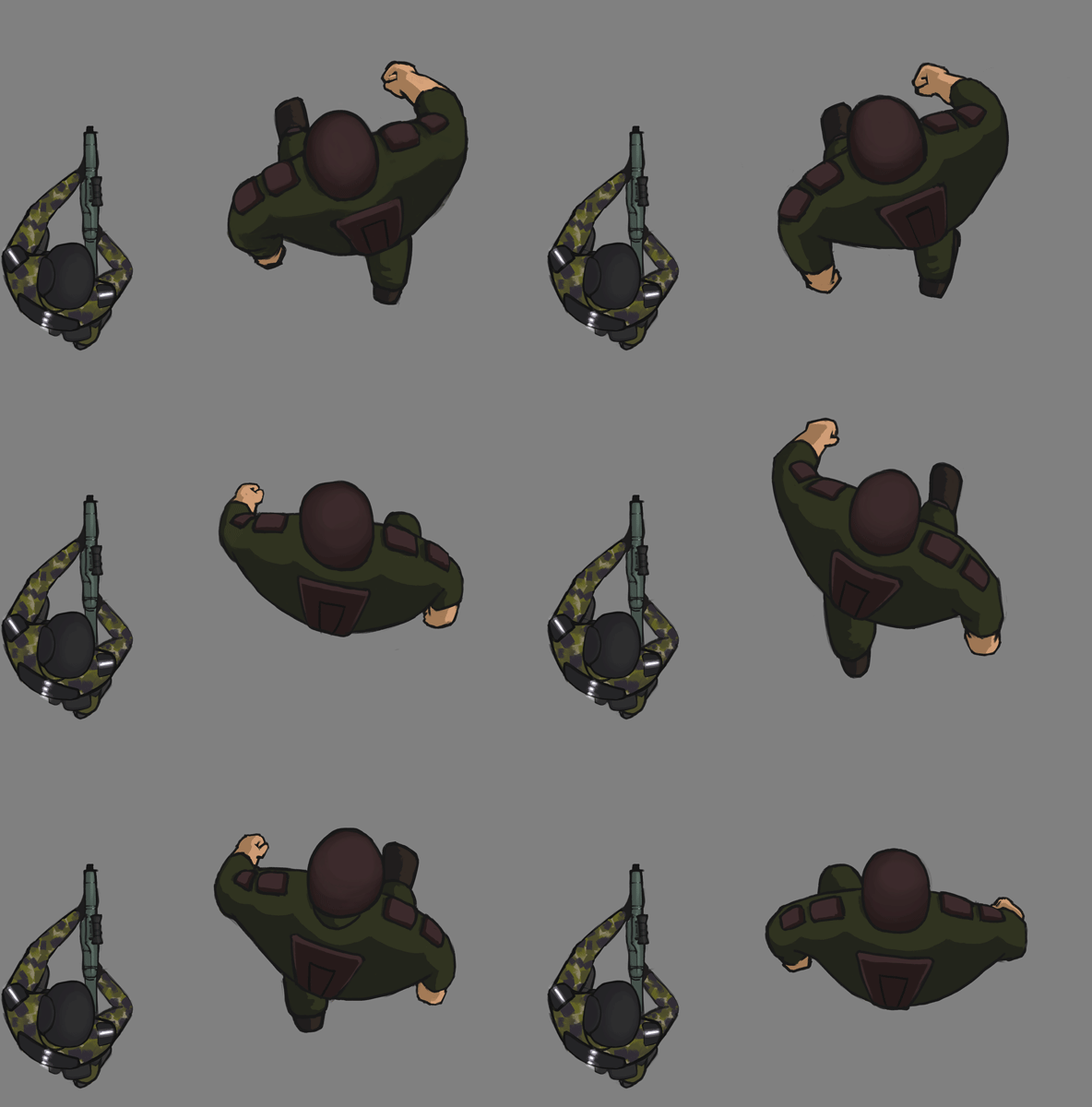 At this point the character looks a bit flat, so the next step is to add a bit of lighting. The new colours were also picked from the model sheet. The light comes from the top right (with some artistic freedom to make the image read a little better. Some light was added to the left arm for example).
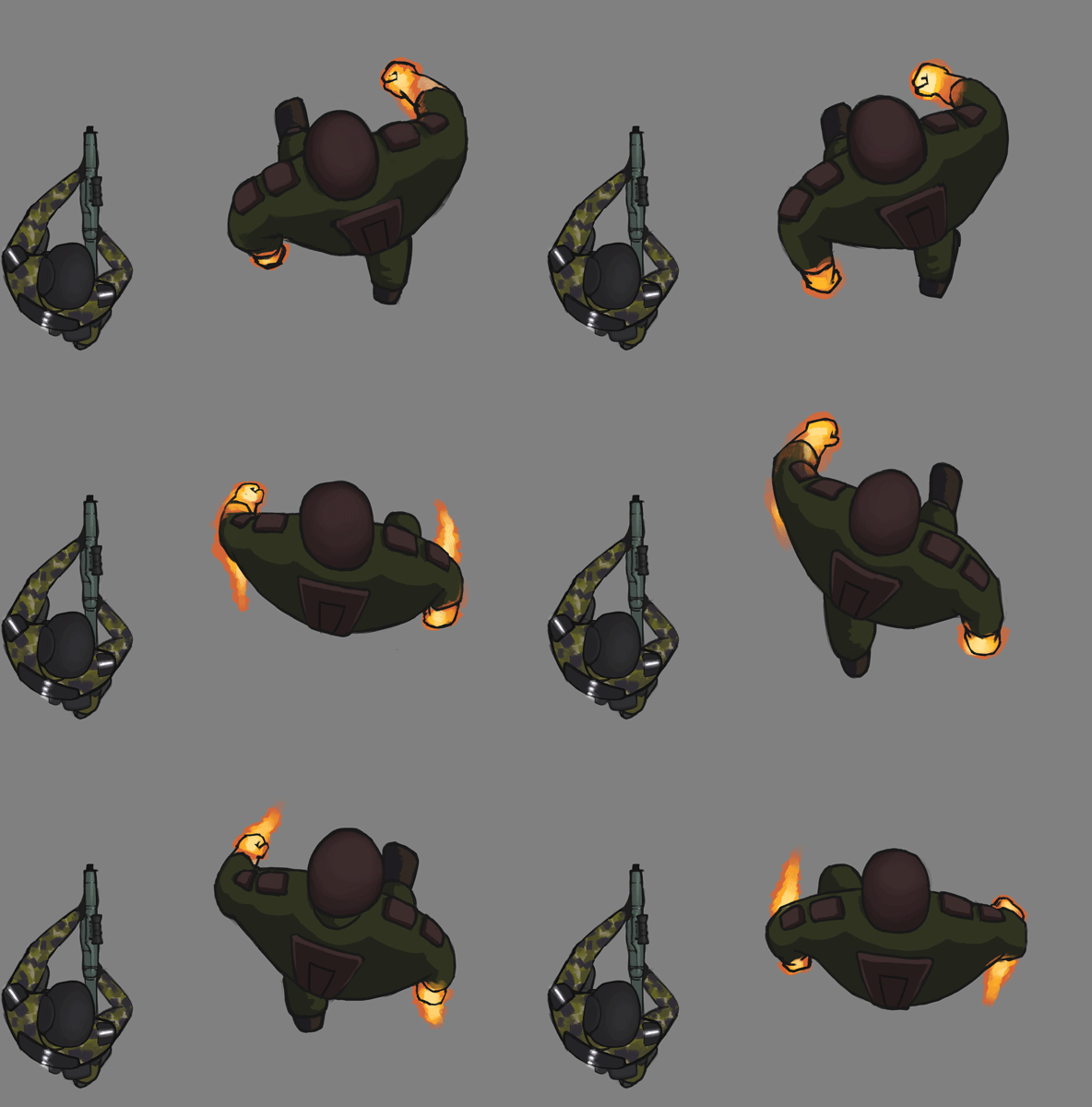 The final touch was to add the effects to his hands. This was changed from ice to fire due to time constraints. ( the player also uses fire powers. By doing this we only need to implement one kind of power. ) I looked at reference pictures of flames to get the colours right here. I also added flame trails to emphasize the flames and the movement of the arms. The flames are on a layer of their own so I easily can remove them or change them if need be.
DifficultiesI had a hard time matching the style of the player sprite. The end result was a much more cartoony style than i had intended. I will attempt to change this during the final polishing phase of development. Doing everything in a top down view also makes everything harder, because the graphics easily can get a very flat look. As always, Photoshop is a very clunky but powerful animation tool. See you next week!
 |