Animation Methods Part 1
|
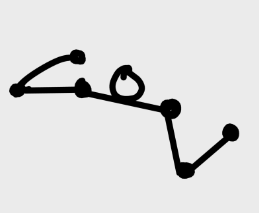
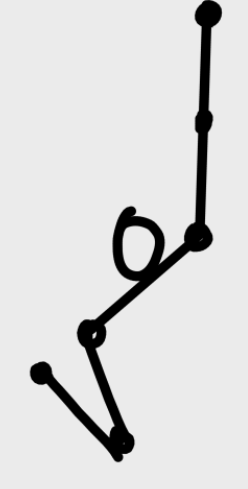
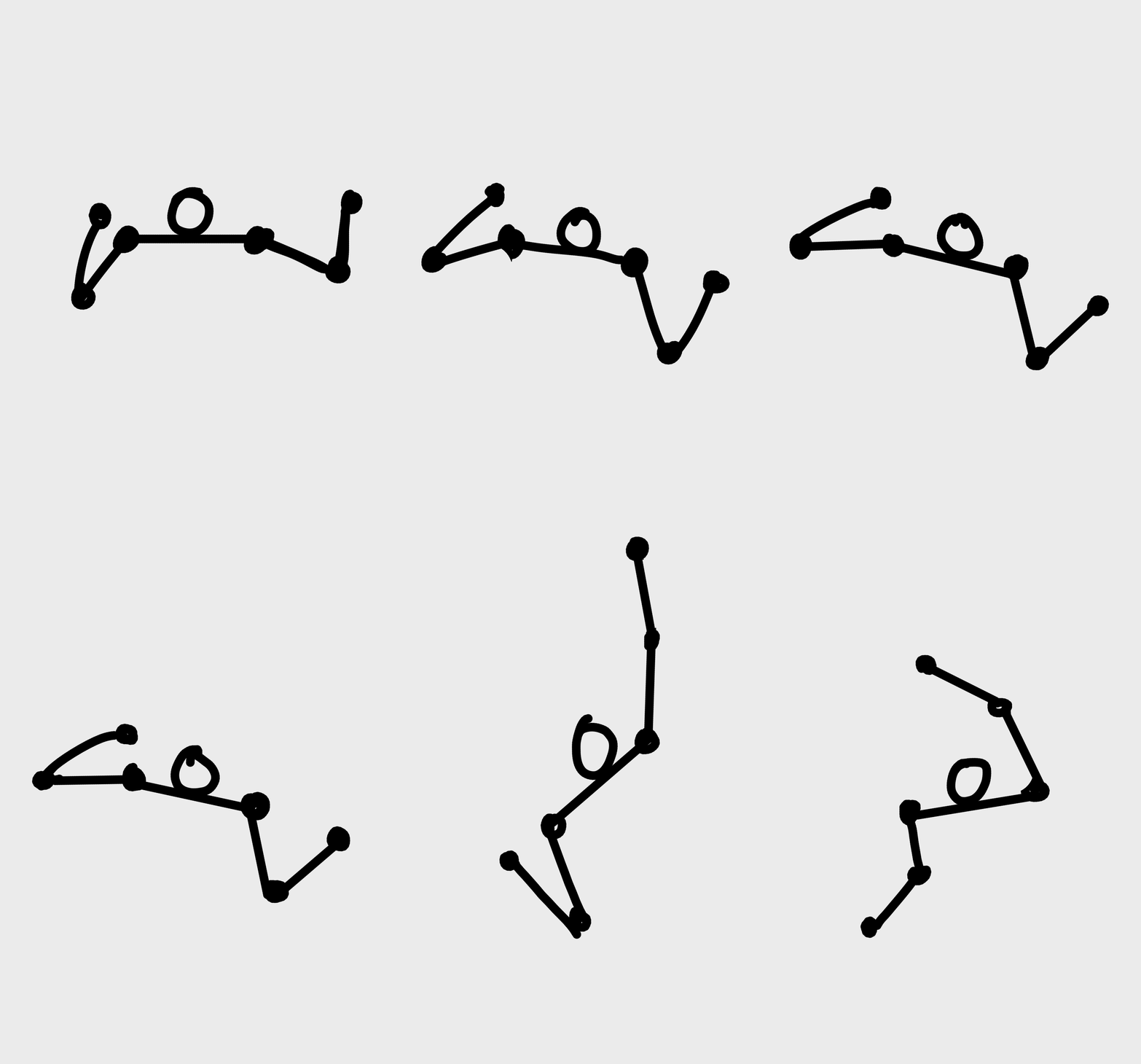
Today I will briefly talk about an artifact I made this week as well as some basic animation techniques, as requested. So let’s get started, shall we? Crawler Attack 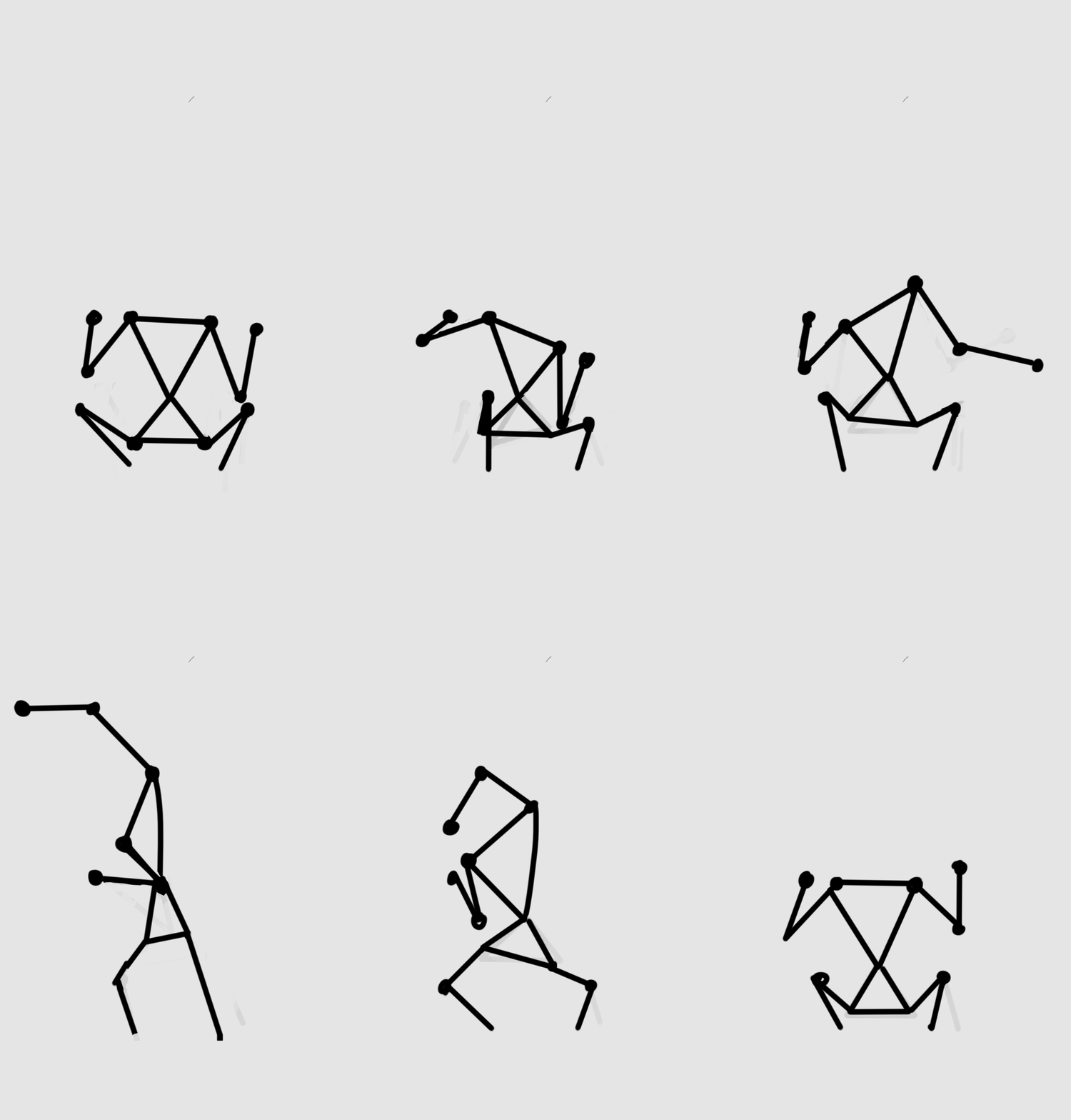 One of the artifacts I worked on this week was an attack animation for one of our enemies, the “Crawler”. When the Crawler is close enough to the player sprite it will perform a swiping attack, hurting the player for a fair amount of damage. And my task was to animate this swiping attack, or “Swipe” as we conveniently call it. Puppets! What I like to start with when animating is to create a “puppet”. The puppet acts as a skeleton for the finished animation and can be easily manipulated and edited. After creating this puppet I can see what needs to be edited and fixed. Rather than having to redo my finished animation (which takes a lot of time) I just have to move a couple of simple lines. This is an extremely effective way of animating as it makes it easy to see the structural overview of the animation. After I have a puppet I’m happy with, all that’s left is to add the “flesh” and you’re done. Methods So what was my thought behind the swipe? I wanted the attack to feel quick and threatening and I achieved this by using some simple animation methods! I’m going to use a punch illustration that I used to help another person in the group. So the first thing you need to do is to identify the “Extremes” of your animation. An extreme is a critical component of an animation, and if you’re missing one your animation will end up looking less “alive”. But what is an extreme? As you might think, the extreme is the climax of a movement. E.g. one of the extremes in a punching animation is when the arm is fully extended and in contact with the target. The other extreme is when the arm is fully contracted and ready to punch.
After you have the extremes you can use them as key-frames. You already know where the punch starts and ends, so now you only need to animate it. A common mistake that people do is to create too many frames in between the extremes of a quick motion, like a punch. If you want to make the punch look quick you only need about one frame between the extremes. I applied these methods as well as some others (that I will talk about in the next post) to make my swiping animation. It’s not yet finished though as animation takes quite a lot of time and I have a bunch of other tasks that I’m working on at the same time. But I’m happy with the results. I did however stumble upon some problems. I walked into a wall when I was trying to figure out how the legs of the swipe animation would look like. I probably redid the legs four or five times (thank god I was using a puppet, right?). I tried to find references of animals on the internet, but I didn’t find a creature with similar anatomy as the crawler. The closest thing is human anatomy, and humans don’t really move the same way as the crawler. But I figured that I’ll leave the legs as they are and iterate them later on.  |