Week 2 (The sprites for the fighter plane are completed)
|
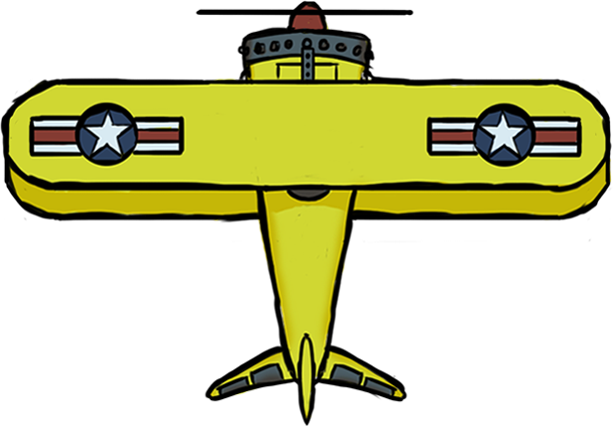
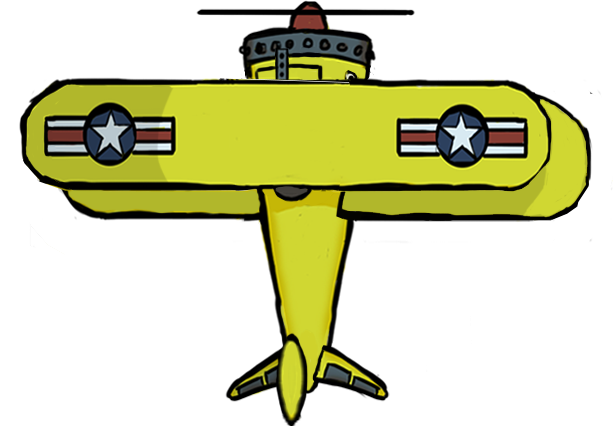
Hello! My name is Martin Månsson, the sound director for the game ”Potato Pirates” who is helping out with the graphics for the time being. I can report that all of the animations for the fighter plane I talked about last week are done. But it was somewhat challenging, to the point that I had to stay up all night to complete the rest of the sprites. The animations that were left to do for the fighter plane this week were the turning sprites. Turning sprites for a plane is not really that hard to do. All you have to do is to make the wings shorter by using a combination between cropping out with the ”lasso tool” and moving with the ”move tool” in ”Photoshop”. Followed by painting some shadow where the light has a harder time to reach. Just to add a little more depth in the fighter plane I moved the upper wings a bit to the left and the lower wings a bit to the right when the plane is supposed to turn left. Then I had to redraw and move a few accessories like the cockpit, the machine gun and the lower wing to make it look good from this new angle.
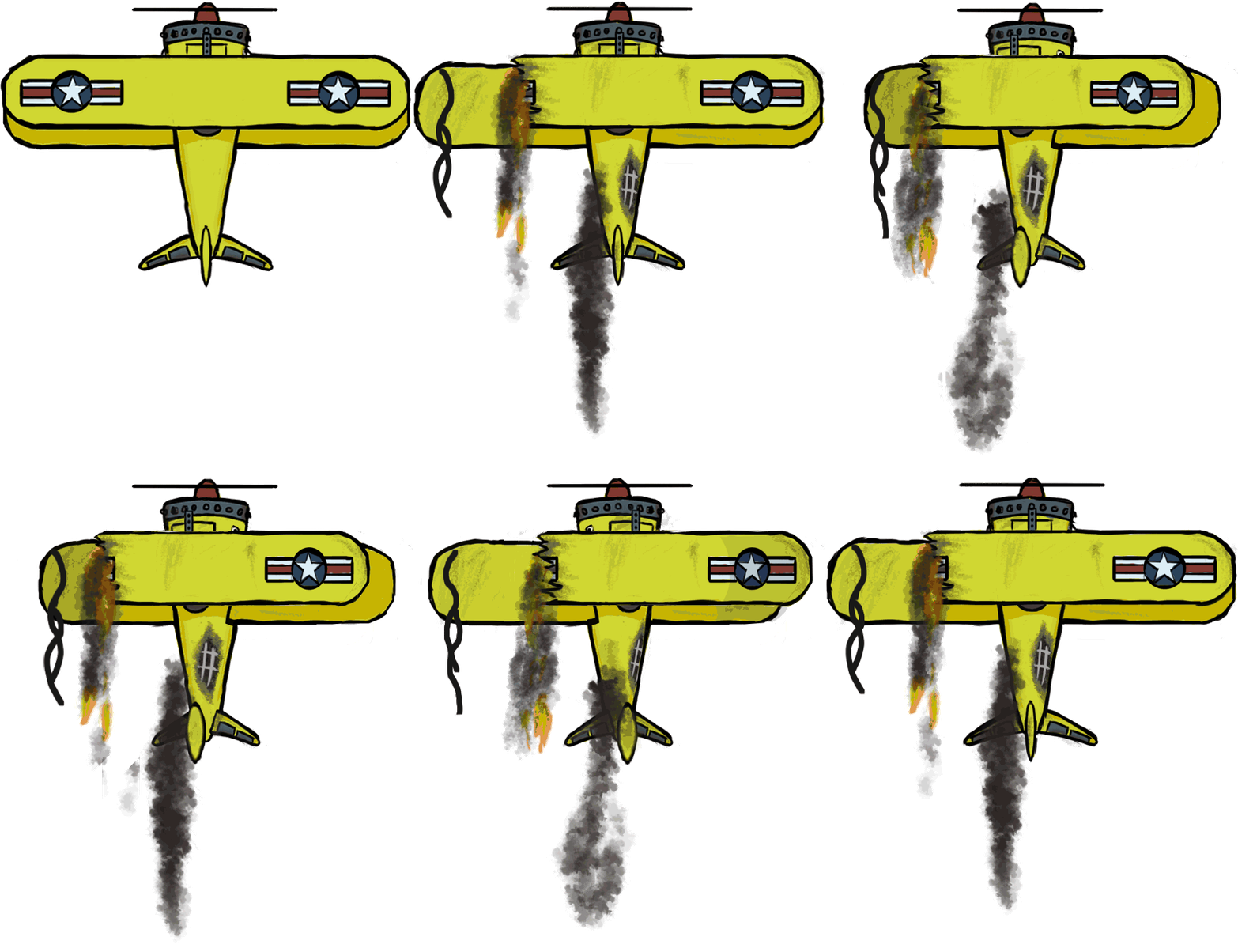
Before After Then I was going to make a sprite where it turned right. I’m not stupid. I don’t want to redo what I just did. Instead i copied it, pasted it and flipped the image to make a mirror version. Making those sprites took some time, but it was still manageable. However, this task had just begun. Last week I showed all of the sprites except the turning sprites. Out of those sprites there is a part where the plane is broken, dirty and on flames. That is a lot of sprites. The thing is that the broken plane will still be able to fly in the air, which means that it can still turn. If it’s able to turn in that state would mean that there have to be sprites for those turns. Each and every frame where the plane was on fire needed to have a turning sprite. That is what would take time. Since the broken and dirty fighter plane that is on fire isn’t as symmetric as when it is intact would mean that I’m not able to copy, paste and make a mirror version of the plane like I did before. So I have to make both turns from scratch. Making these sprites requires however the same kind of work as when I made the first turning sprite. It’s just more advanced, and I was basically used to the working process by this point. When these turning sprites were completed and being put in a sequence (which I made with ”timeline” in ”Photoshop”) this was the outcome:
The red flash in the sequence is there to show you that the plane is being hit. That flash isn’t anything that we have decided to put in the game. Next week I will line up all of the fighter plane sprites in a ”sprite sheet”. Martin Månsson  |