MERMAID RIVER BLOG #1 – Just keep swimming
Hello!Name’s Johannes and I’m currently working on Mermaid River, a 2D-sidescroller shooter with a lot of muscle behind it! You’re playing as our pirate Captain Skipleg with two (one) small legs, one giant uppe body and a harpoon to boot! He’s on a mission to retrieve his lost treasure from the depths of the deep blue sea where, unfortunately, ”fishy” enemies and Mermaid Witches reside. This week I’ve been assigned with doing lineart (and some editing) for our hero’s swim animation (see Figure 1.1) which was hard at first due to my lack of knowledge in animating anything at all. Though with the help of Maximillian (Team 4, animator) and Filip (Team 4, color artist), we were able to build a structure of our own to make the animation overall a much easier and enjoyable process! Also by following this we could now focus on quality by having each individual working on a specific area. Max started out by drawing a wonderful base structure for our animation. Then I went forward by linearting and finishing it while Filip afterwards colored all our frames with correct lightning and color! 
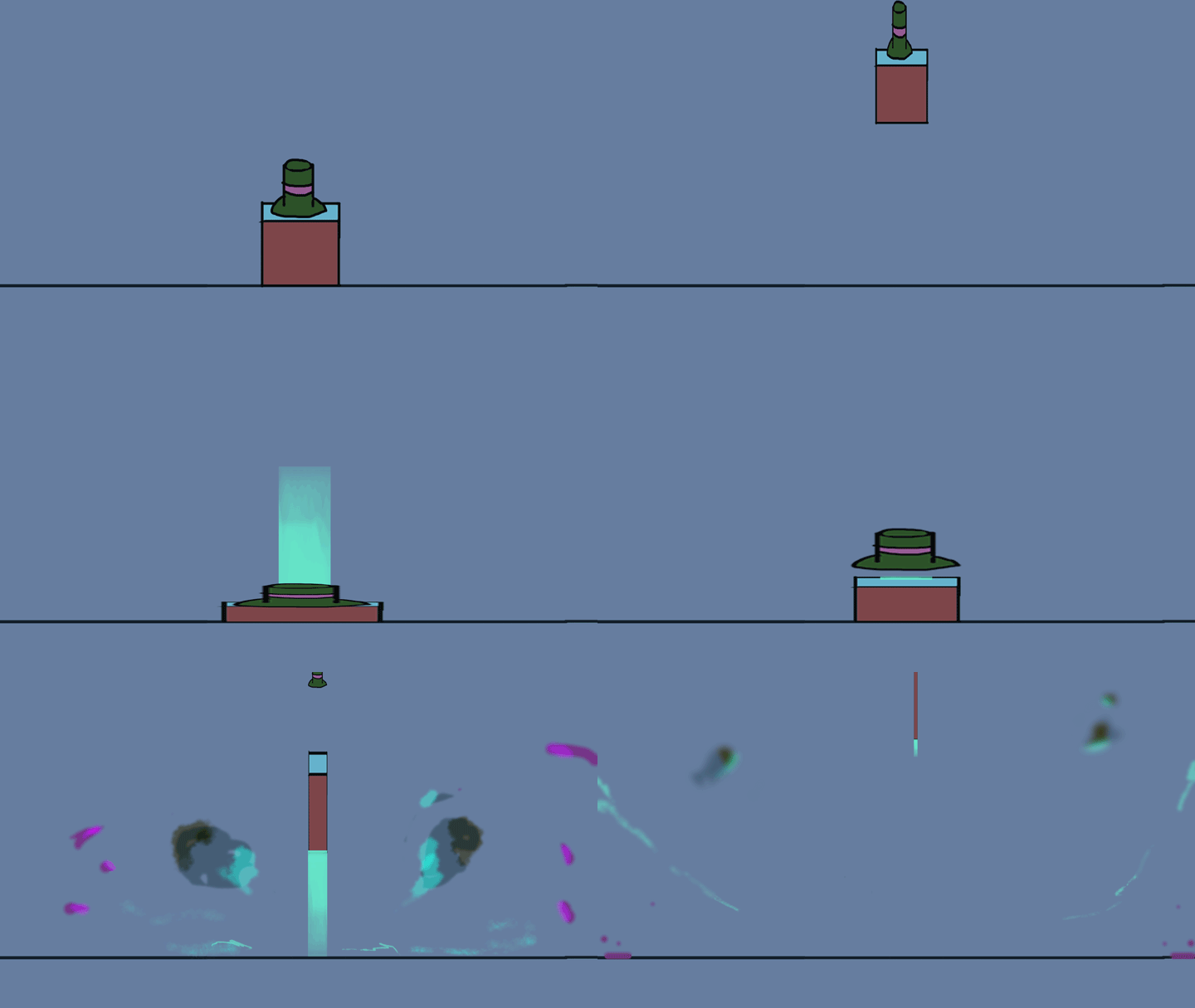
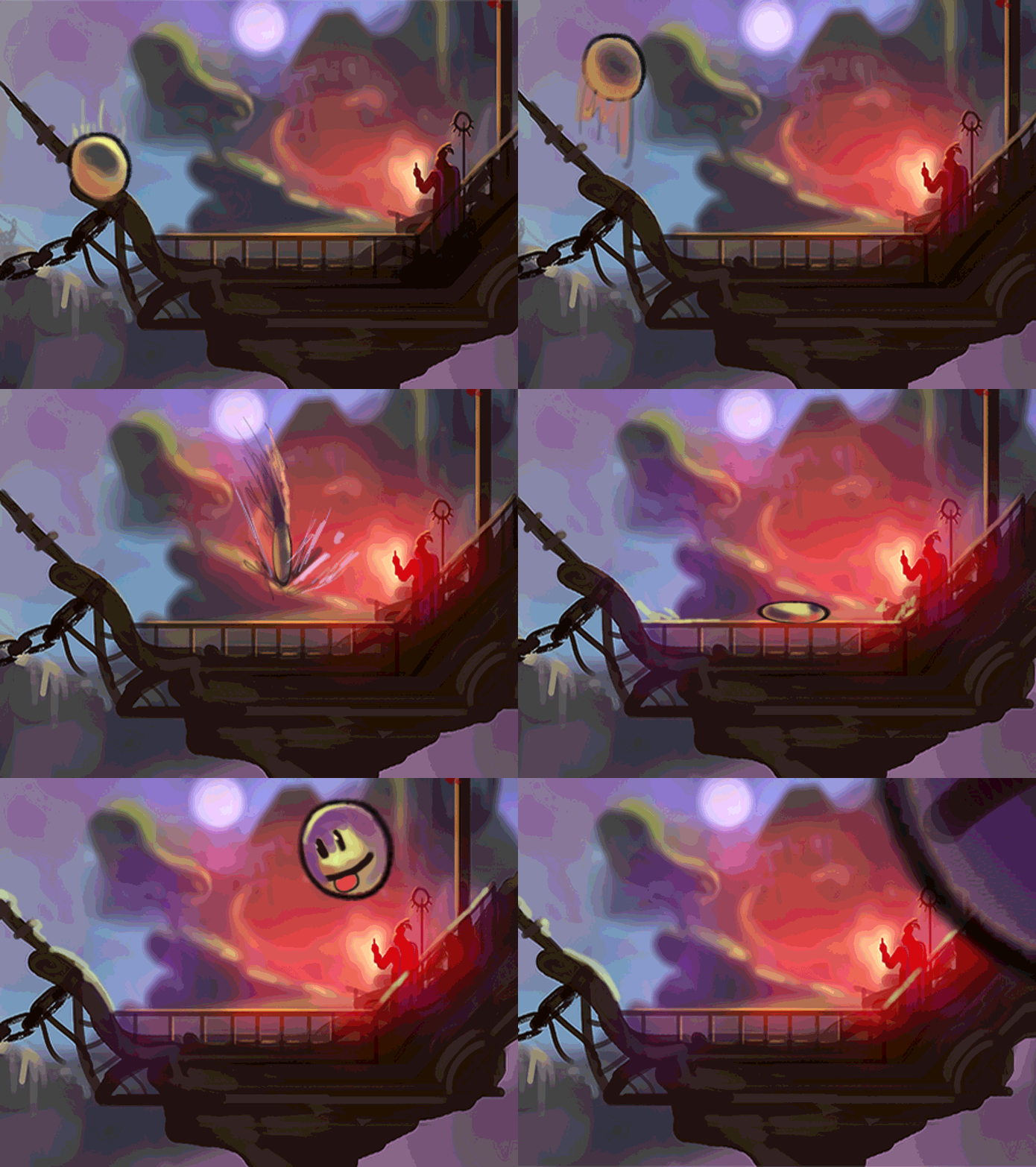
Figure 1.1, Skip swim animation W/O color So how could I even prepare myself? In time for linearting I concluded that it would be wise to have some knowledge of movement and how different materials react under water, because the majority of the game is under water. Before starting I first tried to inspire myself by at least animating a few random quick sketches to understand Photoshop better (see Figure 1.2 – 1.4). You can never be too prepared!
Figure 1.2 – 1.4For Skip I decided to animate using a timeline instead of frame-per-frame. It was overall easier to edit them frames going back and forth by using this method. It was way more easy to spot mistakes and it was not much of a hassle to make Skip’s swimming look more fluid that way. I started off by drawing a few frame-sketches at a time to get the poses of our animator’s base structure, just with a bit of exaggeration to boost our art style. By exaggerating you can make even the simplest of art interesting, it all has to do with the right angle! Further on, the sketches became clean lineart drawings where I put different weight on my lines to give Skip volume and an interesting look and feel to his stature. Each frame was sharpened up to match the crisp background; which isn’t yet fully colored! Let me state that Photoshop is not a role model for putting art into motion, NOT at all, but I’m still happy about the results! It was hard to learn but actually easier to master! Drawing frame by frame was easier to execute by lowering the previous frame’s opacity down a little, making the lineart on the next frame stand out more. Due to technical issues it took way more time than it should’ve, but in the end I’ve gained experience via spending a lot of time on a specific area; just like a lecture in school! Thanks for giving my blog a read!
Johannes Bengtsson =)  |