Week 2 & 3 of creating the game
|
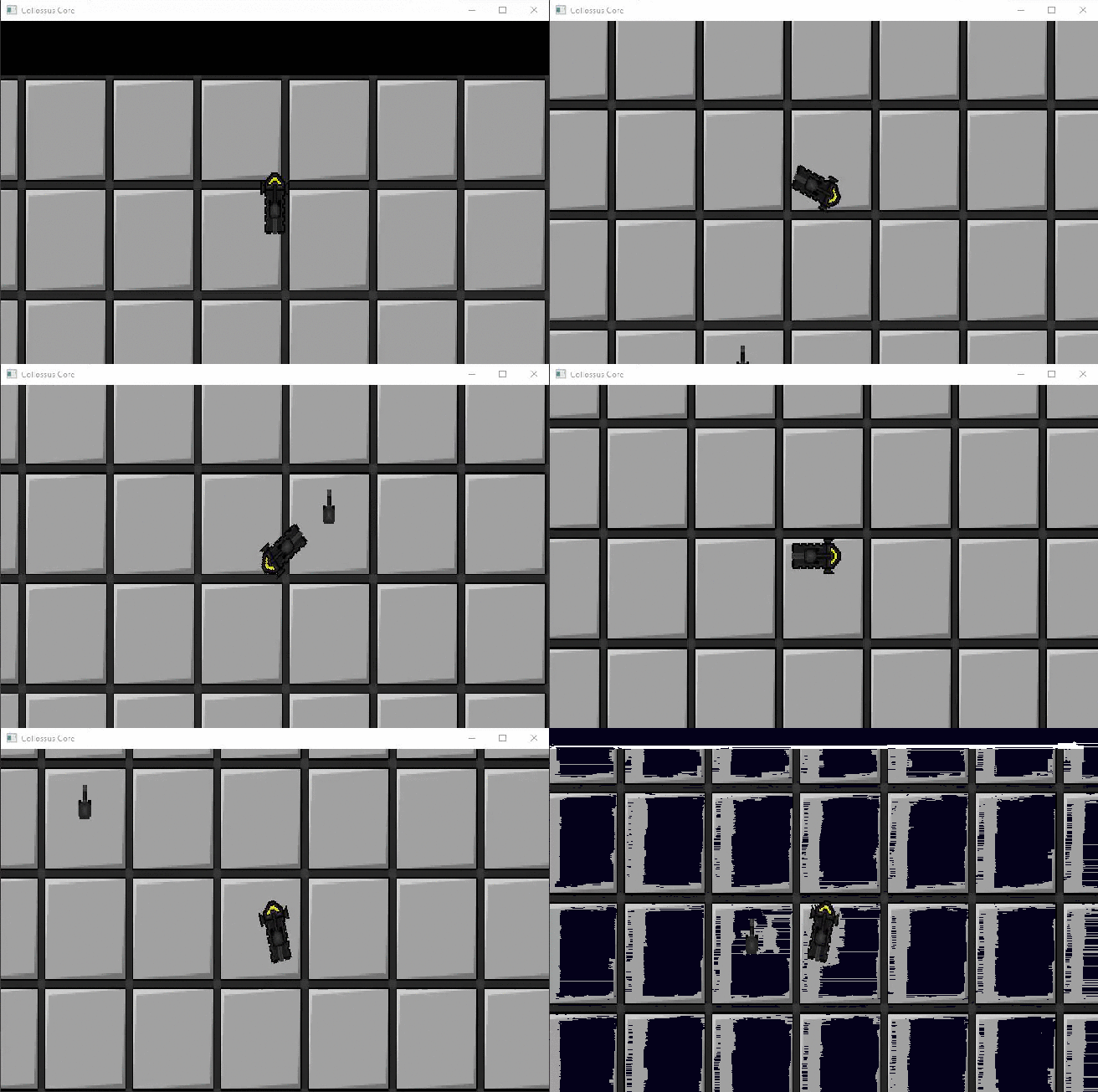
This week’s main focus has been on the full completion of the game design document as well as creating/writing the foundation for the narrative and story. As usual the week started of quite slow but the pace has gradually increased since monday with the amount of work requiring to get done quickly blooming. First objective that needed to get done was the regulations/rules part for the game design document. Deciding how the player wins the game, how they lose the game, if there’s any score-system, how the player is supposed to feel rewarded or if there’s any time limit to name a few. A few of the things that had to be completed required a groundwork for the balancing of the game. How much damage x weapon is supposed to deal or how much damage y enemy hits for. However, balancing a game takes time, so all numbers used are only there for testing purposes. When the ruleset and balancing framework got done the next focus was on the narrative and story. Creating a world for the game also takes time, so using the limited amount of time left in an effective way is important. The goal wasn’t to create a fully working world with several factions/contries and races that all have different kind of ideologies and goals. The objective was to yet again, create a foundation that quickly explained how the world is supposed to be. who lives there, if they have any ongoing conflicts, are there any continents, if there are any interesting landmarks, what type of technology exists, the type of ideologies that may exist etc. There’s a lot more than just this. A world is big but a universe is almost infinite and since the focus is not only on one world but two, the amount of detail that can be put in is pretty much endless. After several hours of head scratching and loud sighs the foundation for both worlds are finally starting to come to an end. However, succesfully finalizing the creation of these worlds will never happen. There’s always room for improvement, always more details you can introduce. As long as all of it is important for the story of the game. Last thing related to the the work this week was to change the name of the game. Since the previous name decided by a group last year, who also created the concept document we are following, did not fit the design and atmosphere we are going for now. So instead of Colossus Core the game will now be called Desolate Echo. This is all subject to change, but the new title gives away the same vibe as what we’re aiming for the gameplay itself to give away. Now to what was done the last week, which was the movement of the playership as well as the ability to strafe. Firstly, managing to get the sprite to move. I looked up a tutorial on how to do it in a top down perspective which took around an hour to understand. First breakthrough was when the sprite started to move around the screen, which was, exactly what it was supposed to be doing. No problems what so ever to get it to work right, which was a relief. But, the next step was for the sprite to be able to rotate, which was a lot more difficult than anticipated. So instead of attacking the problem head on I asked the lead programmer Erik in my group if he could quickly help me with it. The problem was that, since we couldn’t just write if(Button.down(S){Spin.Right} (as a really bad gimmicky example). We needed to make it so that the ship always would rotate so that it would as fast as possible get to the point we wanted. So if the ship was pointing in a 360º angle, which is upwards(W key) but you wanted to go to a 180º angle which is downwards(S key) you would have to write if(sprite.getRotation() = 180). Which resulted in the sprite rotating counter clockwise if you held down the S key, until it get’s to a 180º angle. After that we managed to do it for all directions, so now the ship can drive around and rotate exactly how we want. Lastly we had to implement a sort of drifting. So that when we let go of the W key, the sprite would continue in the direction it was originally going towards for a short while, like it was one ice. But since the tutorial I watched earlier already had me write a kind of acceleration code for when t he sprites starts to move, and when it stops to move all I had to do was to change a few numbers!
 |