3D Challenge – Day 4
|
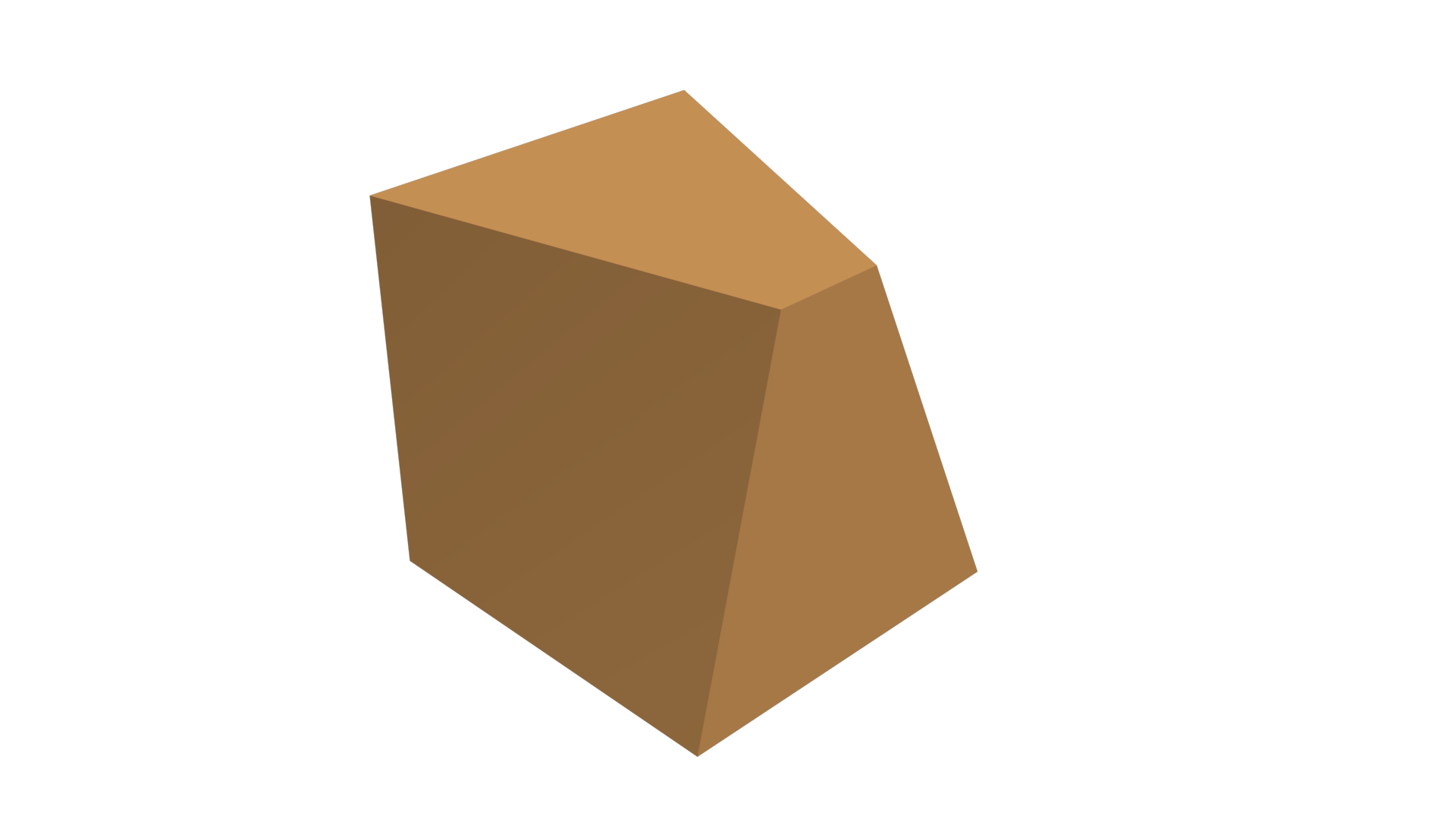
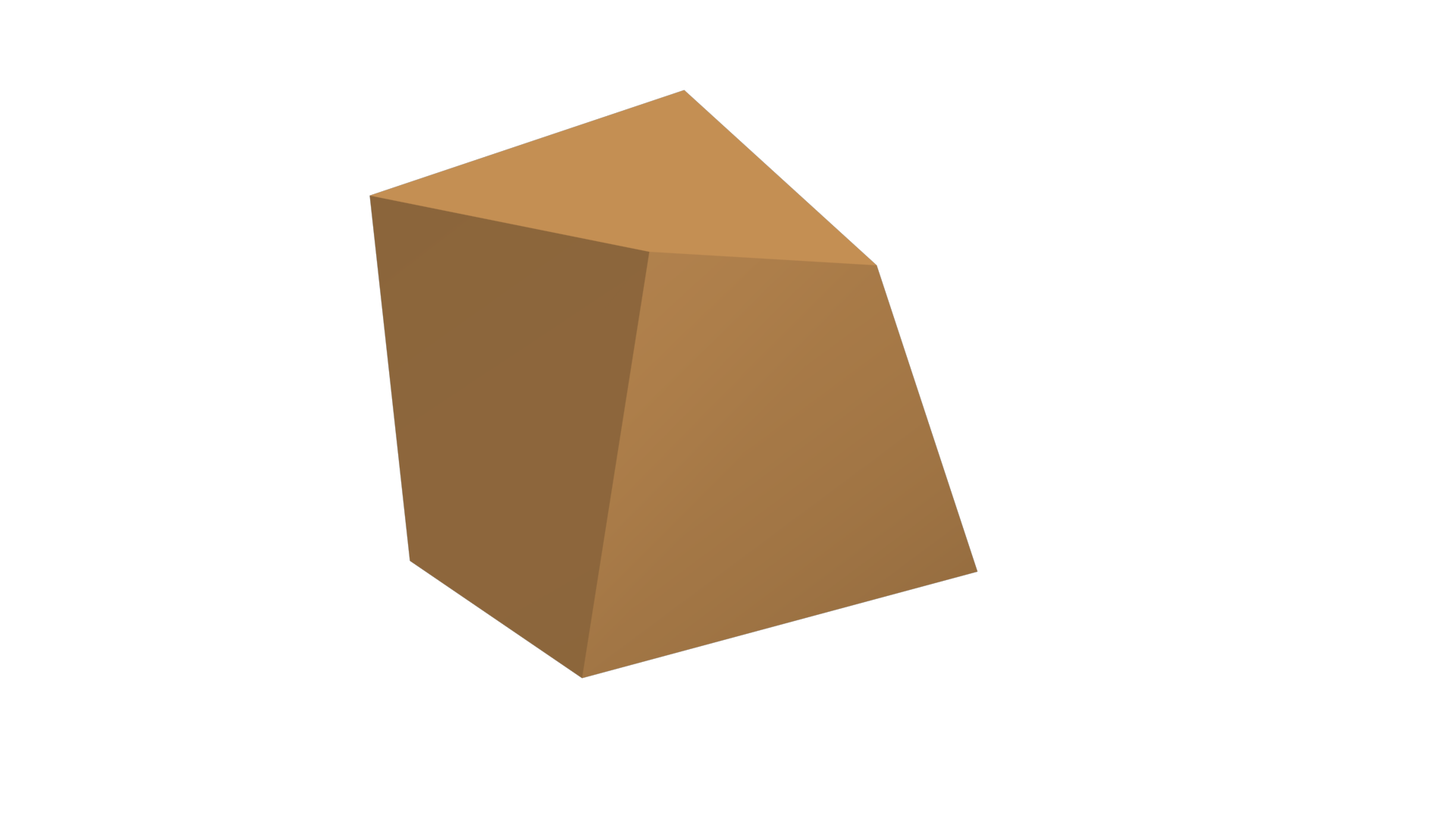
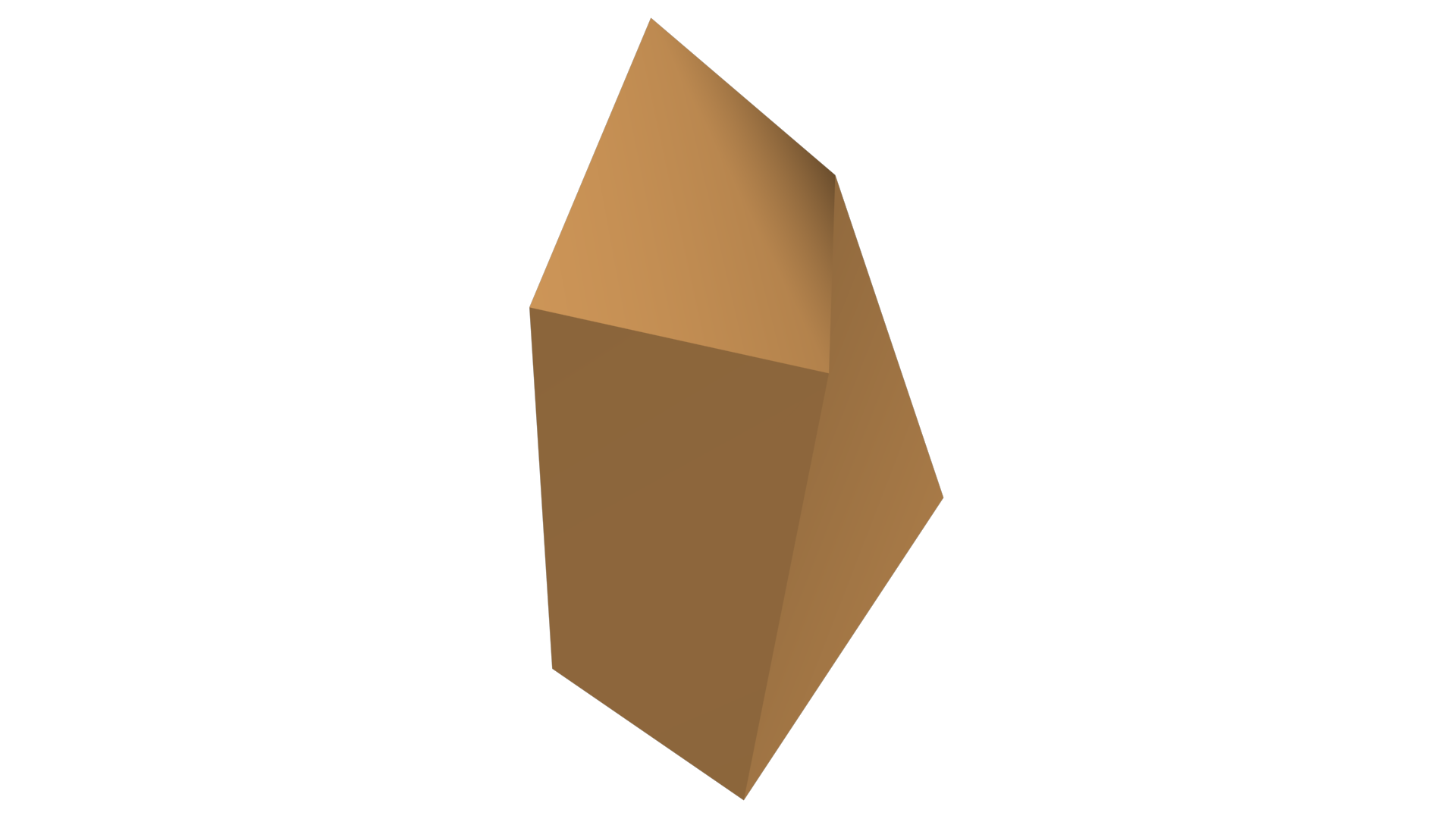
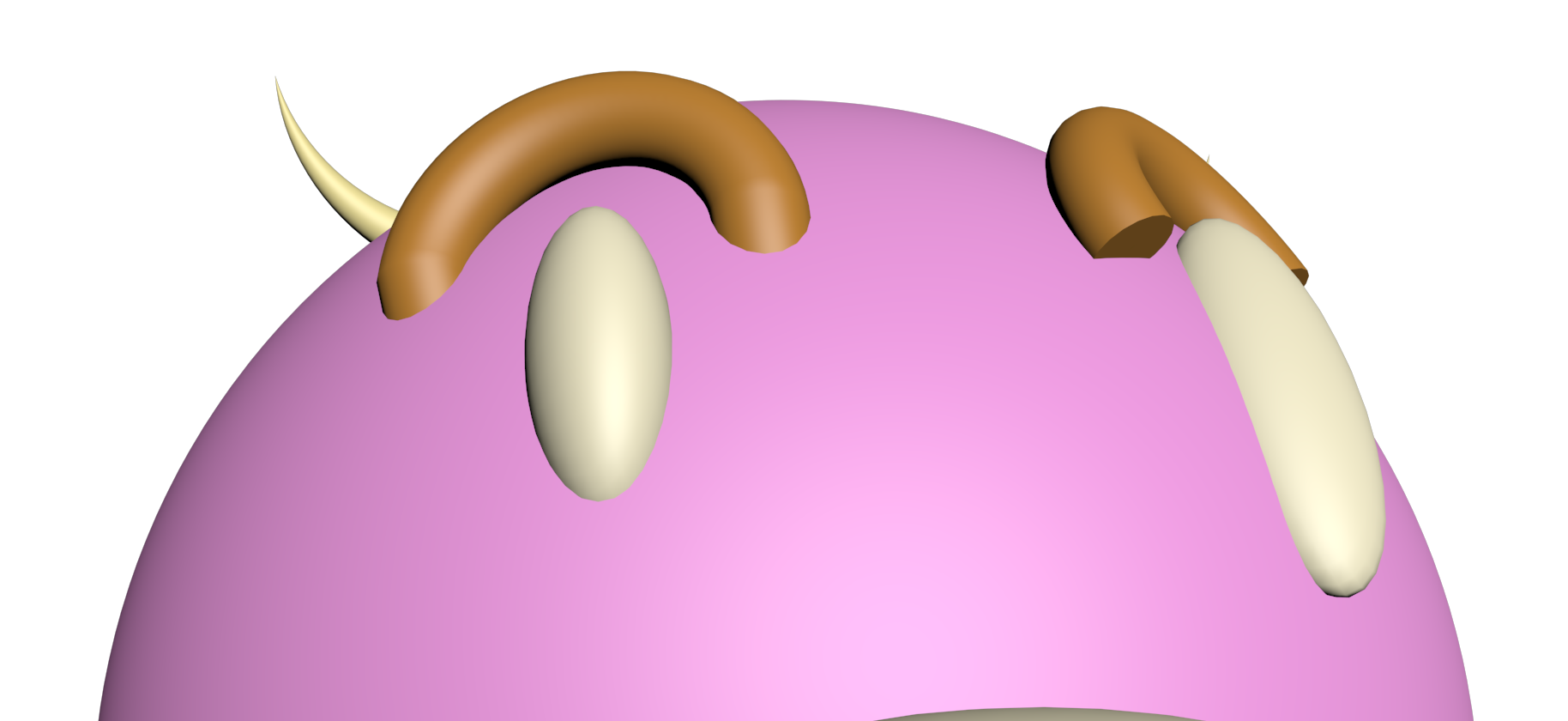
Today I have learned about Sub Object Modes. By converting an object to an ”Editable Poly”, I can manipulate the position of single vertexes, edges or polygons in an object. This gives me more freedom to sculpture the object to look more as I want it to look. First, I created a cube and converted it to an Editable Poly: After that, I selected the Vertex tool in the Modifier List and adjusted the position of two vertexes: Then I chose the Edge tool in the modifier list and adjusted the position of one of the edges: And finally, I selected the Polygon tool in the modifier list and adjusted some of the polygons in the cube: I used this new knowledge to adjust the cylinders (eyebrows) in my character so that they look more like they belong to the characters body. You can see the difference between the two eyebrows in this image: So now it looks like this! It is fun to make it look better and better!  |