3D Challenge – Day 3
|
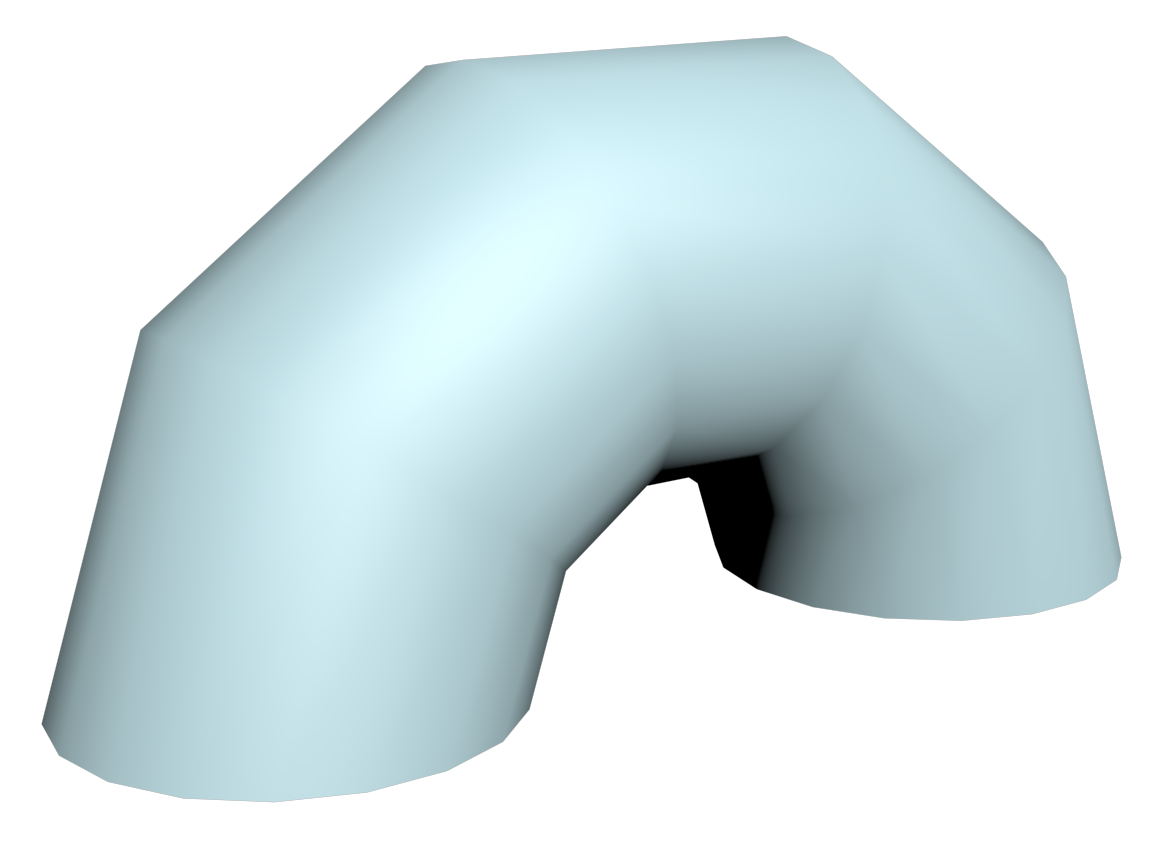
Today I have learned about modifiers and segments. A modifier can be added to a primitive to change its appearance. However, the primitive’s original appearance will be preserved. In this example i used a “Bend” modifier to bend a cylinder primitive:
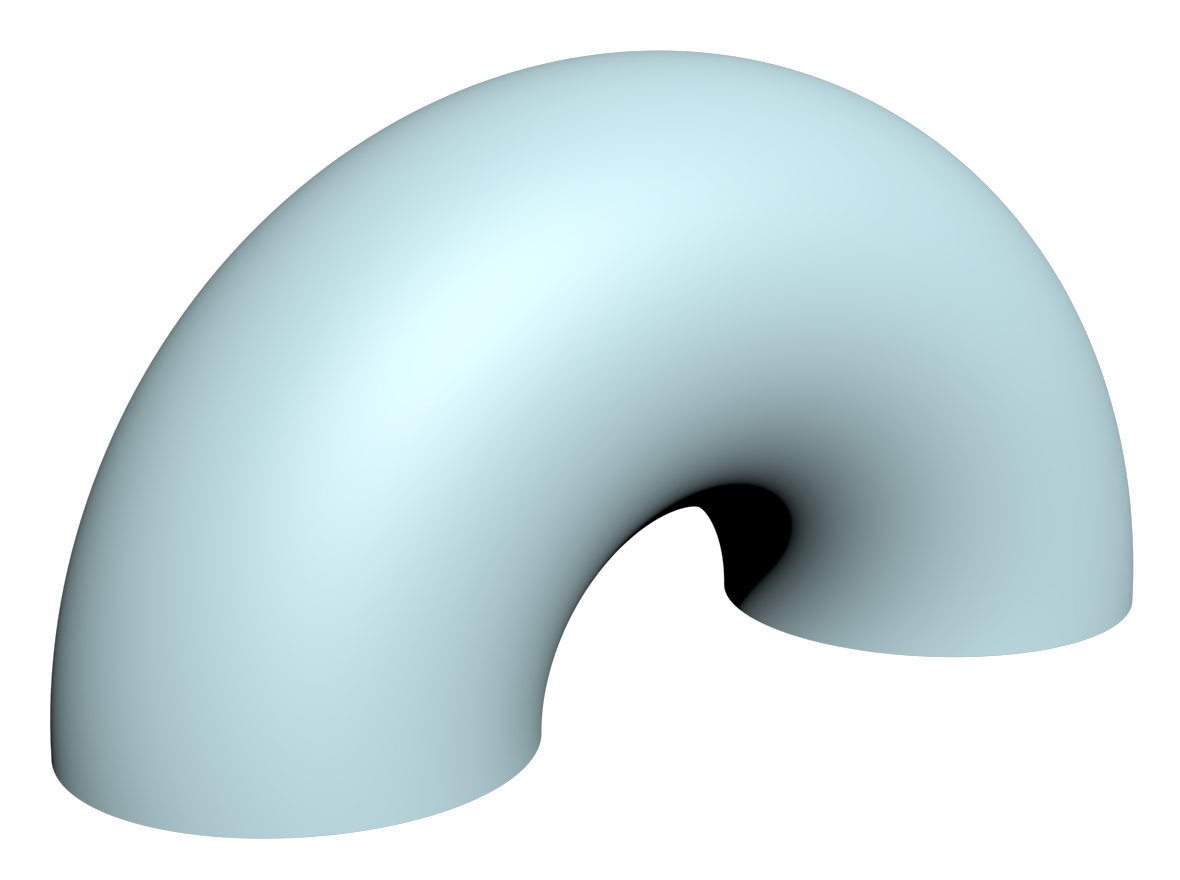
I also learned about segments in primitives. By changing the number of segments, the appearance can be change as well. More segments looks smoother while less segments looks edgy. So i added a lot more height segments to the cylinder to give it a more round shape:
I also continued to work on my pink character by adding my new knowledge to it. Unfortunately, the project file from yesterday’s character have changed in some way, so I could not see the character in the “Realistic” view. So I opened the project file from Day 1 and worked with that instead:
First of all, I tried to restore the “broken” character from yesterday. After that, I created two eyebrows by bending two cylinders and placing them above the eyes. Then I created two horns by inserting two cones and then bending them as well. To finish it up, I made everything smoother by adding segments to all primitives.  |