Animating enemies
|
My team’s space shooter game has crystal enemies in it. They are moving across the screen in sync with the beat of the background music. To get the highest score, the player must hit an enemy as close to the beat pulse as possible. Instead of giving only audio feedback to help the player get a higher score, we wanted the enemies to give some visual feedback as well. Therefore I have animated two of our enemies that will change along with the beat pulse. All the animations were made in Photoshop CC 2014. I opened a copy of the original Photoshop-files of the enemy concepts. By using the Timeline feature, I created every frame, step-by-step.
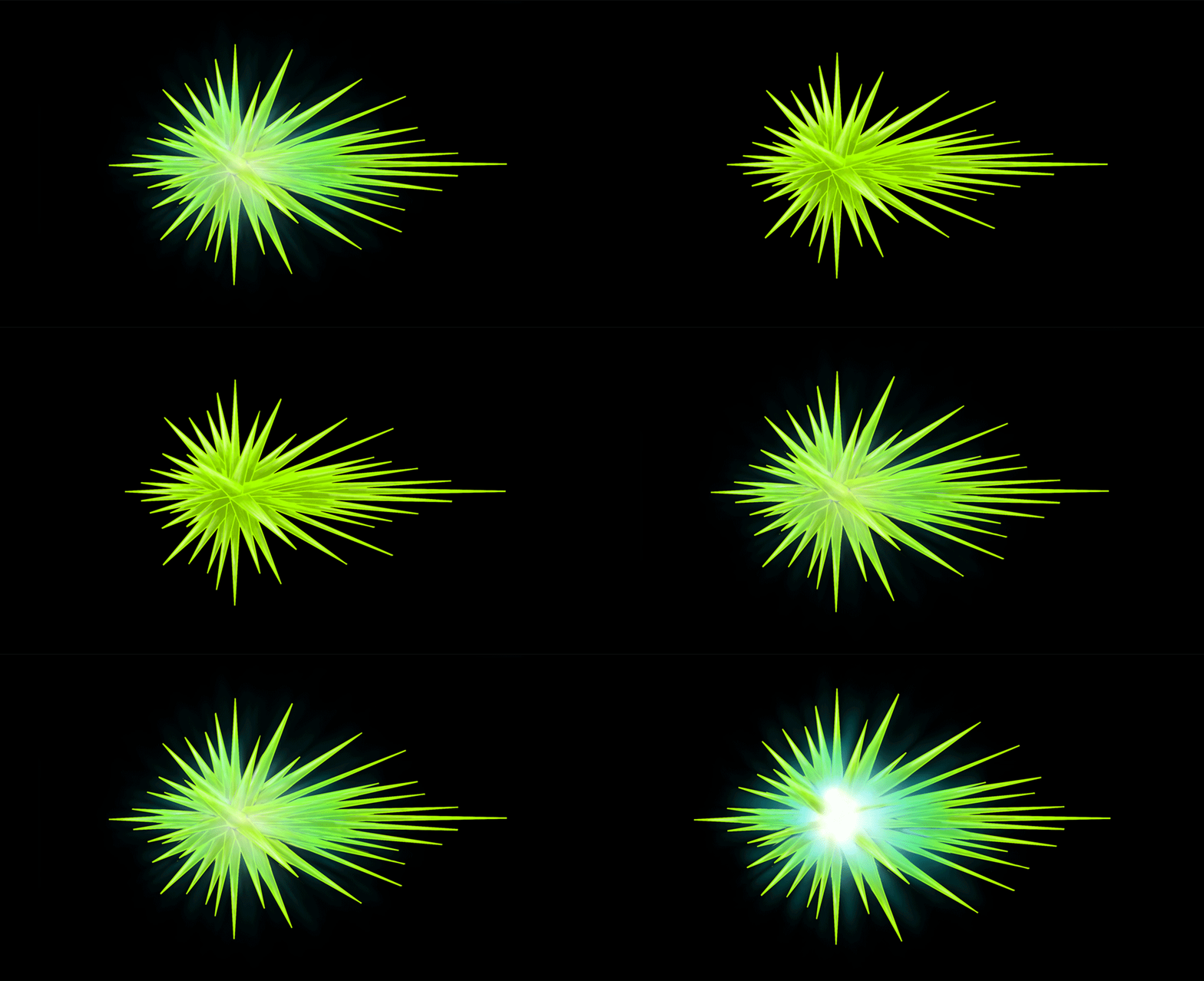
To make the green enemy’s pointy crystals come apart, I moved all the pointy crystals slightly every frame until the center were fully exposed. After that, I painted the light by using the tools Gradient, Brush, Eraser, Layer Mask and Smudge. I painted some reflections of the light on the crystals to make it more alive and natural.
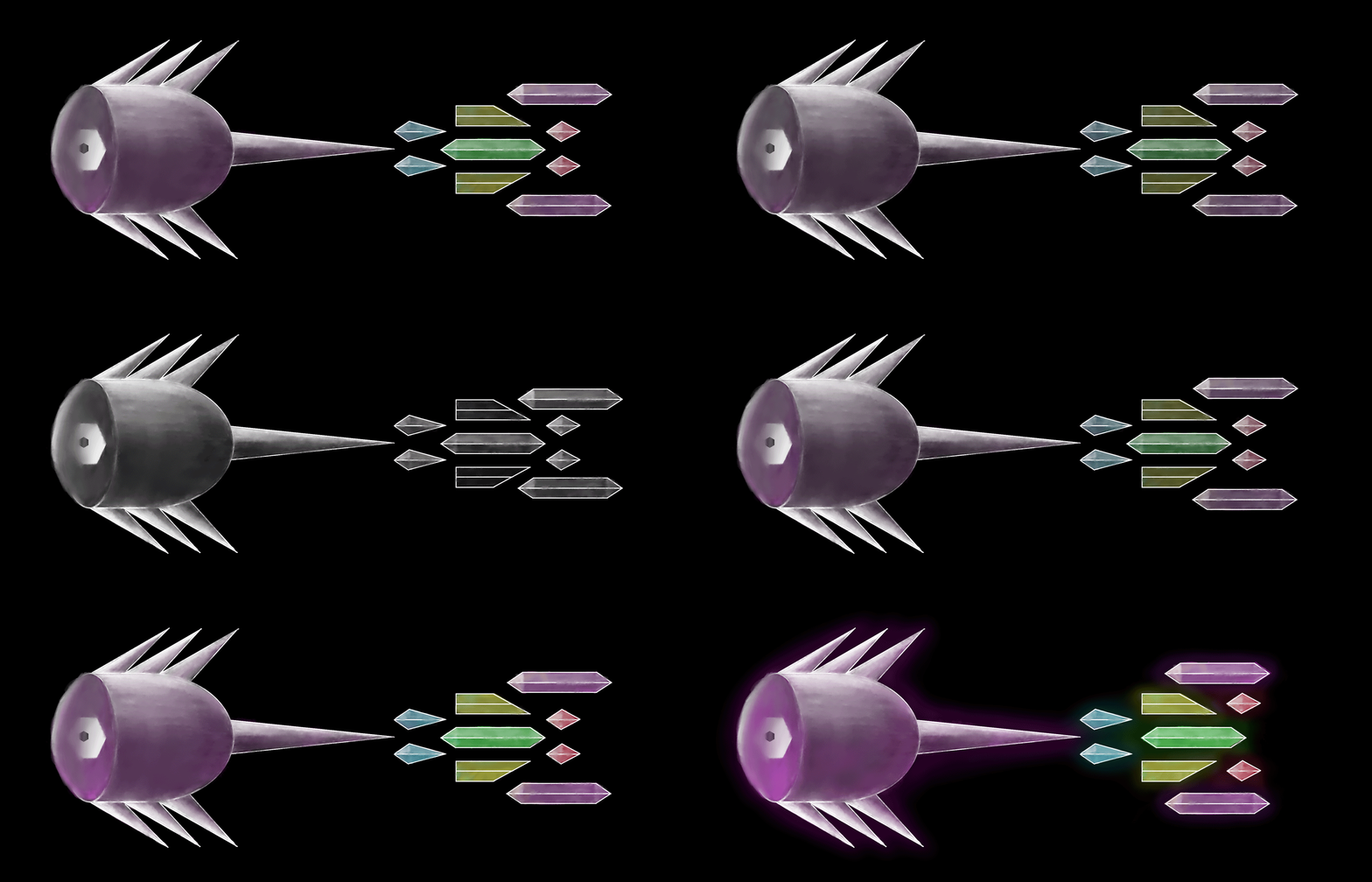
To make the transparent enemy become colourful, I painted the colours under the original enemy in one layer. Since it almost looks like a fish, I moved some of the back crystals to make it look like a fin moving in water. After that, I made the colour-layer fade in and out evenly during the frames. The frames of both animations were extracted into a compressed folder, and sent to the programmers who implemented them in the game and made them change along with the beat pulse. I also created moving .gif-files to easily preview the animations, without need to open Photoshop.
Since the transparent enemy doesn’t have any colour, it made sense that it would light up in many different colours. That would give the highest contrast between good and bad times to hit it. The solid, green enemy already has colours in it, so the idea was to make all the pointy crystals come apart, revealing a bright light coming from the center. This makes it stand out from the background and the other enemies, while showing when the best time to hit it is. As the music genre is techno, I chose bright colours to give the sense of disco lamps flashing. I will continuously polish the animations to go much smoother and to look better. It is fun to see the enemies come alive. It lifts the whole game and makes it look more finished than ever.  |