Artifact 2, Heartbeat bat
|
Artifact 2, Heartbeat bat
So this is week two of my blogging about the group 12 game project “heartbeat bat” and this week I am going to write about the construction about the bat character that you play as. In heartbeat bat you play as a bat that is trying to fly as fast as possible without getting hit by any obstacles that slows down your speed or get caught and slowed by enemies. By gathering speed boosts the bat can fly faster.
Since we chose to have a cartoony visual I wanted the bat to also look cartoony and fit the rest of the game environment. The reason for choosing a cartoon visual is because we wanted to stay true to the original game design document made by group 7 which had a cartoony visual. Group 12 liked their visual style of heartbeat bat so we decided to stick with that. Our whole game are therefor going to be in a cartoony visual style but also with a touch of realism since we didnt want our game to be to abstract looking.
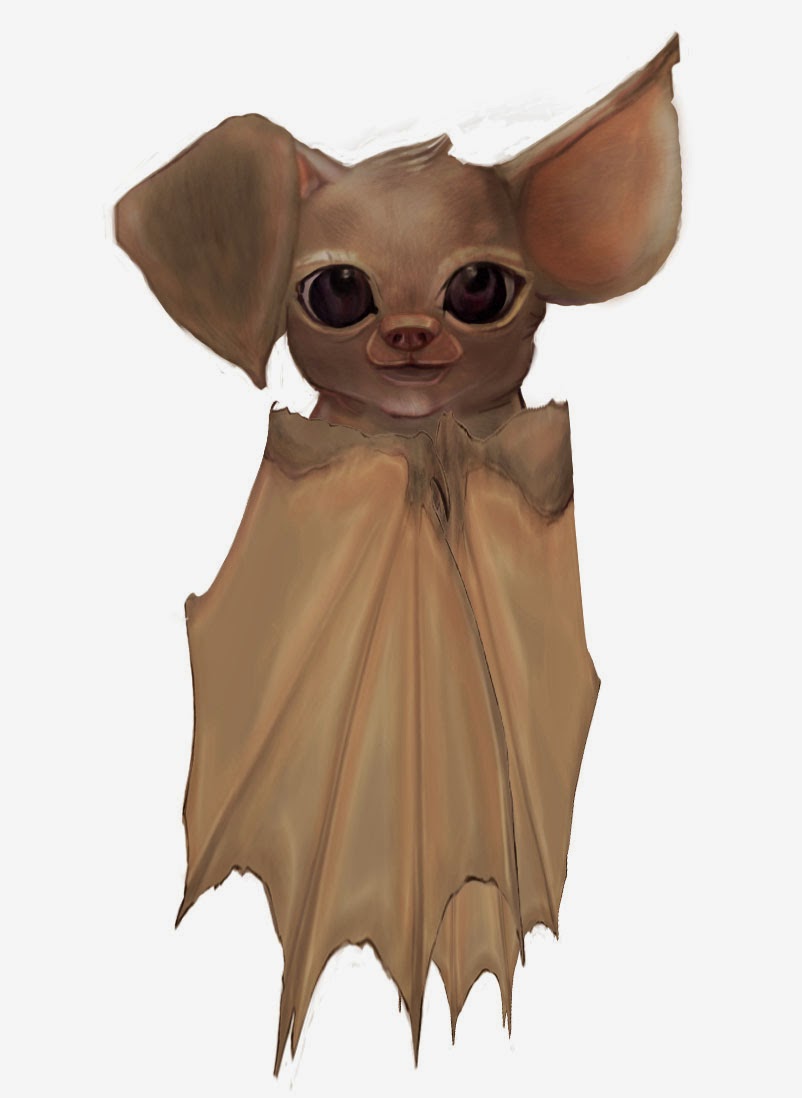
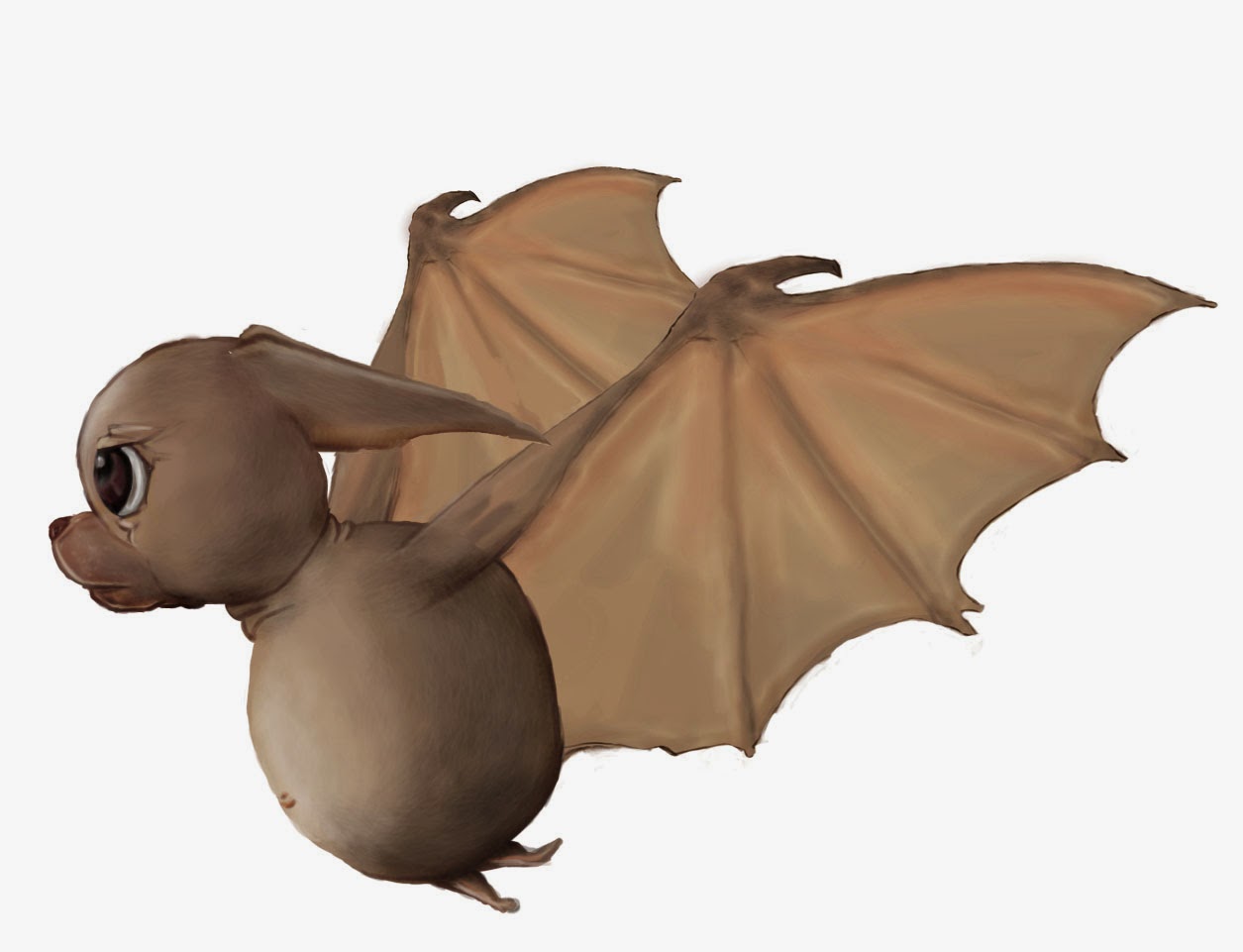
I started my work with trying to figure out what kind of colors that would fit on the bat and with our environment. I first tried a brown color with dark brown eyes but realized that I thought it would fit better with a more grey color scheme.
I therefore chose to use grey and shades of grey for the main part of the bats body. The colors of the bats wings are grey and pink shades since I thought it would make a nice contrast to the grey with some pink.
 On the eyes of the bat I decided to use different purple tones. For the shadows on the eyes I chose to use shades of wine-red and darker purple.
 After I was done with the basic colors and shadow shades for the bat I decided to also give the bat dark brown hairs on the whole body and a purple red nose to make my bat look more animated as I mentioned in my last blog entry.
I used Photoshop for this whole progress with a mix of soft brushes and hard brushes. For the brown hairs I used a slim shaped custom made brush.
When I was done I tried different colors for the bat with the help of “selective colors” in Photoshop and decided to change the bats dark color to be a bit darker and the grey colors to be a bit cooler.
In the end I also tried to enhance to eyes of the bat to be more expressive so I used the blur tool and the dodge tool to change the eyes to look more realistic and glossy since I wanted the bat to get more character.
In my work with the bat I experimented with a lot of different textures and filters but I decided to stick with my original made bat since I thought it looked more cartoony and fitted our game environment better then.
  See you next week!
 |