Test Animation
|
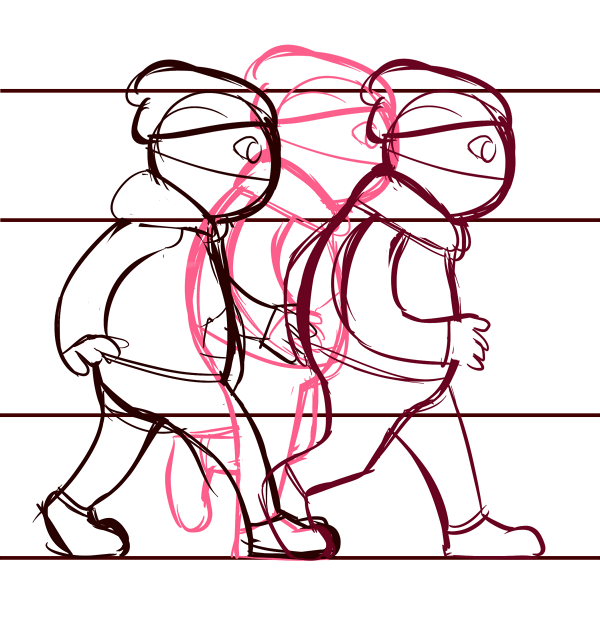
For one of the courses I’m currently studying, my group and I have been assigned to build a 2D game based on another group’s concept. My role in this production is Lead Art; to keep track on all the graphics being made between the three artists. My main task is to animate the player avatar and antagonist, and I started by doing a test animation of the player avatar, since it will be the focal point on the screen and it’s crucial that the animations will move in time with the player’s input commands. I began by making a quick lineup, consisting of a few key frames:
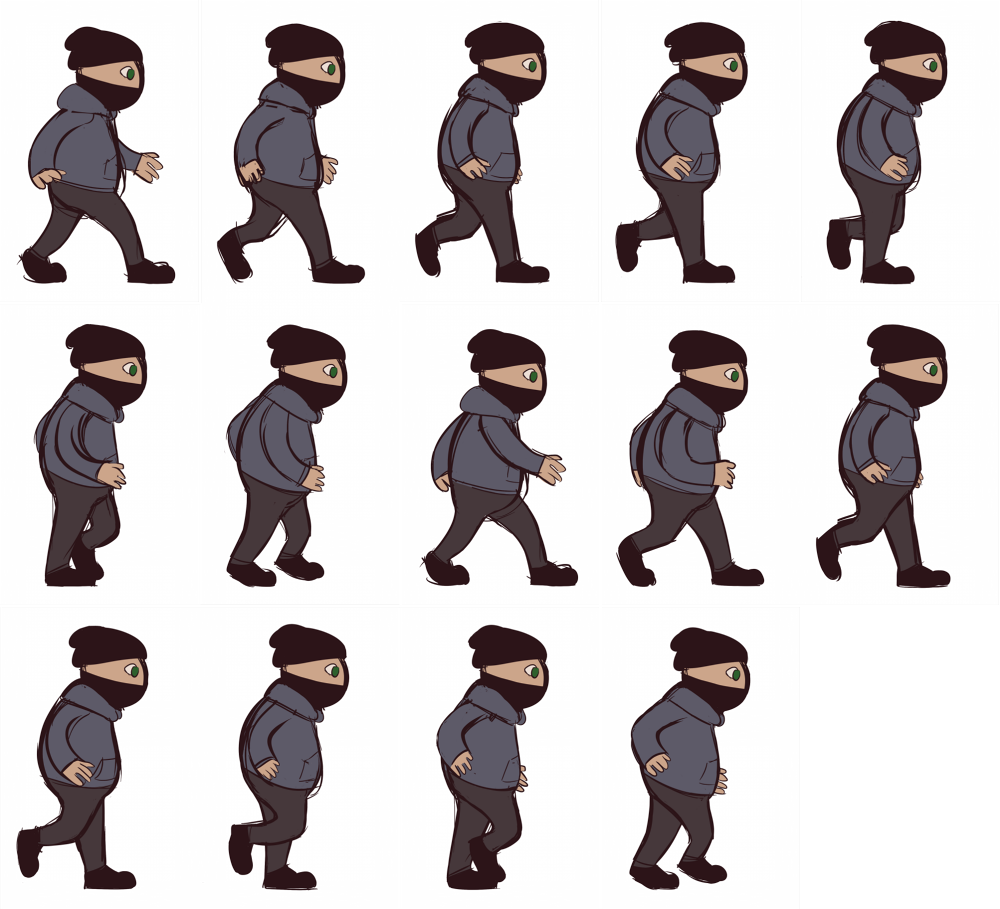
The lines were not cleaned up, since this animation was only for functionality, not looks. Once I had the first frames done, I began sketching out “inbetween” frames, also known as “tween” frames, to smooth out the movement. I repeated this process, copy-pasting previously drawn frames and editing them to save time, until I had 14 frames in total and a complete walk cycle. At that point, I began to fill in the sketches with colours, keeping them flat and simple, but covering all the parts of the player avatar. This to see how the avatar’s colours would compare to the colours of our prototype level design. Once that was done, I compiled them onto one page, a so called sprite sheet:
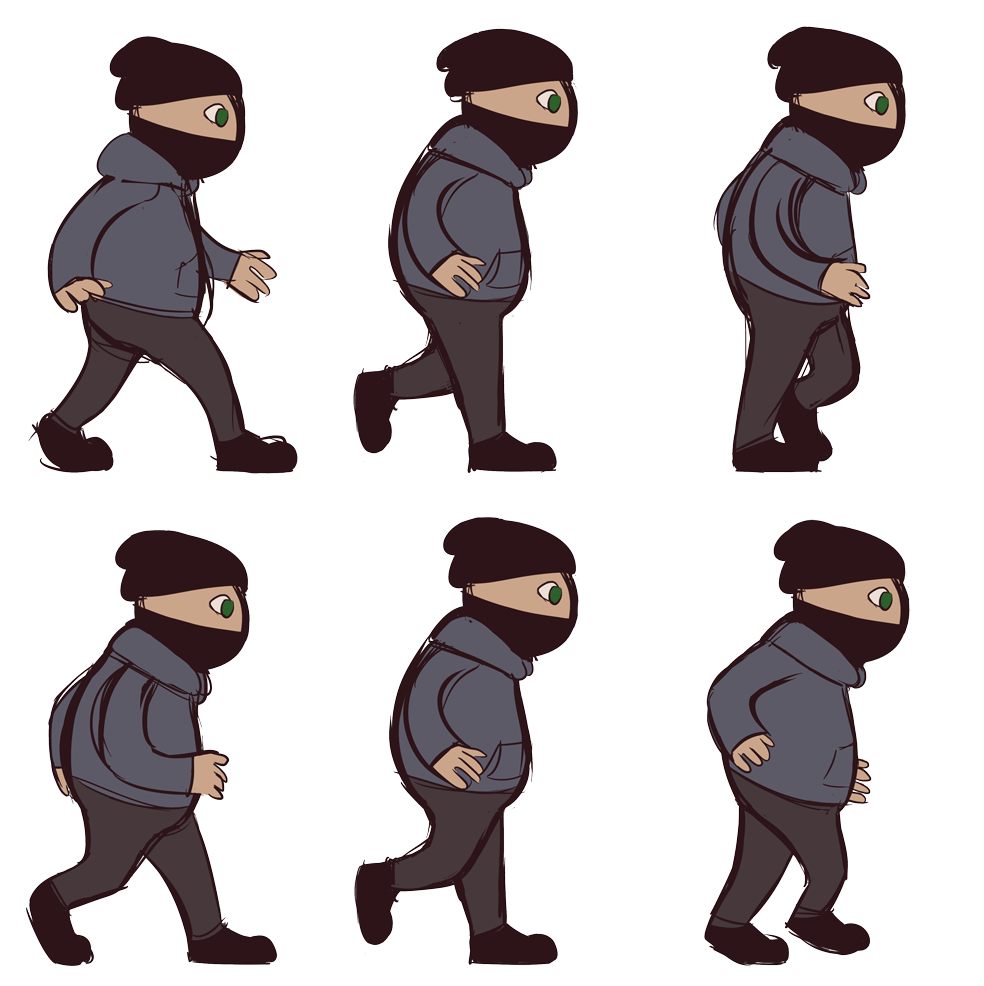
And lastly, I combined each frame into one .gif, to see how well they worked together:
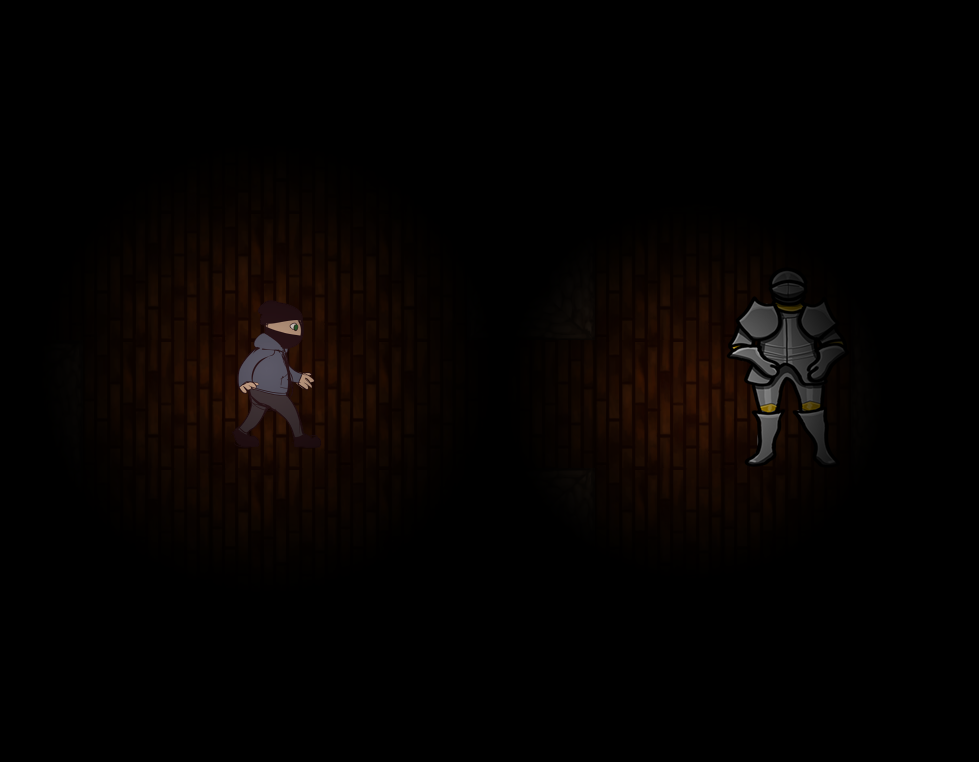
There is a bump in the step I missed as I lined up each sketch over the previous one while building the animation, and the arm movement is not as smooth as I would have hoped for. But due to doing this while I still had time to test things out, I learned what to watch out for before I continue to work on the final animations. And by putting the animation into our prototype game level, It was easy to see that the colours needs to be edited, to avoid making the player avatar be nothing but a bleak blue-grey spot on the screen, as seen here:
Since testing this, the colours have been adjusted on both the player avatar and the surrounding environment, to make the few light spots on the screen be more visible in the darkness that most of the screen will be covered with during the entirety of the game. To sum things up: The six to seven hours I spent sketching out and editing this test animation in Paint Tool SAI and Photoshop was time well spent, as it proved to be both the learning experience and useful tool it was created for. /Addis
 |