Game Development! post 1
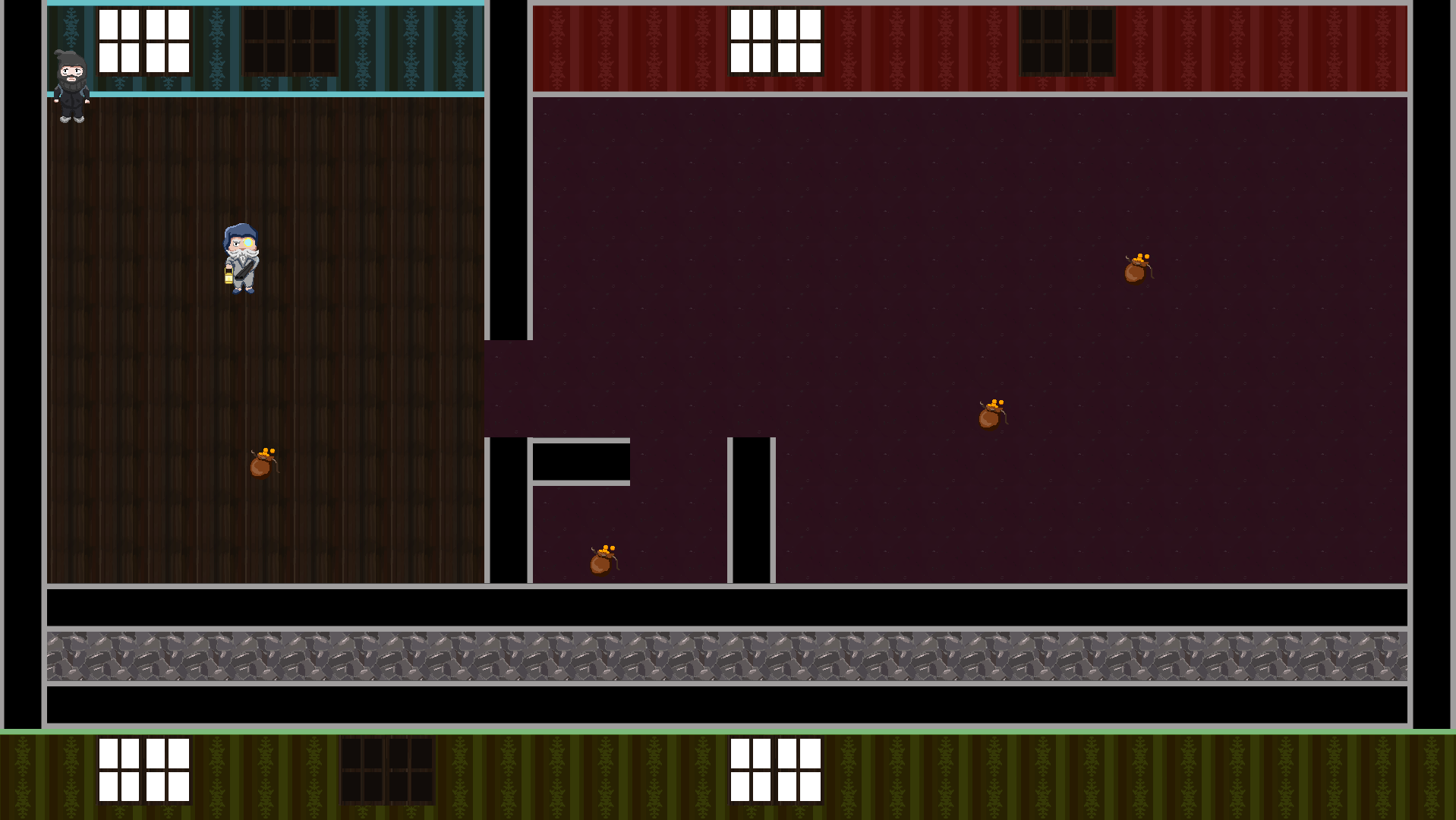
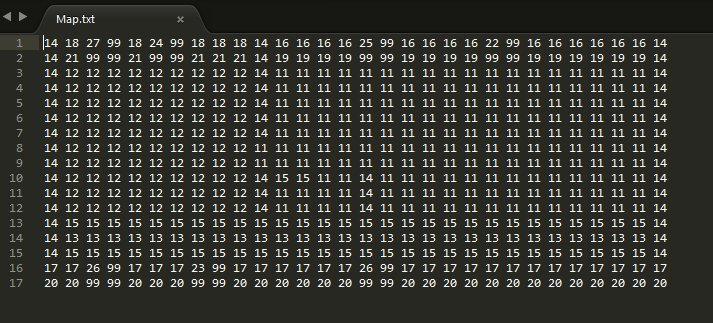
Map in-game Hi! This is the fist week when we are suppoed to write a blogpost on our game development course. This is the week when we showed our pre-alpha. I’m going to talk about things that I have programmed during the week, specifically one feature each week. This week I will be focusing on the map creation. What I mean by this is the technical aspect of map creation and loading it from an outside file. First of all, the reason I even load the map from a file and not write it directly in the program is so that it’s easy to change the file and redesign the map at any time regardless of whether the person can understand and have the patience to plough through the code to change where a certain pickup is spawned. It is a much more robust and simple than regular hardcoding. So, in order to create a map I used a technique that I learned from Game Development 1 that I took last semester. I have a txt files with a “map” represented by numbers, where every number represents a specific tile that I can create within the program. A map file will be filled with number for all the tiles and naturally it will become quite cluttered (se picture), this is however much better than the hassle of changing a map that is hardcoded in the project. There were several problems and hurdles that forced me to substantially change how the loading of the map worked. For one, we had tiles that didn’t fit in our 64×64 grid, but covered several tiles with a single object. I had to add a “dud” number that is essentially just a filler so that no other objects can be created there. That enabled me to actually spawn the windows that covered a 2×2 tile area. Since the map loaded from the upper right, the upper right-most tile got the spawn number and all other places for the window had “duds”. Another problem occurred when we realized that we wanted to spawn objects on top of already created floor or wall tiles, something that my original design did not allow. What I ended up doing was creating a second file that only handled objects that went over the “background tiles”. Later we realized that we even wanted objects to spawn on tables and the like, so I had to make a third layer of the map. In the end we now have one layer for background tiles like walls and floors, one for big objects like furniture and the like, and one for pickups and small decorations that can go on top of the furniture.
 |