|
This week I have continued to work with the player movement and the menus. I also made a very rough level design.
Player movement
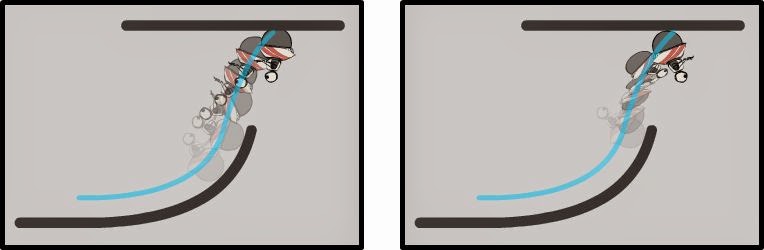
I noticed that my player did not rotate correctly when trying to figure out what rotation to have when landing on an upside down ground. The player behaved differently depending on the direction of movement and therefore I did not notice it the week before this. As you can see in the picture below the player ended up facing backwards some times and facing forward sometimes. Because the players calculation for the rotation was badly done.
To fix this problem I wanted to figure out what the preferable quaternion would be like when the player has reach its landing position by knowing he’s velocity and the normal of the triangle to land on. I was scratching my head a bit on this one even do it actually was quite a simple problem. I got some advice from Simon Wulf, a class mate from another group and then manage to get it to work.
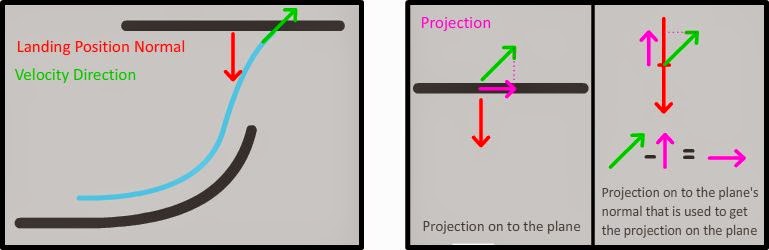
What I did was to project a normalized vector of the player’s velocity on to the plane of the landing position and then also normalize that vector. Now I had two vectors, one vector that represent the players up direction and one representing the players forward direction. By using these two with Unity’s quaternion function LookRotation I could get my wanted quaternion.
Menus
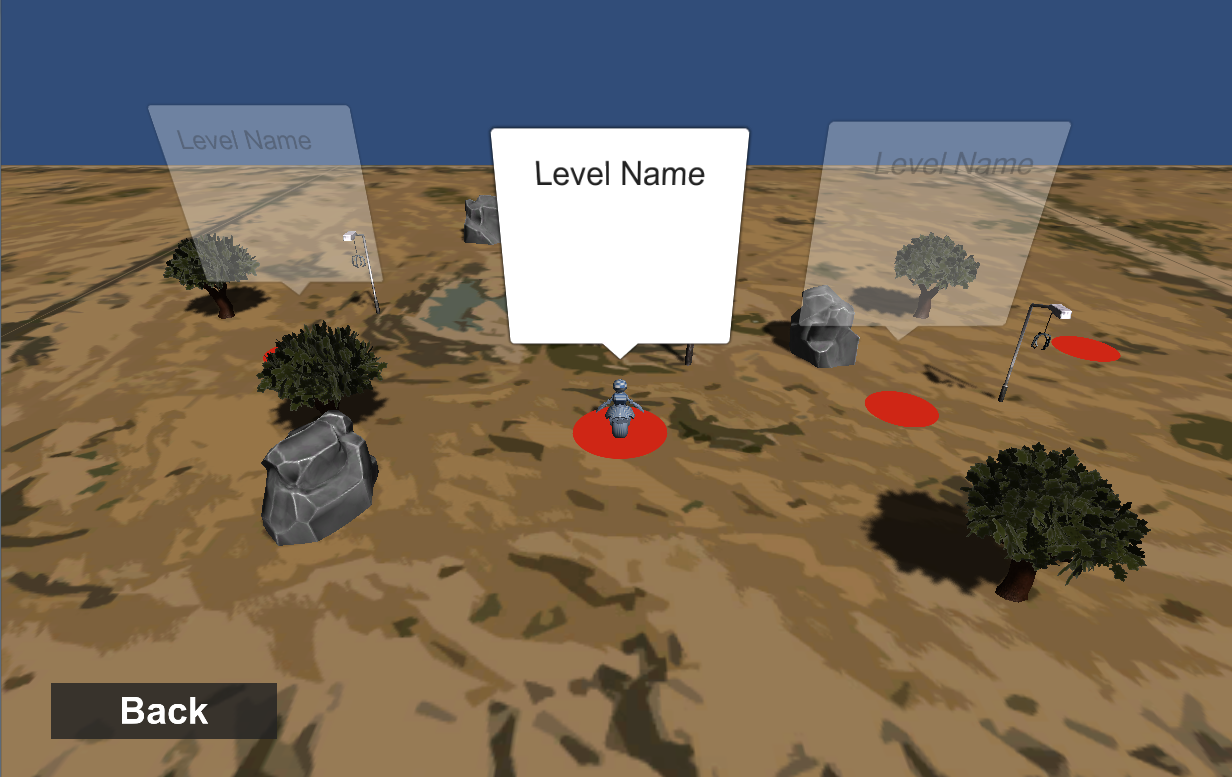
I found that the menu system I made last week worked really well. So I have used it to create the first version of the start menu and level select screen.
Level design
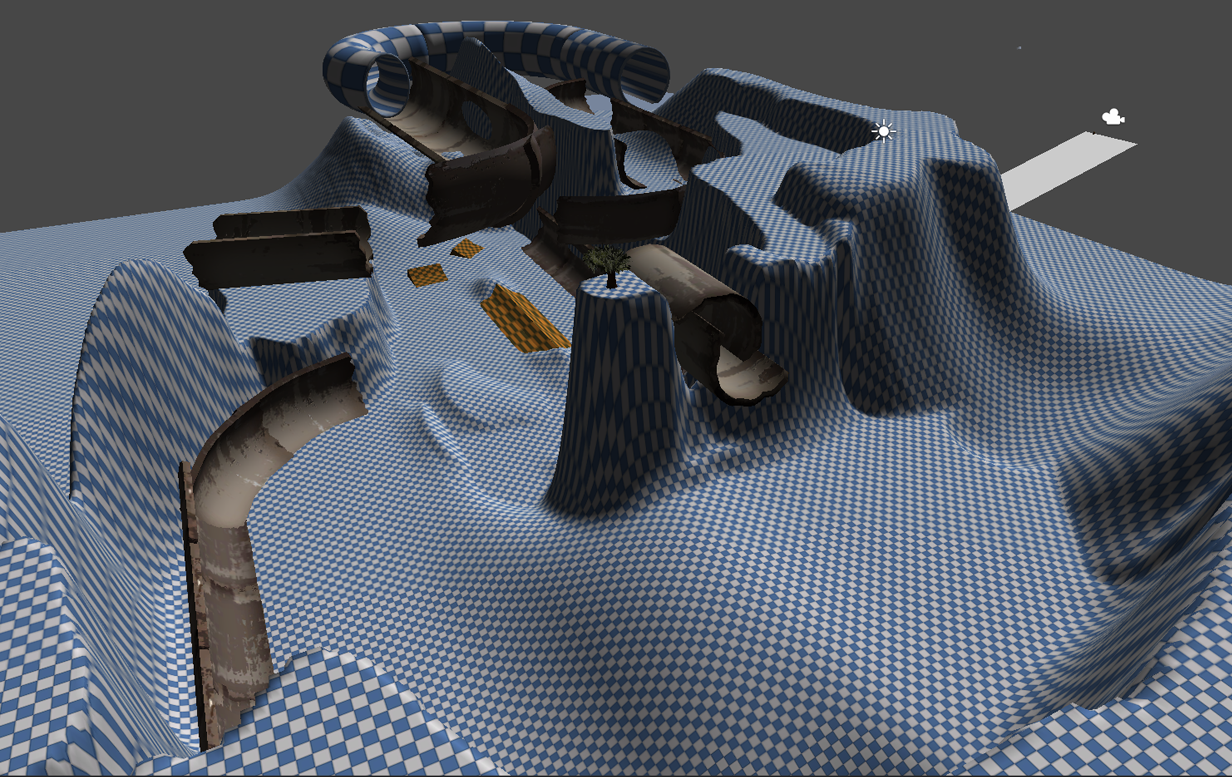
I have talked much to Robert this week, one of the level designers in our group. We have tried out a lot of different stuff to what type of levels we want and to see what works. To show him my vision of what I thought could work and be fun I made a rough design of a part of a level.
|