Development under the course Big Game Project
|
These following 10 week I am going to post on this blog about my work in the course Big Game Project that I am taking in the program Game design and programming. I am working together whit my team on a game that we currently call Open Circuit. We are seven persons in our team, two programmers, two level designers and three graphical artists. I am one of the programmers in the group. The game we are working on is a third person game where you control a broken racing robot that has lost his power to move forward. You have to navigate your way through the levels and try to keep your speed up. You are able to gain speed by boosts pickups and by making yourself heavier at downward slopes.
Week 1This week I have been working on making the player movement, trying to get the right feel as fast as possible so that our level designers will be able to use the player to test their levels.
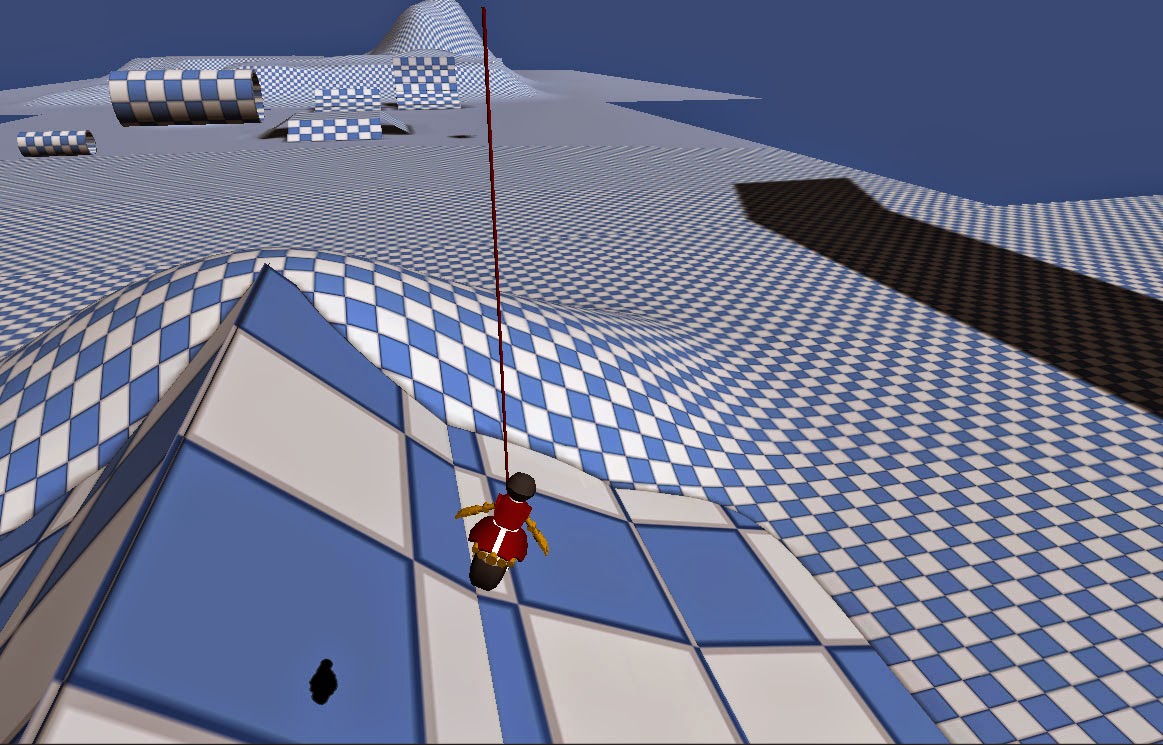
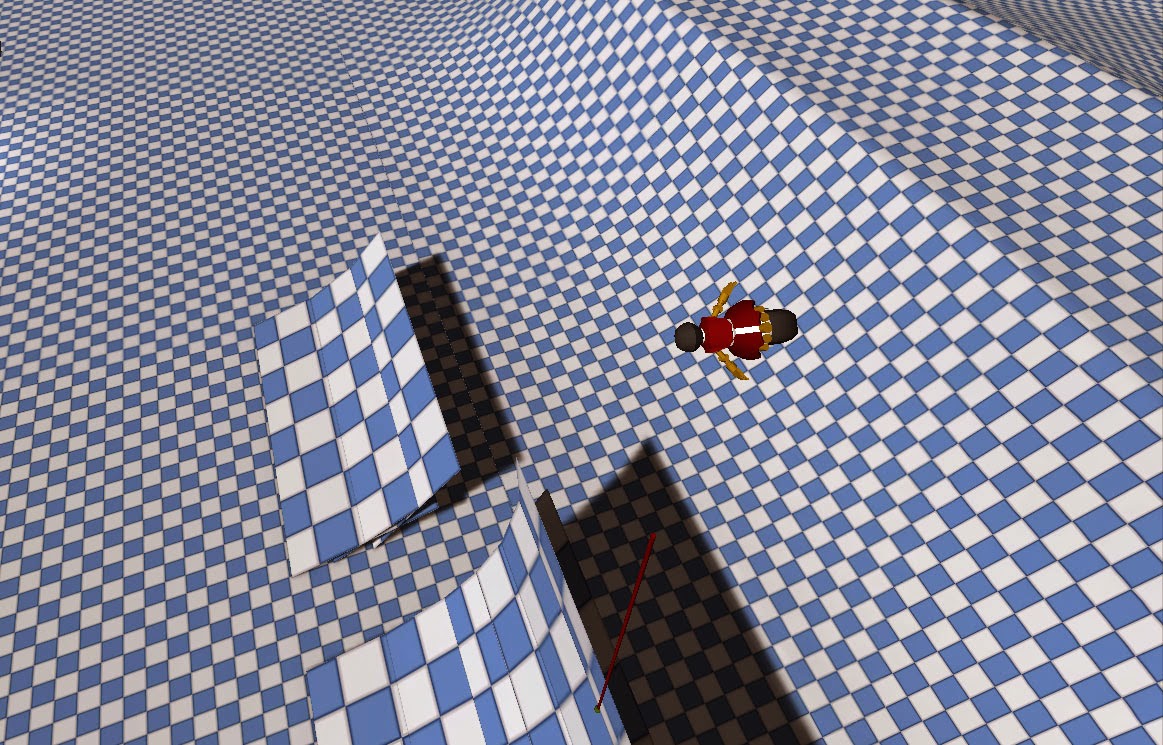
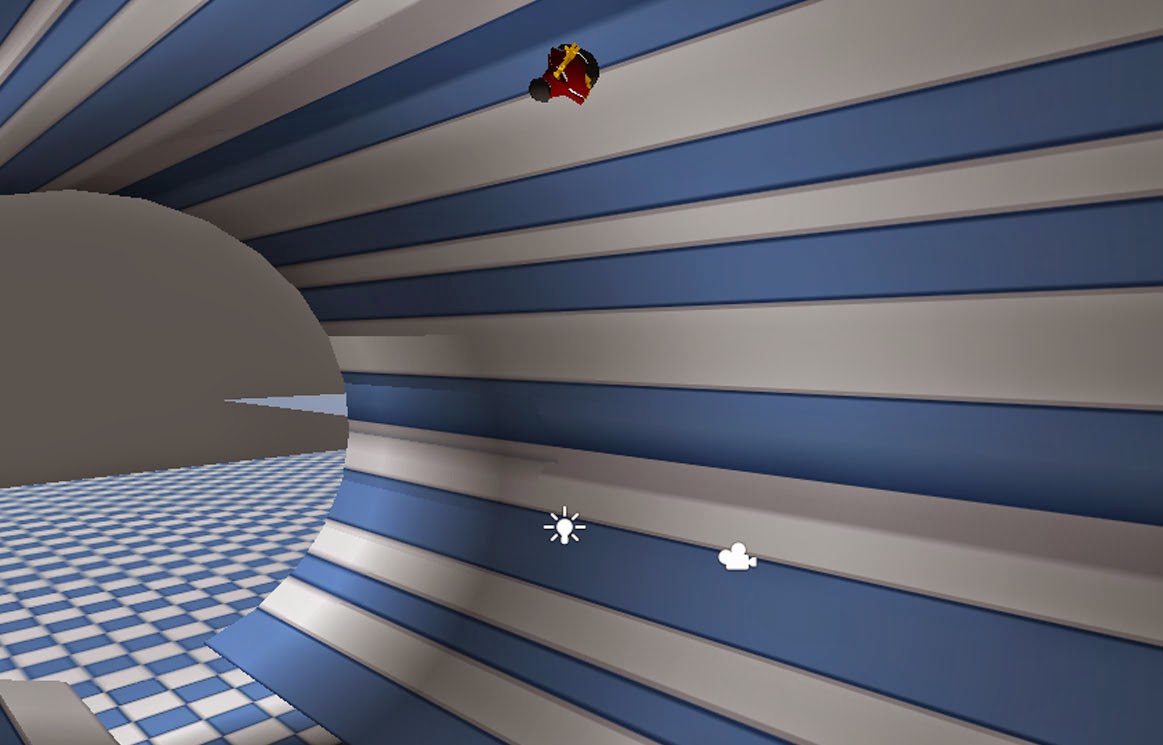
I used the built in wheel collider in Unity to create the base of the player. Our player will work a bit like a motorcycle / snowboard and the wheel collider made that very simple for me to start whit. Our player will be able drive through loops, to manage to do that I made so that the player always facing upwards from the ground, in the same direction as the normal of the triangle the player is standing on. It would look very ugly if the visual representation of the player always would instantly face upwards of the triangles and therefore I separated the visual representation of the player and the physical representation. I wanted to make it look smooth so I made so that the visual representation interpolate between his current rotation and the physical representations rotation.
When the player is in the air I wanted to make it feel really smooth and rewarding to land in downward slopes as you don’t lost as much speed when you manage to do that. I took some inspiration from the skateboard game Skate, in that game the character slowly rotates in the air to match the slope of where the player will land. So I made a function that calculate where the player will land when he gets in to the air, what the normal of the landing spots triangle is and how much time its left before landing. Then I made the player interpolate between his rotation to the calculated landing rotation.
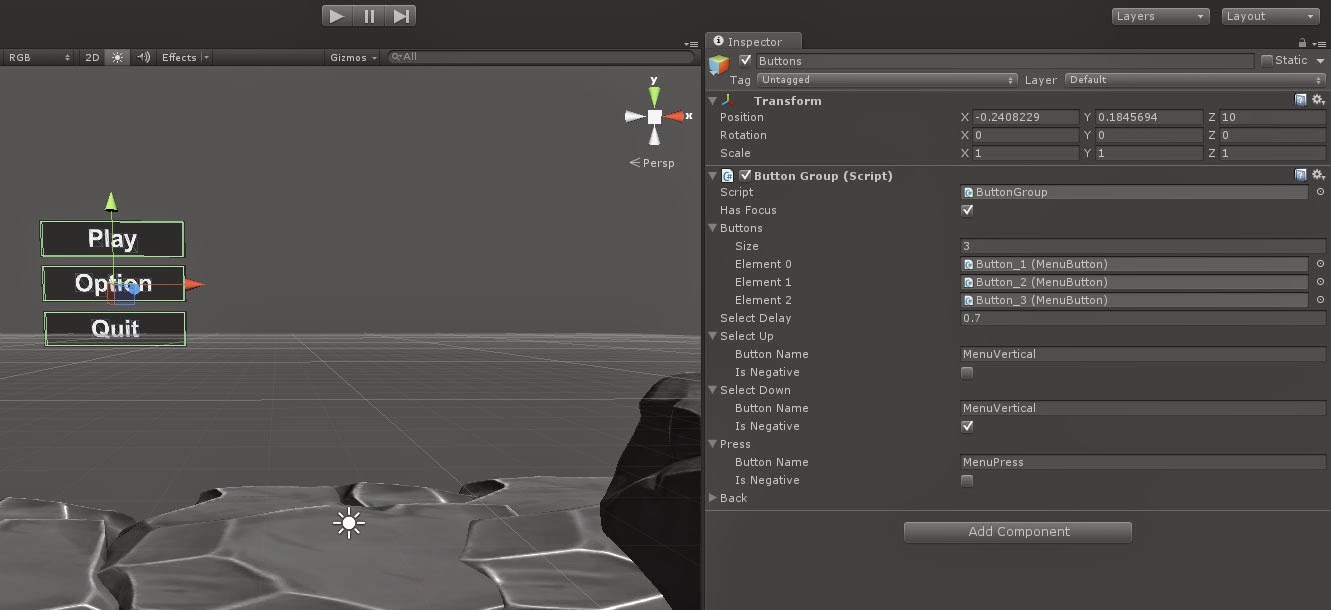
   I also quick started with creating the buttons for the menus. Our menu buttons will be able to be controlled by keyboards, game controller and the mouse. So I thought it would be nice to make a system for it. I created class called ButtonGroup, this class has a list where you could drag and dropped the buttons you want to use in this group, and in the order you want them to be able to be selected in. I have not yet made it fully operational, but I think it will work really sweet.
 |